
Find Galaxy S25 Repair Near You
As of October 2026, 4 shops across California, New Jersey, New York, and Pennsylvania advertise Galaxy S25 repair on their websites. Advance booking isn't needed at 4 shops, whose own sites invite people to walk in.
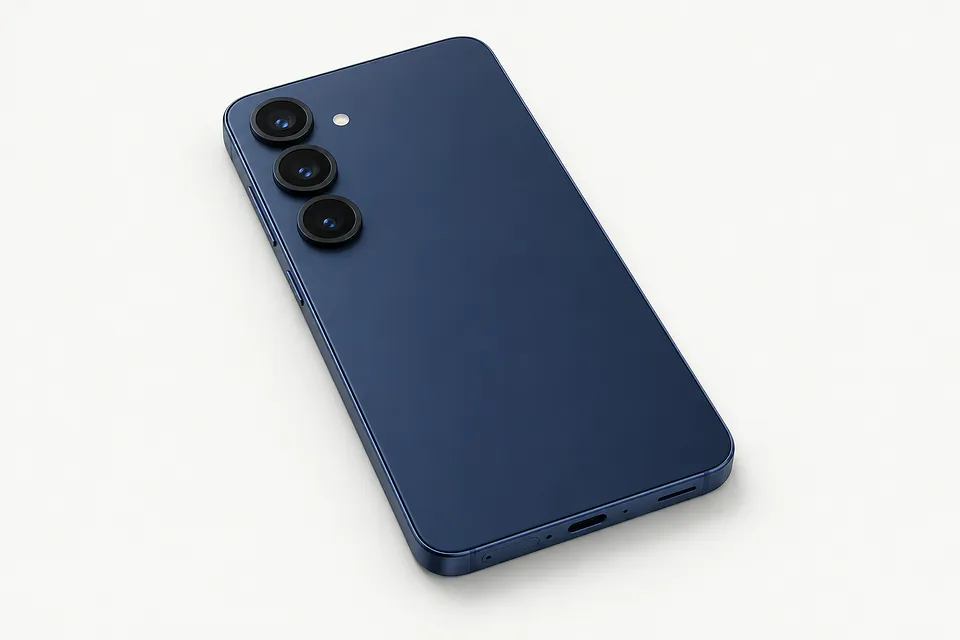
Shops that list Galaxy S25 repair
No town has enough of them for its own page yet, so here they are directly. Not paid placements.
- West Hollywood iPhone Screen Repair Macbook RepairLos Angeles, CA“Galaxy S25”
- Phoenixville Tech RepairPhoenixville, PA“Galaxy S25 Plus”
- Phone Guy RepairsRaritan, NJ“Samsung Galaxy S25”
- Healix Smartphone RepairStaten Island, NY“Samsung Galaxy S25 Screen Repair”
What's wrong with your Galaxy S25
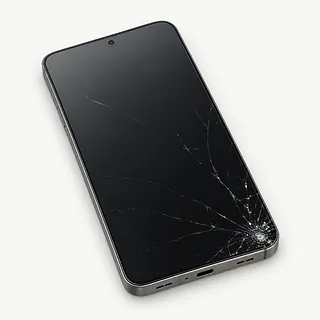
Galaxy S25 Ultra screen cracked
Broken glass can leave the picture working, while black blotches or bright lines suggest the AMOLED panel also broke. Give the full model name when asking for a screen replacement.
Find a repair near you: Galaxy S25 Ultra screen cracked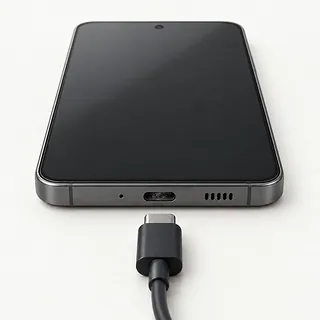
Phone won't charge
A bad cable or lint compressed inside the USB-C port can interrupt charging. Try another adapter, cable and outlet. If the plug only works tilted, a shop can check the port.
Find a repair near you: Phone won't charge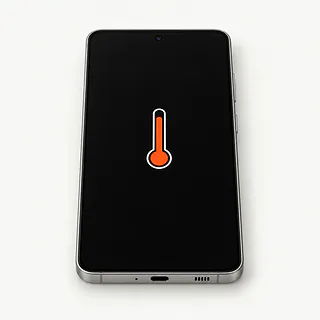
Phone overheating
Gaming while plugged in puts extra heat into the phone. Stop the game and disconnect power if it feels unusually hot, then move it away from direct sun.
Find a repair near you: Phone overheating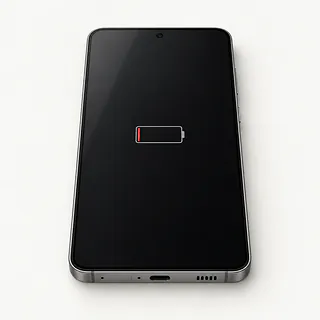
Battery draining fast
An app running in the background can drain charge without a worn battery. Look at app battery use in Settings, especially if the change was sudden.
Find a repair near you: Battery draining fast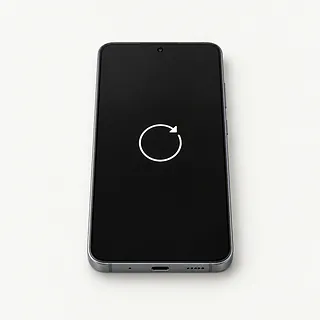
Phone keeps restarting
Repeated crashes can come from software or a failing battery. Back up anything you can still reach, and note whether one app triggers the restart.
Find a repair near you: Phone keeps restarting
Touch screen not working
Damp glass can interfere with taps. Dry the screen and your fingers, then restart. Samsung Members includes a touch test for finding areas that still don't respond.
Find a repair near you: Touch screen not working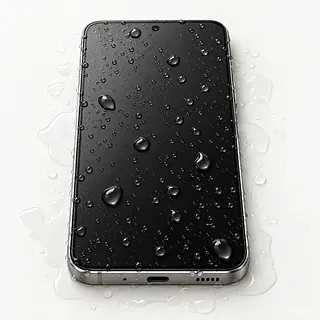
Phone won't charge after a spill
Samsung blocks wired charging when it detects moisture in the port. Disconnect the cable and turn the phone off. Rice cannot remove residue left inside by a spill.
Find a repair near you: Phone won't charge after a spill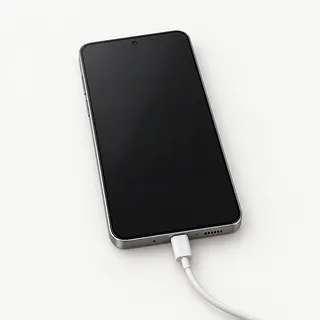
Screen black but phone rings
Ringing suggests the phone is running despite the blank display. A force restart can clear frozen software, provided there hasn't been liquid exposure.
Find a repair near you: Screen black but phone rings


How a Galaxy S25 gets checked and repaired
Testing should explain which part needs changing. For a Galaxy S25 that won't charge, the repairer tries a working cable and adapter and checks the USB-C port for trapped lint or broken contacts. With a blank display, sounds and vibrations help show whether the phone still runs.
Samsung screens often come attached to a replacement frame. That can mean transferring the phone's cameras and circuit board into it, so ask whether the quote covers a display alone or the frame too. A battery swap or port repair should follow checks that point to that part.
Fingerprints usually need registering again after a screen replacement because the sensor sits underneath it. Test typing, swipes, camera focus, call sound and wired charging before accepting the work. On the Galaxy S25 Ultra, try writing across its flat display with the built-in S Pen.
When Galaxy S25 repair makes sense
An Ultra with broken glass and an unreliable charging connection needs both faults covered in the written quote. Confirm that parts for your model can be found, then decide what having the phone working again is worth to you. Mention any spill, even if charging trouble appeared later.
Don't write off an S25 just because its screen shattered. It's a relatively young model with extended Samsung software support, and a single broken part needn't end its useful life. A twisted frame or several failures make replacement more worth weighing.
Check another device for copies of your pictures before allowing a reset. If anything is missing, ask about recovering it from the damaged phone before work that might erase it.
What to settle with the shop
Where does the replacement display come from?
Have the shop name the maker and say whether the screen is new, reused or refurbished. Samsung displays often include the frame, so settle exactly what's being replaced.
Which features will you check before and after?
Have touch, fingerprint unlock, cameras and charging checked when you drop it off and pick it up. A Galaxy S25 Ultra also needs pen strokes checked across its flat screen.
Can testing expose or erase personal files?
Agree which checks need unlocking and who can access your apps. Make clear that deleting files or resetting the phone needs separate permission.
How does your warranty handle a faulty replacement?
Ask who handles a claim and whether parts and installation are covered. Get the exclusions in writing, including another drop or liquid getting inside.
What would I owe if the repair stops?
Settle testing fees and charges for an unsuccessful attempt before handing over the Galaxy S25. Any extra work needs a fresh agreement.
A few checks before the visit
Bring a useful symptom note
Write down the first failure and what was happening then. Include moisture warnings, unexpected restarts and any chargers already tried.
Check the saved copy
Copy important files off your Galaxy S25, then confirm that they're readable. Point out anything stranded behind a broken screen.
Keep accessories together
Remove the cover and retain a removable SIM card. Leave cables at home unless requested, and ask about bringing the Ultra's pen.
Decide who can unlock it
Discuss entering your screen PIN at the counter. Limit permission to the apps needed to reproduce the fault or check the repair.
Stay in charge of account settings
Google and Samsung login details shouldn't accompany the phone. If a lock or account setting needs changing, have the shop explain it and make the change personally.
Related repairs
Galaxy S25 Repair: common questions
What affects the repair bill for my Samsung Galaxy?
The same symptom can call for different work, which affects cost. Describe your Samsung Galaxy problem when you call and ask what the estimate covers.
Can I get a time estimate before bringing it in?
Even after a shop estimates the time for Galaxy S25 repair, unexpected damage or a growing backlog can make that estimate less accurate. Phone them to discuss how long to allow.
When is it time to stop repairing an old device?
Age alone doesn't tell you whether to keep a device. Get a quote and think through the cost, what else needs fixing, which files you need and how much you want to keep using it.
Which questions should I ask before dropping off my Samsung Galaxy?
List your device's exact model and the signs of trouble, keeping a backup of files you can reach if it's working. Bring up the passcode when you call, and ask if the case and charger need to come too.
Can a cracked Galaxy S25 Ultra screen stop touch from working?
A cracked Galaxy S25 Ultra screen can lose touch response if the impact also damaged the touch layer. Working taps don't rule out a broken display, and a screen protector won't restore dead areas.
Why won't my Galaxy S25 charge when plugged in?
The cable, power adapter or a USB-C port packed with lint could be stopping the charge. Swap the charging gear and use another outlet to rule those out. Moisture detection also blocks charging through the cable, so keep a wet port unplugged.
Why is my Galaxy S25 Ultra screen black but the phone still rings?
Ringing means the phone is still running, even though a screen fault or software freeze has left it without a picture. Start by forcing a restart, then have the display connection and panel tested if nothing appears.
Why is my Galaxy S25 battery draining fast?
An app running in the background or a weak cell signal can eat through charge without a worn battery. Look at which apps use the most power in Settings, then run the Samsung Members battery test to check for battery trouble.
Why does my Galaxy S25 keep restarting?
A crashing app, a software fault or failing hardware could be behind the restarts. Back up what you can, then check for updates if the phone stays usable. Tell the shop if plugging in a charger or using one app sets it off.
Should I put my Galaxy S25 in rice after dropping it in water?
Rice can't clean the residue a spill leaves inside, and grains or dust can get into the openings. Unplug the phone, shut it down and don't apply heat. A working display doesn't prove the inside has dried, so mention the spill when arranging repair.