
Find Galaxy S23 Repair Near You
6 shops say they handle Galaxy S23 repair. Select a city to see who works in your area.
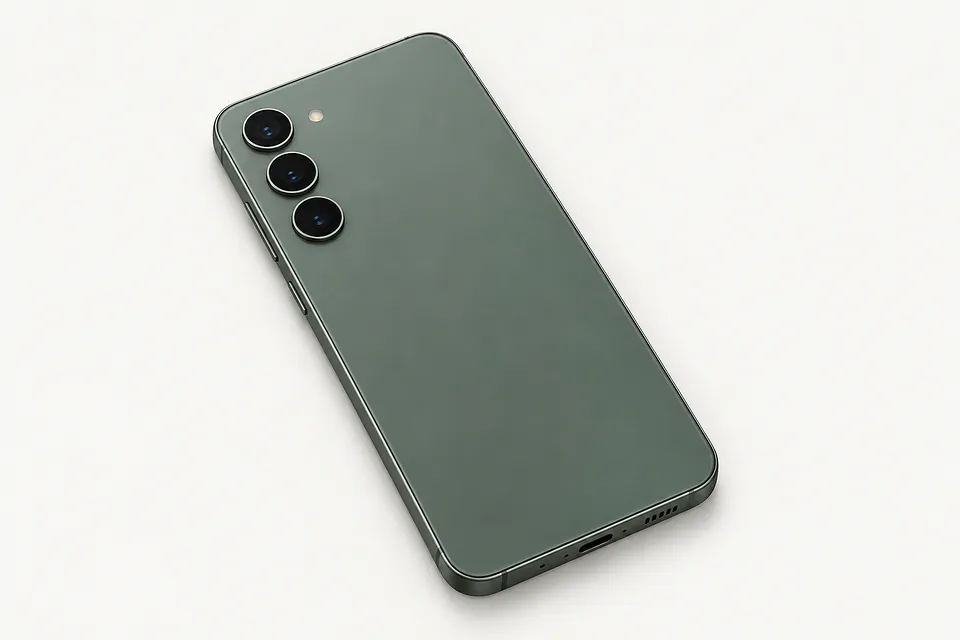
What's wrong with your Galaxy S23
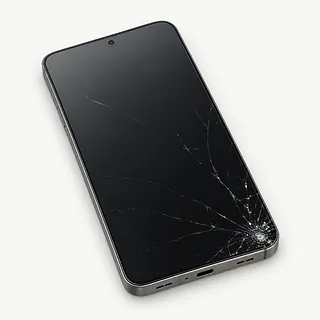
Galaxy S23 Ultra screen cracked
A crack with an ink-like patch points to a broken AMOLED panel beneath the glass. Mention the Ultra when requesting a screen, since its edges curve slightly.
Find a repair near you: Galaxy S23 Ultra screen cracked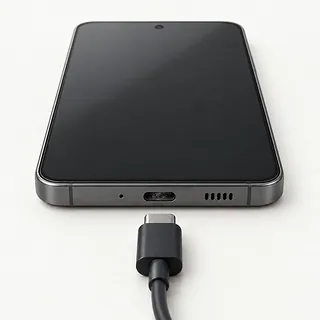
Galaxy S23 won't charge
Lint compressed inside the USB-C port can keep the cable from plugging in fully. Try a different charging cable and power adapter before assuming the port needs replacing.
Find a repair near you: Galaxy S23 won't charge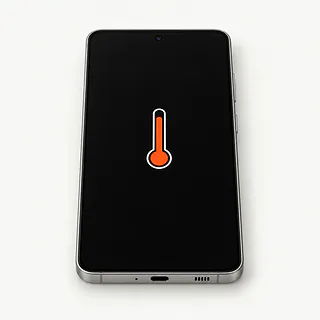
Phone overheating with little use
Heavy apps and poor reception can keep the phone busy with its screen off. Disconnect the charger if it's unusually hot and let it cool out of sunlight.
Find a repair near you: Phone overheating with little use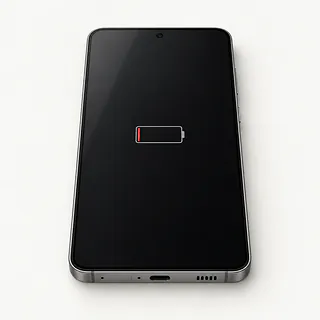
Battery draining faster than usual
Battery wear is one cause, but an app using power in the background can look similar. Check Settings for unusually high app battery use.
Find a repair near you: Battery draining faster than usual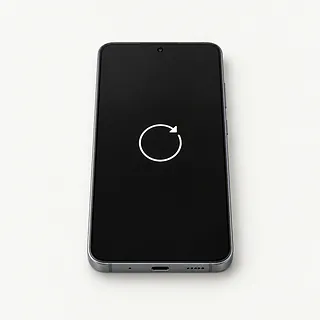
Phone keeps restarting
Repeated reboots can come from crashing software or unstable battery power. Note whether it happens while opening one particular app or during unrelated tasks.
Find a repair near you: Phone keeps restarting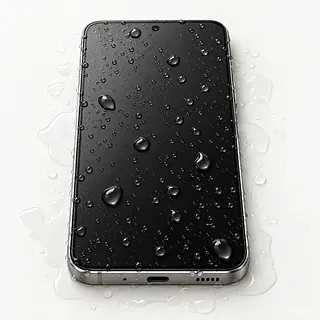
Phone won't charge after getting wet
The moisture warning blocks cable charging when the port is wet. Unplug the phone and turn it off. Rice can't remove spilled liquid from its circuits.
Find a repair near you: Phone won't charge after getting wet
Touch screen misses taps
Wet glass can confuse touch input. Wipe it dry and restart, then use the Samsung Members touch test if you can reach it.
Find a repair near you: Touch screen misses taps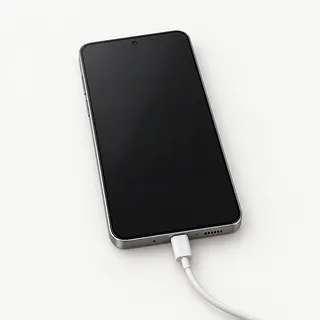
Screen black but phone still rings
An incoming call suggests the phone is powered on behind the blank display. Provided it stayed dry, try a force restart before asking a shop to test the screen.
Find a repair near you: Screen black but phone still rings


How a Galaxy S23 gets repaired
A shop first tries to reproduce the fault you describe. For charging trouble, that means checking the cable connection and incoming power. For missed taps, it means finding which areas respond. The battery, touch and sensor tests in Samsung Members add useful clues when the phone can run them.
The screen part may arrive attached to a replacement frame, requiring existing phone parts to move into it. The S23 Ultra needs the correct display with slightly curved edges. A battery replacement or port repair should follow evidence that the named part has failed.
At pickup, check fingerprint unlock and register fresh fingerprints if needed. That's commonly needed after changing the screen because its sensor reads through the display. Draw near the corners with the Ultra's built-in S Pen, then check cameras, speakers and cable charging.
Keeping or replacing a broken Galaxy S23
Missing backups are a reason to hold onto the damaged phone. Restoring the display might let you reach photos and messages even if you already want a replacement. Tell the repairer if getting those files back matters more than continued use.
Battery replacement is worth weighing when wear is the main complaint and the rest of your Galaxy S23 works well. Add liquid exposure or a twisted case, and the decision changes. Request the proposed work in writing, including the parts that can actually be sourced.
Check Samsung's current update coverage as the model gets older. Continued software support and working everyday apps give you more reason to keep a phone that otherwise meets your needs.
Questions before a Galaxy S23 repair
How will you check that the charging port needs replacing?
Pocket lint packed into the USB-C port can keep a plug from seating. Ask how the shop rules out the cable and charger before quoting a port.
Is the display a Samsung original or another maker's part?
Have the estimate name the part and say if it's refurbished. The S23 Ultra's slightly curved screen differs from the regular S23 display.
Can testing leave a bill even without a repair?
Ask what you'll owe for finding the fault or stopping the work. Extra parts should need your agreement.
Could any proposed work delete personal files?
Make approval for a reset separate from approval to repair. Discuss unlocking for tests without sharing Samsung or Google passwords.
What happens if the installed part develops a fault?
Request written warranty terms covering failed parts and repeat work. Check how a fresh crack or liquid exposure changes that coverage.
Can the finished phone be tested with you present?
Try fingerprint recognition and the repaired function before accepting it back. On the Ultra, test pen strokes as well as finger taps.
Before handing over your Galaxy S23
Write down what the phone does
Record when it started and a repeatable example, such as restarting whenever you connect a charger. Include any liquid exposure and cables you've already tried.
Copy anything you can't replace
Back up the Galaxy S23 and check the saved photos and documents are readable. If touch has failed, tell the shop what remains only on the phone.
Decide how testing access works
Offer to enter the passcode for checks that require unlocking. Agree on which personal apps can be opened before leaving it.
Keep control of your accounts
Make requested changes to Google or Samsung settings personally. Don't leave login passwords with the device or approve erasing it without discussing unsaved files.
Separate belongings from the phone
Take off its case and retain a removable SIM. Bring the suspect cable only if requested.
Related repairs
Galaxy S23 Repair: common questions
How can I check who offers Galaxy S23 repair nearby?
With 6 shops saying they offer Galaxy S23 repair, you can start by looking in your city. Your next step is to call about the model and problem.
Does the fault affect the cost of fixing my Galaxy S23?
Even with the same model, different faults can mean different costs. When calling about Galaxy S23 repair, describe the problem in full and ask for an estimate with a breakdown of the charges.
How long does Galaxy S23 repair take?
Let the shop know what happened when calling for a time estimate for Galaxy S23 repair. Their answer may be tentative until they assess the damage and check their workload.
Am I putting too much money into my Samsung Galaxy?
The cost of Galaxy S23 repair is only part of the decision. Ask for a quote before committing, then factor in the device's age, any separate damage, data you care about and how well it still suits you.
What is worth writing down before Galaxy S23 repair?
Make a backup of anything you can still access on the device, and jot down its exact model plus the symptoms. During your call, ask how to handle any passcode and whether the case or charger should come with you.
Can a Galaxy S23 Ultra screen replacement fix touch not working?
Replacing the screen can fix missed taps when the display assembly is at fault. A shop can test that before swapping parts. Afterward, try the keyboard, draw along the curved edges with the S Pen and check fingerprint unlocking.
Why won't my Galaxy S23 charge when plugged in?
Pocket lint, a broken charger or water inside the charging port can keep your S23 from charging. A moisture warning means wired charging is blocked. Once it's dry, test another cable and adapter using a different outlet.
Why is my Galaxy S23 screen black but the phone still rings?
Calls can still ring through when the screen stops showing an image. Try forcing a restart to rule out a temporary software freeze. A display that remains dark needs testing, including the connection between the screen and the rest of the phone.
Why is my Galaxy S23 battery draining fast?
Heavy app use, weak signal and an aging battery can all shorten battery life. Check battery usage in Settings for an app doing unexpected work. Samsung Members includes battery checks that can help before deciding on a replacement.
Why is my Galaxy S23 overheating?
Your S23 can get hot from games, charging or sitting in sunlight. Set it aside somewhere shaded with the charging cable unplugged. Heat that keeps returning during ordinary use needs checking, and a bulging back is a reason to stop using the phone.
Should I put my Galaxy S23 in rice after dropping it in water?
A bag of rice won't fix the phone, and bits can get stuck in its charging port. Unplug your S23, shut it down and don't charge it or use heat to dry it. Ask a shop to check inside, mentioning what spilled.