
Find Samsung Repair Near You
For help close to home, search 81 shops that say they handle Samsung repair. Find your city and ask about your exact model.
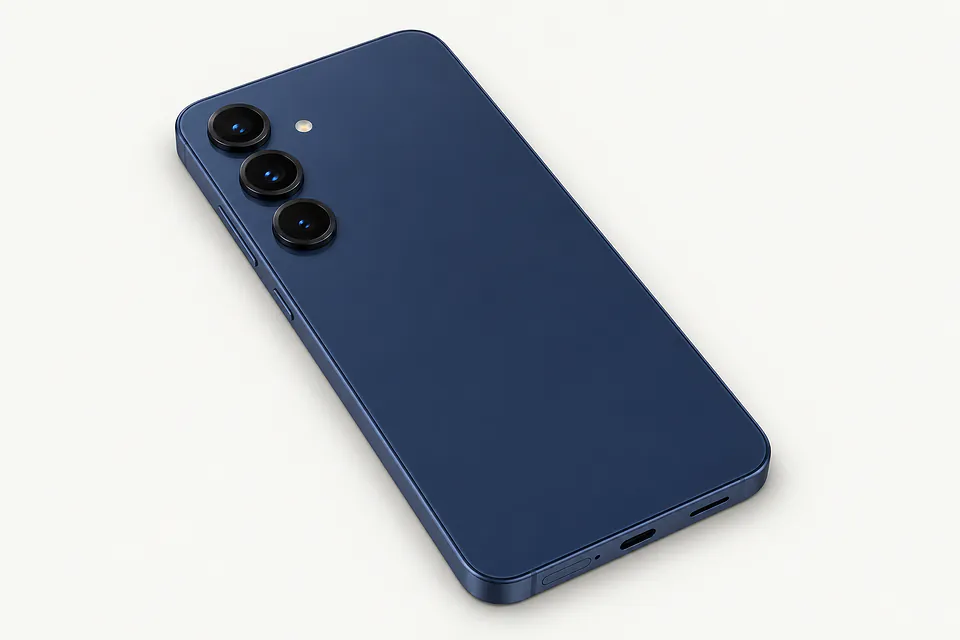
Cities where shops say they do Samsung repair
Samsung screen and charging trouble
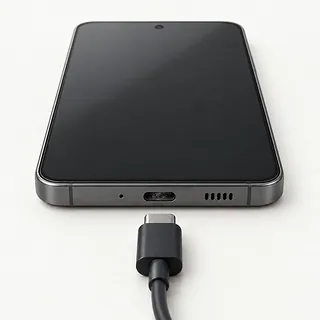
Samsung won't charge through the cable
Try a cable and charger that work with your Galaxy model. If the plug feels loose or has to be tilted, the port may contain compressed pocket lint or have worn contacts.
Find a repair near you: Samsung won't charge through the cable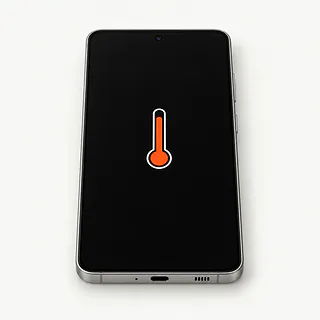
Samsung phone getting too hot
Games can make a Galaxy warm, especially with a charger attached. Stop playing and unplug it if it becomes unusually hot. A lifting screen or swollen case means stop using it.
Find a repair near you: Samsung phone getting too hot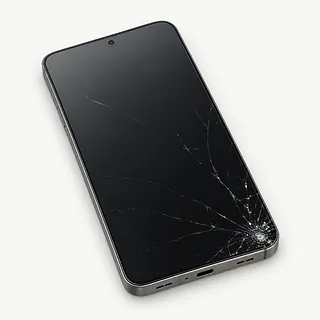
Screen cracked after a drop
Black blotches beside a crack usually mean the display beneath the glass broke too. For a Galaxy Z Flip or Z Fold, say which screen took the hit.
Find a repair near you: Screen cracked after a drop
Samsung battery draining fast
An aging battery stores less charge, but weak reception and busy apps can also run it down. Look at app power use in Settings before blaming the battery.
Find a repair near you: Samsung battery draining fast
Samsung keeps restarting
Restarting whenever the same app opens points toward software trouble. Shutdowns during unrelated tasks leave more possibilities, including a failing battery, so note what was happening each time.
Find a repair near you: Samsung keeps restarting
Screen ignores finger taps
Damp glass can scramble touch response. Dry it and reboot. A strip that still ignores taps after a knock points toward a broken screen.
Find a repair near you: Screen ignores finger taps
Water damaged Samsung phone
Rice doesn't clean liquid out of a phone. Turn it off, disconnect any charger and avoid heat, even if the outside looks dry.
Find a repair near you: Water damaged Samsung phone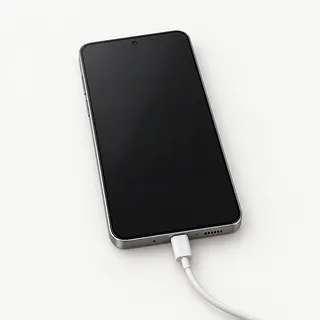
Phone won't turn on
No picture doesn't prove the battery is dead. If the phone hasn't been wet, try another charger and cable, then a force restart using the instructions for that model.
Find a repair near you: Phone won't turn on


What Samsung Galaxy repair involves
Charging tests start with working cables and power supplies before blaming the port. For a blank screen, sound and vibration help show whether the phone is running. Samsung Members diagnostics can check battery, touch and sensors when you can still use the phone.
A Samsung screen part often includes the display and frame together. Ask whether the quote covers that assembly and moving the remaining parts into it. A worn battery gets replaced, while charging work depends on whether the port or another electrical connection has failed.
Galaxy Z Fold and Z Flip repairs need to distinguish the folding display from the separate cover screen. Leave the factory protective layer on the inner screen. On Galaxy S models using an under-screen fingerprint sensor, fingerprints usually need registering again after replacement. Final checks should include taps across the panel, charging, cameras, sound and fingerprint unlock if available.
Keep the Galaxy or replace it
A single cracked screen is worth fixing if the Galaxy otherwise suits you. Check its software support and whether replacement parts are available for the exact model. Request a written quote that names the screen assembly and any additional work.
Several faults leave more work to weigh. A weak battery, bent frame and liquid exposure leave more to fix than broken glass. Consider the phone's age and whether you'd still want to use it after those repairs.
Photos without a backup deserve a separate decision. A replacement phone won't retrieve files stored only on the damaged Galaxy. Tell the shop if preserving those files matters more than returning the phone to everyday use.
Questions to ask about Samsung repair
What would testing alone leave me owing?
A device that cannot be repaired may still carry a testing fee. Set that charge in writing, including what happens when you decide against the proposed repair.
Is this a display assembly or a glass repair?
The proposed work should name what gets replaced and where the part comes from. Samsung displays are often supplied with a frame, while foldable models have separate inner and cover displays.
Can you explain the repair coverage in writing?
Find out which part failures qualify for another repair and which events end coverage. New cracks and liquid exposure deserve a clear answer.
Who would unlock the device during the work?
Arrange access around the tests that actually require it. Keep account passwords to yourself, and make clear that resets or other steps that delete data need your agreement.
How will the finished Samsung be checked?
Request a starting record of the reported fault and working features. Final checks should include the repaired function, plus touch response, cameras and charging where applicable.
What to save and bring
Check your saved copy
Back up the Galaxy while it still responds. Open a few saved photos and confirm that important contacts and documents are included.
Agree on screen access
Ask which tests need your screen PIN and discuss unlocking it yourself for those checks. Keep your Samsung and Google passwords private, and handle requested account setting changes yourself.
Keep removable extras
Remove the case, a physical SIM and any memory card, if present. Leave the factory protective layer on a Galaxy Z Fold or Z Flip inner screen.
Record the first signs
Note when charging stopped or the screen began flickering, including any fall or splash. Mention cables you've tried and whether the fault comes and goes.
Related repairs
Samsung Repair: common questions
Who can I ask about fixing my Samsung Galaxy?
You can search states and cities for Samsung repair from 81 shops who say they take on the work. Once you've chosen a city, call to describe the problem and give the full model name.
How much should I set aside for Samsung repair?
The damage can affect how much work your device needs. Explain what happened, name the model and ask for a quote by phone.
How long does Samsung repair take?
For Samsung repair, a shop can estimate the wait, but that estimate may change as they learn more about the damage. Call to request a rough timeframe that also accounts for their workload.
Should I repair or replace my Samsung Galaxy?
Ask for a quote before deciding, and weigh it against how much you'd want to keep using your device, its age, anything else that needs repair and the importance of the files it holds.
What do I need to do ahead of Samsung repair?
Jot down the full model number and how the trouble started so you can explain it when you call. Ask about bringing a charger, keeping the case attached and unlocking the device, and back up files if it works.
Why won't my Samsung phone charge when plugged in?
A failed cable, charger or blocked port can stop a Samsung phone charging. Try another compatible cable and adapter, plus a different outlet. If a moisture warning appears, unplug the cable and let the port dry before another wired charging attempt.
Why is my Samsung screen black but the phone still rings?
A Galaxy that rings with a black screen may have a display fault even though the phone is running. Try the force restart instructions for your exact model. If the picture stays missing, a shop can test the display before you approve a reset.
Why is my Samsung battery draining fast?
A worn battery is one possible cause, alongside demanding apps, high brightness and weak cell reception. Look at which apps used the charge in your Galaxy's settings. Where supported, Samsung Members can check the battery to help narrow things down.
Should I put my Samsung phone in rice?
Putting a water-damaged Samsung in rice doesn't fix internal liquid damage. Power it down, leave charging cables disconnected and don't apply heat. A dry outer surface cannot tell you what's happening inside, where a shop can check for corrosion.
Why is my Samsung phone overheating?
Charging, games or a sunny windowsill can leave a Galaxy hot without a broken part. Unplug it and stop using it if holding it feels uncomfortable or a heat warning appears, then let it cool in shade. Heat that returns during ordinary use deserves a check.
Why is my Samsung touch screen not working?
Wet glass and frozen software can make a working screen ignore taps, so wipe it dry and restart using Samsung's instructions for that Galaxy. A strip that stays dead after that points toward a display fault, which a shop can test.