How to clean a Samsung charging port
Cleaning a Samsung charging port means clearing out visible debris without metal tools or liquids, as Samsung directs. First, turn off the Galaxy device and inspect the port with a flashlight. If another compatible Samsung charger and cable don't work, take it to a Samsung service center for hardware inspection.
Key takeaways
Why is my Samsung charging port not working?
Lint and debris can keep a cable from making proper contact with your Samsung Galaxy phone by packing into the port during repeated charging. Heat, charging accessories and charging settings can also cause slow charging or stop the phone from charging properly.4, 1
Excess heat may pause or slow charging. Battery protection can stop charging early. Depending on the option you've selected, that setting may limit the maximum charge level, even when you're expecting the battery to fill.1
How do you clean the charging port on a Samsung Android phone?
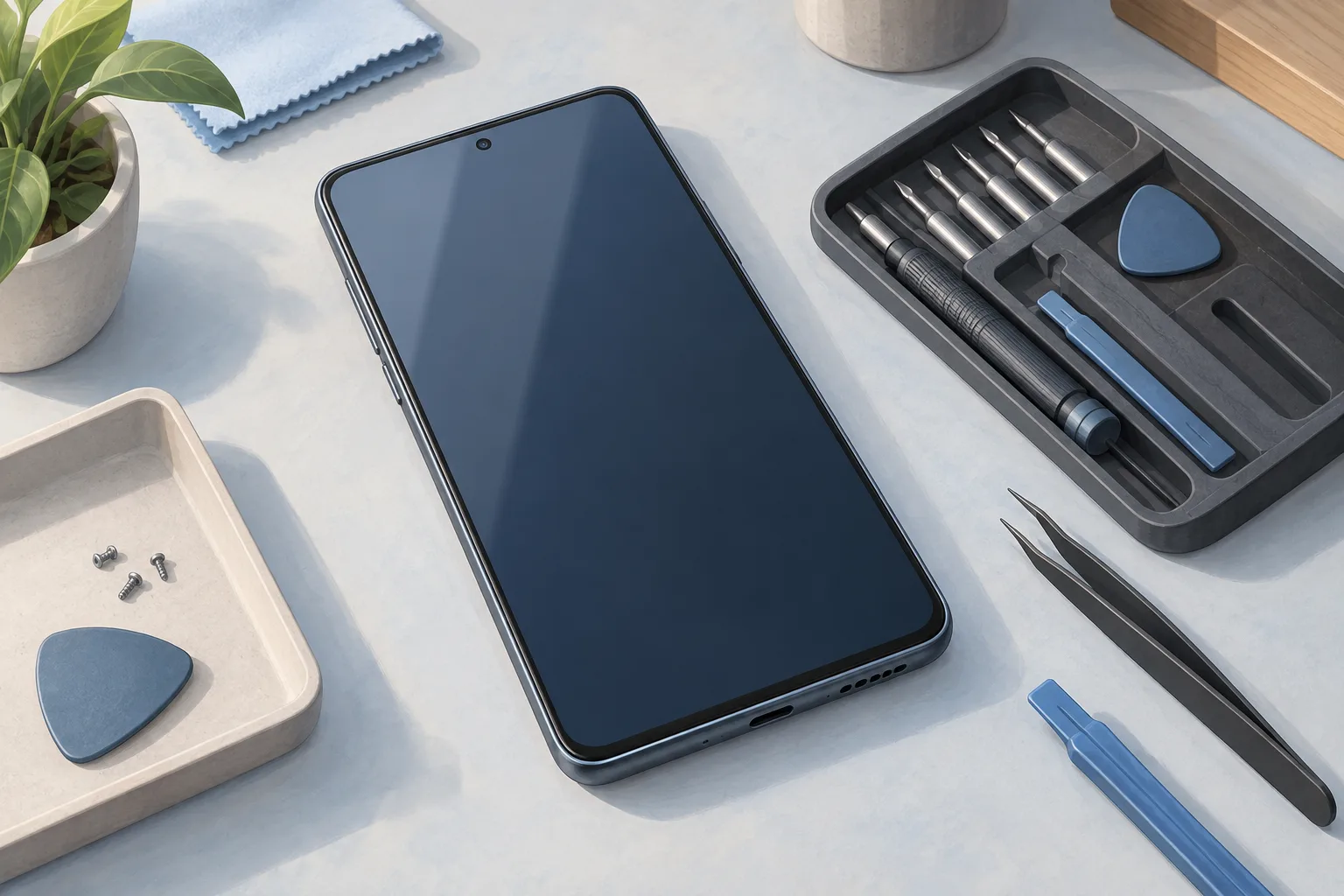
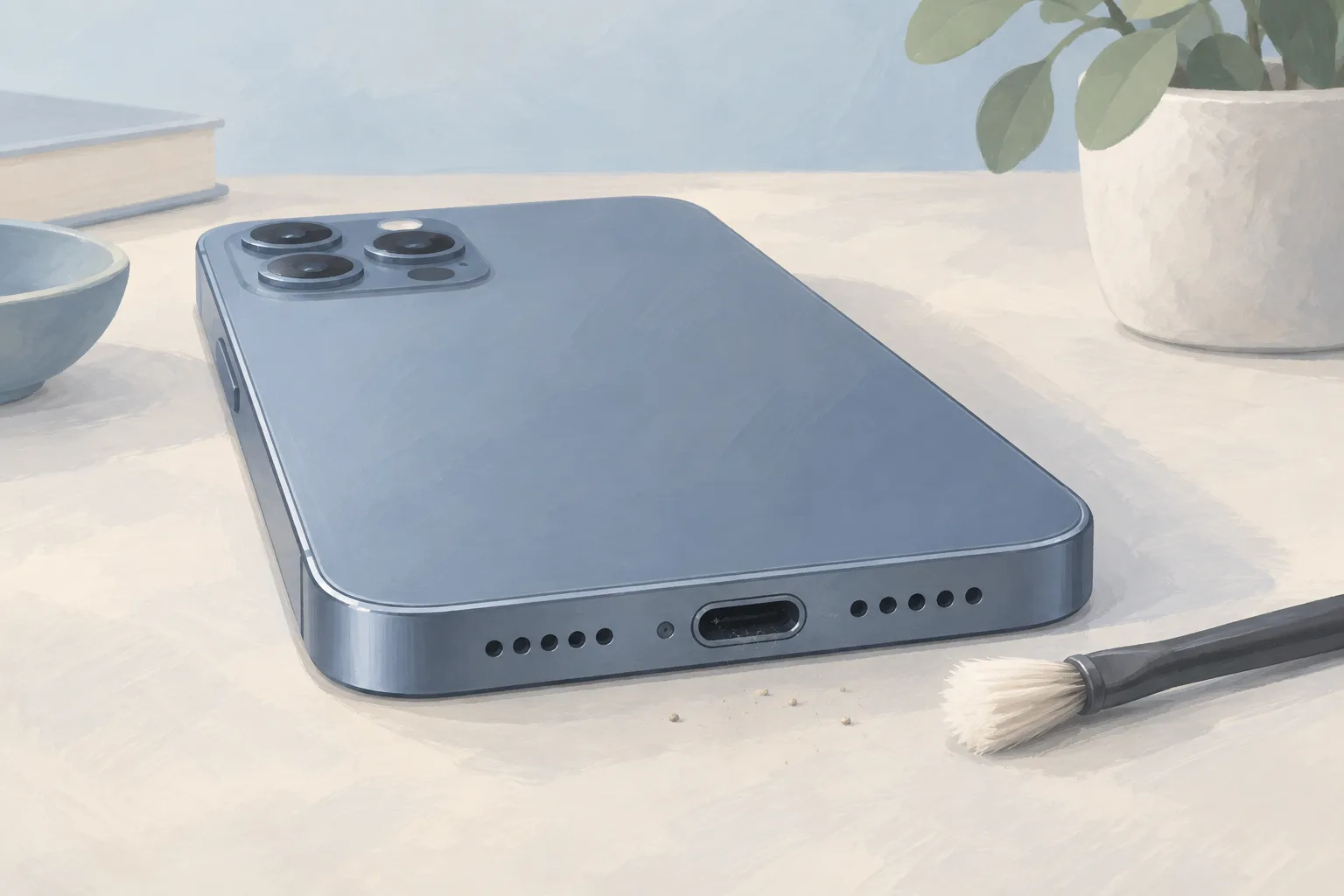
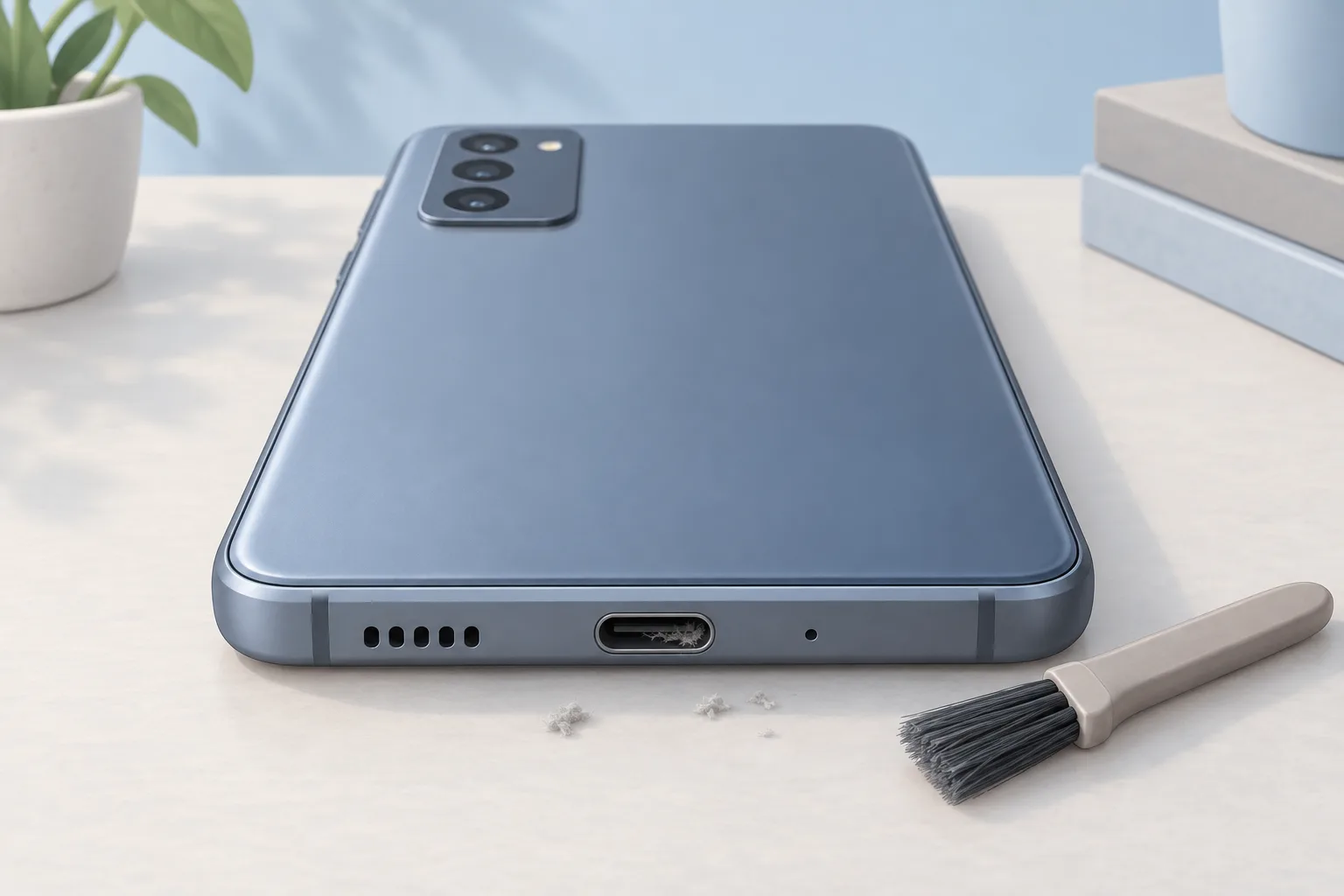
Clear visible dust or debris with care, without metal tools or liquids, as Samsung directs. Its pins and plastic tongue are fragile. If the cable feels loose or the phone charges only when you wiggle it, iFixit recommends starting with a cleaning.1, 4
Turn off your Galaxy
Then use a flashlight to inspect the charging port.1
What should you check on the charger and cable?
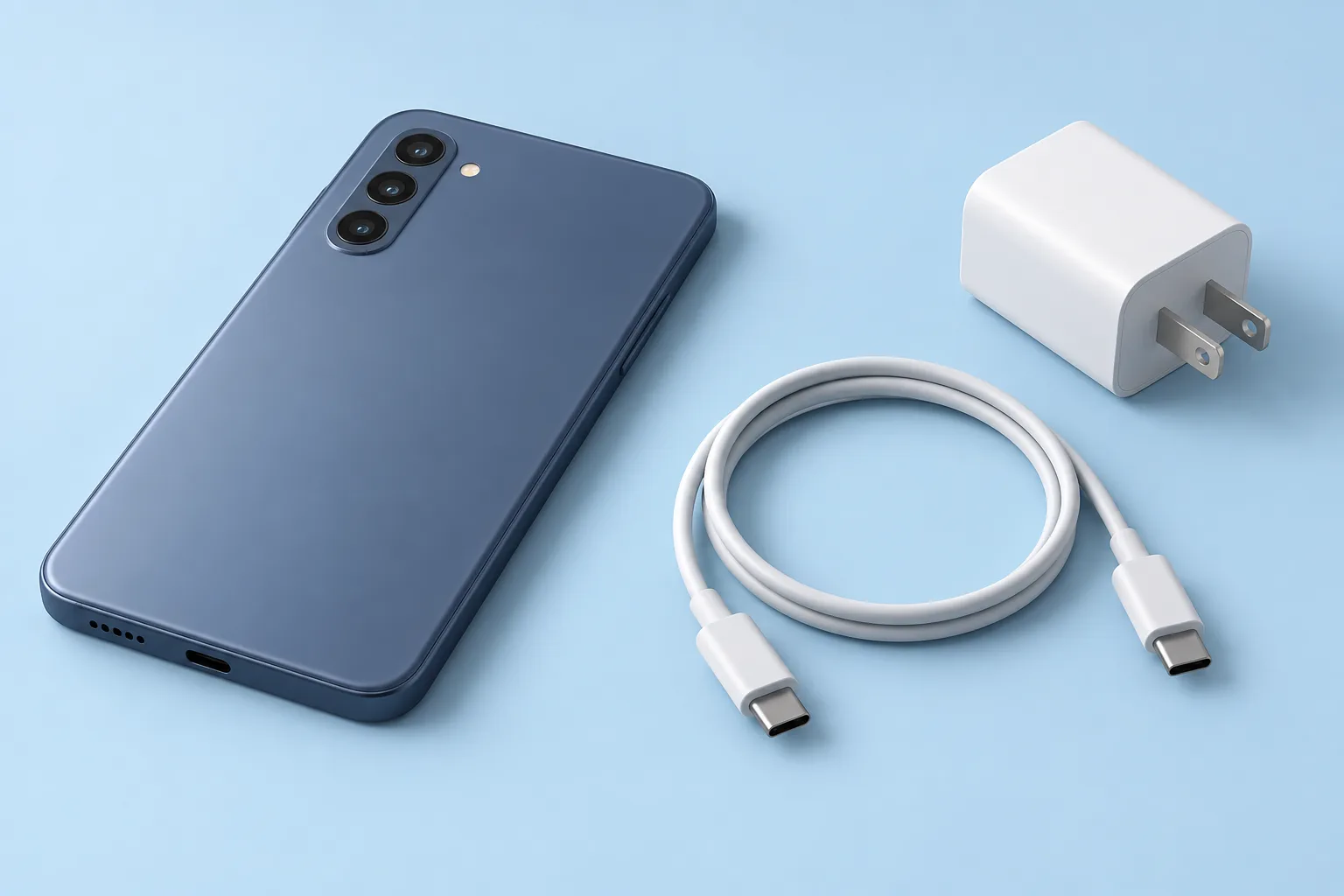
Damaged or incompatible chargers and cables may charge slowly, cut in and out, or fail to charge. Incompatible ones may harm the phone. A loose connection may prevent normal charging. Use compatible Samsung chargers and cables made for your Galaxy device.1
Reconnect the charging cable
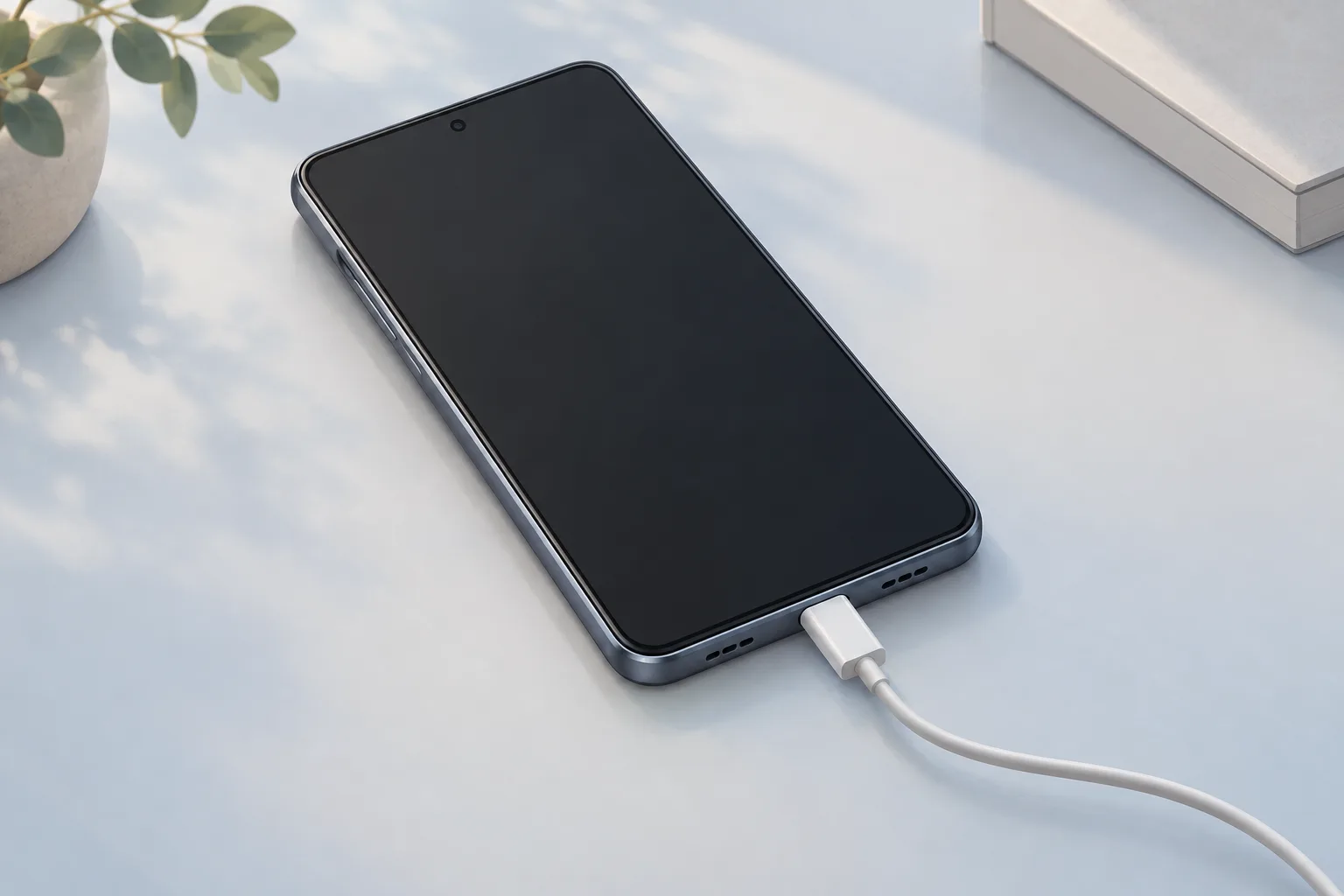
Disconnect the charger from the device first, then fit the cable securely into the port.1
Try another power outlet. Charging from a computer with a cable gives a lower voltage than an authentic Samsung charger, which results in a slower charge.4, 2
What should you do if the port detects moisture?
Moisture can stop wired charging to protect the phone from damage. Even water-resistant Galaxy phones need a fully dry port before charging. If you connect a charger while the port is wet, an alarm tells you to disconnect it. Unplug the charger to stop the alarm.1, 5
Gently shake the phone to help remove moisture, then wipe it with a soft, clean cloth. Don't insert objects into a wet port. Compressed air may push liquid further inside. Water dries from the port in roughly 1 to 2 hours.1, 5, 3
When should you take your Samsung phone to a shop?
Try another compatible Samsung charger and cable. If charging still fails, take the phone to a Samsung service center for a hardware check. A dry charging port with no conductive debris may itself be faulty, or the internal assembly attached to it may be faulty.1, 4
| Fix | Price | Shop or DIY |
|---|---|---|
| Charging Port Repair | Ask a shop for a quote | Shop: damage or failed checks can point to the port |
| Phone Battery Replacement | $40 to $149 (11 local shops) | Shop: a damaged battery can cause charging problems |
| Remove visible port debris | Free | DIY: Samsung gives a careful cleaning step |
| Reconnect the cable | Free | DIY: Samsung lists a secure connection check |
| Try a compatible charger and cable already owned | Free | DIY: Samsung lists this charging test |
| Try another outlet | Free | DIY: iFixit lists an outlet check |
| Shake out moisture and dry the device | Free | DIY: Samsung gives drying steps |
| Rest the phone while charging | Free | DIY: games can slow the charging rate |
| Check fast charging settings | Free | DIY: Samsung lists this settings check |
If damage is found or nothing else has fixed the problem, replacing the charging port or its attached board is a repair option. A damaged battery can cause charging problems too. Check its health in the Samsung Members app.4
Questions
Can I use wireless charging if my Samsung detects moisture?
You can try a wireless charger if your phone supports it, but dry the device thoroughly before placing it on the charger. Wireless charging isn't affected by moisture or foreign objects in the port. Only certain Galaxy models support it.5, 2
Why does my Samsung charge slowly while I play games?
Playing games while your Samsung phone charges slows the charging rate to help prevent overheating, and battery use may be higher than the charging rate. Let the phone rest while it charges. If it's hot when unplugged or the battery drains quickly, check for software changes.2, 4
Why isn't fast charging working on my Galaxy?
Check that fast charging is turned on if it isn't working on your Galaxy phone. Your charger, cable and other gear must support it. Open Settings, then Battery and device care, then Battery, then More battery settings. Charging options may vary by Galaxy model.2
Find a repair near you
Sources
- Samsung Galaxy device may appear to be charging slowly or not charging at all, Samsung. accessed Oct 7, 2026
- Galaxy Battery: Charging Tip, Samsung. accessed Oct 7, 2026
- Samsung Phone Moisture Detected in Charging Port, iFixit. accessed Oct 7, 2026
- Samsung Galaxy Not Charging, iFixit. accessed Oct 7, 2026
- What to do if there is moisture in your water-resistant Samsung phone or tablet, Samsung. accessed Oct 7, 2026
- RepairSeeker data, RepairSeeker. accessed Oct 7, 2026