How to Clean an iPhone Charging Port Before Repair
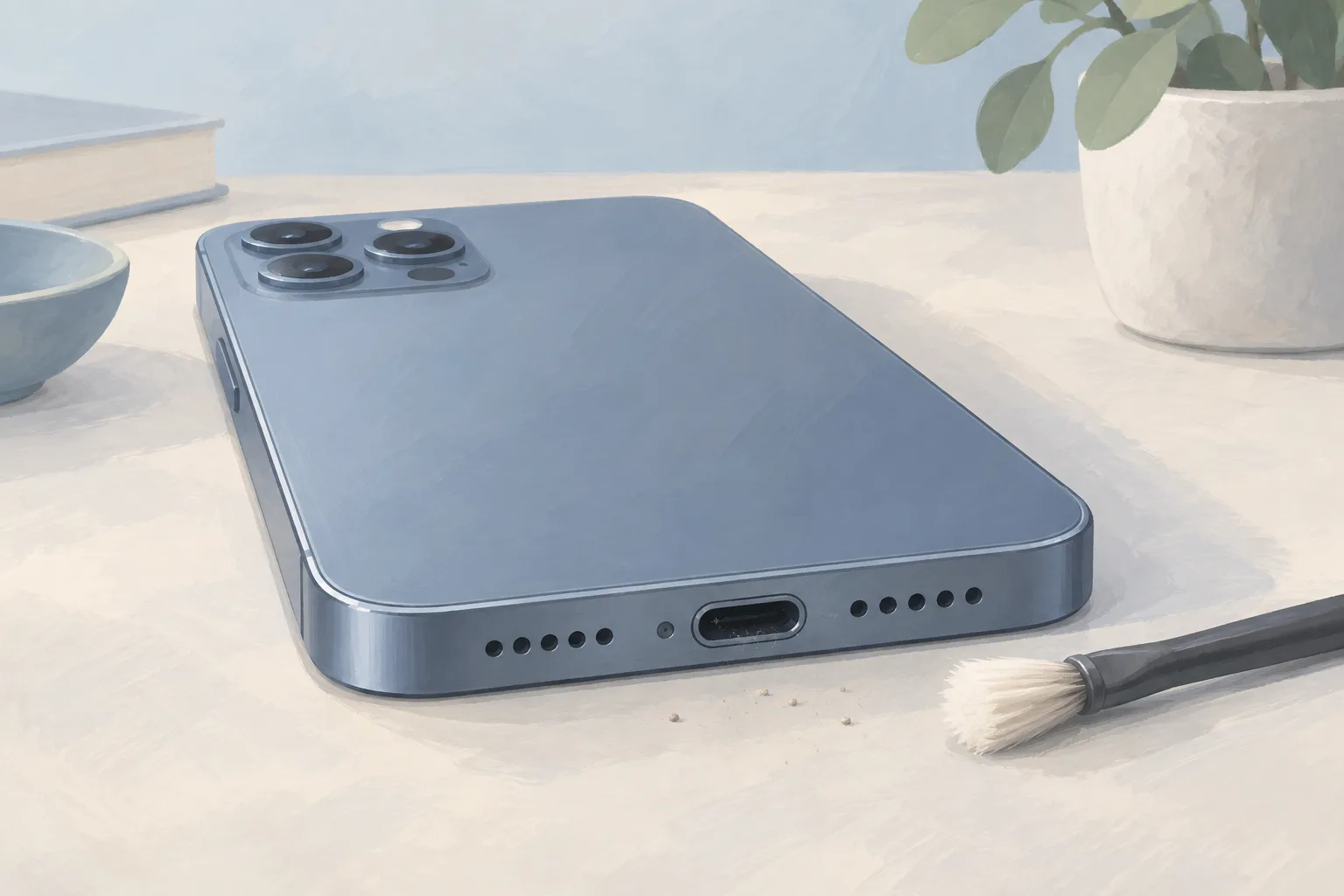
Cleaning an iPhone charging port means removing debris, then plugging the cable in firmly, as Apple advises. Use a brand-new toothbrush, toothpick or another non-conductive tool for trapped lint, per iFixit. If cleaning doesn't restore charging, the port may be faulty and need to be replaced.
Key takeaways
- Try a working cable and check the adapter and outlet before treating the port as faulty.3
- After cleaning, charge for half an hour before a force restart if the phone stays off or shows a battery icon.1
- If a force restart and another half hour of charging leave the phone off or unable to charge, it might need service.1
What should I check before cleaning my iPhone charging port?
Before cleaning, inspect the cable and power adapter if your iPhone won't charge. Apple's checks start with damage, such as breaks or bent prongs. Look for bare wires, too. Check for fraying and damage to the cable's connector, then borrow a working cable to test whether yours is the cause.1, 3
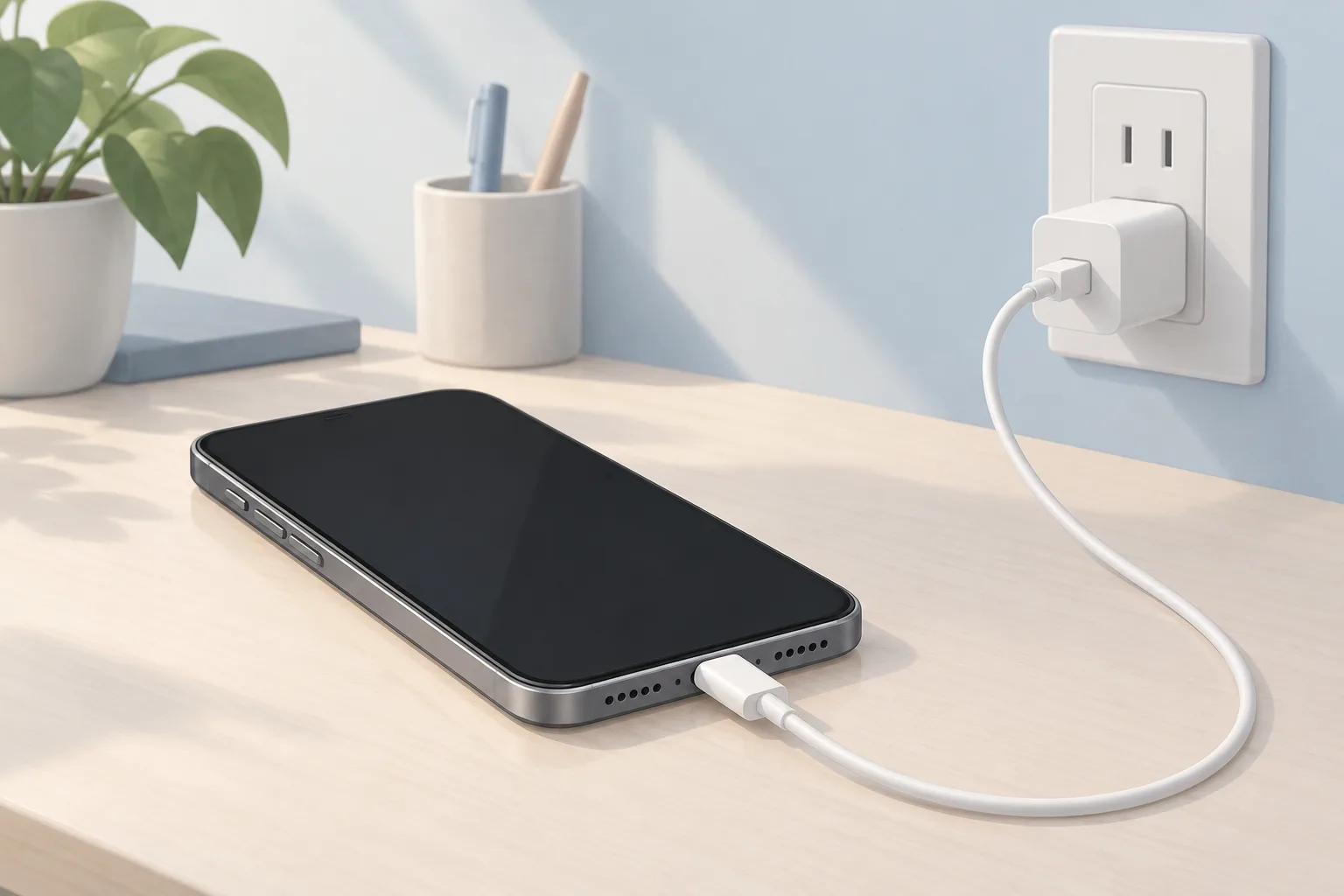
Use a wall outlet and check for firm connections between the cable, adapter and outlet, or try a different outlet. Test the power adapter as well. Replace the cable if a working one solves the problem.1, 3
How do I clean out the charging port on an iPhone?
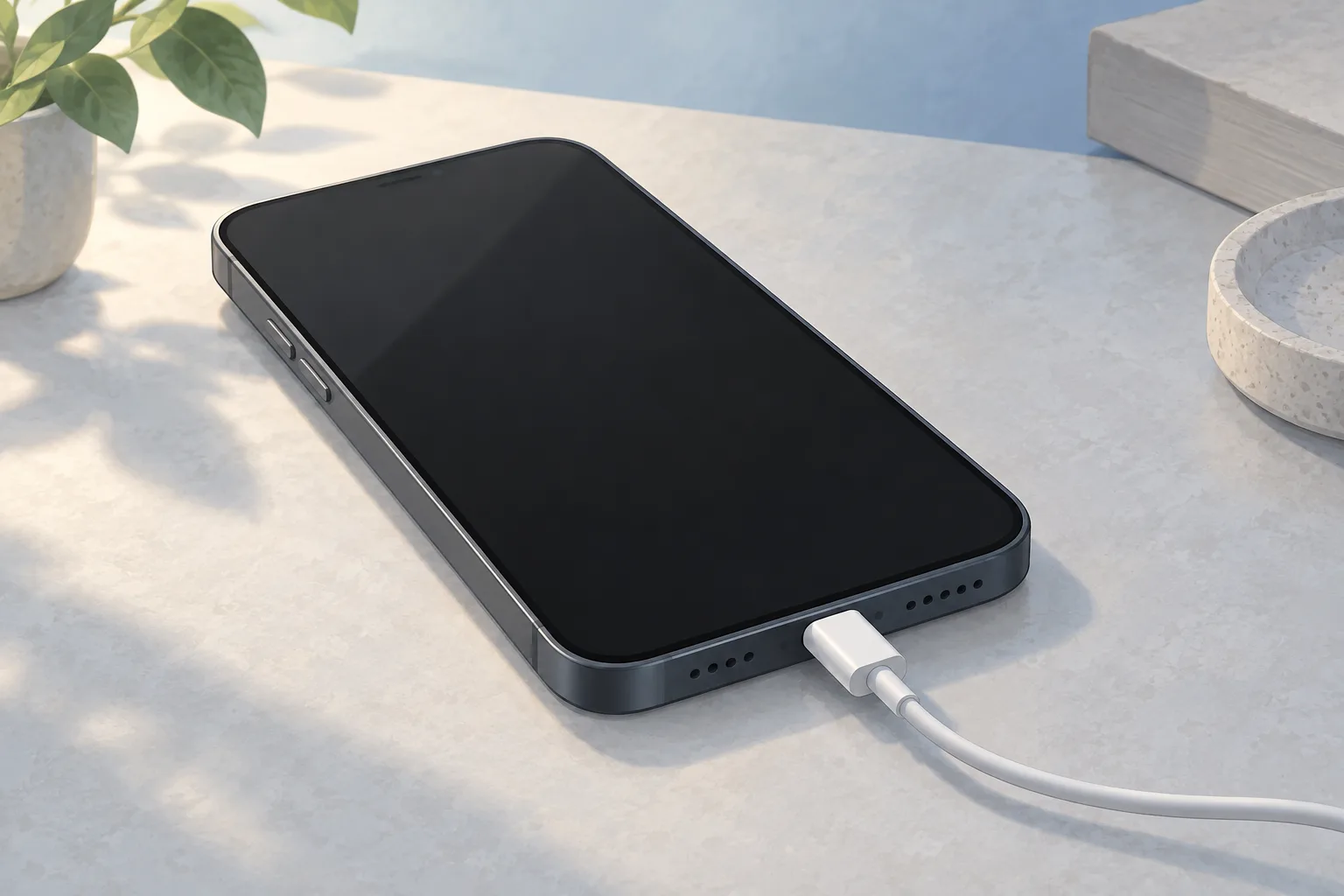
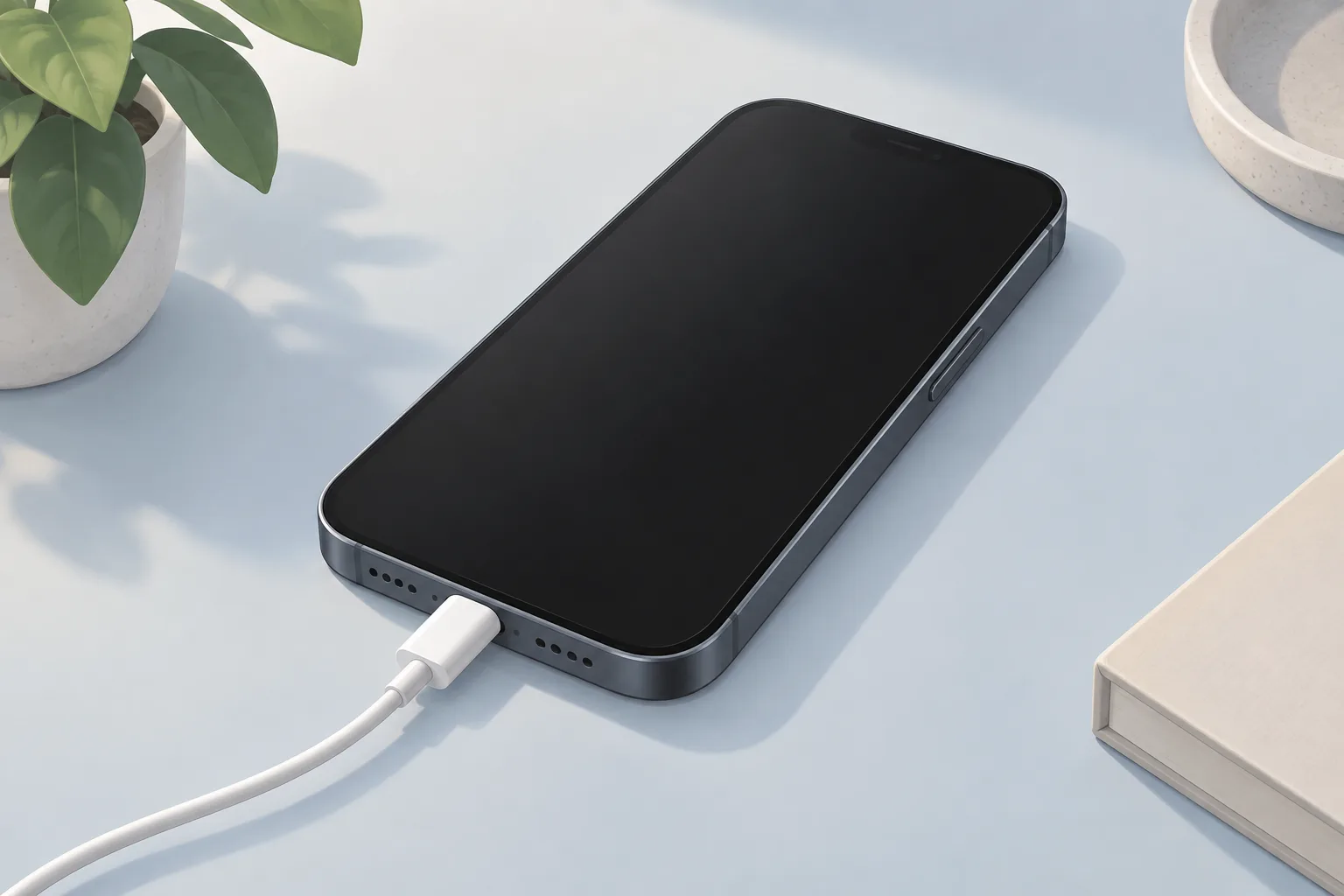
Clear trapped lint or debris from the charging port with a brand-new toothbrush, a toothpick or another non-conductive tool. Then plug the cable in firmly. Check whether charging starts. Dirty cable contacts can also prevent the battery from charging when the phone is connected to power.3, 1, 4
An unsupported-accessory alert can also point to a dirty or damaged charging port.1
Which charging cable does my iPhone need?
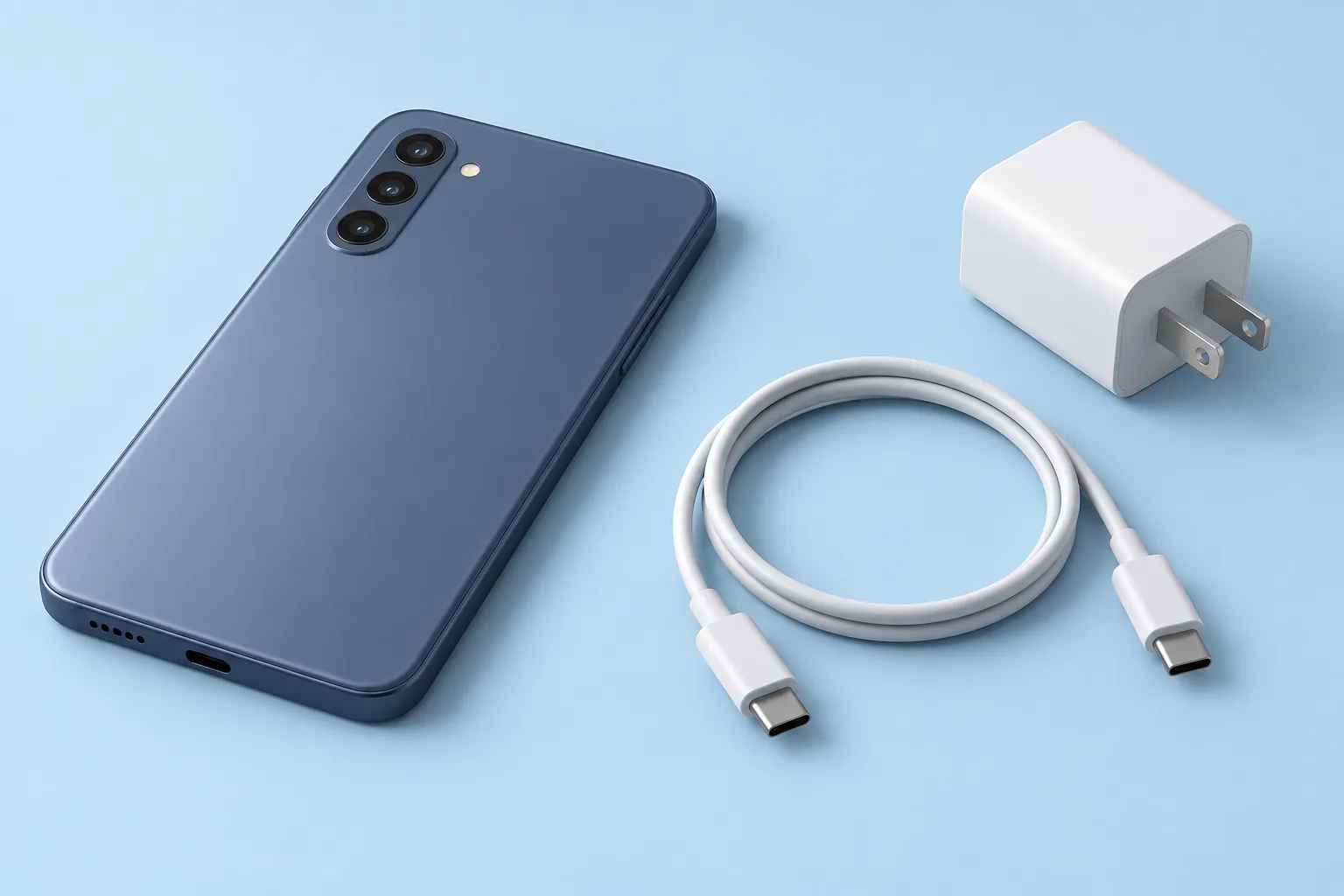
iPhone 15 and later models charge through a USB-C connector, using a USB-C cable and an adapter that meets the USB-C standard. A 20W USB-C power adapter can provide faster charging. Higher-wattage adapters, such as one from a Mac laptop, can do that too.2
A computer offers another way to charge. Connect the included cable to the phone and a USB-C port on the computer. That cable has a USB-C connector on each end.2
What should I try if my iPhone still won't charge?
Let the phone charge for half an hour after the port check. A fully drained battery can keep it from turning on as soon as it's plugged in. If it still won't power on or shows a battery icon, follow Apple's force restart sequence.1, 4
When should you take your iPhone to a shop?
An iPhone that still won't turn on or charge after the force restart and another half hour of charging might need service. If it remains off after troubleshooting, a dead battery or a bad charging port could be the cause.1, 4
A battery check involves installing a partially charged replacement battery and seeing whether the phone turns on. If it starts, plug it in and check for the charging indicator.4
| Fix | Price | Shop or DIY |
|---|---|---|
| Charging Port Repair | Part $64.99 (iFixit, iPhone 16) | Shop: faulty port may need replacement |
| iPhone Battery Replacement | $59.99 to $149 (6 local shops) | Shop: possible dead battery |
| Try another outlet or a cable or adapter you already have | Free | DIY: check cable, adapter and outlet |
| Clean the charging port | Free | DIY: remove trapped lint or debris |
| Force restart | Free | DIY: phone stays off or shows a battery icon |
Battery prices span different models.5
Questions
Should I clean an iPhone charging port if charging stops before full?
Charging past 80 percent can be delayed by Optimized Battery Charging, which reduces the time your iPhone spends fully charged to slow battery aging. Your phone learns your daily charging routine. The feature is active only when it predicts a long connection to a charger.1
Should I clean the charging port on an iPhone that gets too warm?
If your iPhone's battery gets too warm, software might limit charging above 80 percent to help extend the battery's lifespan. Charging resumes when the temperature drops. On iPhone 15 and later, check for a charge limit setting if you want to charge past 80 percent.1
What if the power button doesn't work?
If the power button doesn't seem to work, plug the phone into a power source and watch for it to turn on automatically. A phone that starts this way might have a fault in the power button or its cable.4
Find a repair near you
Sources
- If your iPhone or iPod touch won't charge, Apple. accessed Oct 7, 2026
- Charge and connect with the USB-C connector on your iPhone, Apple. accessed Oct 7, 2026
- iPhone Not Charging, iFixit. accessed Oct 7, 2026
- iPhone is Charging but Won't Turn On, iFixit. accessed Oct 7, 2026
- RepairSeeker data, RepairSeeker. accessed Oct 7, 2026
- Apple Service and Repair for iPhone, Apple. accessed Oct 7, 2026
- iPhone 16 Charge Port, iFixit. accessed Oct 7, 2026