Why does my phone say it's charging when it's not?
A phone that says it's charging when it's not should be connected to another charger if it's an Android. On a Galaxy that's too hot, charging may pause, while enabled Battery protection may cap its charge. If a Galaxy won't charge with another Samsung charger and cable made for it, Samsung says to get its hardware checked.
Key takeaways
- Try another compatible Samsung charger and cable if your Galaxy won't charge.3
- Let a hot Galaxy cool down before charging again.3
- Turn off a Galaxy before inspecting its port, and don't remove dust with metal objects or liquids.3
- If an Android battery's maximum capacity is below 80%, look into replacing it.2
Why does my phone say it's charging when it's not?
An Android phone that isn't charging can use power almost as fast as the charger supplies it, leaving the battery level stuck. Active use increases battery drain and slows charging. Games are one example. Put the phone down while it charges instead of using it.2, 1
AccuBattery or Ampere can show an Android phone's charging rate and overall battery health.2
Which cable and charger checks should I try first?
Try another charger if your Android phone isn't charging. On a Galaxy, a damaged or incompatible cable or charger may cause slow charging, interruptions or failure. Chargers and cables that look alike can charge your Galaxy differently. Samsung recommends compatible Samsung chargers and cables designed for your Galaxy.2, 3
Disconnect the charger
Reconnect the cable securely to the Galaxy's port. A poor connection may keep the phone from charging normally.3
Try another compatible pair
Use a Samsung charger and cable designed for your Galaxy.3
A cable or charger that doesn't suit your Galaxy may harm it.3
Why isn't my Android phone charging fast?
For fast charging on an Android phone, use a fast charger and check its wattage, since advertised fast charging might not match its power. Avoid laptop and car charging ports. They often can't supply enough power for fast charging, even when the phone is plugged in.1
How should I check the charging port?
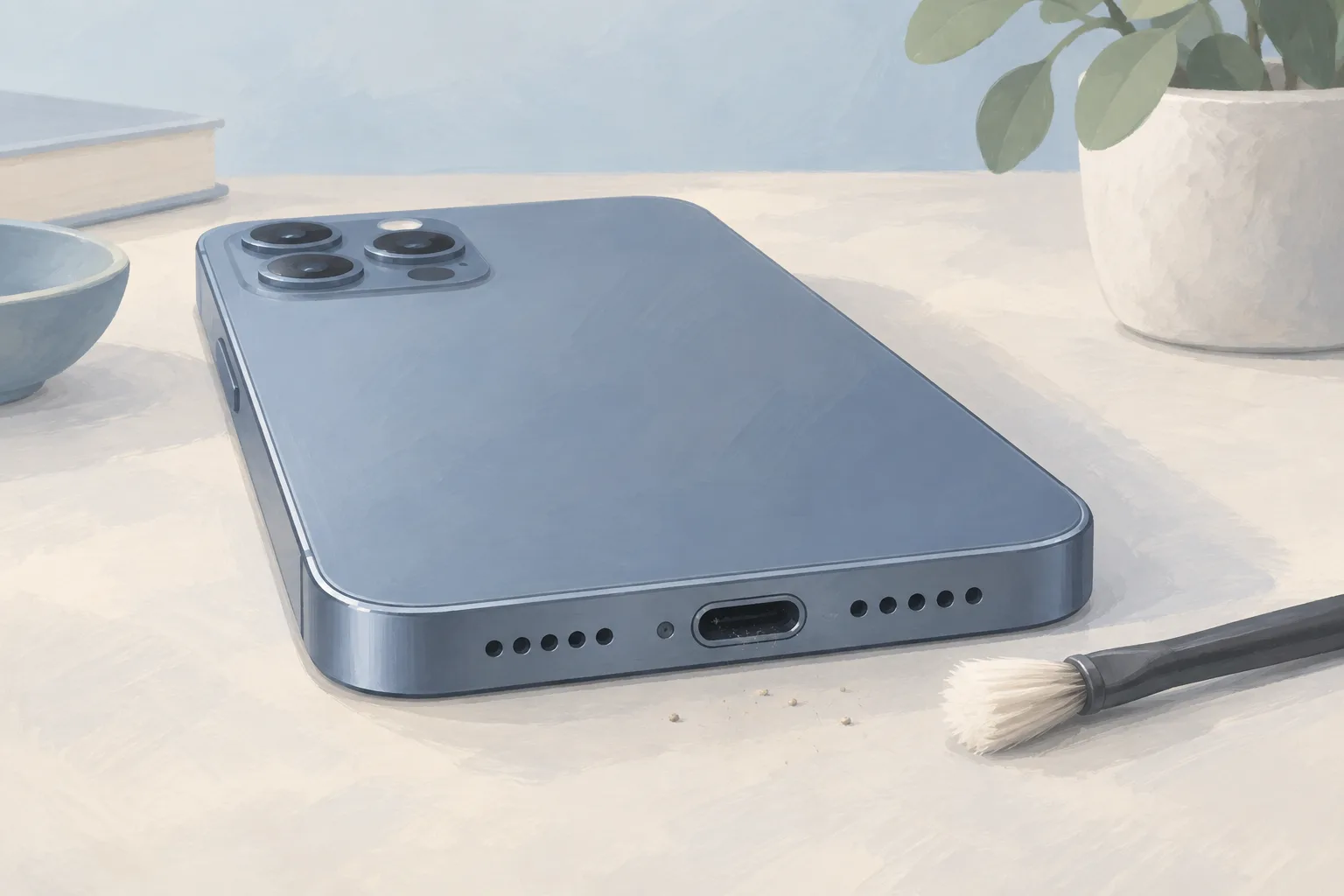
If dust or lint builds up inside a Galaxy's charging port, the cable may not make proper contact with the charging terminals. Repeated charging can pack debris deeper. On Android phones, clogged speaker and microphone grilles at the bottom can signal that the port is clogged too.3, 1
Turn off the Galaxy
Shine a flashlight into the port to look for dust or dirt.3
Gently clear dust or dirt
Don't use metal objects or liquids.3
If your Android phone supports wireless charging, try it. When that works, check the charging port for damage or anything blocking it. Corrosion in the port can block the electrical connection and slow charging too.2, 1
Can heat or a battery setting stop charging?
A Galaxy that's too hot may pause charging or charge more slowly until it cools down. Wait before charging it again. Battery protection can also stop charging early or limit the maximum level, depending on which option you've selected. Check that option in Charging settings.3
Galaxy menu names, settings and screen layouts can differ with the model and software version.3
When should you take your phone to a shop?
If your Galaxy won't charge with another Samsung charger and cable made for it, Samsung says to visit its service center for a hardware inspection. Charging trouble that doesn't go away, or a battery that lasts much less time between charges, may indicate a hardware problem.3
| Fix | Price | Shop or DIY |
|---|---|---|
| Charging Port Repair | Part $64.99 (iFixit, iPhone 16) | Shop: replace the port assembly |
| Phone Battery Replacement | $40 to $149 (11 local shops) | Shop: Android battery capacity below 80% |
| Try a compatible cable and adapter you already own | Free | DIY: Samsung lists an accessory check |
| Clean dust from a Galaxy's port | Free | DIY: remove debris without metal or liquids |
| Restart an Android phone | Free | DIY: can resolve temporary issues |
| Check charging settings | Free | DIY: battery protection can limit charging |
For Android phones, look into replacing the battery if its maximum capacity is below 80%. The iPhone 16 port price is for iFixit's replacement assembly, which comes with a flex cable and charging port.2, 6
Questions
What can I try if charging trouble started after an Android update?
An app update or a phone patch could be behind a battery problem that starts suddenly on an Android phone. Restarting your Android can clear a temporary charging problem. Turn the phone completely off. Wait 30 seconds. Then turn it back on and check whether its charging behavior has changed.2
Can moisture stop a Samsung Galaxy from charging?
If a Galaxy detects moisture in its charging port, it may stop charging to help protect the phone from damage. Shake it gently to remove moisture. Wipe it with a soft, clean cloth. Even on a water-resistant Galaxy, the charging port must be completely dry before you charge it.3
What does Apple charge for iPhone battery service?
Apple's estimated out-of-warranty battery service fees, read October 8, 2026, include $99 for an iPhone 16 and $89 for an iPhone 13. Tax may be added. An iPhone Air has an estimated fee of $119 for out-of-warranty battery service, while an iPhone 8 has an estimated fee of $69.5
Find a repair near you
Sources
- Android Phone Charging Slow, iFixit. accessed Oct 6, 2026
- Android Phone Not Charging, iFixit. accessed Oct 6, 2026
- Samsung Galaxy device may appear to be charging slowly or not charging at all, Samsung. accessed Oct 8, 2026
- RepairSeeker data, RepairSeeker. accessed Oct 8, 2026
- Apple Service and Repair for iPhone, Apple. accessed Oct 8, 2026
- iPhone 16 Charge Port, iFixit. accessed Oct 8, 2026