Android Phone Not Charging? Checks Before Repair
If your Android phone is not charging, turn it off for 30 seconds, then power it on and test charging again, following iFixit's advice. Check its port for obstructions or damage if it charges wirelessly. If its maximum battery capacity is below 80%, look into battery replacement.
Key takeaways
- Restart the phone after leaving it off for 30 seconds, then test charging again.2
- Check the charging port for obstructions or damage if wireless charging works.2
- Consider battery replacement if maximum capacity falls below 80%.2
- Try a different charging cable or adapter as part of the charging checks.2
Why is my Android phone not charging?
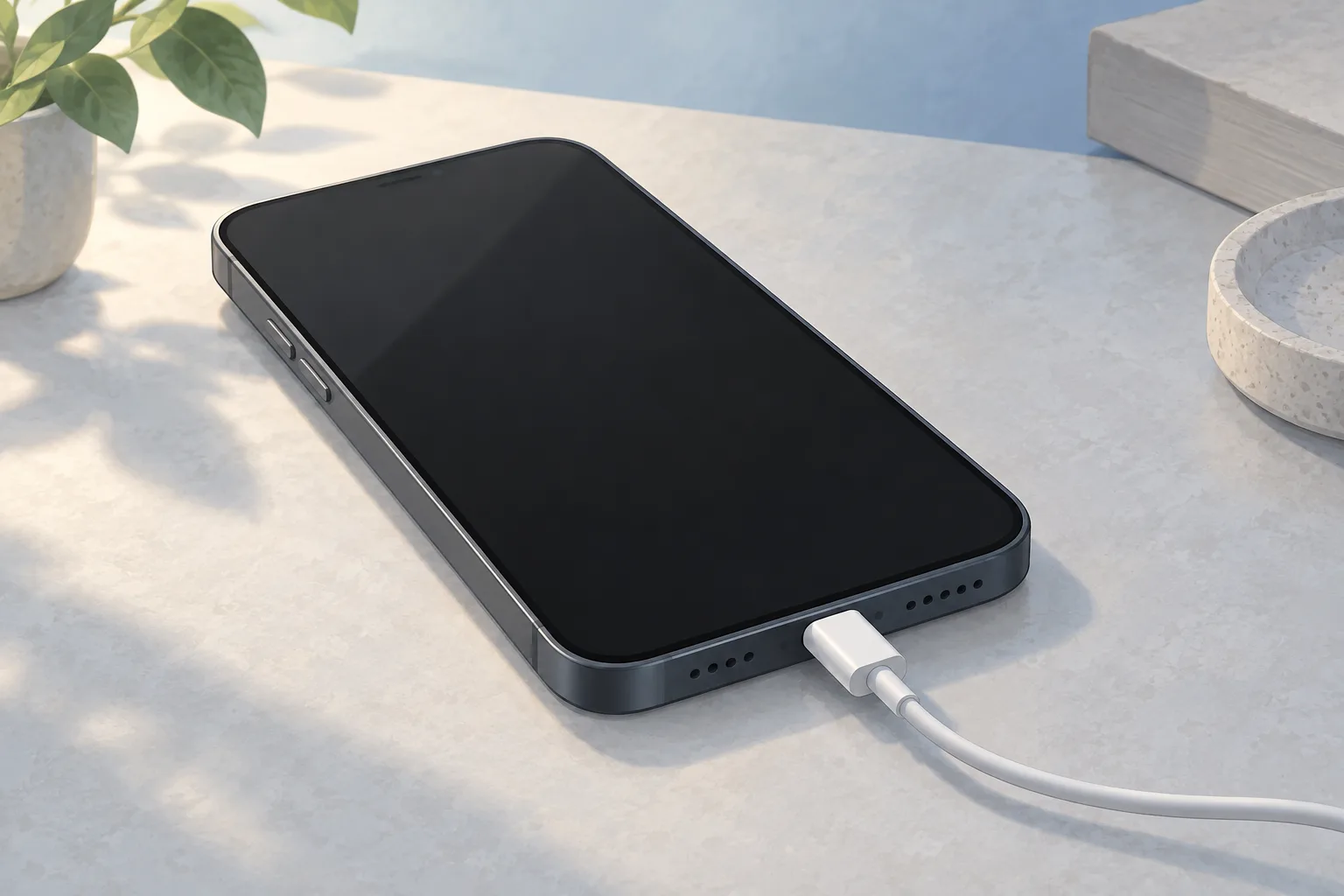
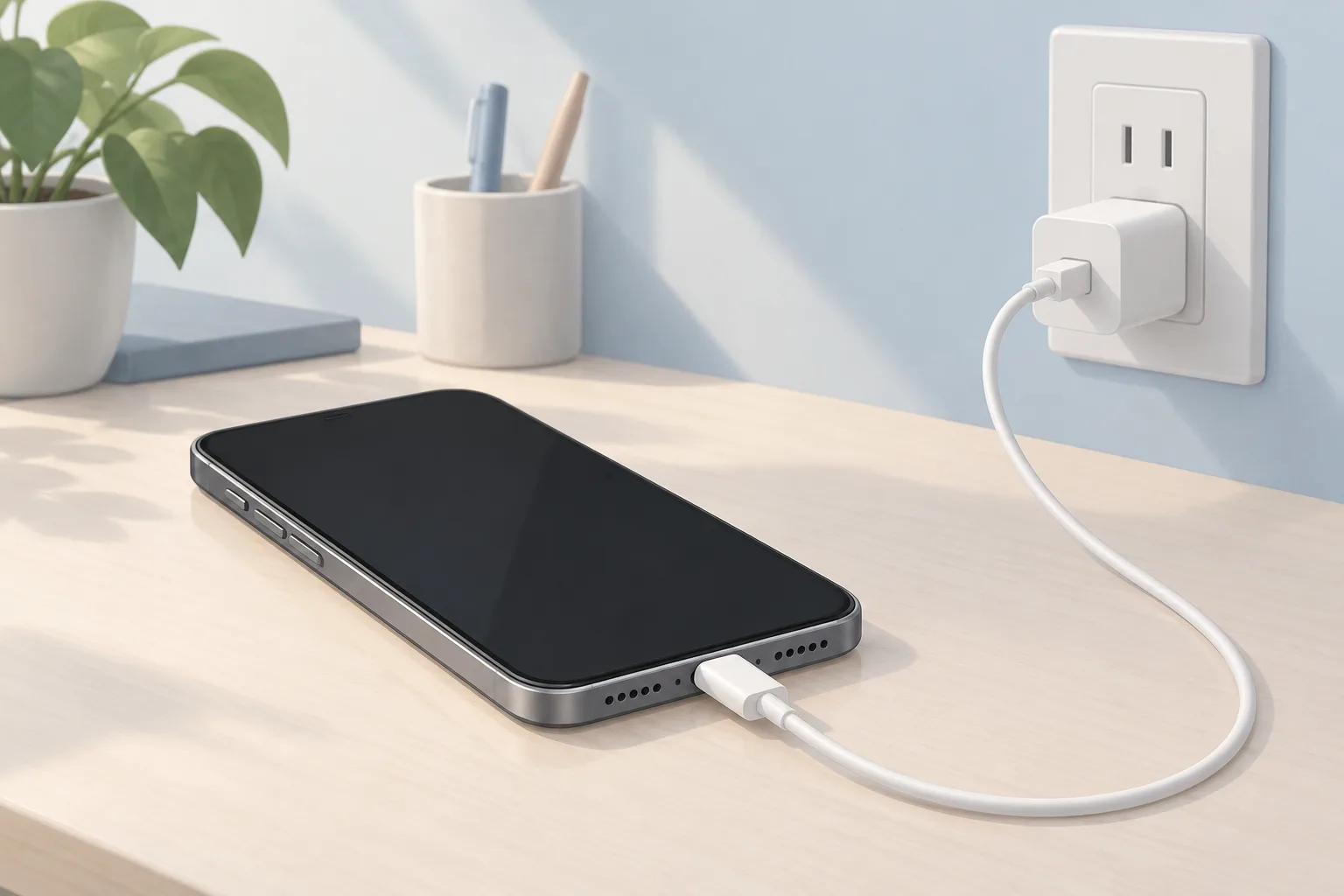
Restarting can resolve temporary problems with a phone that won't charge. A damaged or poor-quality charging cable or power adapter can prevent the phone from getting enough power to fast charge. Try a different cable or adapter. If you have an older Android phone, the problem might be its battery.2
Turn the phone off
Wait 30 seconds. Then power it on and try charging the phone again to see whether it now takes a charge.2
Test wireless charging
Your phone must support wireless charging.2
If you're trying to fast charge, make sure you're using a charger that supports fast charging. Check the charger's wattage. Some chargers advertise fast charging without supplying enough power, while a charger with a higher wattage could let your phone charge faster.1
Avoid charging from a laptop or a car's charging port when you're trying to fast charge your phone. The power those ports deliver often isn't enough to support fast charging.2
What if wireless charging works but the cable doesn't?
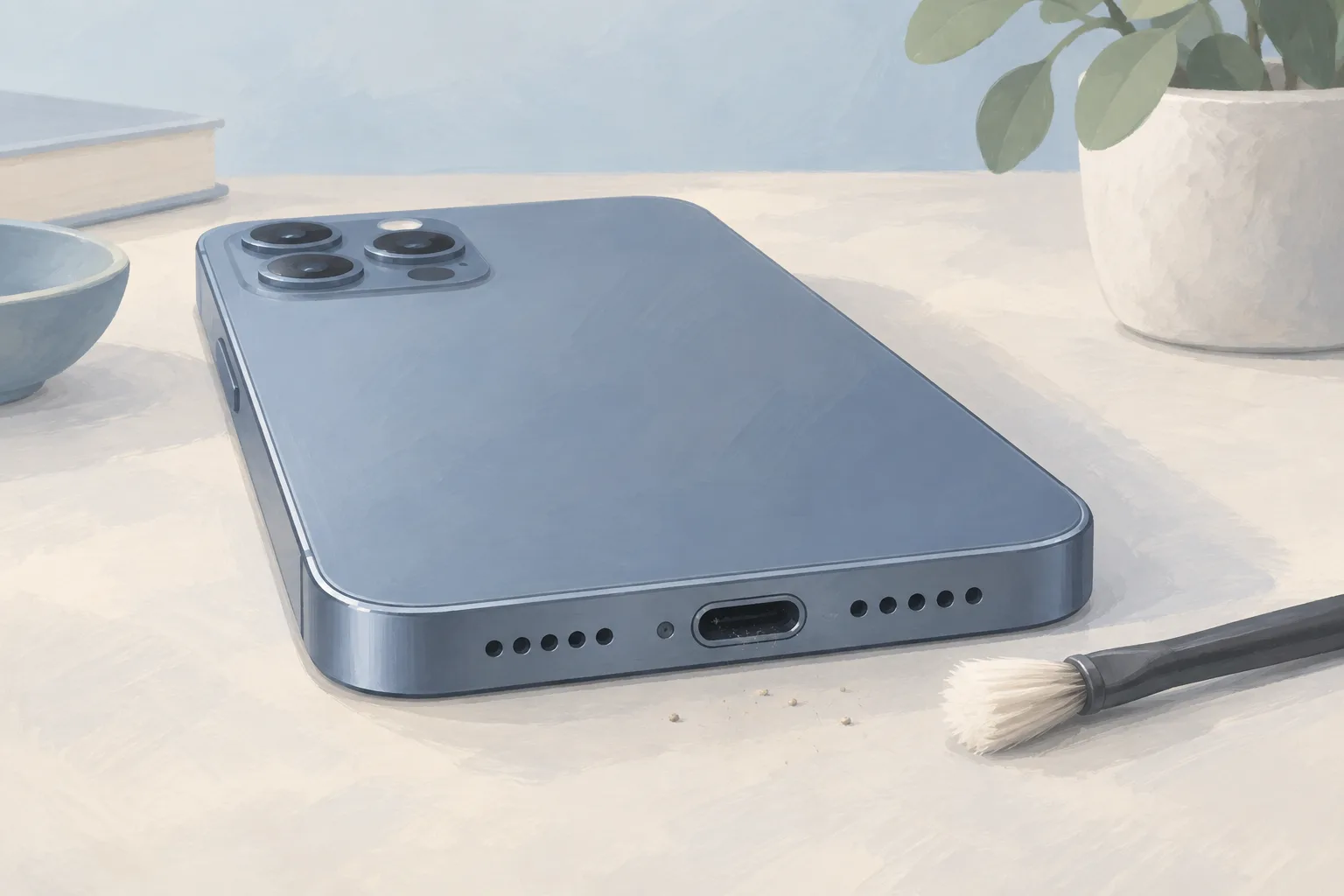
If your phone charges wirelessly but won't charge through a cable, check the charging port for obstructions or damage. Lint, dust, or corrosion can block the electrical connection and slow charging. Try cleaning the port. If dust and debris clog the speaker and microphone grilles at the bottom of your phone, the port is likely clogged too.2
For the smaller areas inside the charging port, try making a custom swab to clean out the dirt. If you notice any liquid while checking your phone, consult iFixit's Electronics Water Damage Wiki for help with liquid damage.1, 2
When should you take your Android phone to a shop?
Consider phone battery replacement if the phone's maximum battery capacity is below 80%. Ask a shop to assess any port damage you found when cable charging failed but wireless charging worked. You can use third-party apps such as AccuBattery or Ampere to monitor how fast the phone charges and check its overall battery health.2
What does phone battery replacement cost?
Phone battery replacement prices that repair shops posted on their own websites in New Jersey, Pennsylvania and Delaware range from $40 to $149. The prices come from 11 shop websites. RepairSeeker checked those websites September 25 to 30, 2026, recording the lowest and highest posted prices across different phone models.3
| Fix | Price | Shop or DIY |
|---|---|---|
| Phone Battery Replacement | $40 to $149 (11 local shops) | Shop: consider replacement below 80% maximum capacity |
| Charging Port Repair | Ask a shop for a quote | Shop: assess damage found in the port |
| Try a cable or adapter you already have | Free | DIY: try a different charger |
| Clean the charging port | Free | DIY: debris can block the electrical connection |
| Restart the phone | Free | DIY: a restart can resolve temporary problems |
| Check battery settings | Free | DIY: check a charge held at a set percentage |
| Test with a wireless charger you already have | Free | DIY: test wireless charging if supported |
| Stop using the phone while charging | Free | DIY: active use increases battery drain |
| Avoid laptop and car charging ports | Free | DIY: they may lack power for fast charging |
| Check the phone's software | Free | DIY: check when supported wireless charging fails |
| Check charger wattage | Free | DIY: check the power for fast charging |
Questions
Why does my Android phone stop charging at a specific percentage?
If your phone detects that you've connected a charger but won't charge past a specific percentage, check its battery settings. A hold charge feature is likely active. That feature limits the charge to help prevent the battery from aging too soon.2
Can an app update affect my Android phone's charging?
A battery problem that starts suddenly could be due to an app update or a phone patch. If your phone supports wireless charging but won't charge that way, check the phone's software. Replacing its battery is another option in that case.2
Can using my phone while charging keep its battery level from rising?
If your phone uses energy nearly as fast as it receives a charge, charging can seem slow or the battery might not charge at all. Don't use it while it charges. Active use increases battery drain, especially during demanding tasks such as gaming.2, 1
Find a repair near you
Sources
- Android Phone Charging Slow, iFixit. accessed Oct 6, 2026
- Android Phone Not Charging, iFixit. accessed Oct 6, 2026
- RepairSeeker data, RepairSeeker. accessed Oct 8, 2026