Why is my phone not charging past 80?
A phone not charging past 80 can be an iPhone waiting until needed because of Optimized Battery Charging. iPhone charging above 80 percent might be limited if the battery's too warm, and iPhone 15 and later can have a charge limit. If your iPhone still won't charge or power on after Apple's checks and charging sequence, it might need service.
Key takeaways
Why does my iPhone pause charging?
Optimized Battery Charging can delay a full charge, but only when your iPhone predicts that it will stay plugged in for a long time. It learns your daily charging routine. The delay reduces time spent fully charged to help slow battery aging.1
If the battery gets too warm, software might limit charging above 80 percent to help extend battery life. Charging resumes when the temperature drops.1
On iPhone 15 and later, a charge limit can stop the battery from charging past a set level. Change that limit if you want to charge past 80 percent.1
What should I check on an Android phone?
For an Android phone that detects a charger but won't charge past a set percentage, check battery settings for a hold charge feature. It helps prevent early battery aging. Try a different charger for slow charging, since a damaged cable or adapter can restrict power for fast charging.4
If your phone supports wireless charging, try it. When wireless charging works, check the port for damage or anything blocking it. If it doesn't work, check the phone's software or look into battery replacement.4
Lint, dust or corrosion in an Android phone's port can block the electrical connection and slow charging. Dust clogging the bottom speaker and microphone grilles makes a clogged charge port likely, too.4
An Android battery's maximum capacity below 80 percent is a reason to look into replacing it. Apps such as AccuBattery or Ampere can monitor overall battery health. They can track its charging rate, too.4
What if my iPhone won't charge at all?
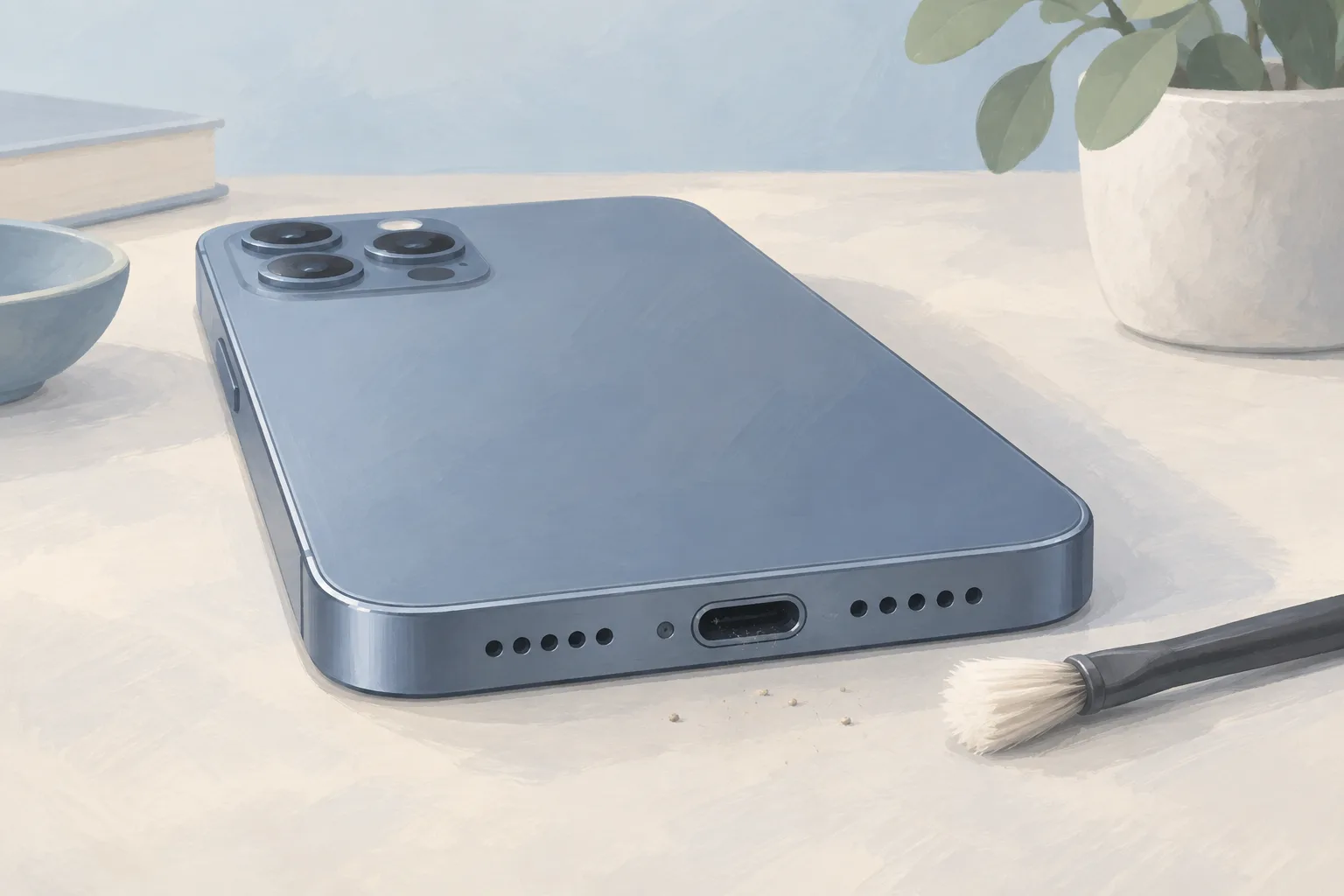
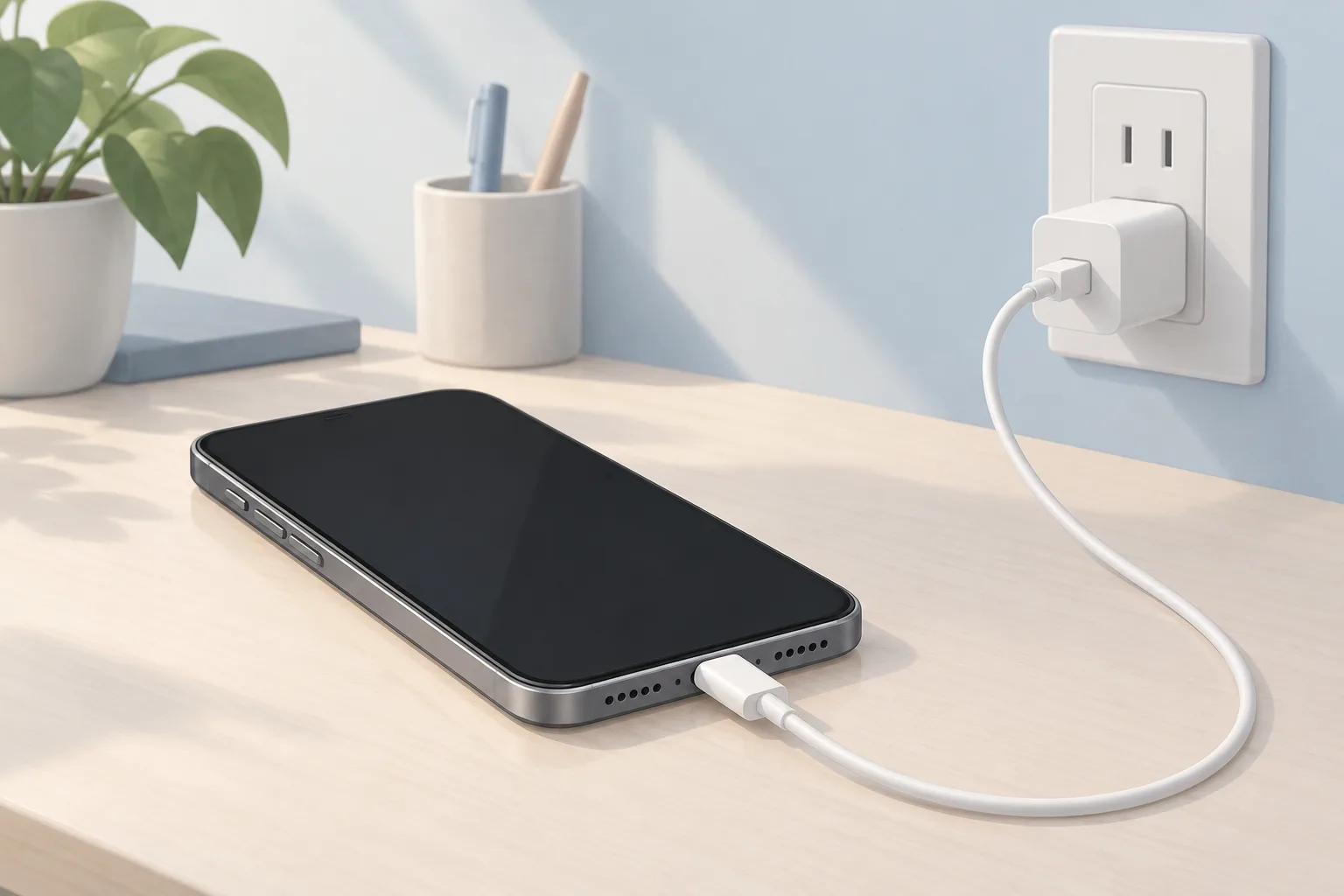
If your iPhone won't charge, inspect the cable and adapter for damage, then check for firm connections between the cable, adapter and wall outlet. Look for breaks or bent prongs. Try another outlet. Remove debris from the phone's charging port, then plug the cable in firmly.1
Charge for half an hour
If it still won't power on or shows a battery icon afterward, use the force restart sequence next.1
Press the restart buttons
On iPhone 8 or later, press and quickly release volume up. Repeat with volume down. Hold the side button until the Apple logo appears. Then let the phone charge for another half hour.1
A USB-C cable and a power adapter meeting that standard can charge iPhone 15 and later, which have a USB-C connector. Your computer's USB-C port can charge these models, too. For faster charging, you can use a 20W USB-C adapter or one with higher wattage.2
When should you take your iPhone to a shop?
An iPhone that still won't power on or charge after Apple's checks, force restart and final half hour of charging might need service. Ask a phone repair shop whether battery or port work fits the symptoms, and what the proposed repair means for your saved data.1
For an iPhone 16 charging port repair, iFixit sells a replacement port assembly with a flex cable and USB-C connector socket.7
What does a charging repair cost?
Shops in NJ, PA and DE posted battery replacement prices from $40 to $149 across models on their own websites. Those 11 websites were checked September 25 to 30, 2026. The port figure is iFixit's iPhone 16 part price, not an installed repair price.5, 7
| Fix | Price | Shop or DIY |
|---|---|---|
| Change the charge limit | Free | DIY, change the set limit |
| Wait for the battery to cool | Free | DIY, charging resumes as temperature drops |
| Try another outlet | Free | DIY, Apple lists this check |
| Try a cable or adapter you already have | Free | DIY, test different charging gear |
| Remove port debris | Free | DIY, Apple lists debris removal |
| Restart or force restart | Free | DIY, follow the phone's restart steps |
| Pause phone use while charging | Free | DIY, active use increases battery drain |
| Charging Port Repair | Part $64.99 (iFixit, iPhone 16) | Shop, replace the port assembly when needed |
| Phone Battery Replacement | $40 to $149 (11 local shops) | Shop, consider replacement for low maximum capacity |
Questions
Can using my Android phone slow down charging?
Using an Android phone while it charges increases battery drain and slows charging, especially during demanding tasks such as gaming. Stop using it while it charges. If the phone's power use is close to the charging rate, it can appear to charge slowly or not charge at all.3, 4
What can I try if Android charging changed suddenly?
A sudden Android charging problem could come from an app update or phone patch, and a restart can resolve temporary problems. Turn it fully off. Leave it off for 30 seconds, then turn it back on and check whether charging has changed.4
Why is Android charging slow from a laptop or car?
Laptop and car ports often don't supply enough power for Android fast charging, so use a fast charger if you want that feature. Check the charger's wattage. Some lower-priced chargers advertise fast charging even though they don't supply the wattage needed for it.3
What does Apple charge for an iPhone battery?
Apple's estimated battery service fee for an iPhone 16 is $99, while an iPhone 16 Pro has an estimated fee of $119. These are out-of-warranty fees, read October 5, 2026. Tax may apply. For an iPhone 13, the estimated battery service fee is $89.6
Find a repair near you
Sources
- If your iPhone or iPod touch won't charge, Apple. accessed Oct 5, 2026
- Charge and connect with the USB-C connector on your iPhone, Apple. accessed Oct 5, 2026
- Android Phone Charging Slow, iFixit. accessed Oct 5, 2026
- Android Phone Not Charging, iFixit. accessed Oct 5, 2026
- RepairSeeker data, RepairSeeker. accessed Oct 7, 2026
- Apple Service and Repair for iPhone, Apple. accessed Oct 5, 2026
- iPhone 16 Charge Port, iFixit. accessed Oct 5, 2026