
Find Data Recovery Near You
95 data recovery services listed in Delaware, New Jersey and Pennsylvania.
Repair shops near you
Nearest shops first, with no paid placements.
We haven't listed any repair shops within 25 miles of you yet. Open the map to see the nearest shops.
Cities with the most data recovery services
When storage stops working
Stop using storage that has lost files. Saving new files can overwrite deleted data, and repeated attempts to read a failing drive can make the damage worse.
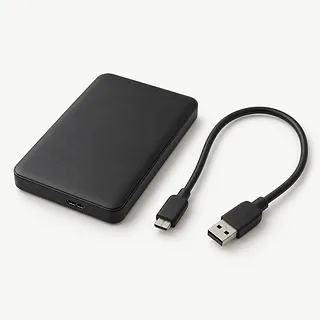
External hard drive not showing up
A bad USB cable, power trouble or a damaged file system can hide a drive. If it hasn't been dropped and sounds normal, try another cable and port. Decline requests to format it.
Find a repair near you: External hard drive not showing upDeleted files won't come back
Deletion can leave file contents behind until storage reuses that space. Don't install recovery software on the affected drive or save recovered files there.
Find a repair near you: Deleted files won't come back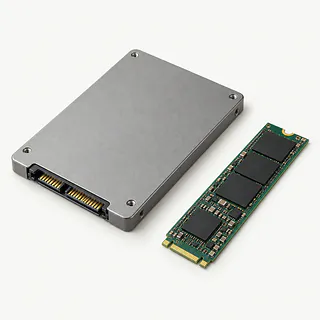
SSD not detected
Connection faults and failed controllers can both make an SSD disappear. Silence tells you nothing about its health because it has no spinning parts.
Find a repair near you: SSD not detected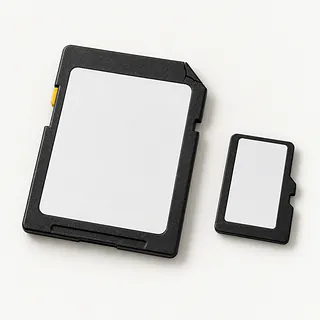
Corrupted SD card
Interrupted writes or failing memory can leave photos unreadable. Stop taking pictures and don't format the card.
Find a repair near you: Corrupted SD card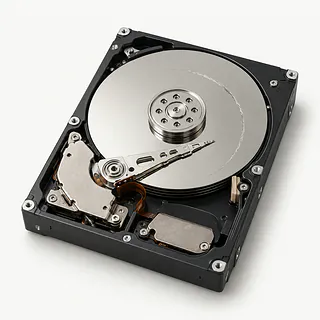
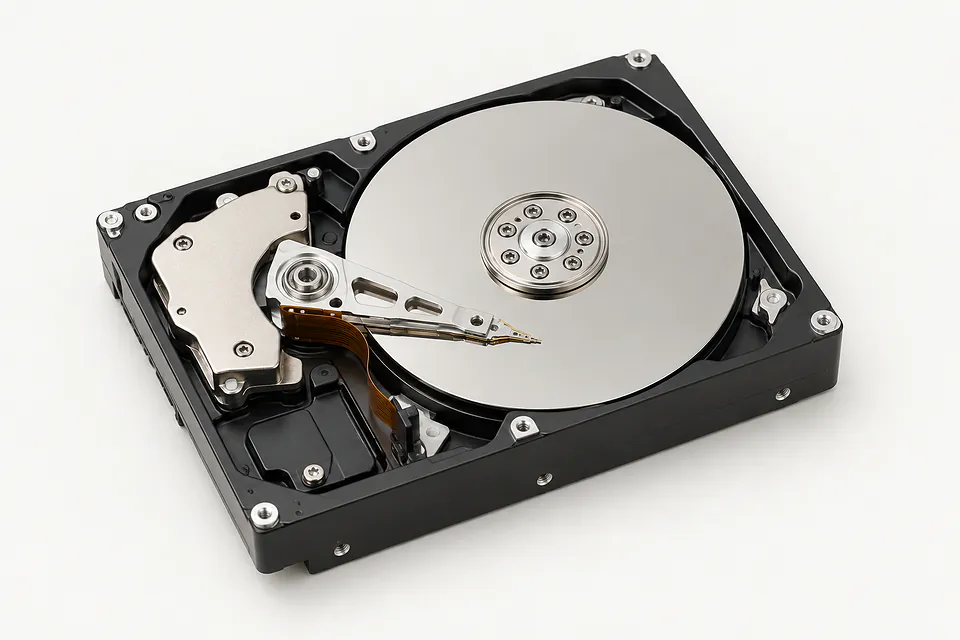
Hard drive clicking or beeping
Repeated hard clicks can mean failing heads. Beeping can accompany power or mechanical trouble, especially after a drop. Disconnect the drive.
Find a repair near you: Hard drive clicking or beeping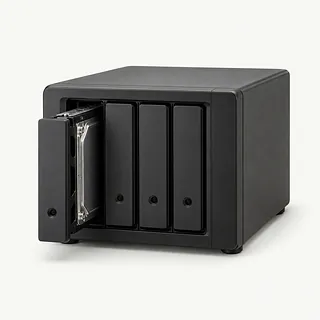
RAID or NAS folders missing
Failed drives or damaged array settings can block shared files. Don't start a rebuild or change drive order.
Find a repair near you: RAID or NAS folders missing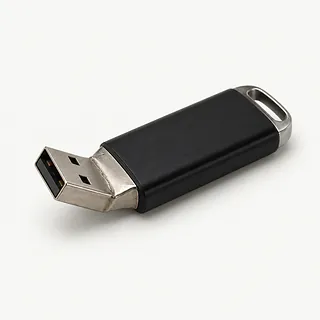
USB flash drive won't open
A bent connector, failed controller or corrupted file system can stop access. A shop can test which part failed.
Find a repair near you: USB flash drive won't open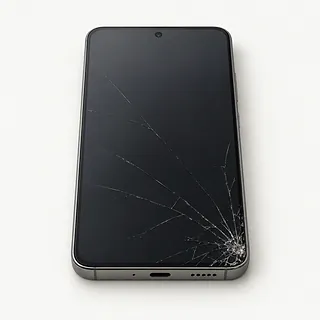
Phone photos inaccessible
A broken screen or failed board can prevent access even when files remain. Avoid a factory reset because it erases phone data.
Find a repair near you: Phone photos inaccessible


How data recovery works
Recovery starts by checking what can still be read without worsening the failure. The technician needs the storage type, the symptoms and a record of anything already tried. Encryption passwords or recovery keys may be needed.
Choose the recovery method
Deleted or corrupted data takes a logical recovery path, usually using an image of the storage. Mechanical or electronic failure calls for physical work before files can be read.
Handle the failed parts
Hard disk heads and motors need specialist handling, with opened disks kept in a clean room environment. SSDs, memory cards and USB sticks may need controller or circuit repairs. Moving memory alone may not overcome encryption.
Prepare the recovered copy
A RAID array's disk layout must be worked out again. The recovered folders are copied to another drive and checked for readable contents. A folder name alone doesn't prove its files survived.
Deciding what is worth recovering
The value of the files matters more than the age of the drive. Family photos or business records without another copy may justify recovery even when the device itself is worn out. Check that backups actually open before deciding.
Recovery and continued use are separate decisions. Replace failed storage after the files are retrieved. For a damaged phone or computer, weigh other faults, software support and the availability of compatible parts before paying for further repairs.
Ask for a written quote that separates retrieving data from restoring the device. Also ask what counts as a successful result, how missing files are reported and how recovered data will be returned.
Choosing a data recovery service
Can you check the files that matter most?
Name the photos, folders or databases you need. Discuss how readable files are separated from incomplete results before agreeing to recovery work.
What does the written quote include?
Evaluation fees, replacement hardware and payment for partial results should be clear. Get the terms for an attempt that produces nothing usable.
Have you recovered this kind of storage?
RAID arrays, NAS boxes and encrypted phones present different problems. Explain the device type and ask how deleted data work differs from hardware repair.
How do you protect confidential documents?
Discuss who can open recovered content, where working copies are kept and how their removal is handled once the job closes.
Does the device stay at your location?
Some providers send recovery work elsewhere. Get the receiving company's name and understand who handles shipping, updates and the return of your original storage.
What protects exposed hard drive platters?
Internal hard drive repairs need clean room conditions. Ask where that work takes place and how the exposed recording surfaces stay protected from dust.
Getting ready for data recovery
Preserve account settings
Don't sign out of Apple or Google accounts or erase a phone. Establish which password or recovery key is needed and how to send it securely.
Identify the missing material
Write down important filenames and folder locations. Check another computer or an existing cloud copy before requesting recovery of everything.
Set the failing device aside
Avoid further starts, saves and formatting. A noisy hard drive shouldn't be powered up again just to demonstrate the sound.
Make a symptom note
Describe how the failure started and what changed beforehand. Mention drops, liquid, deleted partitions and unsuccessful recovery tools.
Remove personal extras
Take off removable cases and keep unrelated memory cards and accessible SIM cards. Include the card itself when its contents need recovering.
Keep storage sets intact
Leave NAS disks in their original bays. Confirm which enclosure, adapter and separate storage for recovered data should accompany the job.
Data Recovery questions and answers
How many data recovery providers are listed?
You can compare 95 providers across 53 cities. Call to check whether a provider works with your kind of drive.
How can I check that my files will be kept private?
Ask for the provider's privacy policy before handing over your drive. Check who can access recovered files and when any copies kept for the job will be deleted.
More questions
Can I drop off a drive without an appointment?
Walk-in rules depend on the provider. Call ahead to check whether you can stop by or need to book a visit.
How much does data recovery cost?
The price depends on what went wrong and how much work the drive needs. Ask for a written quote before agreeing to recovery work.
Do I still pay if no files can be saved?
That depends on the service's fees. Before leaving your drive, ask what you'll owe if the recovery attempt fails.
Can I ask for only certain files to be recovered?
You can ask the service to focus on the files you want back. It may still need to work on the whole drive.
What is data recovery?
Data recovery means trying to get back files you can no longer open or find on a drive, phone or memory card. Files that have been overwritten may be lost for good.
What happens if I decide to stop the recovery work?
You may still owe for work already done, depending on the terms you agreed to. Ask about cancellation charges before the job starts.
Why is my external hard drive not showing up?
A cable, power connection or failed drive can stop an external hard drive from appearing. If it hasn't been dropped and sounds normal, try another compatible cable or port. Don't accept a prompt to format it.
Why is my hard drive clicking or beeping?
A hard drive that keeps clicking may have failing internal parts, and a beep can signal insufficient power or mechanical trouble. Stop powering it up. Further starts can damage the surfaces holding your files.
Can I recover deleted files?
Deleting a file doesn't always erase its contents immediately, so recovery is sometimes possible. Keep the affected storage idle and put no new software there. SSDs can clear deleted blocks even without replacement files being saved.
Can data be recovered from an SSD that is not detected?
SSD recovery is possible in some cases even when a computer cannot see the drive. Damaged memory, a failed controller or encryption can limit the result. Data erased through cleanup following TRIM remains unavailable after hardware repair.
Can files be recovered from a corrupted SD card?
Files can remain intact on an SD card that reports corruption. Avoid recording anything else or accepting a request to format. A broken file system and failed memory need different recovery approaches.
Can data be recovered from a failed RAID or NAS?
RAID recovery may work if enough usable data and array information remain. Keep each disk in its original position and leave rebuild commands alone. The result depends on the failed members and any changes made after failure.