Phone Not Charging? What Should You Check First?
A phone that won't charge needs checks: Apple's iPhone steps are to secure wall outlet, adapter and cable connections, remove port debris, then plug in firmly. Charge for half an hour, force restart if it won't power on, then charge another half hour, after which failure to charge might mean it needs service.
Key takeaways
- Don't use a charging cable or adapter with damage such as breaks or bent prongs.1
- Force restart an iPhone if it won't power on after half an hour of charging, then charge it for another half hour.1
- If a Galaxy still won't charge with another compatible Samsung charger and cable, seek a hardware inspection.4
Why won't my phone charge?
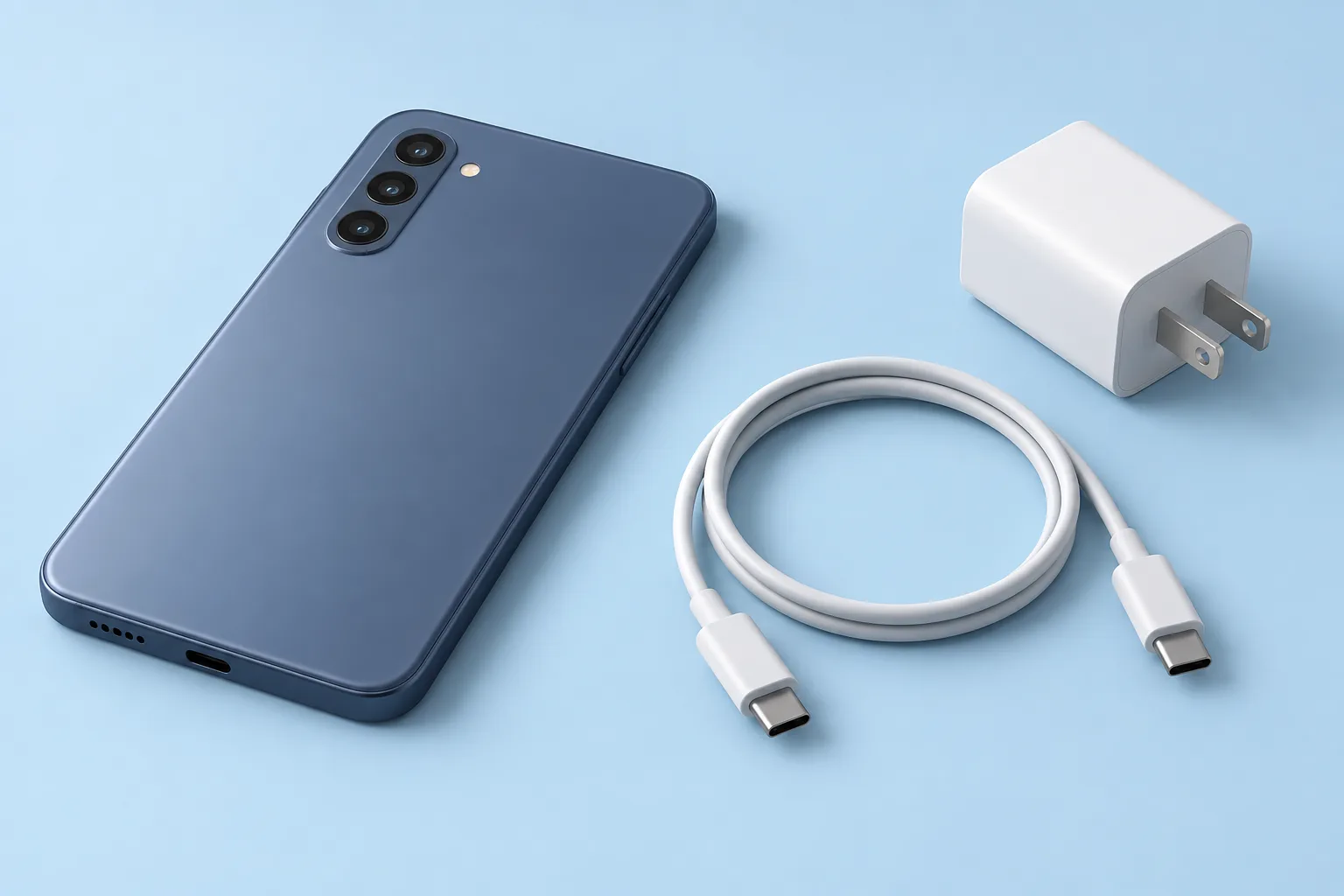
For an iPhone, check that the charging cable connects firmly to the wall adapter and that the adapter plugs firmly into the wall power outlet. Check for breaks or bent prongs. Don't use damaged accessories. Try a different wall outlet.1
On a Galaxy, unplug the charger and reconnect the cable securely to the charging port. If charging isn't working, try another compatible Samsung charger and cable. Chargers and cables may look much the same, but that doesn't mean they'll charge your Galaxy at the same speed.4
Incompatible or damaged accessories can slow charging, interrupt it or stop it altogether. An incompatible accessory may damage the device.4
If your Galaxy is too hot, charging may slow down or stop for a while. Wait for the device to cool down before trying again.4
Why is my phone not charging when plugged in?
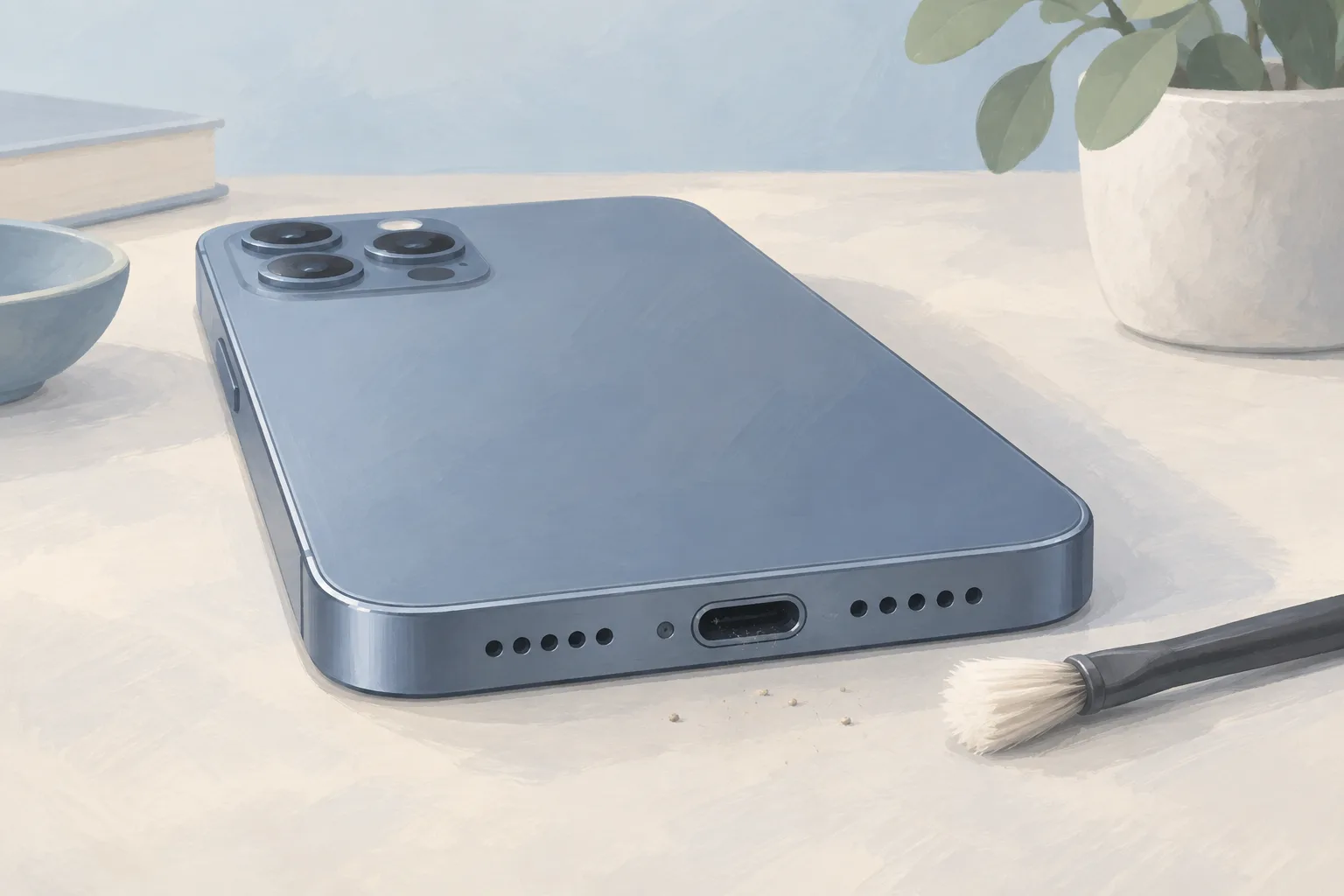
Debris in a Galaxy's charging port can keep the cable from making proper contact with the charging terminals. Turn off the device first. Inspect the port with a flashlight. On an iPhone, Apple instructs you to remove any port debris, then push the charging cable firmly into place.4, 1
How do you restart an iPhone that won't charge?
If an iPhone still won't power on after half an hour of charging, Apple's next step is to force restart it. A battery icon also calls for this step. After the restart, keep the cable plugged in and let the iPhone charge for another half hour before deciding whether it needs service.1
For an iPhone with Face ID, use this button sequence.2
Volume up
Press this button and quickly let go.1
Volume down
Next, press this button and quickly release it.1
Side button
Press and hold until you see the Apple logo.1
The logo can take longer than 10 seconds to appear.2
When should you take your phone to a shop?
An iPhone that still won't turn on or charge after these checks might need service. Samsung recommends a hardware inspection at its service center if a Galaxy still won't charge with another compatible Samsung charger and cable. Ask what test points to charging port repair before agreeing to have the port replaced.1, 4
How much does a phone charging repair cost?
Shops posted iPhone battery replacement prices of $59.99 to $149 on their own websites, checked September 25 to 30, 2026. The prices came from shops in New Jersey, Pennsylvania and Delaware. Ask for a written quote before booking a repair.7
| Fix | Price | Shop or DIY |
|---|---|---|
| Different wall outlet | Free | DIY, Apple lists this check |
| Different cable or adapter you already have | Free | DIY, Samsung lists a compatible accessory test |
| Remove port debris | Free | DIY, Apple lists debris removal |
| Force restart | Free | DIY, Apple gives the button steps |
| Let a hot Galaxy cool | Free | DIY, Samsung says to wait before charging |
| Charging Port Repair | Part $64.99 (iFixit, iPhone 16) | Shop, ask what test points to the port |
| iPhone Battery Replacement | $59.99 to $149 (6 local shops) | Shop, websites post replacement prices |
Questions
Why does my iPhone stop charging at 80 percent?
Optimized Battery Charging uses your daily charging routine to delay charging past 80 percent until your iPhone expects you'll need it. The feature works only when the phone predicts a long connection to a charger. Less time fully charged helps slow battery aging.1
Can Galaxy settings change how fast my phone charges?
A Galaxy can charge more slowly when battery protection is enabled. Its charging settings can also cause slow charging or make it seem not to charge. Menu names, settings and screen layouts can differ with your model and software version.4
Does the battery price range cover my exact iPhone?
The battery prices span different models, with the lowest and highest figures taken from 6 shop websites. Ask what the shop charges for the exact iPhone model you own and whether its quote is for the same repair you're considering.7
Find a repair near you
Sources
- If your iPhone or iPod touch won't charge, Apple. accessed Oct 3, 2026
- Restart an unresponsive iPhone, Apple. accessed Oct 3, 2026
- Samsung phone or tablet will not charge, Samsung. accessed Oct 3, 2026
- Samsung Galaxy device may appear to be charging slowly or not charging at all, Samsung. accessed Oct 3, 2026
- Apple Service and Repair for iPhone, Apple. accessed Oct 5, 2026
- iPhone 16 Charge Port, iFixit. accessed Oct 5, 2026
- RepairSeeker data, RepairSeeker. accessed Oct 5, 2026