
Find iPhone Repair Near You
Across 4 cities, 101 shops list iPhone repair among their services. Start with the city closest to you.
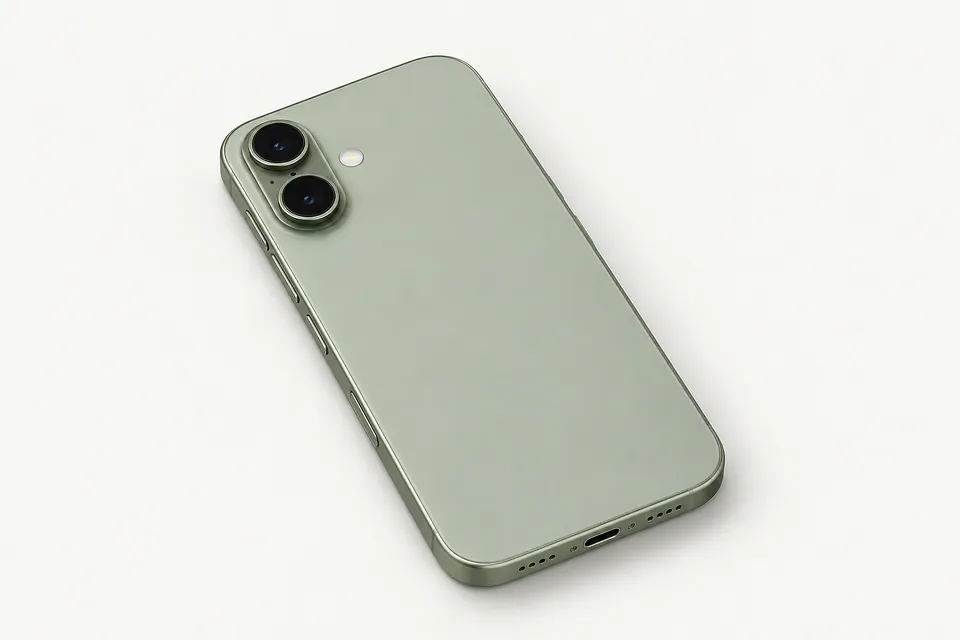
See which cities have shops offering iPhone repair
Common iPhone problems
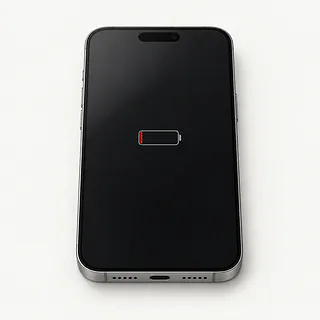
Losing charge with little use
Battery wear reduces the charge available, while background app activity can use it up. Poor cell reception can also increase battery drain as the phone searches for a signal.
Find a repair near you: Losing charge with little use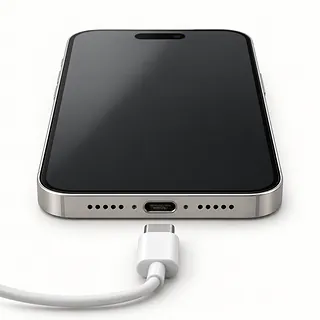
Charging plug won't stay connected
Compacted pocket lint can keep a cable from going fully into the port. With power off, gently lift visible lint using a wooden or plastic toothpick without scraping the contacts. A loose charging port may need replacement.
Find a repair near you: Charging plug won't stay connected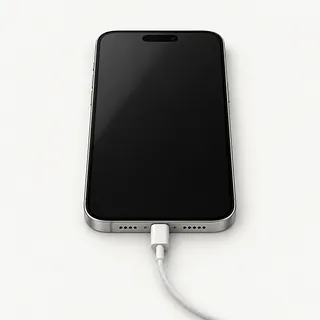
Phone works with no picture
Sounds and vibration suggest the phone is running behind a dark display. Force restarting is a useful first check, but a failed screen can give exactly this symptom.
Find a repair near you: Phone works with no pictureNo response to the power button
Try a different charging cable, power adapter and wall outlet. Lack of response alone doesn't tell you whether the battery, display or internal electronics have failed.
Find a repair near you: No response to the power button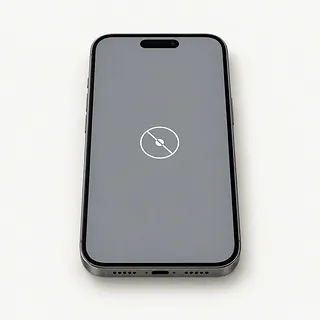
Screen won't respond to touch
Touch faults can follow a fall or a software freeze. Clean and dry the glass, then restart to see whether taps register again.
Find a repair near you: Screen won't respond to touch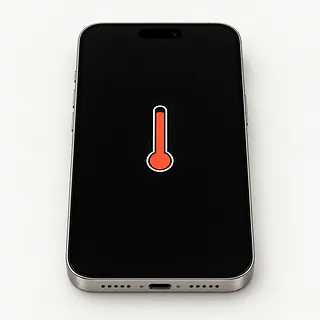
Getting hot while charging
Some warmth comes from charging, especially while running demanding apps. Stop charging if a temperature warning appears and let the device cool naturally.
Find a repair near you: Getting hot while charging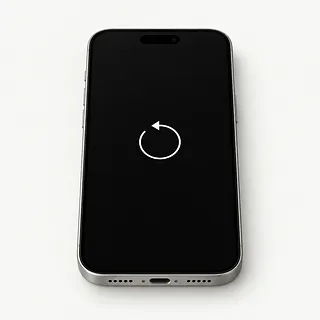
Restarts instead of staying on
A failing battery or software fault can cause repeated shutdowns. Tell the repair shop if it happens during demanding use, during startup or with the cable attached.
Find a repair near you: Restarts instead of staying on
Photos stay blurry
Smudges on the camera glass are worth checking first. Persistent blur after a knock can mean the camera needs repair.
Find a repair near you: Photos stay blurry


What an iPhone repair involves
The first job is reproducing the fault. Intermittent restarts need different checks from cracked glass, and battery health alone doesn't explain every shutdown. Describe any drop, liquid contact or charging trouble that came before the failure.
Replacement parts depend on what those checks reveal. Bonded screens normally come out as one assembly, though specialists can replace just the cover glass when the panel underneath still works. Battery work removes the old cell, while port repair usually replaces a separate cable assembly. If the iPhone has Touch ID, screen work should keep its original paired fingerprint sensor. Opened adhesive seals need new adhesive.
Copy anything you can still access before repair. Leave Find My enabled unless asked otherwise, and check that you know the password for your Apple Account. Agree how the repairer will unlock it for testing. Afterwards, try typing, taking photos, making calls, plugging in power and unlocking with your face or finger where supported. Ask what any new parts warning means.
When fixing an iPhone makes sense
An isolated battery or screen fault makes a stronger case for repair than several broken parts. If the phone still does what you need, ask for a written quote that names the work and the replacement parts.
An older iPhone is worth keeping if it still gets software updates and suitable parts are available. Check that it supports the apps you need, too. Cracked back glass, charging trouble and camera faults add separate work.
Unbacked photos or messages change the decision. Replacing the phone won't retrieve them. If the data matters more than keeping the phone, say that before approving repair or any step that erases it.
Questions for the repair counter
Which replacement screen will you install?
Ask who made the screen and whether it's OLED or LCD. Some aftermarket screens use LCD even when the original display was OLED, which changes how the picture looks.
What does the repair warranty cover?
Get the coverage in writing, including exclusions for cracked glass and liquid. Ask who handles a replacement part that stops working.
What will you test before and after?
Have charging, touch, cameras and Face ID or Touch ID checked and recorded. Compare those notes at pickup to spot anything that changed during repair.
Who can access the data on my phone?
Ask why a passcode is needed and who uses it. Find out whether testing can happen with you present.
Is there a testing fee if I decline the repair?
Agree on that charge before leaving the phone, including what happens if the fault can't be reproduced.
Getting your iPhone ready for repair
Describe the failure
Record what happens and what came before it, such as an update or a fall. Mention intermittent faults, including touch that stops responding only while charging.
Save your files
Use a computer backup or iCloud while the iPhone is usable. If it won't start, tell the repair counter which files have no other copy before allowing any reset.
Keep control of account access
Handle Find My changes yourself only when the shop or Apple asks, using your Apple Account credentials. Restore it once work is finished if you disabled it. Discuss passcode access separately and ask which tests need an unlocked screen.
Pack only what's needed
Leave the case and unrelated accessories at home. Keep the SIM card if there's a tray, and bring a suspect charger only when requested.
Related repairs
iPhone Repair: common questions
Where can I get iPhone repair close to home?
With 101 shops saying they offer iPhone repair, you can start by looking in your city. Your next step is to call about the model and problem.
Who can give me an estimate for iPhone repair?
Your model and the work it needs affect the total. Ask for an estimate when you call, including any parts that may need replacing.
What could change the estimated time for iPhone repair?
You can ask the shops to explain what their time estimate depends on. When you call, mention the damage and check how busy they are.
At what point should I replace my iPhone instead?
If the only copy of an important file is on the device, that matters too. Ask for a quote, then weigh the cost, its age, any other faults and what keeping it is worth to you.
What is worth writing down before iPhone repair?
If you're able to use the device, copy accessible files and note its full model name and how it failed. Check by phone about keeping the case on, taking the charger and dealing with the passcode.
Why won't my iPhone charge when plugged in?
A worn cable, bad charger or pocket lint packed into the port can stop charging. Try another cable, adapter and outlet. If wireless charging works, check those wired connections before blaming the battery.
How do I clean my iPhone charging port?
Use a toothpick made of wood or plastic to tease out visible pocket lint without touching the contacts. Disconnect the cable and turn the phone off first. Leave anything that resists a gentle touch alone.
Why is my iPhone screen black but the phone still works?
A failed display or frozen software can leave the screen black while calls still ring. Try a force restart using the steps for your model. If that doesn't bring the picture back, a shop can test the screen.
Why is my iPhone battery draining so fast?
Battery wear and heavy app use both shorten the gap between charges. Check the Battery section in Settings for power use by app, plus capacity and service messages under Battery Health where supported. Swapping batteries won't change an app's appetite for power.
Why is my iPhone overheating?
Charging, demanding games and direct sunlight can make an iPhone hot. If it feels unusually hot or shows a temperature warning, stop using it, unplug it and move it into the shade to cool.
Why does my iPhone keep restarting?
Both software faults and worn or damaged parts can make an iPhone restart repeatedly. Save a backup if it stays usable and look for available iOS updates. A pattern tied to a particular app or charging cable is worth noting.