iPhone keeps restarting: what to check before repair
For an iPhone that keeps restarting, try a working charger, then check for updates if you can access the operating system. If the Apple logo stays for several minutes without a progress bar, Apple says recovery mode might be needed to restore it. Service might be needed if you can't update or restore it with recovery mode.
Key takeaways
What should I check if my iPhone keeps turning on and off?
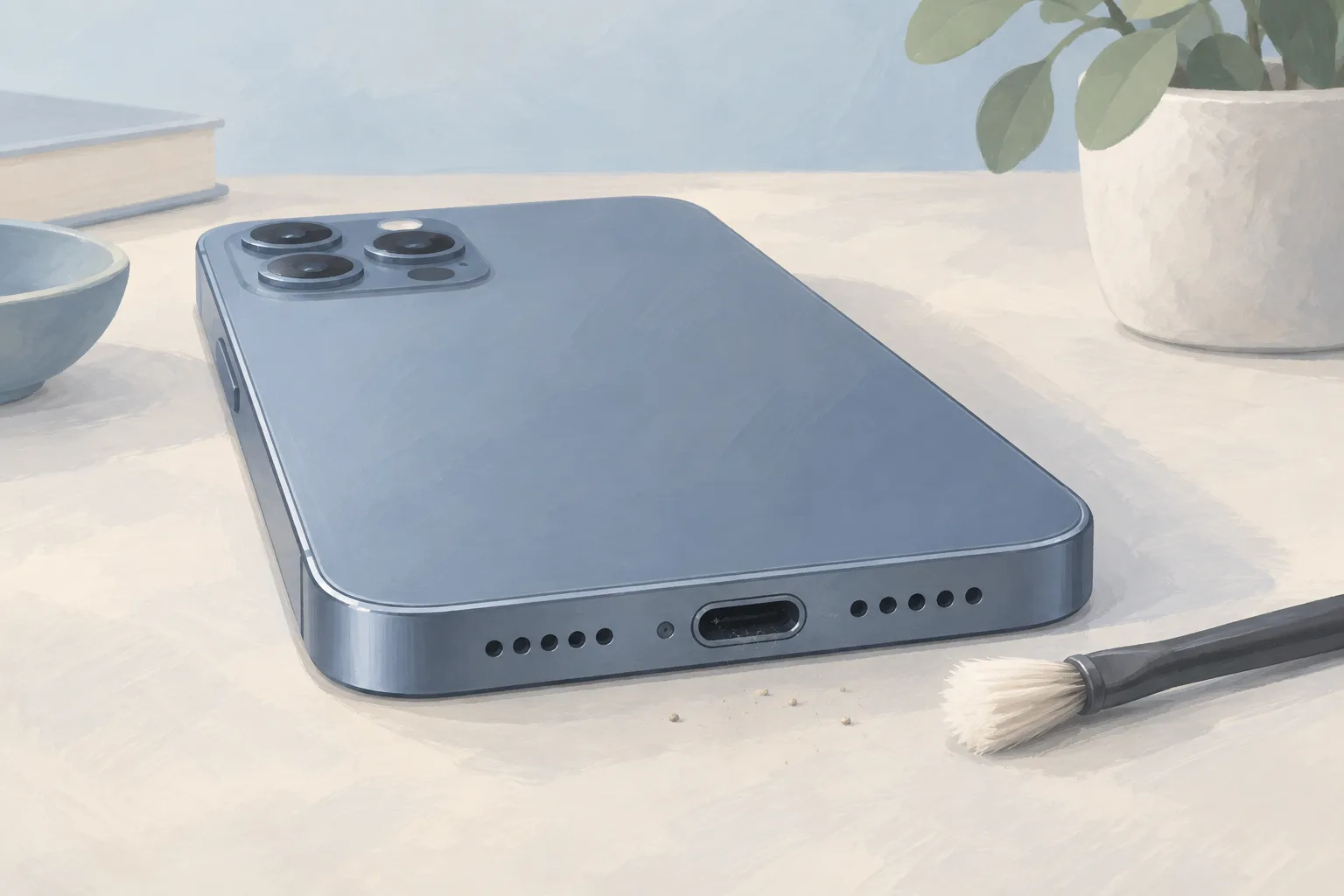
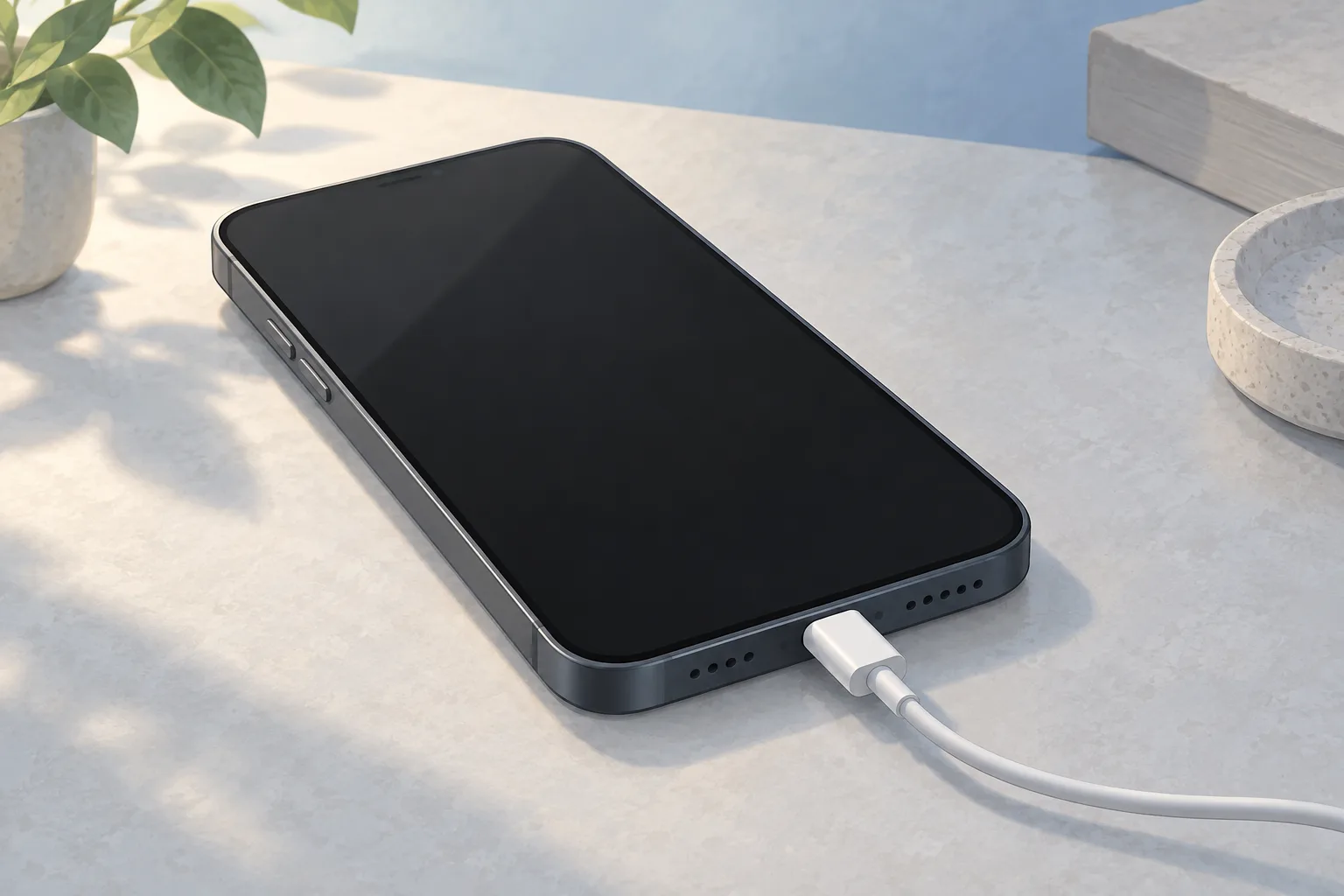
Start with a charger you know works. Try a force restart too. If the phone stays on long enough to use it, check for software updates. Lint can get packed into the charging port each time you plug the cable in.2
Check the cable's fit
Trapped lint can keep the cable from fitting well. So can other debris.2
Clear any trapped debris
Use a toothpick or another probe that doesn't conduct electricity.2
Don't charge or leave the phone in hot places for long periods, including in direct sun.3
Why does my iPhone keep showing the Apple logo and turning off?
An Apple logo that stays for several minutes with no progress bar means you might need recovery mode to restore the phone. A computer that doesn't recognize it, or reports it's in recovery mode, is another sign. So is the "Connect to computer" screen.1
To start Apple's recovery process, connect the phone to your computer with a cable and keep it connected. The button steps include holding the side button until the "Connect to computer" screen appears.1
Why does my iPhone keep turning off and restarting?
Restarts can happen when your phone can't communicate with parts inside it, such as the battery, charging port or their connections. The port's internal cable can fail too. Faults can involve the power button cable. The camera flash cable or its connector on the main circuit board can fail too.2
If the other checks haven't worked, failed or damaged parts on the main circuit board may be causing the restarts. Have a repair shop check which part has failed.2
A battery can fail to supply enough power. That can cause an unexpected shutdown. Battery Health can tell you if you need a new battery.3
Will restoring my iPhone erase my data?
Restore erases all your data. It also reinstalls the phone's software. In Apple's recovery steps, you choose Restore when the computer offers Update or Restore, then wait while the software downloads. Once that process ends, set up your phone again.1
If the download takes more than 15 minutes, your phone might leave the "Connect to computer" screen before it finishes.1
When should you take your iPhone to a shop?
Your iPhone might need service if you can't update or restore it with recovery mode, Apple says. A stuck or broken button that prevents recovery mode can also mean it needs service. Battery capacity below 80% calls for battery service.1, 2
| Fix | Price | Shop or DIY |
|---|---|---|
| A different cable or adapter you already have | Free | DIY: try a working charger |
| Cleaning the charging port | Free | DIY: clear trapped debris |
| A force restart | Free | DIY: a troubleshooting step |
| A software update | Free | DIY: if the phone stays on |
| Avoiding prolonged heat | Free | DIY: Apple's battery care advice |
| Restore using a computer | Free | DIY: Apple's recovery process |
| Battery service | Ask a shop for a quote | Shop: capacity below the service threshold |
| Charging port or internal cable repair | Ask a shop for a quote | Shop: possible internal faults |
| Power button or camera flash cable repair | Ask a shop for a quote | Shop: possible internal cable faults |
| Circuit board repair | Ask a shop for a quote | Shop: small parts may have failed |
| Service for a stuck or broken button | Ask a shop for a quote | Shop: button prevents recovery mode |
| Service after recovery mode fails | Ask a shop for a quote | Shop: can't update or restore |
Questions
Can cold weather affect the battery's power?
A battery's peak power might decrease. Cold weather and a low charge can raise battery impedance for a while, which can make it harder to supply enough power. High impedance also means a larger voltage drop while your phone draws power.3
Why did my battery health reading change?
Battery health readings on iPhone 11, iPhone 11 Pro, and iPhone 11 Pro Max can change through recalibration. The change addresses wrong estimates for some users. It's part of iOS 14.5 and later, and covers both how much charge the battery holds and the peak power it can supply.3
What should I check if my phone might have gotten wet?
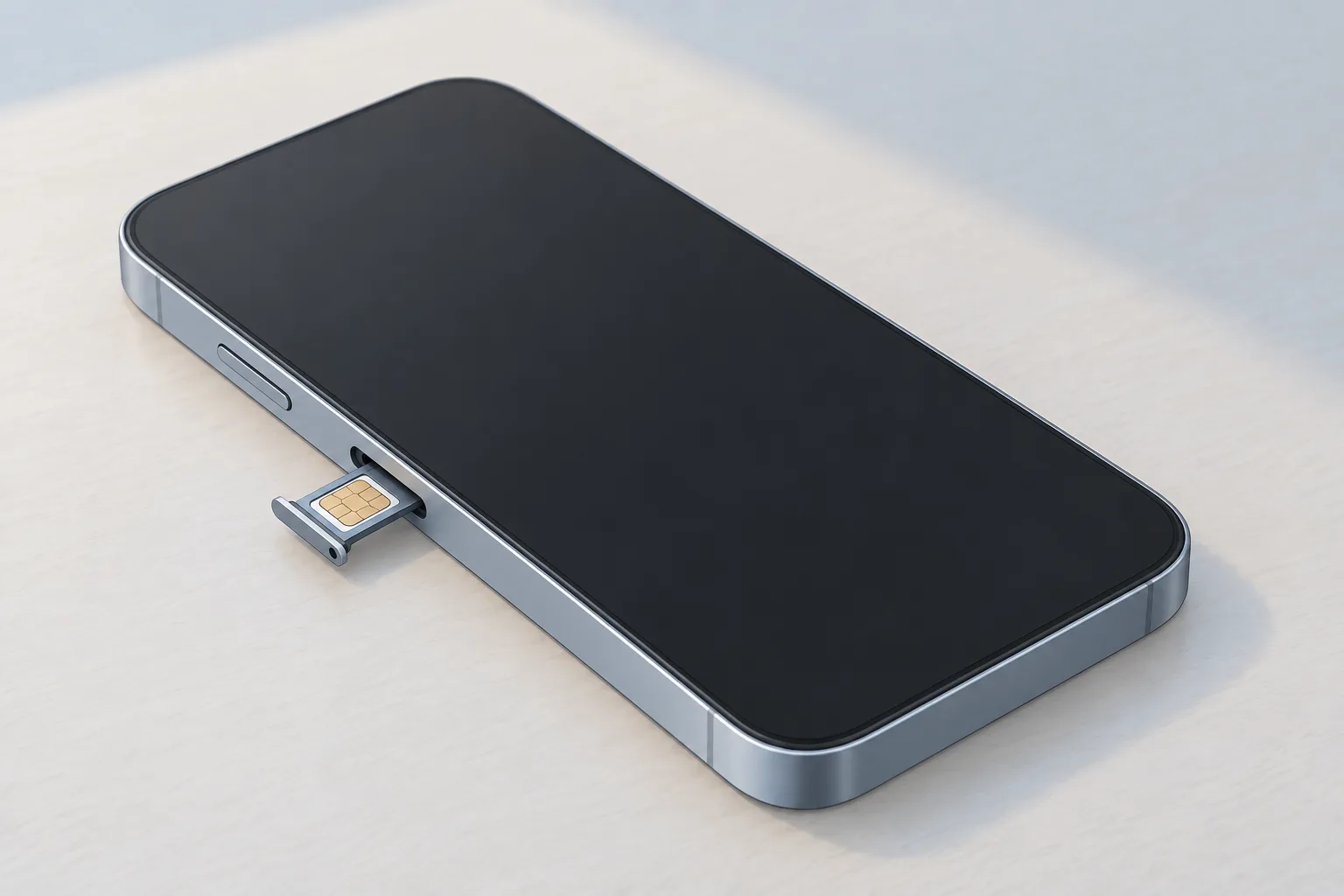
If there's a chance your phone got wet, check its liquid damage indicator. The sticker sits under the display. Use the repair guide for your model to open it. If you find signs of liquid, iFixit's iPhone Liquid Damage Guide might help.2
Find a repair near you
Sources
- If you can't update or restore your iPhone or iPod touch, Apple. accessed Oct 7, 2026
- iPhone Keeps Restarting, iFixit. accessed Oct 7, 2026
- iPhone battery and performance, Apple. accessed Oct 7, 2026