iPhone Face ID not working: checks before repair
If iPhone Face ID is not working, update to the latest iOS, as Apple advises. In Settings, open Face ID & Passcode and check it's set up with your chosen features turned on. If a notification says Face ID is disabled, have a trained technician using genuine Apple parts repair your iPhone.
Key takeaways
What should I check when Face ID is not working on iPhone?
Update your iPhone to the latest version of iOS, and make sure your model supports Face ID. Then open Settings and tap Face ID & Passcode. Check that you've set it up. Turn on each feature you're trying to use Face ID with, including when you pay for purchases or sign in to apps.1
You can turn off Face ID. Use that menu to disable it just for opening your iPhone.2
Why is Face ID not working on my iPhone 13 sideways?
Face ID works sideways on iPhone 13 models and later running iOS 16 and later, as well as when held upright. Earlier models work only when upright. On those models, you must face the TrueDepth camera. With a mask, Face ID works only when your iPhone is in portrait orientation.1
The mask option works on iPhone 12 and later, and the phone needs to be running iOS 15.4 or later.1
Why is my Face ID not working on my iPhone?
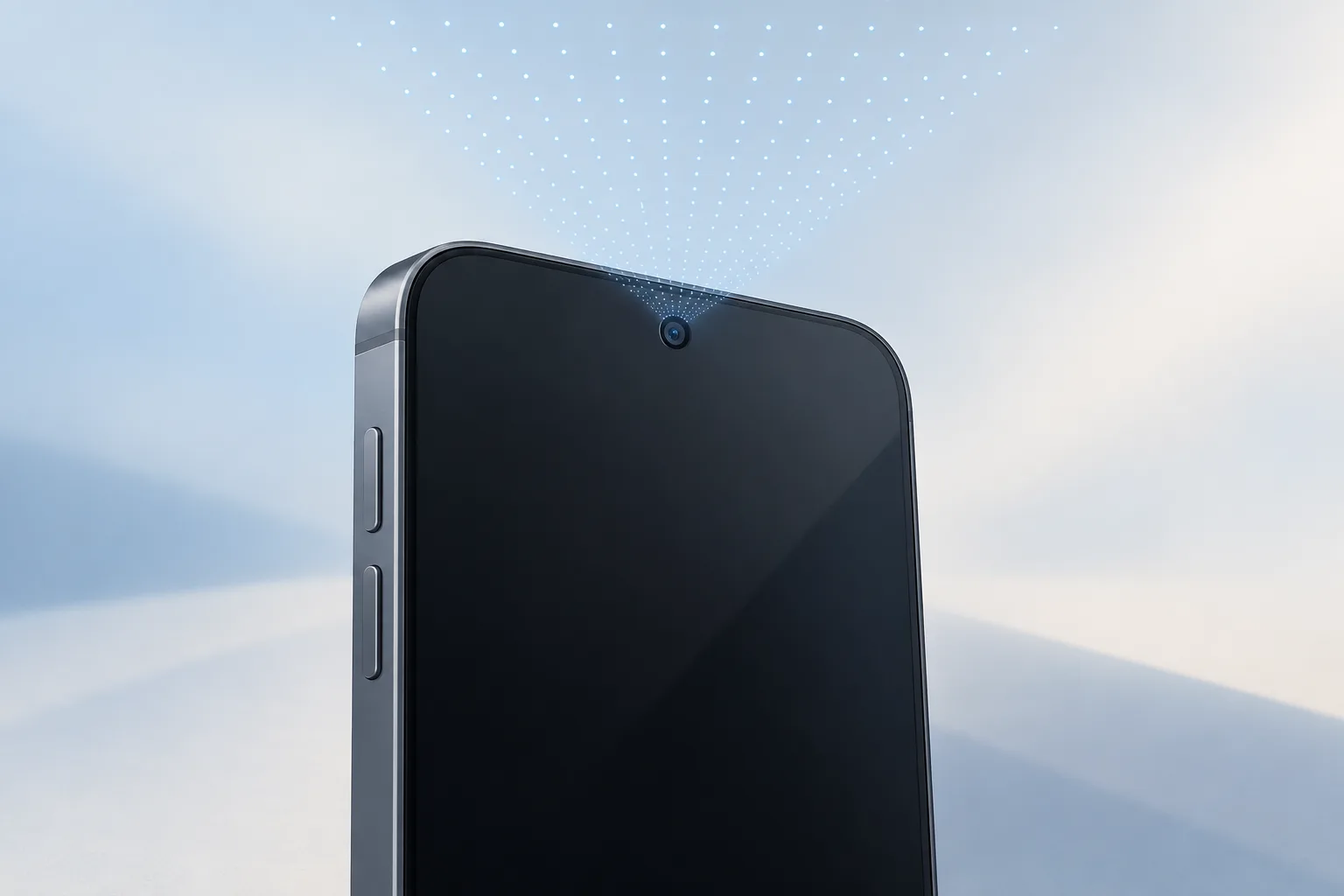
Face ID needs the TrueDepth camera to see your face or eyes, even when your iPhone is lying on a surface. Keep the phone within an arm's length or closer, at 10-20 inches from your face. You can hold it in a natural position.2, 1
On iPhone 18 Pro models, the TrueDepth camera sits at the top of the phone toward the left corner. Keep fingers clear when holding one sideways. Don't cover it with your palm.1
Face ID is designed to work with hats, scarves, glasses, contact lenses, and many sunglasses.2
When should you take your iPhone to a shop?
You might need a repair shop if Face ID keeps asking you to position your face within the frame and setup doesn't continue. Your iPhone might need service for that problem too if your camera isn't working and you can't set up Face ID.1
| Fix | Price | Shop or DIY |
|---|---|---|
| Update iOS | Free | DIY: Apple's first check |
| Check Face ID settings | Free | DIY: Apple lists the settings to check |
| Adjust phone position | Free | DIY: follow model and mask requirements |
| Reset Face ID and set it up again | Free | DIY: Apple recommends this if it still won't work |
| Add an alternate appearance | Free | DIY: Apple lists this for appearance changes |
| Service for stalled setup or camera trouble | Ask a shop for a quote | Shop: these symptoms might need service |
| Repair after a Face ID disabled notification | Ask a shop for a quote | Shop: trained technician using genuine Apple parts |
If a notification says Face ID has been disabled, have a trained technician using genuine Apple parts repair your iPhone. Damage or a fault might cause the laser system to shut off for safety reasons.2
If you're also arranging screen repair, ask the shop to check Face ID during that visit.
Questions
Should I add an alternate appearance if my look has changed?
When facial hair, heavy makeup, or other changes make you look very different, you can set up an alternate appearance. On iPhone 18 Pro models, try adding one if Face ID won't work with clear or prescription glasses. Wear your glasses during setup.1
How does Face ID recognize my face?
The TrueDepth camera maps your face's shape. Face ID checks that it's you. It uses that camera and machine learning. When it detects a close match and you then enter your passcode to open your iPhone, Face ID updates its data.2
What happens if I erase my iPhone and don't set up Face ID?
Find My can erase or reset your iPhone. Doing either deletes all Face ID data. Erasing all content and settings does too. Even if you don't enroll in Face ID, the TrueDepth camera supports features that respond to your attention by dimming the display or lowering alert volume.2
Find a repair near you
Sources
- If Face ID isn't working on your iPhone or iPad Pro, Apple. accessed Oct 7, 2026
- About Face ID advanced technology, Apple. accessed Oct 7, 2026