iPhone not charging: What should you check first?
For an iPhone not charging, start with the cable, adapter, outlet and charging port debris checks from Apple. First, inspect the cable and adapter for damage, including breakage or bent prongs. If your iPhone still won't power on or charge after Apple's charging and force-restart sequence, it might need service.
Key takeaways
- Check for damaged accessories and loose connections before seeking a repair.1
- After half an hour charging, force restart if the phone still won't power on or shows a battery icon.1
- A pause at 80 percent can be part of Optimized Battery Charging.1
- Battery replacement prices posted on 6 shop websites span $59.99 to $149 across models, checked September 25 to 30, 2026.7
Why is my iPhone not charging when plugged in?
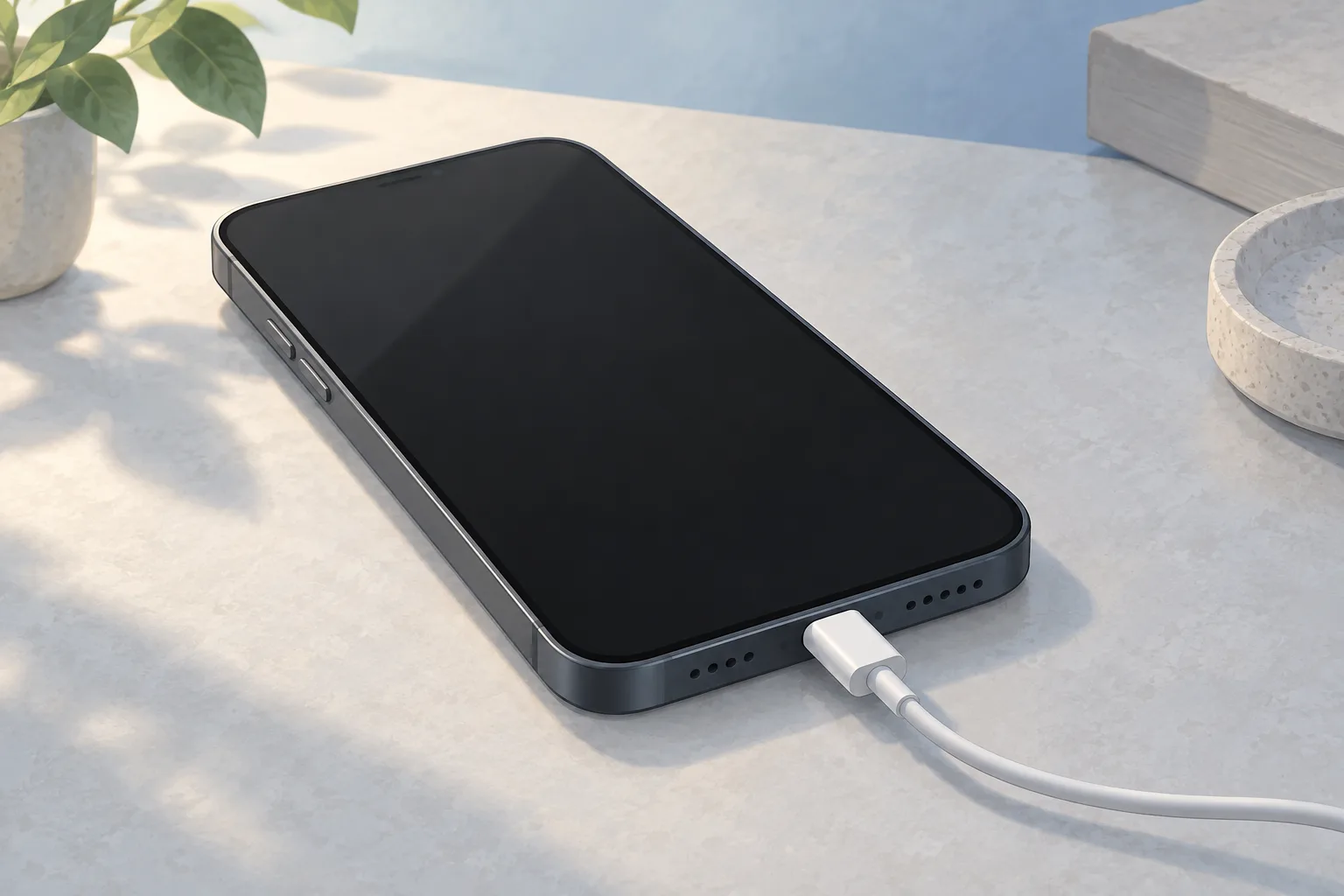
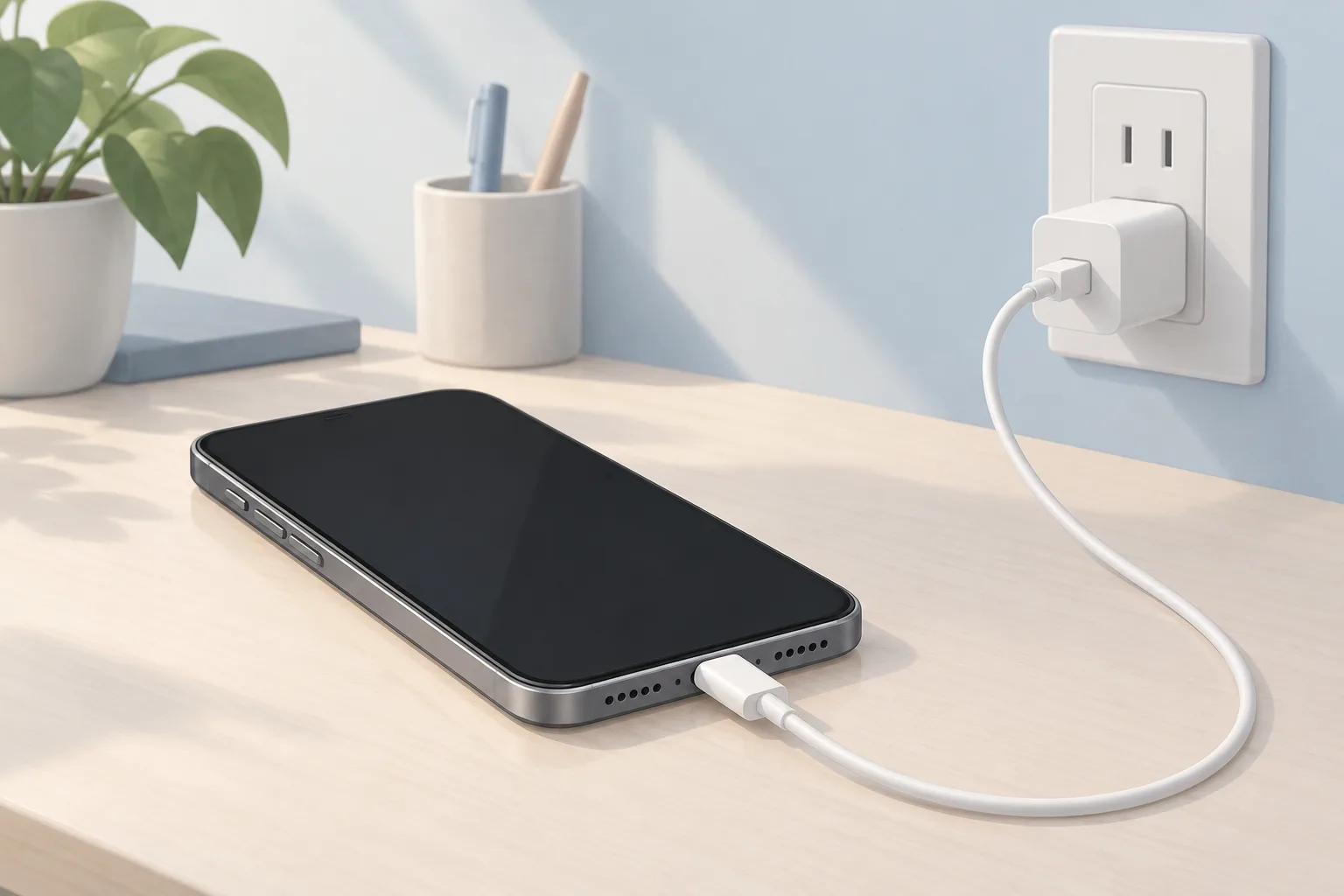
For a battery that won't charge or charges slowly, Apple starts with checks for cable and adapter damage, such as breakage or bent prongs. Use a wall outlet. Make sure the cable, adapter and outlet connections are firm, or try another outlet.1
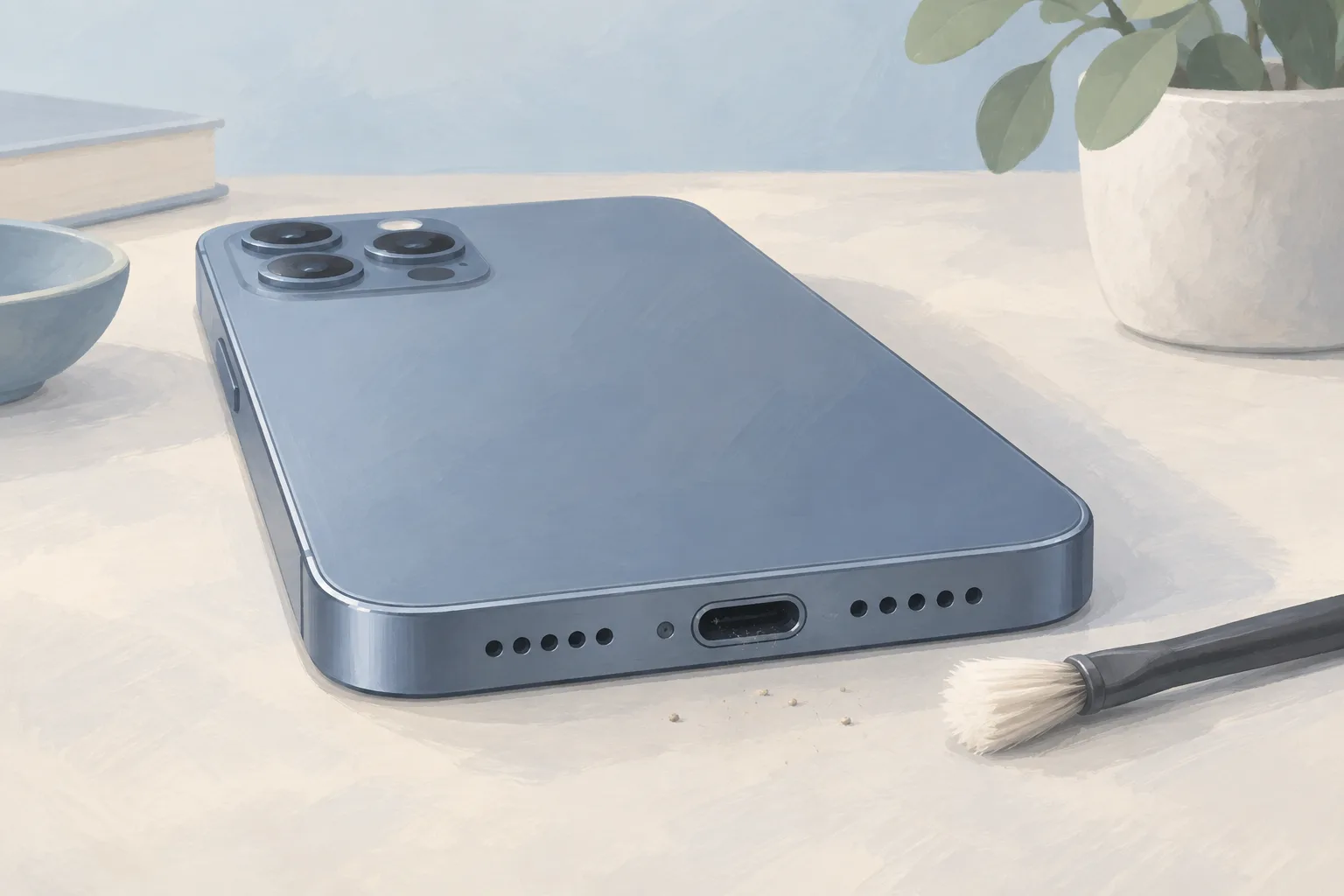
Remove debris from the charging port, then plug the cable firmly into the phone. Dirt on the cable's contacts can prevent the battery from charging too.1, 4
Why won't my iPhone charge with this cable?
A cable that works with another phone lets you test whether your current cable is the problem, so borrow one and see if charging changes. Test the adapter and outlet as well. Look for fraying, exposed wires or damage to the cable's connector.3
Replacing the cable is the fix if that cable proves to be the cause. If cleaning doesn't help, the charging port may be faulty and need replacement.3
What should I try if my iPhone won't charge when plugged in?
Let the phone charge for half an hour after the cable and port checks. If it still won't power on or displays a battery icon, force restart it using Apple's button sequence. A fully drained battery may delay startup when you connect power, while a phone that's temporarily frozen may need a force restart.1, 4
When should you take your iPhone to a shop?
Your iPhone might need service if it still won't power on or charge after Apple's charging and force-restart sequence. If it still won't turn on, ask an iPhone repair shop to check for a dead battery or bad charging port.1, 4
Testing with a partly charged replacement battery can show whether the phone will turn on. If it doesn't, the power button or logic board, the main circuit board, may be at fault.4
What does an iPhone charging repair cost?
Prices for an iPhone battery replacement posted on shop websites in NJ, PA and DE span $59.99 to $149 across models. Those 6 websites were checked September 25 to 30, 2026. The iPhone 16 charging port sold by iFixit is a replacement assembly.7, 6
| Fix | Price | Shop or DIY |
|---|---|---|
| Charging Port Repair | Part $64.99 (iFixit, iPhone 16) | Shop: a faulty port may need replacement |
| iPhone Battery Replacement | $59.99 to $149 (6 local shops) | Shop: a dead battery may need replacement |
| Try a cable or adapter you already have | Free | DIY: test the charging accessories |
| Try another outlet | Free | DIY: Apple lists this check |
| Remove charging port debris | Free | DIY: Apple lists this check |
| Force restart when indicated | Free | DIY: follow Apple's button sequence |
| Change a set charge limit | Free | DIY: Apple lists this setting |
This port part includes a flex cable, a connector for the main circuit board and the charging connector socket.6
Questions
Why does my iPhone stop charging at 80 percent?
Optimized Battery Charging can wait to finish charging past 80 percent until you need your phone, based on what it learns about your daily charging routine. The feature is active only when your iPhone expects to stay connected to a charger for a long time. Its purpose is to reduce battery aging.1
Can heat or a charge limit keep my iPhone from charging fully?
If the battery gets too warm, software might limit charging above 80 percent to extend its lifespan. Charging resumes when the temperature drops. On iPhone 15 models and later, a set charge limit can stop charging, so change it if you want to charge past 80 percent.1
Which charging cable does my newer iPhone need?
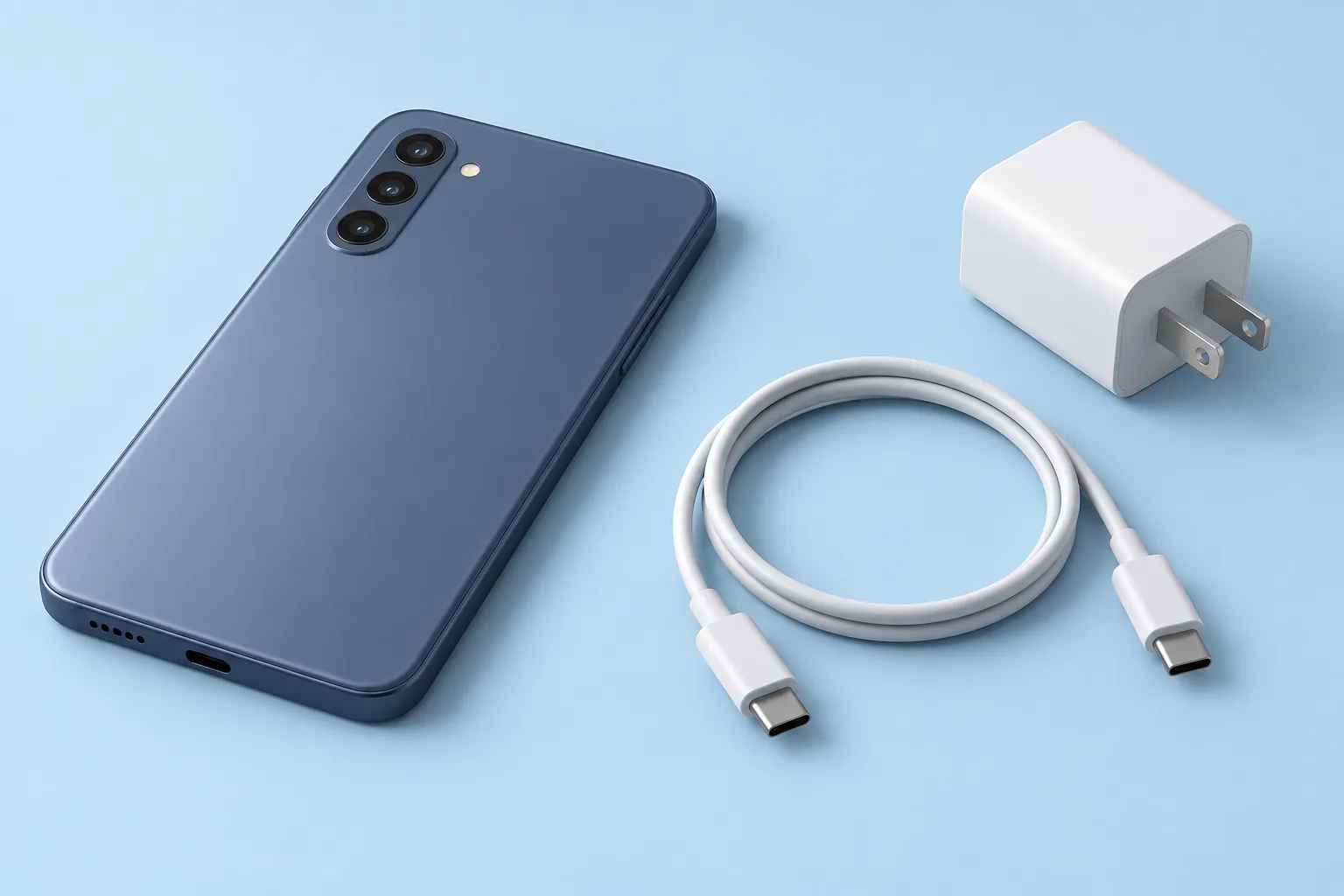
iPhone 15 and later models use a USB-C connector and can charge with a USB-C cable and compatible power adapter. Connect the cable to the phone and adapter. Plug into a wall outlet. You can also charge from a computer by connecting the cable to its USB-C port.2
What does Apple charge for battery service?
Apple's estimated battery service fee for iPhone 11, iPhone 12 and iPhone 13 is $89, read October 6, 2026. For iPhone 14, iPhone 15 and iPhone 16, it's $99, while estimates for iPhone 16 Pro and iPhone 16 Pro Max are $119. These are out-of-warranty fees. Tax may apply.5
Find a repair near you
Sources
- If your iPhone or iPod touch won't charge, Apple. accessed Oct 6, 2026
- Charge and connect with the USB-C connector on your iPhone, Apple. accessed Oct 6, 2026
- iPhone Not Charging, iFixit. accessed Oct 6, 2026
- iPhone is Charging but Won't Turn On, iFixit. accessed Oct 6, 2026
- Apple Service and Repair for iPhone, Apple. accessed Oct 6, 2026
- iPhone 16 Charge Port, iFixit. accessed Oct 6, 2026
- RepairSeeker data, RepairSeeker. accessed Oct 6, 2026