
Find iPhone 11 Screen Replacement Near You
For help close to home, search 7 shops that say they handle iPhone 11 screen replacement. Find your city and ask about your exact model.
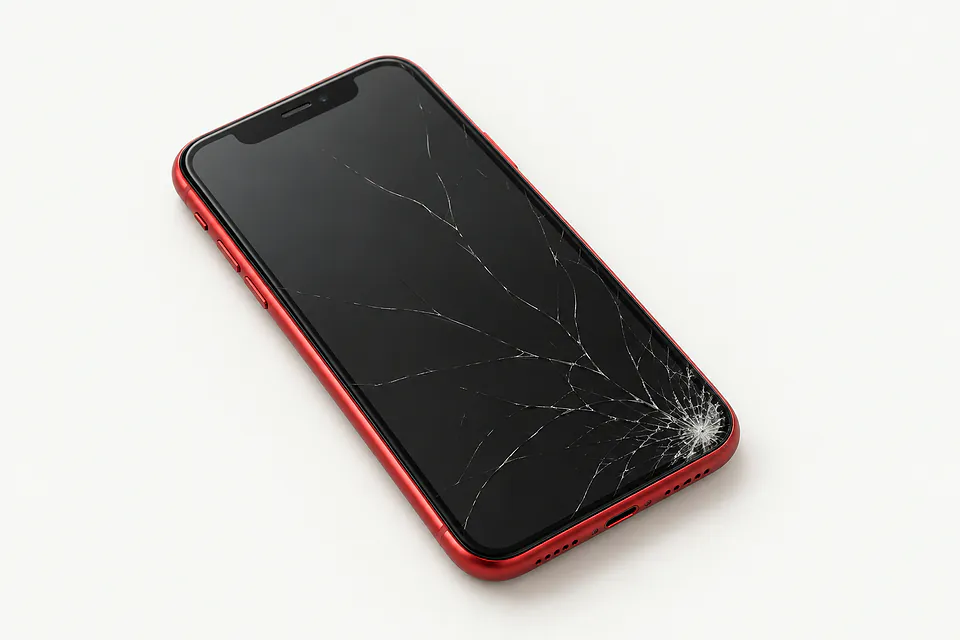
Common iPhone 11 screen problems
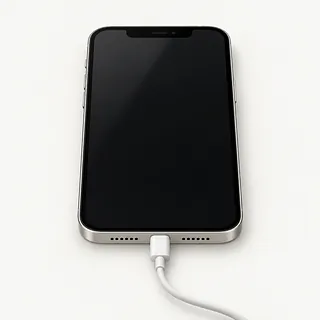
Screen went dark but alerts sound
Hearing notifications with nothing on the display often points to screen trouble. Force restarting can clear a frozen phone. If that changes nothing, a shop can connect a working panel to check.
Find a repair near you: Screen went dark but alerts soundPart of the screen won't respond
An impact can break touch in just one section, leaving the rest usable. Wipe off any wet patches, restart, then note where taps stop registering, such as along the bottom edge.
Find a repair near you: Part of the screen won't respond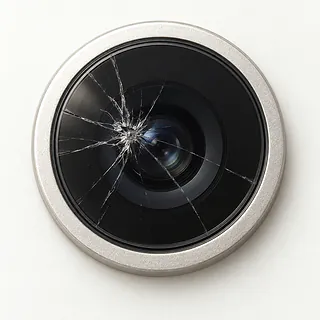
Camera shows nothing
A working photo library alongside a blank viewfinder suggests camera trouble rather than a failed screen. Reopen Camera and switch cameras to see if only one has stopped showing a picture.
Find a repair near you: Camera shows nothing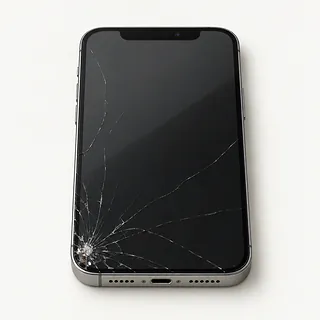
Screen glass has a spreading crack
Cracks usually start where the phone took a hit and can spread across otherwise working glass. A specialist may replace the cover alone if both image and touch remain undamaged, though a complete display swap is more usual.
Find a repair near you: Screen glass has a spreading crack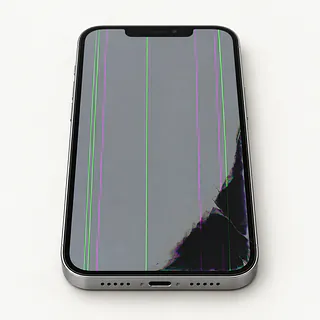
Screen keeps flashing
Flicker with dark blotches or colored lines usually comes from a damaged panel. Try restarting if flashing is the only symptom, but don't press on marks under the glass.
Find a repair near you: Screen keeps flashing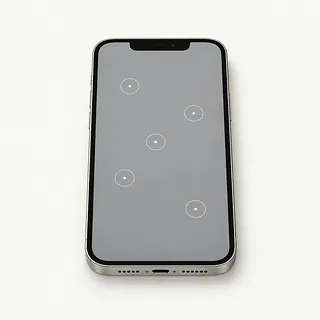
Touch screen presses things on its own
Moisture and broken touch hardware can both cause ghost touch. Dry the glass before trying again, and stop unlocking attempts if the phone enters extra numbers.
Find a repair near you: Touch screen presses things on its own


What happens during iPhone 11 screen replacement
The repairer first checks what still works, including sounds from a dark phone and areas that miss taps. Trying another screen helps check whether the old one caused the trouble. Mention a splash even if the phone kept working afterwards.
The usual swap removes the broken glass along with its bonded panel. LCD belongs in the regular iPhone 11, while the iPhone 11 Pro and Pro Max came with OLED. Some aftermarket screens substitute LCD on those Pro models, so confirm which technology and part you're getting.
The shop keeps the original Face ID sensors safe and transfers attached parts as needed, taking care around the selfie camera and earpiece. New adhesive seals the edges, but don't treat a repaired phone as waterproof. Testing should cover typing, image brightness, sensors, photos, face recognition and sound through the earpiece. Ask the repairer to explain any screen message shown in Settings under General, then About.
Deciding between screen repair and another phone
You may still need this phone to get at files that never synced. A replacement screen could let you unlock it and copy a child's voice recording or notes saved only on the phone. Tell the repairer those files matter before allowing an erase.
Other broken parts can tip the decision toward another phone. If yours already needed constant charging or the Lightning cable only worked at an angle, include those faults when asking for a quote. If everything worked until the glass cracked, there's a stronger case for keeping it.
Age matters even with an intact screen, so check which iOS updates Apple still offers and whether your daily apps can run. Ask about parts before committing, too. The standard iPhone 11 takes an LCD panel, while the Pro and Pro Max use OLED.
What to ask about the replacement screen
What screen type and source does this quote cover?
The iPhone 11 has an LCD, while iPhone 11 Pro and iPhone 11 Pro Max have OLED. Ask who made the replacement and whether it's a refurbished Apple panel or an aftermarket part.
Can you record Face ID and earpiece checks?
A screen swap involves delicate parts near the front camera. Have working features recorded at drop-off, then try face unlock, a call and touch across the display at pickup.
Does the warranty cover a screen that flickers?
Read the terms for display faults and touch failures. Check whether coverage includes the replacement part and the work, plus what would exclude a claim.
Can testing happen without keeping my passcode?
The code also opens messages and photos. Arrange to enter it yourself for checks that require unlocking.
Is there a testing fee if repair stops?
Get the charge for checking the phone in writing, including what applies if you reject the quote.
What if a replacement leaves the display black?
A ringing phone with no picture can have a fault beyond the screen. Require permission before further work adds to the bill.
Before leaving your iPhone for screen repair
Jot down the missed taps
Name the letters that won't type or the spot that flashes green. Say when it began and mention any drop or contact with liquid.
Check your saved backup
Back up through iCloud or connect the iPhone to your computer, then make sure the copy completed. Mention photos that haven't been copied elsewhere if a black screen prevents backing up.
Sort out the passwords
Know your Apple login. Disable Find My only at the shop's request, enter the password yourself, and restore the setting afterward.
Offer to unlock it
Ask which checks need your device passcode and arrange to enter it during the visit.
Pack just what's needed
Detach any wallet and take the phone out of its case. Ask about keeping the SIM with you, and bring accessories only when needed to show the fault.
Related repairs
iPhone 11 Screen Replacement: common questions
Where can I get iPhone 11 screen replacement close to home?
The 7 shops you can search by city all say they offer this service. Ask about your model and fault before deciding where to go.
How can I find out what iPhone 11 screen replacement will cost?
The cost of iPhone 11 screen replacement depends on your model and what is wrong. Call with both and ask what the quote covers.
Can a shop estimate how long iPhone 11 screen replacement will take?
A shop's first estimate for iPhone 11 screen replacement may change after they examine the damage. Contact them by phone to discuss timing, including how much work they have waiting.
When is it time to stop repairing an old device?
A device you no longer use may still hold files you need. Ask for an estimate of iPhone 11 screen replacement, then weigh the cost against its age, other faults and how useful it could be to you before choosing.
Can I do anything at home to prepare for iPhone 11 screen replacement?
You can prepare for iPhone 11 screen replacement by noting the model and fault and saving accessible files if your device still works. Call to discuss what happens with the passcode and whether you should pack a case or charger.
Why is my iPhone 11 screen black but the phone still works?
Ringing means the phone is running, even though its display isn't showing an image. A forced restart sometimes clears a software freeze. Continued sound without a picture calls for checking the screen and possible faults elsewhere inside.
Why is my iPhone 11 touch screen not working?
Touch may stop because the screen is broken or the software has frozen. Force restart the iPhone if you can't use the controls. Letters that still won't type afterward, particularly following a fall, point toward a screen fault.
Can an iPhone 11 screen replacement fix ghost touch?
Yes, a new display can stop false taps from a faulty touch layer. Apps opening untouched or a keyboard filling a message with letters are signs to mention, since those symptoms help the shop test the suspected fault.
Why is my iPhone 11 screen flickering?
A failing display or a software glitch can make your iPhone flicker. Start with a restart. Tell the shop if the flashing began after a drop or comes with lines, since those details help narrow down what's wrong.
Does a cracked iPhone 11 need a whole new screen?
Broken front glass is repairable, usually by swapping the whole screen because the layers are bonded together. If the picture looks normal and every area responds to taps, a specialist with suitable equipment may replace just the glass.
Will an iPhone 11 screen replacement fix a black camera screen?
A new screen generally won't fix a camera view that's black while other apps remain visible. The camera itself or its software may be at fault. Reboot and compare the selfie view with the rear camera before agreeing to screen replacement.