
Find iPhone 11 Repair Near You
On their own sites, 31 shops list iPhone 11 repair. Pick the state where you want to search, then a city nearby.
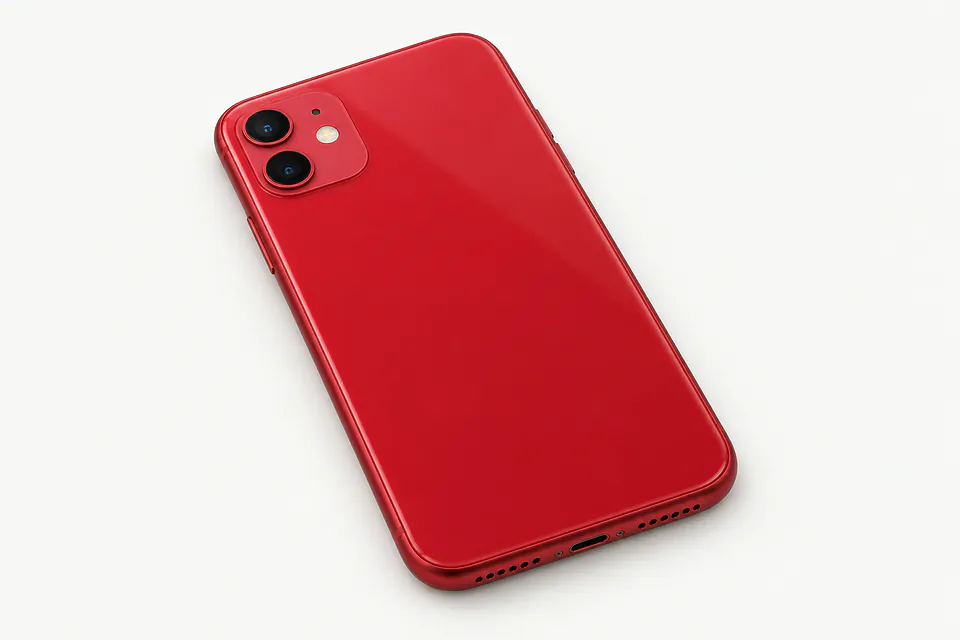
iPhone repair in Philadelphia, PAiPhone 11 repair in New JerseyiPhone 11 repair in Pennsylvania
Common iPhone 11 repair problems
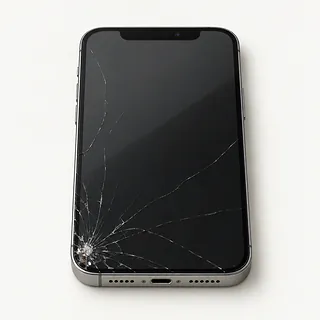
Screen glass has cracked
Broken front glass is usually replaced with the display it's bonded to. Glass alone is an option for specialists when the panel and touch still work.
Find a repair near you: Screen glass has cracked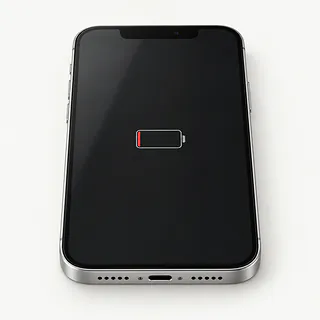
iPhone battery drains fast
An app consuming power in the background can mimic a worn battery. Look at the Battery settings chart for an unexpected drain before choosing a replacement.
Find a repair near you: iPhone battery drains fast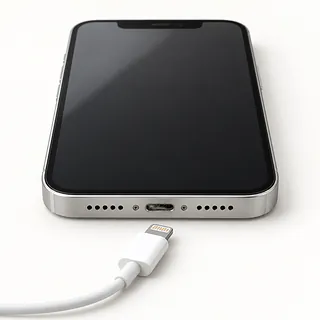
Lightning cable won't charge the phone
Successful wireless charging points toward the cable, adapter or Lightning port. A plug that won't sit fully inside may be meeting a lump of lint.
Find a repair near you: Lightning cable won't charge the phone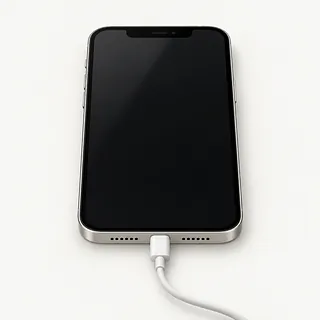
Phone rings with a blank screen
A failed panel can leave calls audible and the picture missing. Force restart the phone first, since frozen software can also produce a blank display.
Find a repair near you: Phone rings with a blank screeniPhone won't power up
The charger may have failed before the battery ran out. Test a different charging setup and tell the repairer about any preceding drop or splash.
Find a repair near you: iPhone won't power up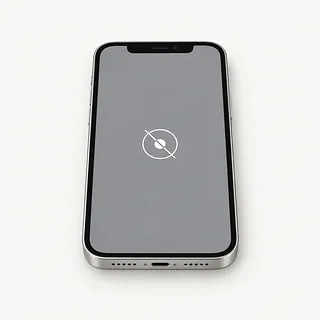
Screen ignores touch
Dead spots after an impact often mean the screen's touch layer broke. Wipe away moisture first and note which areas won't register a finger.
Find a repair near you: Screen ignores touch
Camera preview is black
Readable camera controls suggest the display is working. Reopen the camera app and try the front camera, since an app fault or broken camera needs a different fix.
Find a repair near you: Camera preview is black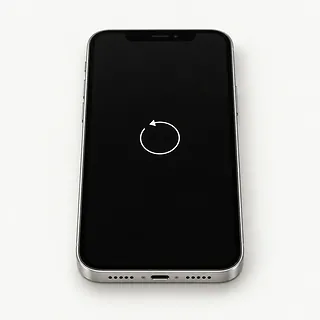
Phone restarts during use
A tired cell can struggle to supply power during a game. Software faults can cause the same restarts, so this symptom alone doesn't settle it.
Find a repair near you: Phone restarts during use


What gets checked before and after repair
Show the repairer what happens when you plug in the cable or try to unlock the screen. Those clues help them choose what to test first. A phone that rings needs its display checked, while one that charges only with the plug tilted needs the cable and port checked.
Cracked screens usually come out as one piece with the bonded panel. The regular iPhone 11 takes LCD, while the iPhone 11 Pro and iPhone 11 Pro Max use OLED. Battery work replaces the glued cell, and a worn Lightning port gets a separate cable assembly. During screen removal, the repairer protects the original Face ID sensors and transfers attached parts as needed.
Fresh sealing adhesive belongs around the opened screen, though it doesn't make the phone waterproof. Save a backup beforehand and arrange passcode access for testing. Before leaving, type along the keyboard edges, take a photo and make a call. The shop should also check Face ID, cable charging and wireless charging, then repeat whatever originally failed.
Deciding between repair and another phone
Start with what you'd still dislike after the repair. A new display won't add storage, and a fresh battery won't mend broken Face ID. Ask for the whole job in writing if the iPhone 11 has several faults.
Keeping an otherwise useful phone makes more sense when suitable parts are available. Specify the standard, Pro or Pro Max model when asking. As the phone ages, check whether Apple supplies security fixes for its software and whether the apps you need still work.
Files held only on the damaged phone deserve a separate decision. Open your backup elsewhere and check what's actually there. Recovering missing recordings or photos may matter even after you've chosen a replacement phone.
Questions before an iPhone 11 repair
Which replacement parts are included?
The iPhone 11 uses LCD, while its Pro models have OLED. Ask for the screen type and maker, plus the battery brand if replacement is proposed.
What faults does your repair warranty cover?
Get terms covering both parts and installation. Check coverage for flickering, missed taps or a replacement battery that cuts out, along with any exclusions.
Which checks will you record before starting?
Have Face ID, both cameras, touch and charging checked together. Repeat those tests at pickup so a new fault doesn't get confused with an old one.
Can testing leave my personal apps alone?
Agree who can unlock the phone and why. Require permission before anything gets erased.
Is checking the fault a separate charge?
Ask what you owe if testing ends without a repair.
What happens if the first replacement doesn't help?
Set an approval limit before work begins. Another part shouldn't be installed without an agreed quote.
Before handing over the phone
Write a short fault history, starting with when you first noticed trouble. Describe what still works too, such as calls arriving behind a black screen or wireless charging succeeding when the Lightning connection fails.
Make a backup through your computer or iCloud, then confirm it succeeded. If the device can't run, tell the shop which pictures or files have no other copy and require a call before any reset.
Disable Find My only at Apple's or the shop's request, then enable it again afterward. Have your Apple Account login ready and keep the password private. Some checks need the screen code, so arrange to unlock it in person where possible. Remove its cover, retain your SIM card if testing permits, and leave unrelated chargers and earbuds at home.
Related repairs
iPhone 11 Repair: common questions
How can I choose someone to call for iPhone 11 repair?
Use the state and city links to explore 31 shops that list this service. Call before making the trip and describe the problem with your model.
What affects the repair bill for my iPhone?
Call to describe the problem before asking how much the job will cost. The model and extent of the damage help determine the work you're paying for.
When can I expect my iPhone back?
Tell the shop what happened to your iPhone and ask when the work might be finished. The damage and workload can change that estimate.
Can other damage make replacement the better choice?
The cost of iPhone 11 repair is only part of the decision. Ask for a quote before committing, then factor in the device's age, any separate damage, data you care about and how well it still suits you.
What should I have ready when calling about iPhone 11 repair?
You can prepare for iPhone 11 repair by noting the model and fault and saving accessible files if your device still works. Call to discuss what happens with the passcode and whether you should pack a case or charger.
Does iPhone 11 screen replacement include the glass?
Screen repairs generally replace the bonded glass and display together on the iPhone 11 family. If only the cover is cracked and everything beneath it works, a shop with glass replacement equipment may be able to keep the panel.
How do I know if my iPhone 11 needs a battery replacement?
Repeated shutdowns before the charge runs out are a reason to test the battery. The Battery Health screen in Settings under Battery also reports its condition, while trouble taking a wired charge needs separate checks.
Why is my iPhone 11 not charging when plugged in?
A bad cable, faulty charger or pocket lint packed into the Lightning port can stop charging. Try another cable, adapter and outlet. If wireless charging works, the wired connection is more likely at fault than the battery.
Why is my iPhone 11 screen black but the phone still works?
A black screen on a phone that still rings can come from a failed display or a software hang. Try a force restart. If sound and vibration continue without a picture, a shop can test the screen and its connection.
What should I do if my iPhone 11 won't turn on?
Check the charging cable and adapter with replacements, then try restarting with the buttons if your iPhone 11 stays dark. For a force restart, give volume up a quick press, then volume down. Hold down the side button and release when Apple's logo shows.
Why does my iPhone 11 keep restarting?
Repeated restarts can come from software, a worn battery or another failing part. Back up if the phone stays usable and check for an iOS update. Note whether it restarts during charging, camera use or while sitting untouched.