Samsung wireless charging not working: what should you check?
If Samsung wireless charging is not working with a Samsung charger, check that your phone supports wireless charging. Check for debris on the phone's back and the charger's surface. If your compatible phone still won't charge wirelessly after troubleshooting, Samsung directs you to a service center or repair.
Key takeaways
Which Samsung phones don't support wireless charging?
A Galaxy A series phone won't charge on a wireless pad because the series doesn't support that feature. XCover phones aren't compatible either. Galaxy Tab devices don't support it. Samsung's checks for a phone that won't charge wirelessly apply only when you're using a Samsung wireless charger.1
How should you connect your Samsung wireless charger?
Use only the power adapter and cable that came with your phone or wireless charger to supply power to the pad. Plug the adapter into an outlet, and make sure the outlet or other power source you're using works. Connect the cable to the wireless charger.1, 2
A charger or cable plugged into your phone may make wireless charging unavailable. If you've left a cable attached to the phone, unplug it before trying to charge on the pad.1
Can your phone's position or case stop wireless charging?
Center your phone on the wireless charger. Its back should touch the pad. Poor alignment may slow charging, stop it, or make the phone overheat. Because the charging coil isn't in the same place on every device, adjust your phone's position on the pad to keep the connection stable.2, 1
Check the phone's back
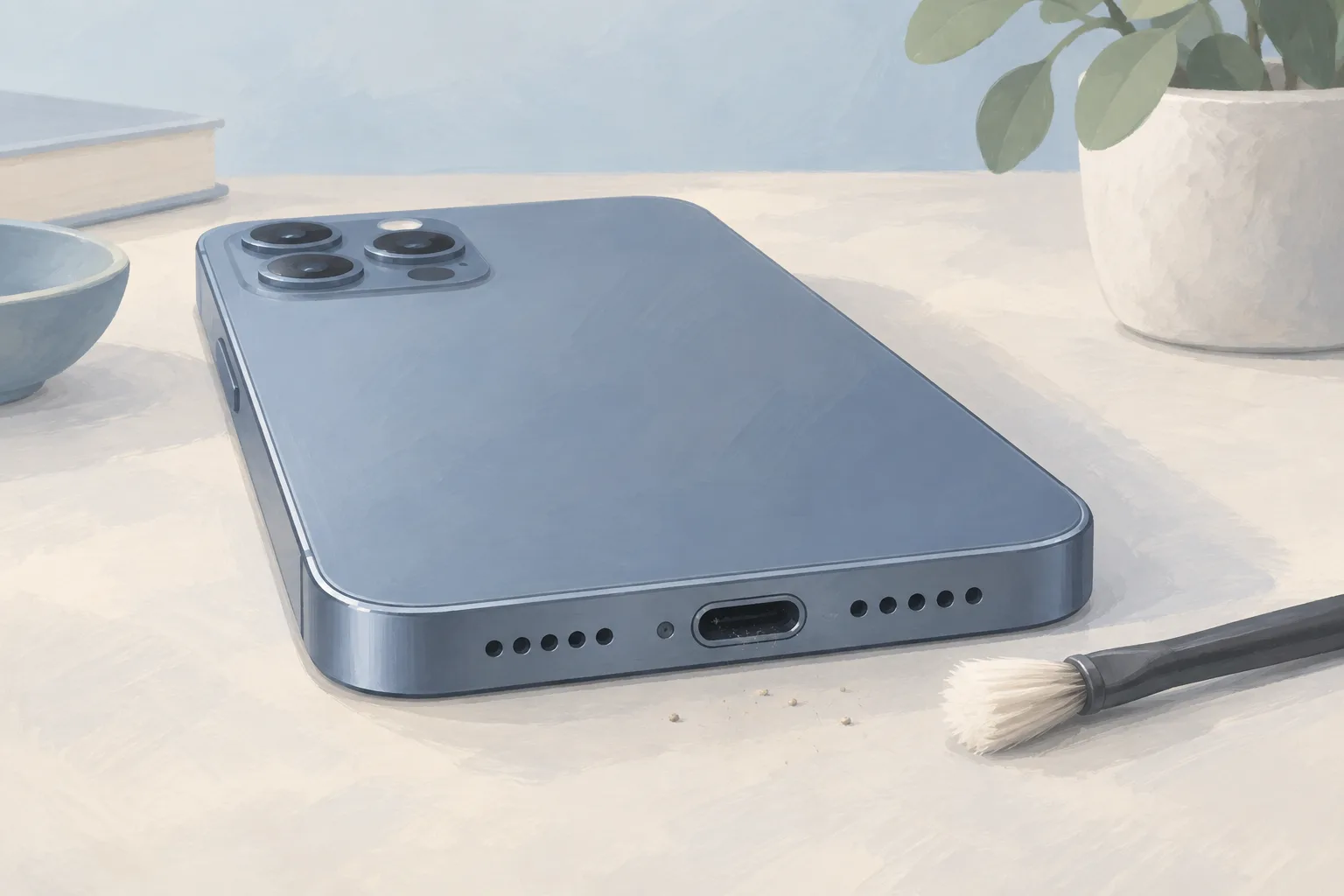
Look for debris or foreign material. The charger's surface should be clear of it, too.1
Check the case thickness
For a non-Samsung case, the limit is 5 mm.1
Check for trapped objects
Metal objects and magnets shouldn't sit between the phone and charger.1
Third-party covers can cause charging problems if they don't work with the pad's wireless charging system. Read the charger's manual for proper use.1
What if wireless charging stopped after a software update?
If your Galaxy phone loses its wireless charging connection or has other wireless charging problems after a software update, check for more updates. Open Settings on your phone. Then tap Software update. The problem may occur because the software isn't fully tuned for certain charging pads and standards.1
Screens and settings you see can differ based on your phone model, software version, and wireless service provider.2
When should you take your Samsung phone to a shop?
If your phone supports wireless charging but still won't charge after these checks, Samsung directs you to a walk-in service center. You can book Samsung phone repair online, too. Ask the shop to check what needs fixing before you choose a battery replacement or charging port repair.1
| Fix | Price | Shop or DIY |
|---|---|---|
| Connect the supplied adapter and cable | Free | DIY using Samsung's power connection steps |
| Check the phone and pad for debris | Free | DIY check listed by Samsung |
| Check non-Samsung case thickness | Free | DIY using Samsung's case limit |
| Center the phone on the charger | Free | DIY adjustment for a stable connection |
| Remove metal objects or magnets between them | Free | DIY following Samsung's placement checks |
| Unplug a cable from the phone | Free | DIY because a connected cable may block wireless charging |
| Check for more software updates | Free | DIY for problems after an update |
| Reconnect the charger's cable if its light acts strangely | Free | DIY using Samsung's indicator light check |
| Charging Port Repair | Ask a shop for a quote | Shop to assess the needed repair |
| Phone Battery Replacement | $40 to $149 (11 local shops) | Shop, based on posted battery replacement prices |
The battery replacement prices are what shops posted on their own websites, from lowest to highest across phone models.3
Questions
What should you do if the charger's indicator light doesn't work as described?
If the indicator light doesn't work as described, disconnect the cable from the wireless charger. Then reconnect it. The light is off when you remove the phone from the pad, or when the wireless charger isn't plugged into a power outlet.2
How do you turn on fast wireless charging?
On devices certified by Samsung and the Wireless Power Consortium, fast wireless charging turns on by itself when you use a fast wireless charger. If you're using a non-Samsung fast wireless charger, check its certifications with the maker or the Wireless Power Consortium.1, 2
Why can Wireless PowerShare charging slow down?
When you charge the Galaxy device that's sharing power through Wireless PowerShare, charging may slow down or work poorly, depending on the charger type. PowerShare lets that device charge another device. The battery levels on the phone sharing power and the device receiving it won't necessarily match.2
Find a repair near you
Sources
- Samsung Galaxy phone will not charge wirelessly, Samsung. accessed Oct 7, 2026
- Use Wireless charging or PowerShare with Galaxy devices, Samsung. accessed Oct 7, 2026
- RepairSeeker data, RepairSeeker. accessed Oct 7, 2026