
Find Galaxy Z Fold Repair Near You
On their own sites, 6 shops list Galaxy Z Fold repair. Pick the state where you want to search, then a city nearby.
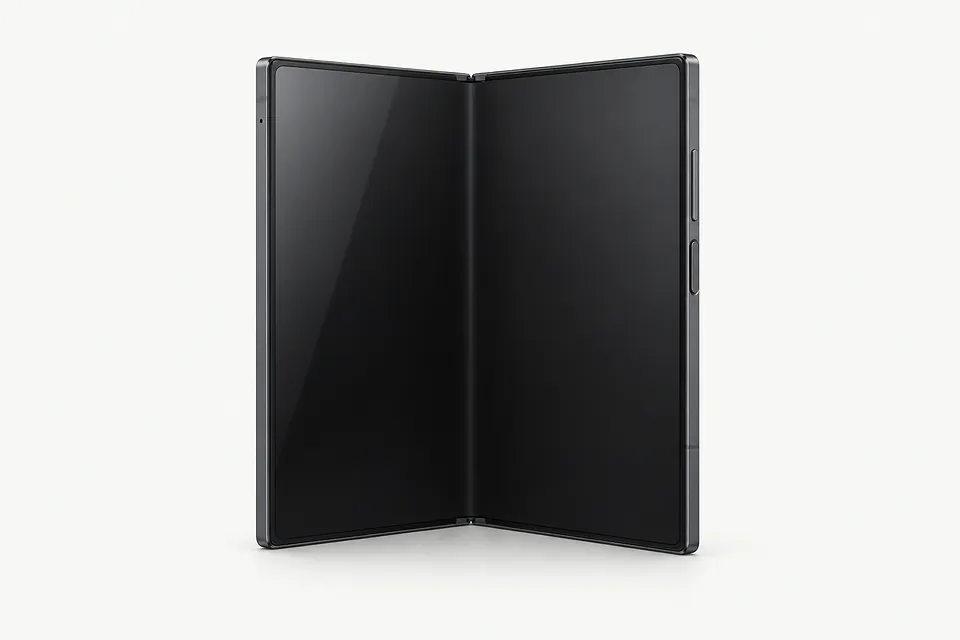
Galaxy Z Fold Repair by city
Shops that list Galaxy Z Fold repair
No town has enough of them for its own page yet, so here they are directly. Not paid placements.
- uBreakiFix - Phone and Computer RepairGlen Mills, PA“Samsung Galaxy Fold repair”
- CPR Cell Phone RepairHainesport, NJ
- CPR Cell Phone RepairPhiladelphia, PA
- CPR Cell Phone RepairWest Chester, PA
- CPR Cell Phone RepairWillow Grove, PA
- GadgetSolutionsWoodbury, NJ
What's wrong with your Galaxy Z Fold
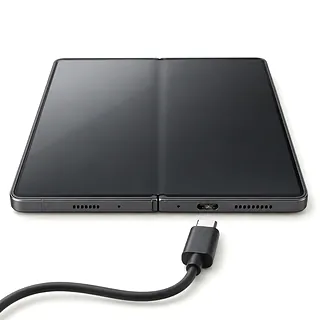
Fold plugged in but not charging
Try a cable and charger that work with another phone. Cables can fail without looking broken, and lint packed at the bottom of the port can keep the plug from going all the way in.
Find a repair near you: Fold plugged in but not charging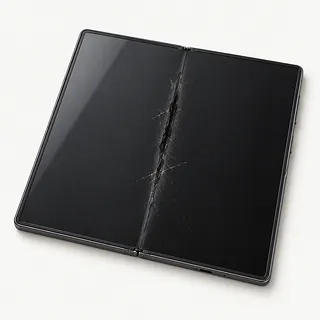
Cover screen glass shattered
A knock against the outside glass can leave the large display inside untouched. Ask for a cover screen replacement when calling, since a Galaxy Z Fold has two different screens.
Find a repair near you: Cover screen glass shattered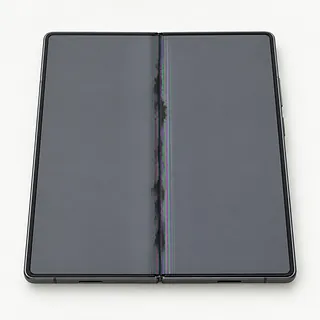
Black patches on folding screen
Spreading black marks or bright lines suggest the display itself has failed. The normal crease doesn't explain them, and pressing on them or peeling off the factory film can make things worse.
Find a repair near you: Black patches on folding screen
Phone hot during charging
Some warmth is normal during charging. If the Fold becomes uncomfortable to hold, unplug it, close games or video calls and put it somewhere shaded.
Find a repair near you: Phone hot during charging
Battery runs down quickly
An old battery can't hold as much charge as it once did. Sudden drain after installing an app is another clue, so check that app's power use before choosing battery replacement.
Find a repair near you: Battery runs down quickly
Screen won't respond to fingers
Restarting can clear stuck software that leaves taps doing nothing. Try the cover display too, since touch can fail on one screen while the other works.
Find a repair near you: Screen won't respond to fingers
Galaxy Z Fold stuck rebooting
Restarts alone don't tell you which part is broken. A shop can test battery power before treating this as a software fault.
Find a repair near you: Galaxy Z Fold stuck rebooting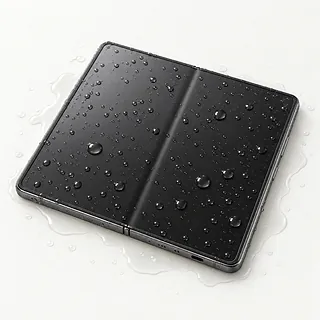
Fold stopped working after getting wet
Water inside can cause trouble even after the outside feels dry. Turn the Fold off, don't connect a charger and avoid rice or a hair dryer.
Find a repair near you: Fold stopped working after getting wet


How a Galaxy Z Fold gets checked
Checking both displays helps narrow down a Galaxy Z Fold fault. A repairer compares the cover screen with the inner picture and touch response, then checks power if neither works. Describe any change when opening the phone, including stiffness or sound from the hinge.
The hinge is a separate wear part, so screen trouble doesn't automatically call for hinge replacement. Samsung displays often come joined to a frame. Ask which assembly fits your exact Fold and what it contains, since reusable parts may need moving across. The inner display's protective layer should stay attached.
After reassembly, check typing and swipes on both screens, then cameras, call sound and charging. Ask the repairer to check how the hinge moves and whether the picture stays steady as the phone opens.
Keeping or replacing a Galaxy Z Fold
One broken cover screen can be a reason to keep a Fold that otherwise suits you. Check Samsung's current security update coverage for your exact generation, especially if you've owned it for a while.
A stiff hinge alongside a failing inner display changes the decision. Have both checked, along with battery condition, and request a written quote naming the parts available. Judge the whole repair against how much you'd use the phone afterward.
Files stored only on the damaged phone may matter more than keeping it. Check your backups before approving a reset. Explain which photos or messages need saving even if you've already chosen another phone.
What to ask before leaving your Fold
Which screen part needs replacing?
Have the quote distinguish the folding display, outer cover screen and protective layer. Ask who made the replacement, whether it's new or refurbished, and if a frame is included.
How will you test both screens and the hinge?
Ask for touch and picture checks on each display before work begins and after it's finished. The hinge is a separate wear part, so mention stiffness or trouble opening flat.
What access will you need to personal data?
Agree who can unlock the Fold and which apps testing requires. Require separate consent for a reset, especially if photos haven't been backed up.
What would I owe if the repair stops?
Get testing charges and fees for an unsuccessful attempt written down. Agree that another part needs approval before it's installed.
Does the warranty cover faults along the fold?
Ask how the terms treat a failed display, lifting protective layer and hinge trouble. Check exclusions for fresh cracks or liquid.
Before handing over your Galaxy Z Fold
Give the shop an example
A note saying touch stops working as the Fold opens gives the shop something to test. Include when it started, any spills or drops, and what you've already tried.
Rescue pictures before handing it over
Back up photos, messages and documents through a usable screen, then browse the saved copy. Point out files that remain only on this phone before agreeing to a reset.
Talk through unlocking
Offer to type your passcode for tests that need it. Your Samsung and Google passwords stay private. Ask what an account lock change does before making it yourself.
Check what's going with it
Keep your SIM card and loose extras unless the shop asks for them. Slip off the case if it moves easily, but leave a stuck case and the inner screen's protective film alone.
Related repairs
Galaxy Z Fold Repair: common questions
Where should I start looking for Galaxy Z Fold repair?
Use the state and city links to explore 6 shops that list this service. Call before making the trip and describe the problem with your model.
Could the damage change what I pay for Galaxy Z Fold repair?
The damage can affect how much work your device needs. Explain what happened, name the model and ask for a quote by phone.
Can I get a time estimate before bringing it in?
Start by requesting a rough timeframe for Galaxy Z Fold repair over the phone. The shop may need to adjust it once they know the extent of the damage and where the job fits into their schedule.
What if my device is worth more to me than its resale value?
Check whether the files you care about are saved somewhere else. Then get an estimate before making a decision, comparing the cost with your device's age, any further damage and the use you'd get from keeping it.
What should I tell the person handling my Galaxy Z Fold repair?
Keep the model name and a short note about the fault handy, and back up what you can on a device that still runs. Talk through how to handle the passcode, case and charger when you call.
Can a cracked Galaxy Z Fold inner screen be fixed?
Yes, a broken inner screen can be swapped out. A split in the film can look like a cracked display, so ask which part needs replacing and resist picking at it. The crease where the phone folds is normal.
Why is my Galaxy Z Fold screen black?
The screen may have failed while the rest of your Fold still works. An incoming call that rings behind a blank display is a useful clue. If restarting doesn't bring back the picture, say whether the cover screen, inner screen or both stay dark.
Why won't my Galaxy Z Fold charge?
Charging trouble can start with a broken charging cable or pocket lint keeping the connector from seating. Swap the cable and adapter, try a different outlet and check inside the port. If moisture is detected, let the USB-C port dry before reconnecting.
Why is my Galaxy Z Fold battery draining fast?
A battery that empties quickly doesn't automatically need replacing. Look at which apps use the charge, consider screen use and check the battery through Samsung Members. Those results help separate software activity from battery wear.
Why does my Galaxy Z Fold keep restarting?
Crashing software or a failing battery can make a Fold restart repeatedly. Note whether it happens during a particular app or when you connect a charger. Back up anything important if the phone stays on long enough to let you.
What should I do if my Galaxy Z Fold falls in water?
Turn your Fold off after a dunk and keep chargers disconnected. Putting it in rice won't clean what's left inside, even when the casing looks dry. Mention whether it fell into tap water, seawater or another liquid, plus any trouble with sound, touch or charging.