
Find iPhone 13 Battery Replacement Near You
5 shops in New Jersey, New York, and Pennsylvania say on their websites that they offer iPhone 13 battery replacement. Their posted hours show one shop opening on Sunday and one shop staying open late on a weekday. The websites of 3 shops say there's no need to book ahead for a walk-in visit.
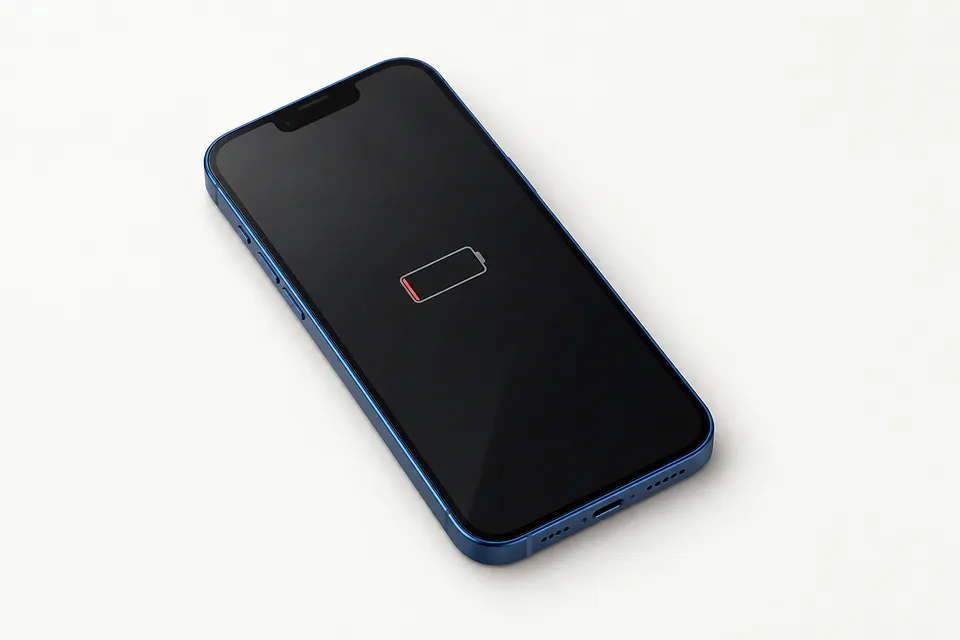
iPhone 13 Battery Replacement by city
Shops that list iPhone 13 battery replacement
No town has enough of them for its own page yet, so here they are directly. Not paid placements.
- iCity RepairBridgewater, NJ“iPhone 13 Battery Replacement”
- The FIX - Phone Repair, Tablet Repair and AccessoriesParamus, NJ
- The Phone PlugzPhiladelphia, PA
- BuySellRepairsPrinceton, NJ
- iPhone and laptop screen repair Staten IslandStaten Island, NY
Why your iPhone 13 keeps losing charge
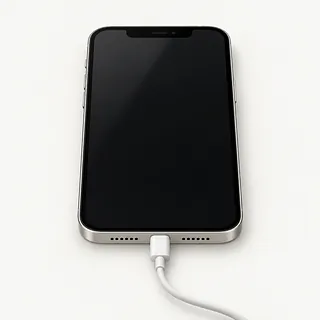
iPhone 13 won't turn on
A dead charger can leave an iPhone looking dead too. Try a working Lightning cable and adapter in another outlet, then force restart the phone. If it still won't respond, a shop can test whether power reaches the battery.
Find a repair near you: iPhone 13 won't turn on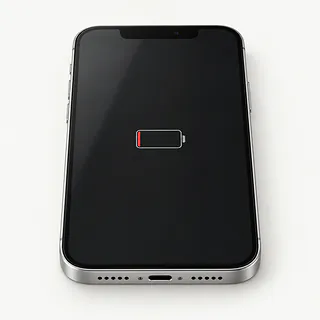
Battery health looks low
Low maximum capacity means the battery can't hold as much charge as it used to. Tap Settings, then Battery, and open Battery Health. Look for a service message too, especially if you're plugging in more often without using the phone more.
Find a repair near you: Battery health looks low
iPhone keeps restarting
Restarts don't prove you need a battery. A weak cell can cut power when you launch a game, but buggy software can restart the phone too. Back up your files and check for an iOS update.
Find a repair near you: iPhone keeps restartingBattery draining fast
Check the app breakdown under Battery before blaming the cell. Navigation or background app activity can explain missing charge. Replacing the battery won't stop an app from drawing power.
Find a repair near you: Battery draining fastPhone shuts off with charge left
An old battery can show charge left and still fail to deliver enough power. The gauge tells you how much charge remains, not how well the cell handles a heavy load.
Find a repair near you: Phone shuts off with charge left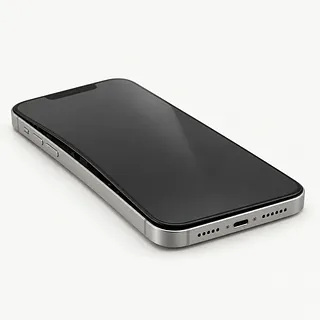
Screen lifting along one side
Swelling inside the battery can lift the screen and is unsafe. Stop charging, turn the phone off and arrange repair. Don't push the glass down or clamp it shut.
Find a repair near you: Screen lifting along one side


Battery checks before and after the repair
The shop first checks whether your iPhone 13 takes charge and stays on after it's unplugged. A low capacity reading helps explain short battery life, but repeated restarts need checking too. Tell the repairer what sets them off.
Replacing the battery means opening the phone and removing the adhesive underneath the old cell. The replacement gets fresh mounting strips, and the repairer renews the seal around the opening. That seal matters for water resistance, which also fades with age. Confirm your model and have the quote name the battery, including whether it's an Apple or aftermarket part.
Save your photos and messages before the repair if possible. Check that you can sign into your Apple account. Disable Find My if the shop asks, then restore it when the work is done. Discuss passcode access for checking startup, screen taps, face unlock, Lightning charging and MagSafe. Get any battery warning in settings explained.
Is an iPhone 13 battery replacement worth it
Broken rear glass and failed Face ID leave more to fix than short battery life. Have those faults checked together, then weigh the written repair quote against how much you want to keep using your iPhone 13.
A worn battery alone is a reason to keep an otherwise sound phone. Before booking, find out what replacement cells the shop can get and ask who made the proposed battery. As the device gets older, check that it still receives security fixes and runs your banking and travel apps.
A recording stored only on this phone might matter more than keeping the phone itself. Explain what needs saving, even if you've chosen another phone, and discuss any work that would delete it.
Questions before an iPhone 13 battery replacement
How will I know which battery went in?
Keep the brand on the receipt, along with the iPhone 13 model being repaired. Ask how iOS will describe the replacement under Parts and Service History.
What gets checked when I drop it off and pick it up?
Have someone watch you unlock with Face ID and try the touchscreen. Cable and MagSafe charging should also be checked at both visits.
Could extra work happen without a call?
Agree that a port fault or another broken part needs a separate quote. Find out what testing alone would cost if you stop there.
Will anyone erase the phone or browse its contents?
Battery replacement doesn't normally erase your data. Back up first, and settle who can unlock the device and what they'll need to open for testing.
What if the battery still drops suddenly afterward?
Get the return terms in writing, including exclusions. They should explain how a failed part or trouble caused by the repair would be handled.
Are you replacing the adhesive that holds everything shut?
Fresh battery adhesive keeps the cell in place, and the display needs a new seal. Don't count on the original water resistance after repair.
What to bring and what to save
Check your saved backup
Back up to iCloud or a computer, then check that it completed. If the phone won't stay on, tell the shop which photos or files aren't stored anywhere else.
Write down the battery trouble
Include when it began, the charge left at shutdown and anything you noticed after a drop or splash. A screenshot of the battery health screen can help.
Arrange access for testing
Ask which tests need your passcode and discuss typing it yourself at the counter.
Change Find My only when asked
Know your Apple Account password and enter it privately if Apple or the shop asks you to turn off Find My. Turn it back on after repair.
Remove what isn't needed
Take off the case and magnetic wallet, and keep your physical SIM card. Bring a charging cable only if it helps show the fault.
Related repairs
iPhone 13 Battery Replacement: common questions
What goes into the price of iPhone 13 battery replacement?
Some faults take more work to address than others, which can change the cost of iPhone 13 battery replacement. Describe the symptoms and name the model over the phone, then request an itemized quote.
Will iPhone 13 battery replacement take longer if the damage is severe?
You can ask the shops to explain what their time estimate depends on. When you call, mention the damage and check how busy they are.
What makes my iPhone worth repairing?
A device you no longer use may still hold files you need. Ask for an estimate of iPhone 13 battery replacement, then weigh the cost against its age, other faults and how useful it could be to you before choosing.
How can I get ready for iPhone 13 battery replacement?
Jot down the full model number and how the trouble started so you can explain it when you call. Ask about bringing a charger, keeping the case attached and unlocking the device, and back up files if it works.
How do I check battery health on an iPhone 13?
You'll find Battery Health in Settings under Battery. Read Maximum Capacity to see how much the cell can hold compared with when it was new, and check for a message recommending service.
Why is my iPhone 13 battery draining so fast?
A worn battery holds less charge, but apps and screen brightness also affect how quickly it runs down. Open Settings, then Battery, to see what's using power and check Battery Health for signs of wear.
Will a battery replacement fix an iPhone 13 that won't turn on?
An iPhone 13 that won't start doesn't necessarily need a battery. Rule out the power source with another cable and adapter, and try force restarting it. The shop can test charging, the cell and a screen that stays black.
Can a bad battery make my iPhone 13 keep restarting?
Yes, a weak battery can cut out with charge still showing and the phone may then restart. Software or another faulty part can also trigger a restart, so that symptom alone isn't enough reason to install a battery.
Does replacing an iPhone 13 battery improve performance?
A fresh battery may make the iPhone 13 feel more responsive if battery wear was limiting performance. Don't expect the swap to cure slow loading caused by a poor connection or an app fault.
What should I do if my iPhone 13 battery is swollen?
Don't plug the phone in or keep using it if you suspect its battery has swollen. A lifting display can be a warning, and squeezing it shut can damage the cell. Ask a shop to check it.