
Find iPhone 13 Screen Replacement Near You
According to their own websites, 6 shops take on iPhone 13 screen replacement. Go to a state or city to look closer to home.
Signs your iPhone 13 screen needs attention
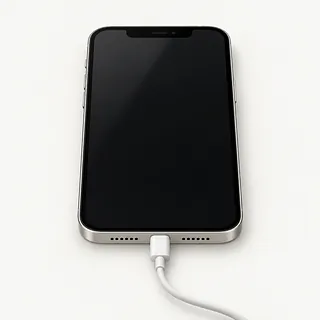
iPhone rings with a black screen
A failed OLED can leave calls ringing behind a blank display. To force restart, press and release volume up, press and release volume down, then hold the side button until the Apple logo appears. If nothing changes, a shop can test another screen.
Find a repair near you: iPhone rings with a black screen
Touch screen misses taps
A broken touch layer can ignore your finger while showing a normal picture. Clean and dry the glass, then restart. Notice if the same keyboard letters fail in different apps.
Find a repair near you: Touch screen misses taps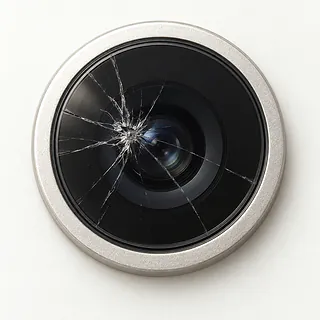
Camera view is black
A dark camera view surrounded by visible controls usually comes from the app or camera. Switch between the selfie and rear views, then reopen Camera before assuming the screen needs replacing.
Find a repair near you: Camera view is black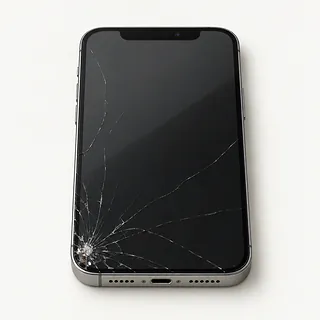
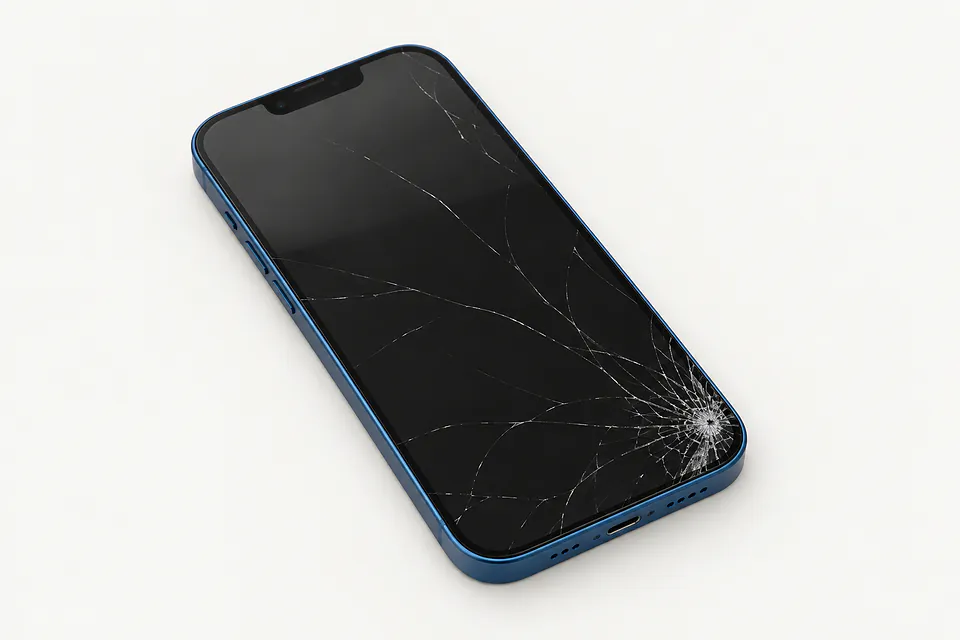
iPhone 13 screen has cracks
A corner crack can cross glass that still responds to touch. The cover and OLED are bonded, so the usual repair changes both, although specialists sometimes keep an intact panel.
Find a repair near you: iPhone 13 screen has cracks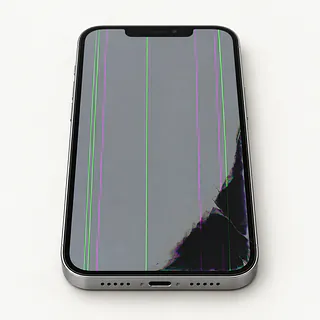
Screen flickers with colored lines
Stripes and flickering after a fall often mean the OLED underneath has broken. Glass doesn't have to shatter for the panel to fail.
Find a repair near you: Screen flickers with colored lines
Screen makes taps by itself
Ghost touch can come from a wet surface or a failing screen. Wipe away moisture and avoid the passcode keypad while unwanted taps continue, since incorrect attempts can lock you out.
Find a repair near you: Screen makes taps by itself


What happens during iPhone 13 screen replacement
A replacement shouldn't be chosen until the repairer checks what failed. Missing taps, colored marks and a black picture give different clues. Connecting another display helps check a phone that makes sounds but shows nothing, while a bent frame needs checking before installing the replacement.
This family uses OLED throughout, including the mini and both Pro versions. A typical screen swap removes the cover together with the panel underneath. Get the part described on the quote, including whether it's an Apple part, a refurbished original or an aftermarket screen. An LCD substitute can look different, and ask if the replacement keeps ProMotion on an iPhone 13 Pro or Pro Max.
Sensors attached to the old display may need moving, while nearby camera parts need careful handling. The shop renews sealing adhesive, but that doesn't make the phone waterproof. Afterwards, testing should include edge swipes, image brightness, Face ID, other sensors, camera views and sound from the earpiece. Agree how you'll unlock it for those checks.
Should you repair your iPhone 13 screen
A voice memo saved only on your iPhone 13 may be reason enough to get the display working. You might need it just to unlock the phone and copy files. Say what you need saved before anyone suggests erasing it.
For a phone you want to keep, count more than the cracks. A battery that runs down between meals, smashed rear glass or a bent corner can mean separate repairs. Ask for those jobs on the written quote, then decide how useful the repaired phone would be to you.
Check parts availability before agreeing to work, including OLED and ProMotion support for the Pro versions. Software matters as the phone gets older too. Find out whether Apple still supplies security patches and whether the iOS version it can run meets your banking or work app requirements.
Check the repair terms before handing over
Would I owe anything if the screen replacement fails?
Agree what an unsuccessful repair would mean for the bill. Ask to be contacted before work moves beyond the display.
How does this screen compare with the original?
All iPhone 13 models started with OLED. Get the maker and part condition in writing, including whether it's an LCD substitute. For either Pro model, ask about retaining ProMotion.
Can testing be arranged without leaving my passcode?
Find out which checks need the phone unlocked. Discuss unlocking it in person and make any permission to erase data explicit.
Will you compare working features before and after installing the screen?
Face unlock, front and rear cameras, sensors and the call earpiece deserve checks alongside touch. Note anything already broken before repair begins.
Does finding the fault carry its own fee?
Ask how that fee applies when you choose not to proceed. Keep the answer with your written quote.
Who handles a replacement that develops lines or missed taps?
Read how to report a fault under the warranty, what the terms exclude, and whether both labor and parts are covered.
Save your files and note the symptoms
Bring only what's needed
Keep earbuds, chargers and any clip-on wallet with you, and take the case off. Check if the SIM card should stay for a test call.
Make sure your backup worked
Create an iCloud backup or save one on your computer, checking that it completes. If a black screen prevents this, tell the shop about pictures or documents with no other copy.
Plan for unlocking and account settings
Offer to enter the screen code when a test needs it. Keep your Apple password available and private. If requested, turn Find My off and restore it once the repair is done.
Explain when the screen changed
Record when it started and mention any drop or spill. Describe what happens, such as an app opening without a tap or a swipe stopping halfway across the display.
Related repairs
iPhone 13 Screen Replacement: common questions
Can I search by city for iPhone 13 screen replacement?
The 6 shops you can search by city all say they offer this service. Ask about your model and fault before deciding where to go.
What would iPhone 13 screen replacement cost in my case?
What you pay depends partly on which model you have. Give its full name when asking for a quote, and explain the problem too.
Is the wait for iPhone 13 screen replacement different from shop to shop?
Start by requesting a rough timeframe for iPhone 13 screen replacement over the phone. The shop may need to adjust it once they know the extent of the damage and where the job fits into their schedule.
When is it time to stop repairing an old device?
Check whether the files you care about are saved somewhere else. Then get an estimate before making a decision, comparing the cost with your device's age, any further damage and the use you'd get from keeping it.
Should I bring anything with my iPhone for repair?
Note exactly which model needs attention and what you noticed when it broke, then copy files if it's still working. Before heading out, call about taking the charger, leaving the case fitted and what you should do about the passcode.
Why is my iPhone 13 working but the screen is black?
Your phone can keep running even when its display stops showing anything. Force restarting may clear a software hang, but continued sound with a blank screen needs testing before you agree to a replacement.
Why is my iPhone 13 touch screen not working?
Frozen software or a damaged display can stop touch on an iPhone 13. Try force restarting it first. If the same strip still ignores your finger afterward, the screen may need replacing even when the picture looks normal.
Why is my iPhone 13 screen flickering?
Flickering can be a sign of damage to the OLED display, especially after a drop. A force restart is a useful first check. Flicker alongside green lines or black blotches makes damage beneath the glass more likely.
What causes ghost touch on an iPhone 13?
A faulty touchscreen can produce phantom presses, even without a finger on the glass. Try a restart before arranging repair. If unwanted taps continue, stop typing private codes and have the display tested.
Can you replace just the cracked glass on an iPhone 13?
A specialist may be able to replace the cover glass while keeping an undamaged display underneath. The usual repair swaps the complete screen because those layers are bonded together. Flicker or failed touch makes a glass-only repair less suitable.
Will an iPhone 13 screen replacement fix a black camera screen?
A new display usually won't help if the camera preview is black but the rest of the screen looks normal. Switch from the rear camera to the selfie camera and restart the iPhone to check for a camera or software problem.