
Find iPhone 13 Pro Max Screen Replacement Near You
6 shops say they handle iPhone 13 Pro Max screen replacement. Select a city to see who works in your area.
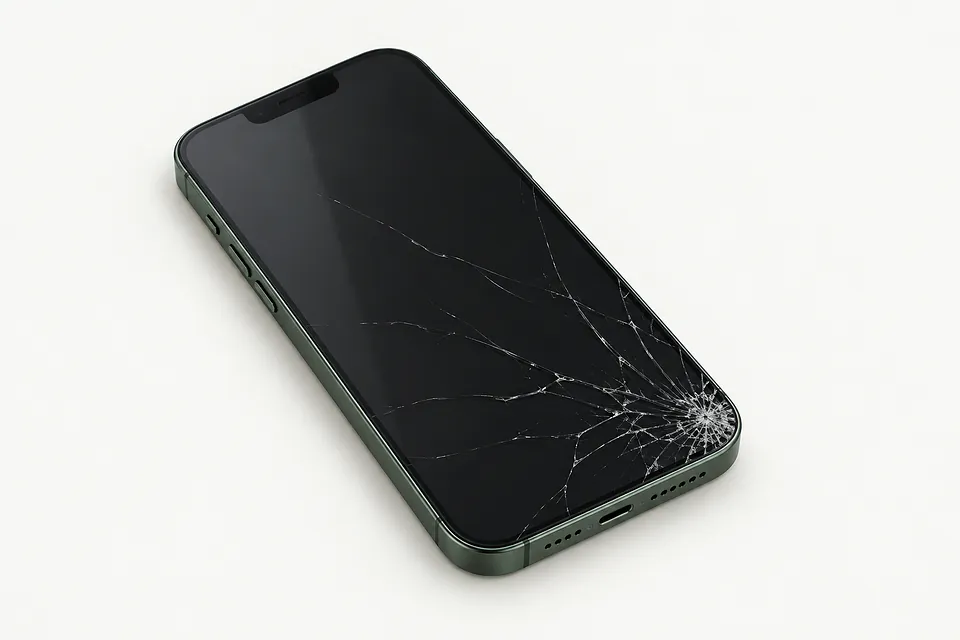
Cracks, black screens and missed taps
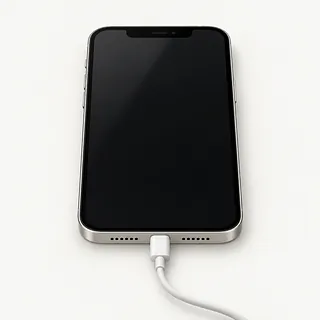
Phone rings with a black screen
A broken OLED doesn't stop an iPhone 13 Pro Max from receiving calls. Force restarting is worth trying because frozen software can also leave you staring at nothing. A shop can test the screen before you commit to replacing it.
Find a repair near you: Phone rings with a black screen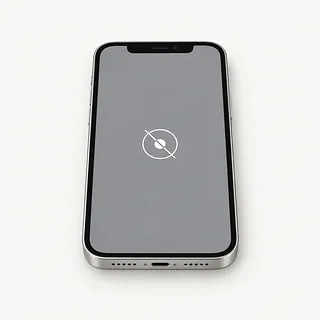
Touch stops halfway across the screen
A swipe that stops in the same place can mean part of the touch layer broke during a fall. Clean off water and restart the phone. Notice where your finger stops getting a response.
Find a repair near you: Touch stops halfway across the screen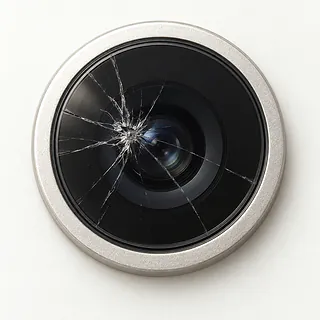
Camera opens but shows nothing
The camera or its app is usually at fault if you can read messages but can't see a camera picture. Try closing Camera, opening it again and changing to the selfie view.
Find a repair near you: Camera opens but shows nothing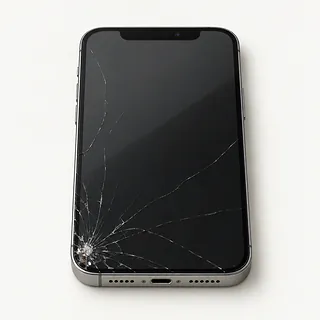
Glass is cracked around the notch
Cracks can spread around the notch while pictures and taps still work. Don't push down loose glass. The usual replacement includes the panel bonded underneath, though glass-only repair may be possible when that panel is intact.
Find a repair near you: Glass is cracked around the notch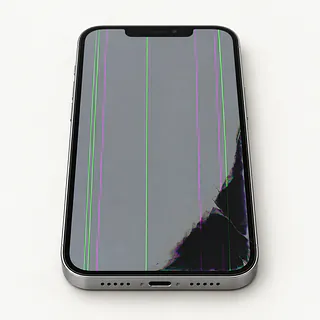
Screen flashes with black patches
Flashing beside a black patch often means damage inside the OLED. Restarting won't mend a broken panel, and pressing the patch can make things worse.
Find a repair near you: Screen flashes with black patches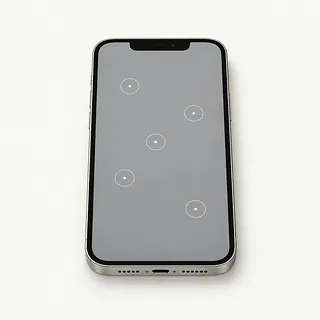
Phone types without being touched
Water or a failing screen can cause ghost touch, including letters appearing when your hands are off the phone. Dry the cover first. Stop unlocking attempts if it starts tapping extra passcode digits.
Find a repair near you: Phone types without being touched


How the screen gets replaced
The shop starts by finding out what still works on your iPhone 13 Pro Max. That includes touch, the picture and any sounds behind a blank display. Trying another panel can help confirm screen failure, while a bent corner may need separate work.
Most screen jobs replace the glass with the display underneath. This model came with ProMotion and an OLED panel, so check that the offered screen keeps the scrolling and picture you want. Ask if it's an original Apple part, a refurbished original or an aftermarket screen. An LCD replacement can look different.
Removing the display exposes small cables and nearby Face ID sensors. Parts fixed to the old assembly may need transferring, and the earpiece and front camera need protecting. Before returning the phone, the repairer checks gestures, display colors, camera pictures, sensor behavior, face unlocking and call sound. Renewing the sealing adhesive matters, although water resistance can still be reduced.
Keep your iPhone 13 Pro Max or replace it
A new screen won't fix a charging cable that only works at an angle or a rear camera smashed in the fall. Get those faults checked together and ask for a quote covering the full repair. Replacing the phone may make more sense if several parts need work.
An older iPhone 13 Pro Max can still be worth keeping when it does everything you use it for. Check which security updates Apple offers and what your banking or work apps require. Ask which screens the repairer can get, including OLED options that support ProMotion.
Look through your backup before handing over the phone for trade-in. Missing messages might still be recoverable once touch works again. Make saving them part of the repair discussion before anyone erases anything.
What to ask about your replacement screen
Who gets access if I leave an unlock code?
A device passcode exposes messages as well as test controls. Discuss unlocking together at drop-off or pickup, and make your limits on data access clear.
Can you document working features before the swap?
Have the shop note camera results, earpiece sound, face recognition, sensor behavior and missed touches. Repeating these checks once the replacement is installed helps spot changes.
Is this an OLED replacement with ProMotion?
An LCD substitute can look different from the iPhone 13 Pro Max's original screen. Ask about the manufacturer, any refurbishment and differences in color, brightness or scrolling.
Are there separate charges if testing leads to no repair?
Have those charges explained on paper, including an attempted replacement that leaves the fault unchanged. Set a limit that requires your consent to increase.
What happens if the installed screen develops lines?
Read how the warranty handles display faults and mistakes made during installation. Check which charges remain your responsibility and how another drop or liquid contact affects coverage.
Before leaving your phone for repair
Back up before touch gets worse
Start a backup in iCloud or on a computer while touch still responds. Confirm it completed, especially if the screen has begun missing taps.
Describe the first change
Write when the fault began and what preceded it. Mention a dark crescent spreading from a crack or ringing without a picture.
Ask which tests need your passcode
The shop may need an unlocked phone to test the replacement screen. Discuss entering the code yourself during those checks.
Keep your Apple Account password private
Know your password, and turn off Find My only if requested. Type it privately and turn Find My back on after repair.
Remove your personal extras
Take off the case and magnetic wallet. Ask about keeping your SIM card, and retain cables or accessories that aren't needed to show the fault.
Related repairs
iPhone 13 Pro Max Screen Replacement: common questions
Where should I start looking for iPhone 13 Pro Max screen replacement?
The 6 shops you can search by city all say they offer this service. Ask about your model and fault before deciding where to go.
How is iPhone 13 Pro Max screen replacement priced?
The same symptom can call for different work, which affects cost. Describe your iPhone problem when you call and ask what the estimate covers.
Could heavy damage make iPhone 13 Pro Max screen replacement take longer?
Since a shop may discover more damage during iPhone 13 Pro Max screen replacement, any initial time estimate can change. Ask over the phone how long they expect the job to take with their current workload.
What matters most when choosing between repair and replacement?
If there's other damage, a quote for iPhone 13 Pro Max screen replacement may cover only part of what needs doing. Get the cost before choosing, then think about the device's age, whether you'd use it again and any files you need.
Can I do anything at home to prepare for iPhone 13 Pro Max screen replacement?
Check during your call whether the charger is needed, how to handle any case and what to do with a passcode. Write out the full model name and what failed, and copy your data if the device still operates.
Why is my iPhone 13 Pro Max working but the screen is black?
The display can fail while the phone keeps receiving calls and making sounds. Try a force restart to rule out a temporary freeze. If it stays dark, a shop can test a replacement display before recommending further work.
Why is my iPhone 13 Pro Max touch screen not working?
An impact can leave part of the touchscreen unresponsive, and frozen software can also stop it accepting taps. Note whether swipes fail everywhere or only across a particular patch. Force restarting may clear a software fault.
Why is my iPhone 13 Pro Max screen flickering?
Flickering can be a sign that the OLED display is damaged, especially after a drop. Colored lines or dark patches alongside the flashes make damage beneath the glass more likely.
Why does my iPhone 13 Pro Max have ghost touch?
A failing touchscreen is one possible cause of ghost touch, even without broken glass. Watch for menus opening or pages scrolling without contact. Those symptoms matter when checking the screen, just as missed taps do.
Can you replace just the cracked glass on an iPhone 13 Pro Max?
Glass alone can sometimes be replaced if the OLED picture and touch still work properly. That takes specialist equipment because the layers are bonded. Most screen repairs replace the complete display assembly instead.
Will a screen replacement fix my iPhone 13 Pro Max camera black screen?
Replacing the display isn't the usual answer when only the camera view is dark. Try switching between front and rear cameras. If one shows a picture, that detail helps narrow down what needs checking.