
Find iPhone 13 Repair Near You
For iPhone 13 repair, you can browse 26 shops that say they offer it. Pick your state, then look for your city.
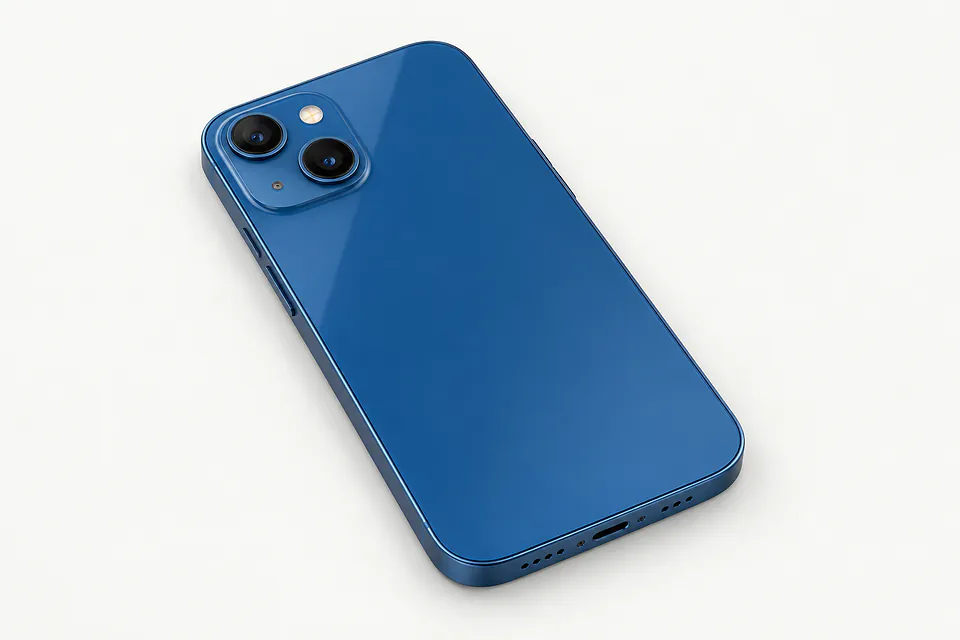
What's wrong with your iPhone 13
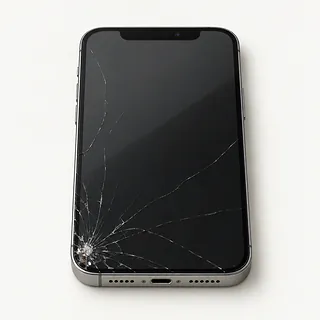
Screen cracked after a drop
Most iPhone 13 screen replacements include the bonded OLED panel. A specialist can sometimes replace just the outer glass when the image is clear and touch works across the screen.
Find a repair near you: Screen cracked after a drop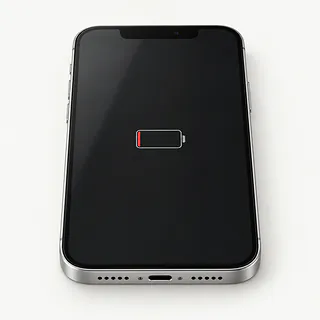
Battery runs out too soon
More charging with the same calls and messages often means battery wear. Battery settings show which apps consumed power, while the health reading reports how much capacity remains.
Find a repair near you: Battery runs out too soon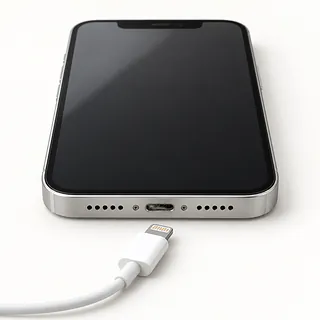
Cable only charges at an angle
That often comes down to a bad cable or loose Lightning connection. Try a spare cable before blaming the port. Compressed lint can also keep the plug from sitting snugly.
Find a repair near you: Cable only charges at an angle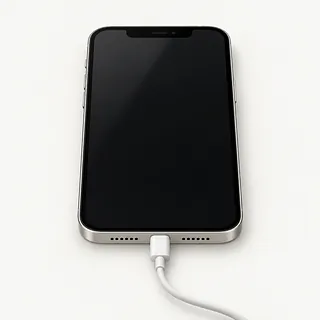
Phone makes sounds with no picture
The phone can still receive calls with a broken OLED panel. A forced restart may clear a software hang before anyone needs to open it.
Find a repair near you: Phone makes sounds with no picture
Phone overheats during a game
A demanding game heats the phone, especially in direct sun. Close the app, disconnect power if it's charging and move the phone somewhere cooler.
Find a repair near you: Phone overheats during a gamePhone stays dead on the charger
Try a different adapter and outlet if there's no response at all. A drained battery, failed screen or board fault can each leave the phone looking dead.
Find a repair near you: Phone stays dead on the charger
Screen taps land in wrong places
Water on the glass can confuse touch. Wipe it dry. Stray taps after an impact can mean a broken display even where the glass looks whole.
Find a repair near you: Screen taps land in wrong places
Phone reboots without warning
A battery that can't supply enough power may shut the phone down during use. Repeated startup loops can also come from damaged software, so mention if the trouble followed an update.
Find a repair near you: Phone reboots without warning


How an iPhone 13 gets fixed
Tell the repairer if the phone still rings behind a black screen. That gives them a reason to try another display before replacing the battery. For charging trouble, they can check the Lightning connection and test a working cable and adapter.
The screen comes out with its bonded glass. All iPhone 13 models use OLED, and the Pro versions add ProMotion, so ask what the replacement supports. Original Face ID parts need careful handling, with attached parts transferred where needed. A worn battery gets changed, while a broken port usually takes a new flex cable.
Save your data beforehand and know your Apple Account password. Turn off Find My only if asked, and turn it back on afterward. Ask about fresh sealing adhesive and passcode access for testing. Before pickup, the checks should cover touch, Face ID, cameras, call audio and wired and wireless charging. Get any parts message in Settings explained.
Choosing between repair and replacement
Keep it if you'd be happy using it with the broken part replaced. If storage was already tight, or the rear glass and cameras also need work, replacing the phone may make more sense. Have the repairer write down everything that needs fixing.
Working hardware doesn't help if a required work app won't run. Check Apple's security updates and the iOS versions required by those apps. Ask which replacement parts can actually be ordered for your model.
A child's video saved only on your iPhone 13 may be worth recovering even if you don't want to keep using it. Open your backup on another device and check that the file plays. If it's missing, ask about saving it before letting anyone erase the phone.
Choosing an iPhone 13 repair shop
Is this an OLED screen?
The original screen is OLED across the iPhone 13 family. Ask who made its replacement, how a Pro model's ProMotion will work, and which battery brand is used if that needs changing.
What if it starts flickering once it's home?
Check whether the warranty covers a bad screen and a loose connection left during installation. Keep a copy showing any excluded faults.
Can you note which features still work?
Check Face ID, rear and front cameras, charging and swipes near the screen edges. Run through that checklist again when picking it up.
Do you need my passcode?
An unlocked phone also opens your conversations and photo library. Offer to type the code for checks needing access, and don't agree to an erase without discussing your data.
If a new part doesn't help, what happens next?
One failed swap isn't permission to try more parts. Settle the testing fee upfront, including what you'd owe for an unsuccessful repair, and require a call with another quote before the job grows.
What to save and what to bring
Back up the phone while you can still unlock it. Use a computer backup or iCloud and check that it completed. Tell the shop if anything is saved only on the phone.
Write a few lines about when the trouble started and what makes it happen. Include falls and splashes, even if the phone seemed fine afterward. Mention a screen that goes black while a podcast keeps playing.
Have the password for your Apple Account ready without sharing it. Turn off Find My only at the shop's or Apple's request, and turn it back on afterward. Testing may need the screen passcode, so ask to type it at the counter. Leave the cover and magnetic wallet at home, keep your SIM unless a check requires it, and bring a cable only to demonstrate charging trouble.
Related repairs
iPhone 13 Repair: common questions
Can I search by city for iPhone 13 repair?
The 26 shops you can search by city all say they offer this service. Ask about your model and fault before deciding where to go.
How can I find out what iPhone 13 repair will cost?
Until someone knows the fault, a price for iPhone 13 repair may be only a rough estimate. Describe the symptoms by phone, share your model's full name and check which work is covered.
Does iPhone 13 repair take more time when the shop is busy?
On the phone, ask the shop to estimate the time for iPhone 13 repair, including any queue. They may revise that estimate if the damage needs more work than expected.
Can other damage make replacement the better choice?
Check whether the files you care about are saved somewhere else. Then get an estimate before making a decision, comparing the cost with your device's age, any further damage and the use you'd get from keeping it.
Where should I start when preparing for iPhone 13 repair?
Write a note naming the exact model and the trouble you've noticed, then back up whatever the device still lets you access. Ask the person you call whether to pack the charger, remove the case or change any passcode.
Can you replace just the screen glass on an iPhone 13?
A glass repair is possible in some cases where the picture and touch remain normal. Separating the bonded layers needs special equipment, which is why an iPhone 13 screen replacement usually includes the display beneath the glass.
How do I know if my iPhone 13 needs a battery replacement?
A Battery Health message recommending service tells you more than a battery that runs down during games. In Settings, open Battery to see maximum capacity and any service recommendation. Frequent charging alone doesn't prove the battery needs replacing.
Why won't my iPhone 13 charge when plugged in?
A bad cable, power adapter or Lightning port can stop wired charging even when MagSafe works. Swap the cable and adapter, then try a different outlet. If the plug won't go all the way in, packed lint may be blocking it.
Why is my iPhone 13 screen black but the phone still works?
The phone can keep running with a broken screen, and a software hang can produce similar symptoms. Use a force restart before assuming it needs new glass and OLED. If that changes nothing, ask for display testing.
Why is my iPhone 13 touch screen not working?
A protector interfering with touch, stuck software or a damaged screen can explain taps that don't register. Remove the protector and restart before deciding on a replacement. Persistent dead patches suggest the screen needs testing.
Why does my iPhone 13 keep restarting?
The battery isn't the only suspect when an iPhone 13 keeps rebooting. Software or another broken part can also cause it. Back up what you can, and mention if plugging in a charger or opening the camera sets it off.