
Find iPhone 12 Battery Replacement Near You
As their websites note, 3 shops in New Jersey, New York, and Pennsylvania offer iPhone 12 battery replacement. At one shop, the posted hours include Sunday, and at one shop, they include late weekday closing. Of those, 2 shops say on their sites that they also take walk-ins.
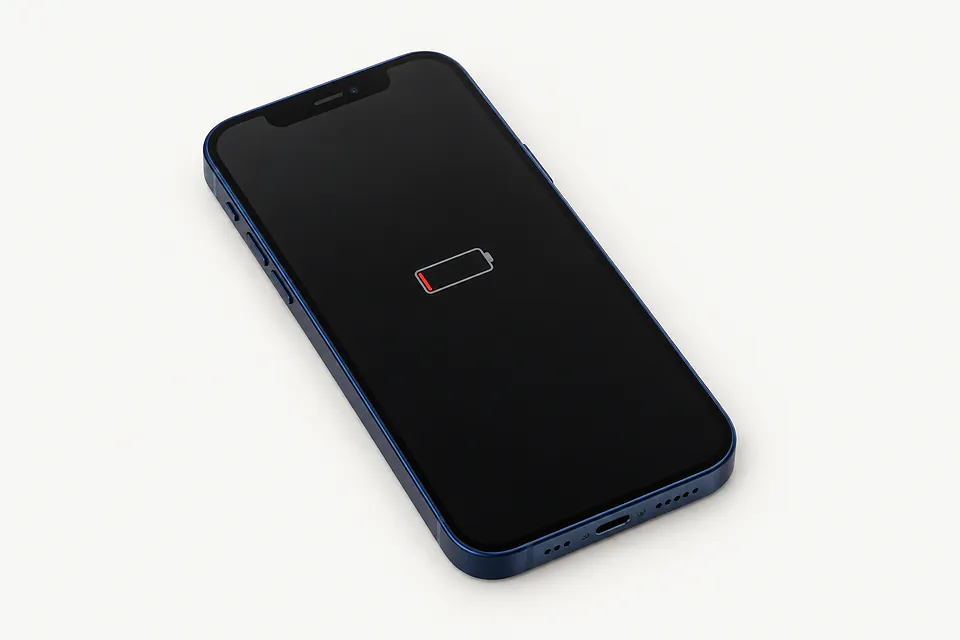
Shops that list iPhone 12 battery replacement
No town has enough of them for its own page yet, so here they are directly. Not paid placements.
- iCity RepairBridgewater, NJ“iPhone 12 / 12 Pro Battery Replacement”
- The Phone PlugzPhiladelphia, PA
- iPhone and laptop screen repair Staten IslandStaten Island, NY
Battery symptoms on the iPhone 12 family
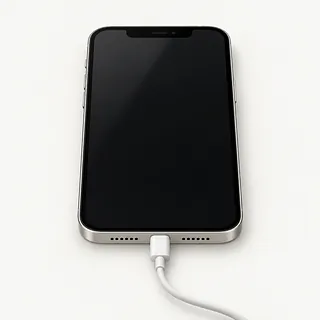
iPhone 12 won't turn on
Start with another Lightning cable and power adapter, then try a force restart. A battery that's empty and a charger that's broken can leave the same dark screen. If it stays silent, a shop can test both before installing a battery.
Find a repair near you: iPhone 12 won't turn on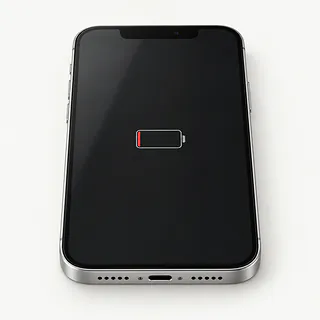
Battery health shows service needed
A service notice usually means the cell has worn down. In Settings, choose Battery and open Battery Health. Maximum capacity describes how much it holds compared with new, even when the charge gauge says full.
Find a repair near you: Battery health shows service needed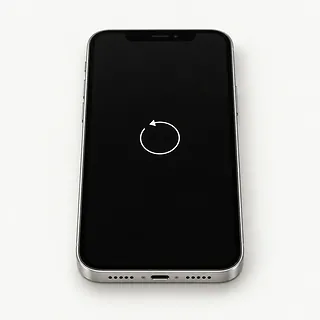
iPhone keeps restarting
An aging cell can cut out when recording video puts more demand on it. Note what you were doing when it restarted, and save a backup if you can. Software trouble can cause restarts too.
Find a repair near you: iPhone keeps restartingBattery draining fast
Check which apps used the charge in battery settings. An app working with the screen off can drain the phone, while battery wear leaves less charge available in the first place.
Find a repair near you: Battery draining fastPhone dies with charge left
A weak battery can stop supplying enough power while the gauge still shows charge. Mention if attaching the charger brings it back.
Find a repair near you: Phone dies with charge left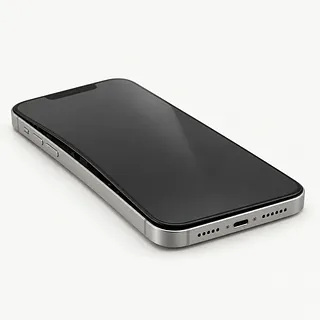
Screen edge lifting
A swollen cell can push the screen up. Stop charging and using the phone, leave the glass alone and arrange repair because swelling is a safety risk.
Find a repair near you: Screen edge lifting


How the iPhone 12 battery is replaced
Testing should show why the iPhone 12 loses power before the battery comes out. The shop checks battery health, charging and any shutdown pattern you've noticed. MagSafe working when Lightning doesn't points toward the cable, adapter or port.
The repairer opens the phone through the front and removes the glued battery. The new cell needs fresh mounting adhesive, and the screen seal needs renewing during reassembly. This applies to the iPhone 12 mini, iPhone 12, iPhone 12 Pro and iPhone 12 Pro Max. Ask which battery is included in the quote, since original Apple and aftermarket cells vary in quality.
Make a backup beforehand and know your Apple Account password. Turn off Find My only if requested, then enable it again after repair. Discuss passcode access for checks of touch, Face ID, both charging methods and use unplugged. Ask the repairer to explain any battery message in Parts and Service History.
Deciding on an iPhone 12 battery repair
Replacing a worn battery makes sense when you're happy with the rest of your iPhone 12. It won't fix a speaker that crackles or a screen with dead patches. Put those repairs on the written quote too, then decide if you'd want to keep using it.
An older phone still needs software that runs your apps safely. Check which iOS releases your apps need and which ones still get security fixes from Apple. Ask about battery availability for your exact version, including the mini or either Pro model.
Don't erase the phone just because you're replacing it. Make sure anything you can't replace has a copy you can still access. If anything's missing, discuss saving it from the old phone before agreeing to a reset.
Questions before an iPhone 12 battery replacement
What battery are you installing?
Ask for the battery's brand and where it comes from. The quote should specify Apple or aftermarket and match your iPhone 12 mini, iPhone 12, iPhone 12 Pro or iPhone 12 Pro Max.
Can you check what works before opening it?
Try Lightning charging, MagSafe, Face ID and touch together at the counter. Request another round of checks when you pick it up.
What happens if it starts shutting down again?
Get the warranty in writing, including coverage for the battery and the installation. Check for exclusions and charges for putting a fault right.
Will you renew the battery adhesive and screen seal?
New adhesive should hold the replacement battery and reseal the display. Opening the phone can reduce water resistance even when it's resealed.
Can I type the passcode instead of leaving it?
An unlocked phone lets someone open photos and messages. Work out which tests need access and arrange to unlock it yourself.
Would I pay for testing if replacement doesn't go ahead?
Checking the fault may carry a separate charge. Get that settled before dropping it off, including what happens if you decline the quote.
Get your iPhone 12 ready for battery work
Describe what happens, including when it started. Note charge left at shutdown, restarts during camera use, and whether Lightning behaves differently from MagSafe. Mention a fall or splash even if it seemed unrelated.
Save the phone's contents to a computer or iCloud, then check that the copy finished. If the phone won't start, flag anything irreplaceable before agreeing to a reset. A battery swap normally leaves stored data alone, but a backup still matters.
Arrange to enter the screen code yourself for tests that require access. Make sure you know your account password without sharing it, and turn Find My off only when the shop or Apple asks. Enable it again after pickup. Remove the cover, magnetic wallet and removable SIM, and keep unrelated cables or earbuds with you.
Related repairs
iPhone 12 Battery Replacement: common questions
What goes into the price of iPhone 12 battery replacement?
Call to describe the problem before asking how much the job will cost. The model and extent of the damage help determine the work you're paying for.
Should I expect a long wait for iPhone 12 battery replacement?
The time depends on the damage and how busy the shop is. Ask for an estimate when you call.
Can other damage make replacement the better choice?
Age alone doesn't tell you whether to keep a device. Get a quote and think through the cost, what else needs fixing, which files you need and how much you want to keep using it.
How can I get ready for iPhone 12 battery replacement?
Get your model number and a short account of what happened ready for the call about iPhone 12 battery replacement. Ask about the charger, case and passcode, and back up any files you can if the device is working.
How do I check battery health on my iPhone 12?
You'll find battery health in the iPhone's Settings app, under Battery. Open the health screen to see the remaining capacity compared with a new battery and any advice to replace it.
Why is my iPhone 12 battery draining so fast?
A worn battery, power hungry apps and weak cell reception can all make an iPhone 12 drain fast. Settings, Battery shows which apps have been using power. Check that alongside battery health before deciding on replacement.
Why won't my iPhone 12 turn on?
The battery may be empty, or the phone may have stopped charging or frozen. Test another Lightning cord and power adapter at a different outlet, then try forcing a restart. A black display on a phone that rings points to a screen fault.
Why does my iPhone 12 keep restarting?
Repeated restarts can come from battery wear, a software fault or another part inside the phone. Write down whether it happens while gaming, using the camera or sitting untouched, and mention any battery service warning when arranging tests.
What should I do if my iPhone 12 battery is swollen?
Unplug the iPhone 12 and stop using it if the battery has swollen. Don't press a lifted screen or bulging back into place. Leave it closed and call a repair shop for instructions on bringing it in.
Does replacing an iPhone 12 battery improve performance?
A new battery can help with slowdowns and shutdowns caused by battery wear. If an app keeps freezing because of a software fault, swapping the battery won't fix that.