
Find iPhone 12 Screen Replacement Near You
10 shops say they handle iPhone 12 screen replacement. Select a city to see who works in your area.
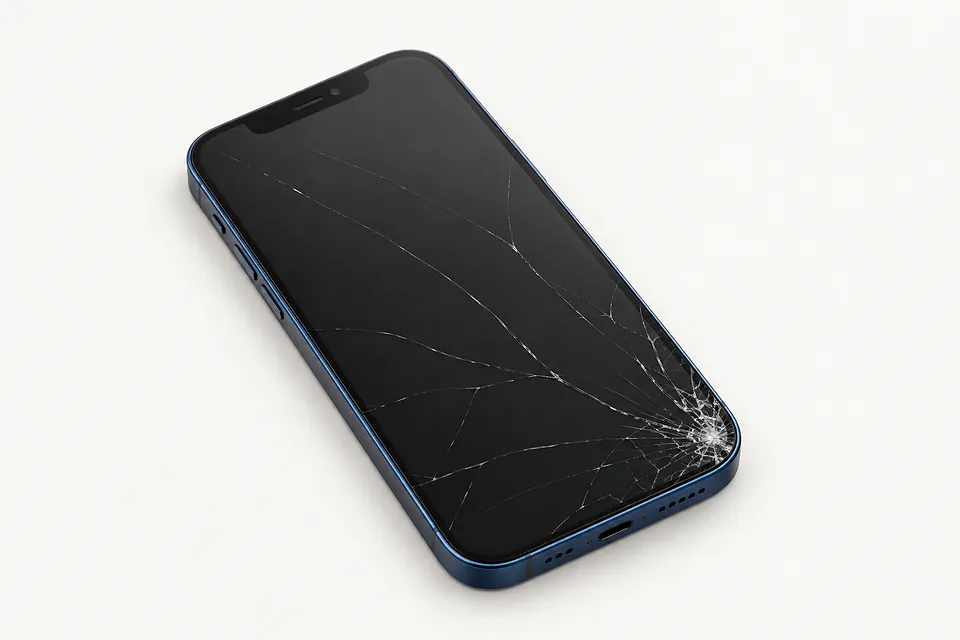
Common iPhone 12 screen faults
Screen is black but alerts sound
The phone can still receive messages with a failed screen. Start with a force restart to rule out a software freeze. If nothing appears, testing another display can help show whether replacing it would fix the fault.
Find a repair near you: Screen is black but alerts sound
Screen won't register touch
Wet glass or a loose protector can interfere with swipes, so clean the surface and remove the protector. Touch that still misses the same keyboard keys after restarting suggests the screen has a damaged touch layer.
Find a repair near you: Screen won't register touch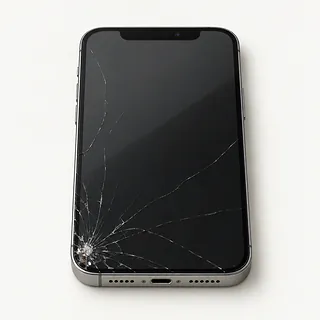
Front glass is shattered
Cracked glass can sit over an OLED that still works normally. A specialist with glass-only repair equipment may be able to keep that panel, although the usual job swaps the complete screen.
Find a repair near you: Front glass is shattered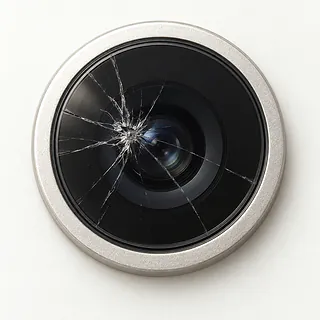
Camera picture stays dark
A black viewfinder alone doesn't point to a broken screen if your saved pictures look normal. Close Camera, reopen it and compare the selfie view with the rear camera. The camera or app may be at fault.
Find a repair near you: Camera picture stays dark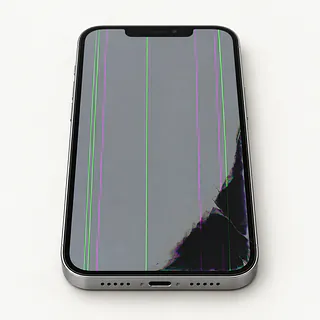
Display keeps flickering
Flicker with purple blotches or colored stripes often means the OLED was damaged, even without a visible crack.
Find a repair near you: Display keeps flickering
Screen opens apps on its own
Moisture sometimes causes ghost touch, but a failing display can also register taps you never made. Wipe away any water and avoid entering passcodes while the screen keeps adding taps.
Find a repair near you: Screen opens apps on its own


Inside an iPhone 12 screen repair
Testing another screen can help explain an iPhone 12 that rings with no picture. The repairer also checks touch and looks for a bent frame before taking the display out. Mention if Face ID stopped working during the fall.
The replacement usually combines cover glass with a display panel. OLED came standard throughout this family, from mini to Pro Max, but some aftermarket replacements use LCD. Confirm the screen type before agreeing to the work. Ask about original Apple parts and refurbished originals as well as aftermarket options.
The earpiece and attached sensors may need transferring from your old screen, while the selfie camera needs protection during removal. New adhesive goes around the opening when the phone is closed, although water resistance may remain reduced. Tests afterwards cover screen response, brightness, sensors, camera pictures, Face ID and earpiece sound. Agree how you'll unlock the phone for testing.
When a screen repair makes sense
A screen swap won't straighten a bent edge or fix a broken rear camera. If the fall left several faults, get them checked together and ask for the work in writing. Another phone may make more sense if repairing yours would still leave you unhappy using it.
Keeping an otherwise working iPhone 12 is worth considering. Ask what display the repairer can get for your model, particularly if you want to keep OLED. Check which iOS versions Apple still updates and which versions your banking and work apps need.
Open your backup and check what's actually there before handing the phone over for trade-in. A missing message thread might still be on the phone. Say you need it saved, and don't approve a reset until you've discussed how to copy it.
Check the part and the repair terms
If the new screen starts flickering, who handles it?
Get repair warranty terms on paper. Check how they handle a faulty panel or poor installation, including exclusions and possible charges.
Are you quoting for OLED or LCD?
Even the iPhone 12 mini came with OLED. An aftermarket LCD can look different, so ask who made the part and if it's refurbished.
Can you note anything that already doesn't work?
A cracked screen may still respond in every corner. Compare touch, face unlock, both cameras and call sound before work starts and at pickup.
Do you need to keep my unlock code?
That code opens photos and conversations too. Offer to enter it yourself when a test needs the phone unlocked.
Do I still pay for testing if I say no?
Checking a black display can involve work even without a repair. Ask about that charge upfront.
Will you stop and call if a screen doesn't fix it?
Permission to replace the display shouldn't cover trying more parts or resetting the phone. Agree on that limit before work begins.
Save your data and note the symptoms
Make a copy while touch still works
Create an iCloud backup or save one onto a computer. Look for confirmation that it finished, especially if cracks are spreading.
Describe exactly what changed
Note when the trouble started, any fall or splash, and details such as a purple streak beside the notch or missed swipes.
Arrange access for testing
The shop may need the screen unlocked. Offer to enter your passcode during checks instead of leaving it behind.
Check that you can disable Find My
Have the Apple Account password ready, and disable Find My only at the shop's or Apple's request. Enter it privately and turn Find My back on after repair.
Strip off the extras
Remove the case and MagSafe wallet. Retain the physical SIM unless needed for agreed call tests, and keep unrelated accessories.
Related repairs
iPhone 12 Screen Replacement: common questions
Who should I call about iPhone 12 screen replacement in my area?
The 10 shops you can search by city all say they offer this service. Ask about your model and fault before deciding where to go.
What affects the repair bill for my iPhone?
Replacing a part can change the total for iPhone 12 screen replacement. Mention your model during the call and ask whether the quoted price covers both the part and the labor to fit it.
Should I expect a long wait for iPhone 12 screen replacement?
Before arranging a visit for iPhone 12 screen replacement, request a rough estimate by phone. The shop can judge the timing better with a clearer picture of the damage, though their workload also affects the wait.
Does keeping my iPhone make more sense than buying another?
The cost of iPhone 12 screen replacement is only part of the decision. Ask for a quote before committing, then factor in the device's age, any separate damage, data you care about and how well it still suits you.
What should I do before booking iPhone 12 screen replacement?
Gather the exact model name and a note explaining the fault, then copy any files you can from a device that still works. When calling, check if you should bring a charger or case and how to handle a passcode.
Why is my iPhone 12 screen black but the phone still works?
Your iPhone can still receive calls with a broken screen. Give it a force restart before booking a repair. If it rings but shows nothing afterward, the screen is one suspect, though a fault elsewhere inside can do the same thing.
Why is my iPhone 12 touch screen not working?
A screen can show a clear picture and still miss your taps. Force restarting may help when software stops responding. When one keyboard row keeps ignoring your finger afterward, the display may need replacing.
Why is my iPhone 12 tapping things by itself?
A faulty touchscreen can type letters or open apps without a finger on it. Try using the phone off the charger and restart it. Leave password entry alone until those unwanted taps stop, and get persistent ghost touch checked.
Why is my iPhone 12 screen flickering?
Flicker beside a green line or black patch can mean the OLED panel is damaged, especially after a fall. Unbroken glass doesn't rule that out. Software faults can cause flickering too, so that symptom alone doesn't settle it.
Can cracked glass on an iPhone 12 be fixed?
Yes, the usual repair replaces both the cracked glass and the panel attached underneath. Separating those bonded layers takes special equipment, so glass-only replacement is a specialist job for screens whose picture and touch remain undamaged.
Why is my iPhone 12 camera showing a black screen?
A screen swap usually won't help when the camera preview is black and everything else looks normal. Close and reopen the camera, then reboot if needed. Switching between front and rear views can show if only one camera is affected.