
Find iPhone 12 Repair Near You
On their own sites, 25 shops list iPhone 12 repair. Pick the state where you want to search, then a city nearby.
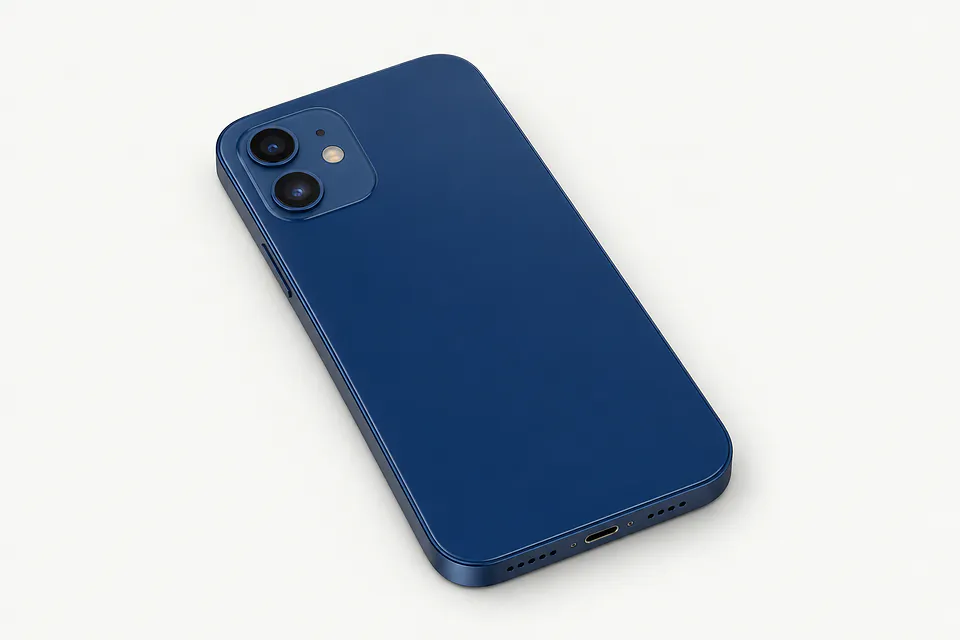
Common iPhone 12 repair problems
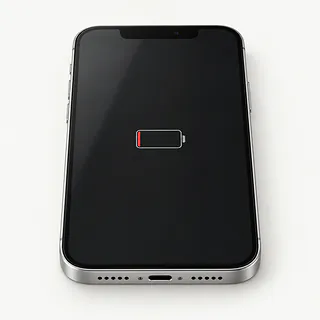
iPhone battery won't last
A tired battery runs out sooner because it can't hold as much charge. Look for a service recommendation under Battery Health, especially if normal calls and messages now send you hunting for a charger.
Find a repair near you: iPhone battery won't last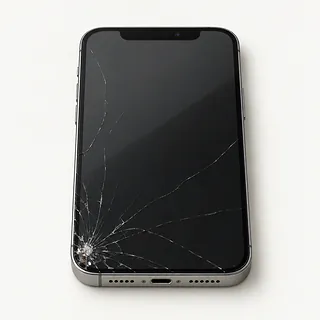
Front glass is broken
Cracks can spread from a tiny chip beside the frame. The usual repair replaces the screen assembly, though a specialist may save a working OLED panel by changing just its cover glass.
Find a repair near you: Front glass is broken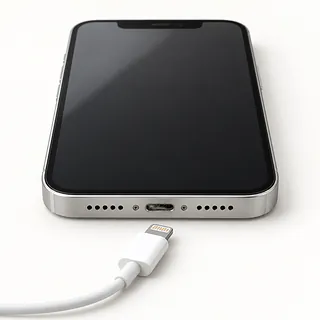
iPhone 12 isn't charging
Lint wedged inside the Lightning port can keep the contacts from meeting. Rule out the cable and power adapter first. Wireless charging that works normally makes battery failure less likely.
Find a repair near you: iPhone 12 isn't charging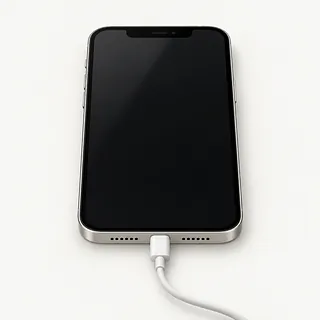
Display went black after a drop
The OLED panel may be broken beneath unmarked glass. Tell a shop about any alarms or vibrations, since those suggest the phone is still running.
Find a repair near you: Display went black after a dropPhone won't start up
No picture doesn't necessarily mean a dead battery. Connect charging equipment that works with another phone, then attempt to force restart yours.
Find a repair near you: Phone won't start up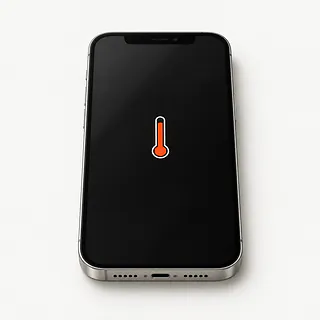
iPhone overheats during use
Direct sun and demanding games can heat the case. Pause what you're doing and move indoors if a temperature warning appears.
Find a repair near you: iPhone overheats during use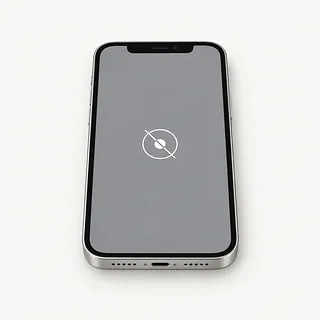
Touch stops working in patches
A narrow strip that ignores your finger after an impact often points to a broken screen. Restarting is worth trying before replacing it.
Find a repair near you: Touch stops working in patches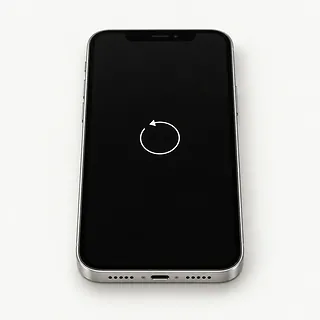
Phone restarts without warning
Battery wear can cause sudden shutdowns, but software can also keep sending you back to the Apple logo. Make a backup if possible before checking for an iOS update.
Find a repair near you: Phone restarts without warning


What iPhone 12 repair involves
The repairer checks your complaint before choosing a part. For a phone that won't charge, that means trying another cable and checking the port, then comparing Lightning with MagSafe. A dark display on a phone that rings may need a test screen.
Ask what screen the quote includes. All iPhone 12 versions came with OLED, but some replacement screens use LCD and look different. Usually the bonded glass comes out with the panel, and Face ID sensors need careful handling. Battery work replaces the cell, while a worn charging port normally gets a new flex cable.
Save your files and check that your Apple Account login works. If the repairer requests disabling Find My, do that yourself and enable it again afterward. Agree how the repairer can unlock it for checks, and ask for new adhesive around the opened screen. Once it's reassembled, test typing, photos, call sound, face unlocking and charging. Get any replacement part warning explained.
Keeping or replacing an iPhone 12
Getting a family video off a dead phone may matter more than keeping it. Tell the shop if that's the goal, especially when no other copy exists. Another phone won't recover files left on this one.
Repair makes sense when a single fault is spoiling an otherwise useful iPhone 12. A bent corner, shattered rear glass and broken face unlocking make it a bigger job. Ask for a written quote covering each fault, and decide how much you'd want to use it afterward.
Check software support before putting more work into an aging phone. It should run the apps you need, and ongoing security updates matter too. Ask the repairer to confirm suitable replacement parts, including the display type, before you commit.
Check the parts and repair terms
Do I still pay if you can't fix it?
Ask what the bill would cover if testing or a repair attempt leaves the phone with the same problem.
What will you do if changing the screen doesn't help?
Agree that work stops there until you've heard what the tests showed. Give permission for further work only after seeing a revised quote.
Can you write the exact replacement part on the quote?
An iPhone 12 screen quote should name its supplier and say OLED or LCD. With a battery, ask for its brand and what iOS will show under Parts and Service History.
Does your warranty cover a loose connection?
Coverage for a faulty part may differ from coverage for how it was installed. Keep a copy of the terms, including anything excluded.
How do you check that nothing else stopped working?
Start with a note of working features, including face unlock, cameras and touchscreen response. Compare them after repair, and try both Lightning and MagSafe.
Could I unlock it just for the tests?
Typing your passcode yourself limits who has it. Make sure wiping the phone needs a separate conversation.
Get your iPhone 12 ready for repair
Check the backup date
Create a backup using iCloud or your computer, then check that it finished. Mention any photos or messages that haven't been saved elsewhere.
Describe the first sign of trouble
Write down when it began and what happened beforehand. A green line after a fall or charging that stops when the cable moves is useful detail.
Arrange access for testing
Offer to enter the passcode at the counter for checks needing an unlocked phone.
Handle Find My when asked
Know your Apple Account password and keep it private. Turn off Find My only when requested for repair, then turn it back on afterward.
Remove attached belongings
Take off the case and magnetic wallet. Keep your physical SIM unless it's needed for an agreed test, and bring accessories only when they demonstrate the fault.
Related repairs
iPhone 12 Repair: common questions
Who can I ask about fixing my iPhone?
The 25 shops you can search by city all say they offer this service. Ask about your model and fault before deciding where to go.
How much should I set aside for iPhone 12 repair?
Your model and the work it needs affect the total. Ask for an estimate when you call, including any parts that may need replacing.
How long could I be without my iPhone 12?
Call for a rough estimate before taking your iPhone 12 in. It may change with the shop's workload or what they find when checking it.
Is iPhone 12 repair worth the cost?
Tell shops about any other damage when you request an estimate for iPhone 12 repair. Once you have the cost, decide what you're willing to spend given the device's age, how often you'd use it and any data you need.
What should I check about backups and accessories before iPhone 12 repair?
Note exactly which model needs attention and what you noticed when it broke, then copy files if it's still working. Before heading out, call about taking the charger, leaving the case fitted and what you should do about the passcode.
How do I know if my iPhone 12 needs a battery replacement?
Battery Health can flag a worn battery through its service warning and maximum capacity reading. The app usage breakdown can also explain heavy drain. Losing charge quickly doesn't by itself mean you need a replacement.
Does iPhone 12 screen replacement mean replacing the whole display?
An iPhone 12 normally gets a whole screen assembly when its screen is replaced. Glass alone is an option for some cracks, provided the OLED underneath shows a clear picture and responds correctly to taps, and the shop has the equipment.
Why is my iPhone 12 not charging when plugged in?
Cable charging can fail because of the cord, power adapter or lint inside the Lightning port. Working MagSafe makes those more likely suspects than a worn battery. Swap the charging accessories separately, and check another outlet before assuming the port needs replacing.
Why is my iPhone 12 screen black but the phone still works?
The phone can keep taking calls even if its OLED panel stops showing anything. Software can also leave the screen blank, so try force restarting it. If it still rings with no picture, a shop can test a replacement display.
Why does my iPhone 12 keep restarting?
A failing battery is one possible reason for restarts, alongside software problems and faults elsewhere inside the phone. Copy your data if it remains usable. Tell the shop what sets off the reboot so it can test before recommending parts.
Why is my iPhone 12 overheating?
An iPhone 12 may feel hot from heavy app use or charging, especially in sunlight. A heat warning means you should turn it off, unplug it and let it cool in the shade. Repeated warnings during simple tasks are a reason to have it checked.