
Find iPhone 11 Battery Replacement Near You
In New Jersey, New York, and Pennsylvania, 4 shops advertise iPhone 11 battery replacement through their own websites. The hours posted on Google show one shop closing late on a weekday and Sunday opening at one shop. 3 shops take walk-ins, and they make that clear on their own websites.
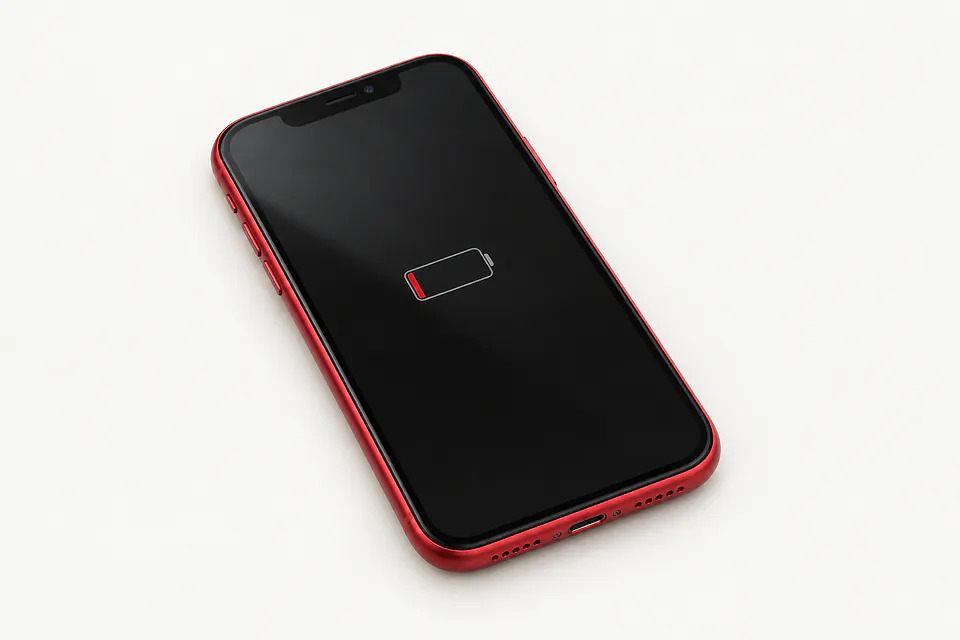
Shops that list iPhone 11 battery replacement
No town has enough of them for its own page yet, so here they are directly. Not paid placements.
- iCity RepairBridgewater, NJ“iPhone 11 Battery Replacement”
- The FIX - Phone Repair, Tablet Repair and AccessoriesParamus, NJ
- The Phone PlugzPhiladelphia, PA
- iPhone and laptop screen repair Staten IslandStaten Island, NY
Why your iPhone 11 loses power
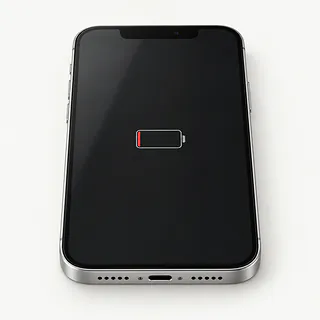
Battery drains even without much use
Apps may still be busy after you lock the screen. Check their power use in Settings under Battery. If nothing stands out and you're charging more often despite using the phone as usual, battery wear is worth checking.
Find a repair near you: Battery drains even without much use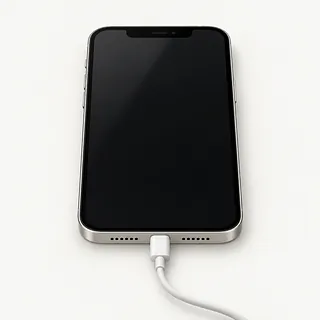
iPhone won't start
Power might not be getting into the phone at all. Wireless charging that works when a Lightning cable doesn't points toward the cable, adapter or port. Pocket lint packed inside the port can keep the plug from going all the way in.
Find a repair near you: iPhone won't startBattery capacity looks low
A worn battery holds less charge, even when the charge gauge reads full. Open the Battery Health screen to check maximum capacity and see if the phone recommends service.
Find a repair near you: Battery capacity looks low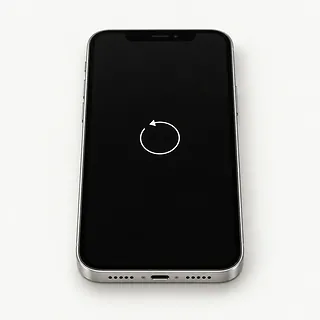
Phone restarts on its own
A struggling cell can cause restarts, but replacing it won't fix broken software. Tell the repairer if the restarts began after a fall or a spill.
Find a repair near you: Phone restarts on its owniPhone dies when unplugged
A phone that turns off as soon as you pull the cable may have a failed battery. The shop can test the cell before installing another one.
Find a repair near you: iPhone dies when unplugged
iPhone battery looks swollen
Glass pushed outward can mean the battery has swollen underneath. Don't charge it or keep using it, and don't squeeze the case shut. Swelling needs repair because the cell is unsafe.
Find a repair near you: iPhone battery looks swollen


What happens during iPhone 11 battery replacement
The shop should check what makes your iPhone 11 cut out before taking it apart. Battery wear, an app using lots of power and a poor charging connection need different fixes. Mention if pulling out the cable shuts it off.
Replacing the cell means opening the phone and removing the adhesive that holds the battery down. Say if yours is the standard model, Pro or Pro Max. Ask which battery they plan to install, since Apple and aftermarket cells differ in quality. The job also calls for new battery adhesive and a renewed case seal.
Copy important files and make sure you know your Apple Account password. Only turn Find My off when asked, and restore it afterward. Discuss passcode access for tests. Try Face ID and type across the keyboard after repair. The repairer should check cable charging, a wireless charger and use on battery power, then explain any part warning in settings.
When a battery swap is worth doing
Battery replacement is worth weighing up if your iPhone 11 still does what you need and testing confirms battery wear. It can improve battery life and may reduce slowdowns caused by the cell struggling to supply power.
Age matters alongside condition. Check Apple's current security support and the requirements of apps you use. Ask about a suitable battery for your exact model, and request a written quote that includes other faults, such as a loose port or cracked display.
Unsaved photos deserve attention before you retire the phone. Confirm that copies actually open on another device. If the originals are trapped on the iPhone, explain what needs recovering before allowing a reset.
Questions for the repair counter
Can you name the battery brand?
A vague description such as premium battery doesn't tell you who made it. Ask for the maker's name, where it's sourced and whether it's genuine Apple or aftermarket.
Could the Lightning port be the problem?
Wireless charging that works when a cable won't points toward the cable, charger or port. Tell the shop if the plug feels loose.
Can you test the phone with me before opening it?
Check face unlock, screen taps and charging, then repeat those checks when you pick it up. Point out a cracked corner before anyone starts.
Will I need to leave the screen passcode?
That code also opens your photos and messages. Discuss typing it yourself for tests that need access.
Does the warranty cover the work as well as the battery?
Get written terms that explain what happens if the replacement cuts out or something goes wrong while installing it, including further charges.
What else belongs on the quote?
Include new glue strips for the cell and resealing around the display. Check what testing would cost if you decide against going ahead.
Getting your iPhone ready for a battery swap
Jot down what happens
Describe the first sign of trouble and when you noticed it. Add details such as losing charge while sitting unused, along with any recent splash or fall.
Check your backup
Look for a completed backup on your computer or in iCloud. If the phone won't stay running long enough, tell the shop which photos or messages aren't saved elsewhere.
Know your Apple account password
Keep it private. If asked, turn Find My off yourself and restore it after the swap.
Arrange to unlock the phone
Ask which checks need the passcode and offer to unlock the screen during drop-off or pickup.
Take off the case
Keep your earbuds and other loose belongings, and discuss taking your SIM card home. Pack the charger only when it's needed to show a charging fault.
Related repairs
iPhone 11 Battery Replacement: common questions
What's the likely bill for iPhone 11 battery replacement?
Until someone knows the fault, a price for iPhone 11 battery replacement may be only a rough estimate. Describe the symptoms by phone, share your model's full name and check which work is covered.
Should I expect a long wait for iPhone 11 battery replacement?
Treat a phone estimate for iPhone 11 battery replacement as a rough guide. Ask how much time to allow, including any wait behind other jobs or extra work the damage might need.
What should I think about before paying for iPhone 11 battery replacement?
Get a quote for iPhone 11 battery replacement before deciding. Compare the cost with how much you still use the device, how old it is, anything else that's broken and any files you need from it.
What should I tell the person handling my iPhone 11 battery replacement?
Jot down the full model number and how the trouble started so you can explain it when you call. Ask about bringing a charger, keeping the case attached and unlocking the device, and back up files if it works.
Why is my iPhone 11 battery draining so fast?
An aging cell holds less charge, but background apps and weak reception can also leave an iPhone 11 running low. Compare Battery Health with the app usage chart. A service message points toward wear, while heavy background activity gives you something else to check.
How do I check battery health on my iPhone 11?
You'll find the health reading in Settings under Battery. Maximum Capacity tells you roughly how much charge fits in the battery now versus when new. Look for a service message as well, and mention sudden shutdowns even if the reading seems fine.
Why does my iPhone 11 keep restarting?
A worn cell can cause restarts, but software and other hardware faults can do the same. Note whether the phone restarts during demanding tasks or while sitting unused. Replacing the battery helps if it is the source of those shutdowns.
Why won't my iPhone 11 turn on?
A drained cell, broken charger or frozen system can leave the iPhone 11 looking dead. Provided the phone is dry with no signs of swelling, test different charging equipment and try a force restart.
What should I do if my iPhone 11 battery is swollen?
Unplug the iPhone and stop using it if you suspect swelling. A growing gap beneath the display can mean the battery is pushing outward. Tell the repair shop about that gap before bringing the phone in, and leave the raised glass alone.
Does replacing my iPhone 11 battery improve performance?
Replacing a worn battery can help if the phone has slowed because the cell can't supply enough power. It can also reduce shutdowns caused by battery wear. A replacement won't fix slow apps caused by full storage or unrelated software trouble.