
Find Xbox Series S Repair Near You
On their own sites, 9 shops list Xbox Series S repair. Pick the state where you want to search, then a city nearby.
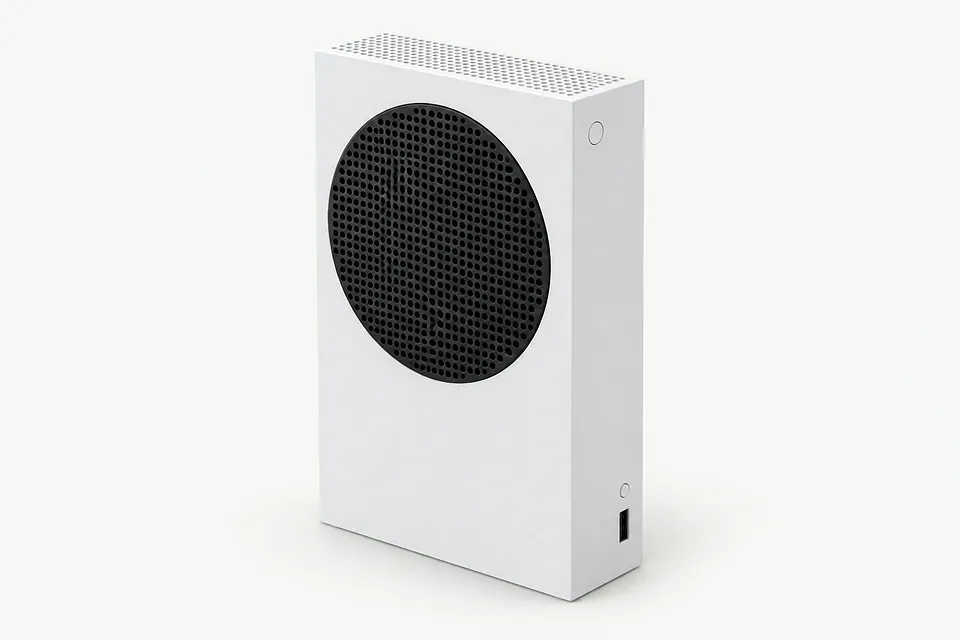
Xbox repair in Philadelphia, PAXbox Series S repair in New Jersey
Xbox Series S symptoms to check

Xbox controller won't connect wirelessly
Controller software can stop wireless pairing even when buttons work over USB. Check for controller updates in Xbox Accessories while the cable is connected.
Find a repair near you: Xbox controller won't connect wirelessly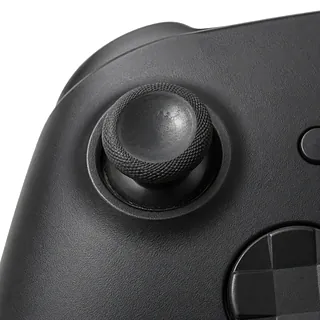
Controller aim keeps drifting
Stick drift usually means the module under the thumbstick has worn out. A shop can replace it, though cleaning or supported recalibration sometimes saves replacing a part.
Find a repair near you: Controller aim keeps drifting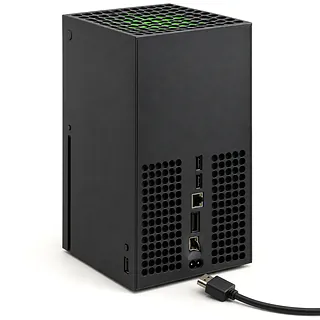
Xbox HDMI port moves
The port shouldn't follow the cable when you unplug it. A sideways yank can loosen its soldered joints, and rocking the connector can make the break worse.
Find a repair near you: Xbox HDMI port moves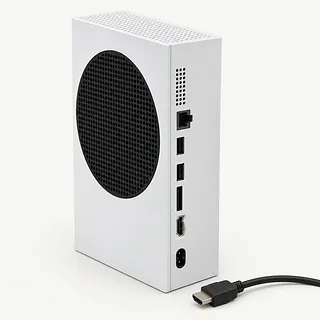
Series S screen stays black
The TV may simply be showing the wrong source. Match its input to the connection you're using, then swap the HDMI cable if nothing appears.
Find a repair near you: Series S screen stays black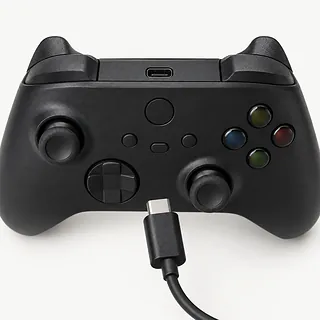
Xbox controller won't light up
Drained batteries can leave even the Xbox button dark. Try fresh AA cells or power the controller from USB before writing it off.
Find a repair near you: Xbox controller won't light up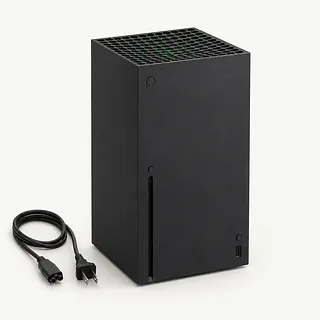
Xbox shuts down during games
Heat trapped around covered vents can cut a game short. Give the console breathing room and note any heat warning. A shutdown without a warning can still involve cooling or power.
Find a repair near you: Xbox shuts down during games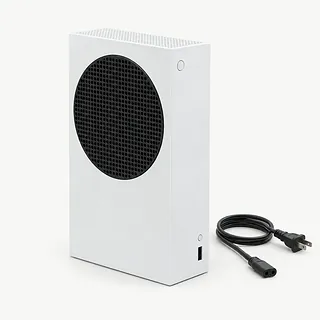
Xbox Series S has no power
An outlet that doesn't work makes the Xbox look dead too. Try another outlet before booking repair, and mention if the console briefly lights up before stopping.
Find a repair near you: Xbox Series S has no power


How a Series S gets repaired
The first check separates a dead Series S from one that's running without video. The repairer starts by power cycling it, holding its power button until it shuts off, unplugging it and reconnecting power. Mention whether the light stays on when the screen goes black.
HDMI work means removing the damaged soldered port, checking its board connections and installing a matching port. The Series S uses HDMI 2.1. Power trouble calls for testing the internal supply, while heat complaints need checks for clogged airflow and a fan that isn't working.
Discuss saved progress before allowing a reset, and ask whether you'll need to sign in or pair controllers again. Final testing should include a steady picture and a game running without the reported shutdown. A controller brought in for drift needs its stick movement checked separately.
Choosing between repair and replacement
One damaged HDMI port gives you a clearer reason to repair than a console that also cuts out during games. Ask for a written quote covering each symptom, including any broken board connections around the port.
An older Series S may still suit the games you play. Check Microsoft's software support for your model and have the repairer confirm that matching parts are available before committing to the work.
Saved progress deserves a separate conversation before anyone erases storage. Check what has synced and what might exist only on the console. If the trouble is confined to the controller, handle that separately from replacing the Xbox.
Talking through the repair
Can you reproduce the shutdown with a game running?
Tell them which game makes your Series S cut out and what happens just beforehand. A successful startup won't settle that fault. Request another run of the game once they've finished.
Can you do the checks with your own account?
Your profile may contain messages and payment settings. Ask them to use a test account where possible, and tell them to call before deleting anything.
Do I pay for an attempt that doesn't fix it?
Get the testing charge written down separately from attempted repairs. Include the fee owed if you hear their findings and decide against the work.
Are you installing a new part or a used one?
Have the shop name its supplier and explain the choice. A part pulled from another console should be described that way on your paperwork.
What happens if the same symptom returns?
Read the warranty before handing over your Xbox. It should spell out coverage for parts and labor, exclusions, and who you contact about a return.
What to pack and record
Give game saves a chance to sync
Connect a working Series S to the Xbox network while signed in so saves can sync. Flag any progress you couldn't upload.
Try the power cycle
Hold the power button until it shuts off. Unplug the console, reconnect it and record whether anything changes.
Write down the trigger
Note when trouble started and what happened beforehand. A cable snag or a TV that loses the picture during play is useful detail.
Plan access without sharing passwords
Explain any sign-in PIN or family restrictions that block games. Agree how the repairer will test it without your Microsoft password.
Disconnect the extras
Turn off the console before detaching external storage and accessories. Check which cables or controller to include, and leave headsets behind unless they're needed.
Related repairs
Xbox Series S Repair: common questions
How can I check who offers Xbox Series S repair nearby?
For a place to call about Xbox Series S repair, start with the cities in your state. There are 9 shops nationally who list this work themselves, and you'll need to check that they take your exact model.
How can I find out what Xbox Series S repair will cost?
Any parts needed can affect the price, as can the work involved. Call about your Xbox, explain the fault and ask for the full quoted cost.
Is the wait for Xbox Series S repair different from shop to shop?
For Xbox Series S repair, a shop can estimate the wait, but that estimate may change as they learn more about the damage. Call to request a rough timeframe that also accounts for their workload.
What matters most when choosing between repair and replacement?
If there's other damage, a quote for Xbox Series S repair may cover only part of what needs doing. Get the cost before choosing, then think about the device's age, whether you'd use it again and any files you need.
What is worth writing down before Xbox Series S repair?
Keep the model name and a short note about the fault handy, and back up what you can on a device that still runs. Talk through how to handle the passcode, case and charger when you call.
Can an Xbox Series S HDMI port be fixed?
Xbox Series S HDMI port repair means soldering a replacement onto the board. A pulled cable can bend or loosen that port, but a missing picture can also come from the cable or the selected television input.
Why won't my Xbox Series S turn on?
A Series S that won't turn on may have a power connection fault or failed internal hardware. Check the outlet and firmly seated power cable first, then try a full power cycle before a shop tests inside.
Why does my Xbox Series S turn off by itself?
Heat and power trouble are both possible causes of an Xbox Series S turning itself off. Leave space around the ventilation openings instead of squeezing it between other equipment. Note any warning message or change in fan noise.
Why is my Xbox controller not connecting?
Controller firmware can cause connection trouble, and updates through the Xbox Accessories app often help. Try a USB cable to connect it, and check the AA batteries or rechargeable pack if the controller won't power on.
How do you fix stick drift on an Xbox controller?
Replacing a worn stick module is the usual fix for Xbox controller drift. Ask the repairer about cleaning first, and try recalibration if it's available for your controller. Neither step will mend a worn part.
Why won't my Xbox Series S read a disc?
The Series S doesn't accept discs because it plays digital games. If you're trying to repair an Xbox with a disc slot, check the model label before calling so you can give the correct name.