
Find Xbox One Repair Near You
20 shops say they do Xbox One repair. Choose your state or city to find someone nearby to call.
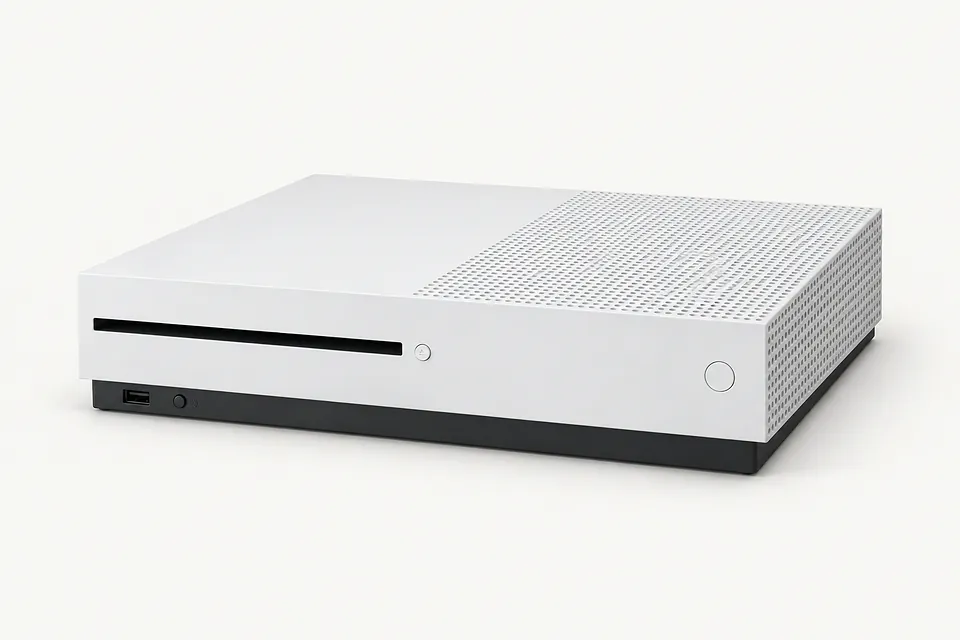
Xbox One Repair by city
Common Xbox One problems
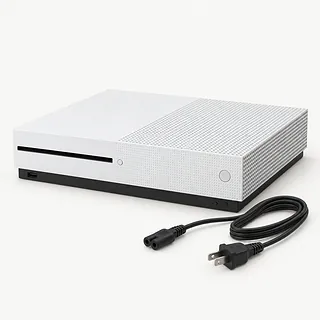
Xbox One power keeps cutting out
A loose power connection can interrupt play just like a failing supply. Reseat the cords and note whether the original Xbox One's brick light changes when it cuts out.
Find a repair near you: Xbox One power keeps cutting out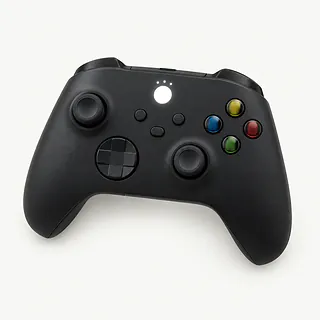
Controller won't connect to Xbox
Pairing can fail when controller firmware needs updating. Attach a USB cable and open Xbox Accessories to check. USB power also helps rule out drained controller batteries.
Find a repair near you: Controller won't connect to Xbox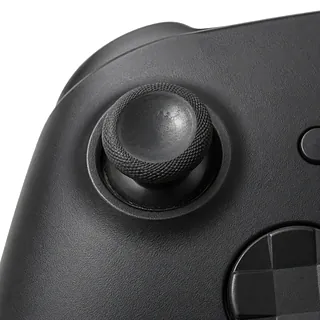
Xbox stick moves on its own
Wear can leave a stick sending movement after you've let go. Recalibration is worth trying where available, but a worn module generally needs replacement.
Find a repair near you: Xbox stick moves on its own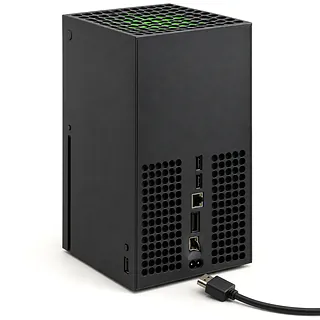
Xbox HDMI port looks bent
A cable caught under furniture can tug the port away from its board connections. Don't push a connector into a crooked port. A shop can solder in another.
Find a repair near you: Xbox HDMI port looks bentXbox runs but picture stays black
The TV might be showing a different input. Follow the HDMI cable to the television and select that connection before testing a spare cable.
Find a repair near you: Xbox runs but picture stays black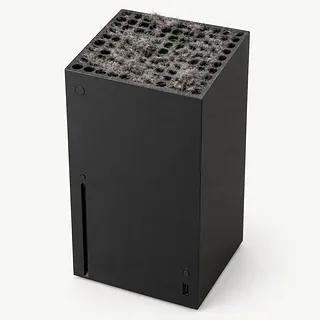
Xbox gets hot and shuts down
A closed cabinet holds hot air around the Xbox. Move it into open space. Persistent shutdowns call for fan and power supply checks.
Find a repair near you: Xbox gets hot and shuts down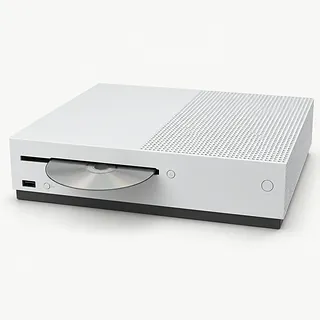
Xbox One disc won't load
One scratched game doesn't tell you much about the drive. Try several clean, compatible discs before assuming it needs repair.
Find a repair near you: Xbox One disc won't load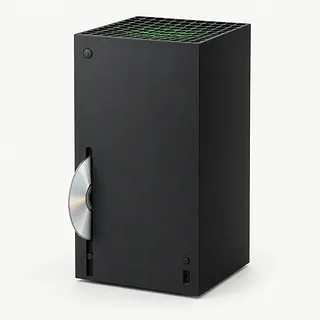
Xbox disc won't eject
A jammed drive can trap a disc inside. Tell the repairer if pressing eject produces clicking, and don't pry through the opening.
Find a repair near you: Xbox disc won't eject


Inside an Xbox One repair
Testing separates a power fault from an Xbox running without video. A full power cycle comes first. Hold the power button until shutdown, unplug the console, then reconnect it. The original Xbox One's external brick gets checked separately, while One S and One X supplies are inside.
A broken HDMI port needs desoldering before another is installed. Overheating calls for fan and airflow checks. A shop can clean or replace a faulty disc drive. The original drive board has to move into a replacement so games still play from disc. The Xbox One S All-Digital Edition has no disc drive.
Discuss saved progress before allowing storage changes or a reset, and ask which settings or controller connections will need restoring. Checks afterward should cover the repaired fault, including disc reading and ejection after drive work. Controller repairs need a pairing test and a check that the sticks return to center.
When Xbox One repair makes sense
One broken port is a stronger reason to repair than a console with several failing parts. If your Xbox One also struggles to read discs or shuts itself off, get those faults included in a written quote. Fixing the picture alone leaves the other trouble.
This is an older console family, so check parts availability and Microsoft's software support for your exact model. Keeping it may still suit the games you play. A controller fault can be handled separately from the console.
Check which saves are backed up before a reset or storage swap. Ask what can be preserved. Weigh the complete repair against how much you want to keep using this machine.
What to ask the repairer
Which checks need access to my profile?
Agree on account access before leaving the console. If they propose wiping storage, ask what happens to game progress that hasn't synced and make permission a separate step.
How do you handle a fault that comes back?
Ask for written warranty terms covering the installed hardware and labor. Check exclusions, especially how they distinguish a failed HDMI repair from another cable pull.
Will you try the disc that won't install?
Reaching the menu doesn't show that an Xbox One can read a game disc or stay on during play. Have the starting symptom recorded, then request matching tests after repairs.
Which supplier is the part coming from?
Get the proposed replacement named on the estimate, including whether it's unused or salvaged. Confirm that it matches your Xbox One model.
What's payable if testing ends without a fix?
Separate the testing charge from repair labor. Settle what applies if you decline further work or the attempted fix fails.
Get your Xbox One ready
Check that saves have synced
If the Xbox still runs, let saved games sync while signed in and connected to the Xbox network. Flag any progress that remains only on the console.
Describe the first failure
Record when trouble began and what happens now. Include a flashing controller button, a blank TV or shutdowns during a particular game.
Try a full power cycle
Keep the power button pressed until the console shuts down, then unplug it and reconnect it. Note any change.
Arrange access for tests
Keep your Microsoft password private. Mention a sign-in passcode or family settings that block games, and agree how to allow testing.
Remove loose extras
Eject any disc normally, then power down and disconnect external storage. Ask whether to include the original Xbox One's power brick, and report a trapped disc.
Related repairs
Xbox One Repair: common questions
Who can I ask about fixing my Xbox?
Use the state and city links to explore 20 shops that list this service. Call before making the trip and describe the problem with your model.
Who can give me an estimate for Xbox One repair?
Call to describe the problem before asking how much the job will cost. The model and extent of the damage help determine the work you're paying for.
Will Xbox One repair take longer if the damage is severe?
Let the shop know what happened when calling for a time estimate for Xbox One repair. Their answer may be tentative until they assess the damage and check their workload.
What matters most when choosing between repair and replacement?
Think about what losing use of the device would mean to you. Get a quote before settling on repair or replacement, then weigh that cost with the device's age, any separate faults and data still stored on it.
Where should I start when preparing for Xbox One repair?
Jot down the full model number and how the trouble started so you can explain it when you call. Ask about bringing a charger, keeping the case attached and unlocking the device, and back up files if it works.
Why won't my Xbox One turn on?
An Xbox One that won't start needs power checks before a replacement supply is chosen. Test a different outlet, then try a power cycle. Record what the external supply's light does on an original Xbox One, while S and X models keep their power supplies inside.
Does an Xbox One black screen mean the HDMI port needs repair?
A black screen doesn't by itself mean the Xbox One HDMI port is broken. Try a different HDMI cable and TV input first. If a pulled cable has damaged the port, replacing it involves soldering.
Why is my Xbox One overheating and turning off by itself?
Overheating can make an Xbox One shut itself down, especially when airflow is blocked. Move it out of an enclosed cabinet and keep the vents clear. Repeated shutdowns can also have other causes, so a shop can test cooling and power.
Why won't my Xbox One read a disc?
A worn disc drive or a scratched disc can stop an Xbox One reading a game. Try another clean, undamaged disc. If several discs fail, the drive deserves testing before you agree to replacement.
Why is my Xbox controller not connecting?
Updating an Xbox controller in the Xbox Accessories app can help it reconnect. Plug it into the console over USB to bypass an empty battery pack or drained AAs, and note whether it works only with the cable attached.
How do you fix stick drift on an Xbox controller?
Replacing the stick module is the usual repair for Xbox controller drift, though cleaning sometimes helps and some controllers support recalibration. A shop can check which applies before installing another module. Swapping the thumb cap leaves the part that reads stick movement in place.