
Find Xbox Controller Repair Near You
For Xbox controller repair, you can browse 6 shops that say they offer it. Pick your state, then look for your city.
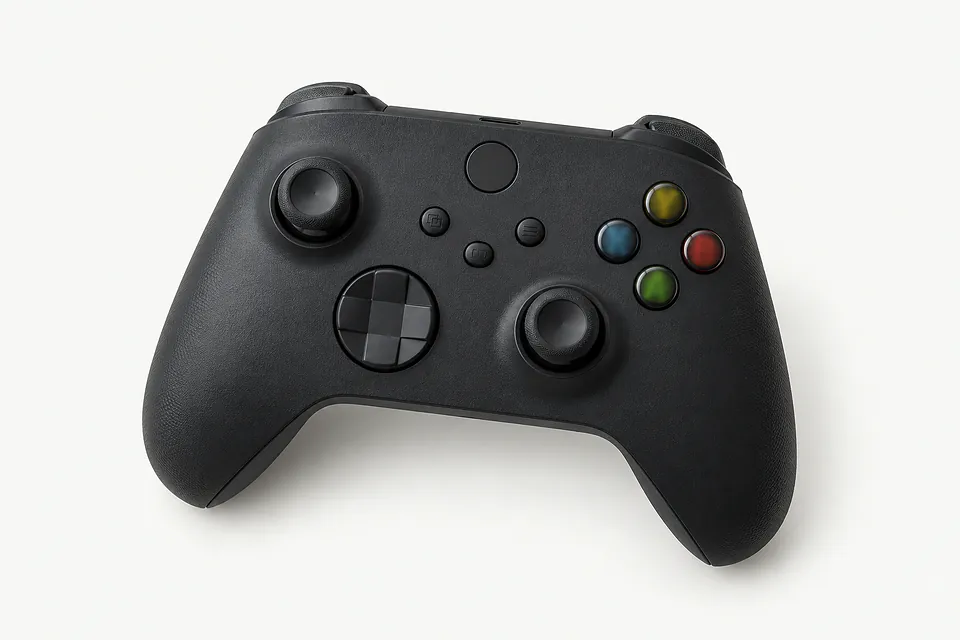
Xbox Controller Repair by city
Shops that list Xbox controller repair
No town has enough of them for its own page yet, so here they are directly. Not paid placements.
- KhemTech Repair - DeptfordDeptford, NJ
- KhemTechPennsauken, NJ
- Quick Phone Fix N MorePhiladelphia, PA“Controller repair (Xbox, PS4/PS5, Switch Joy-Cons)”
- Quick Phone Fix N MorePhiladelphia, PA“Controller repair (Xbox, PS4/PS5, Switch Joy-Cons)”
- KhemTech Repair - Concord MallWilmington, DE
- Quick Phone Fix N MoreWyncote, PA“Controller repair (Xbox, PS4/PS5, Switch Joy-Cons)”
Xbox controller symptoms to check
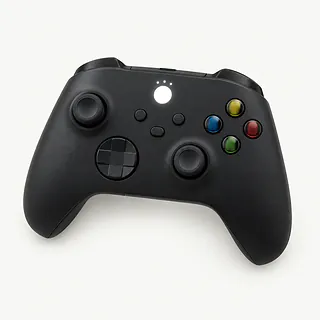
Xbox controller not connecting
Controller firmware can interfere with pairing even when the Xbox button lights up. Check for an update through the Xbox Accessories app if your model supports it. Restart the console and try pairing again before assuming a part has failed.
Find a repair near you: Xbox controller not connecting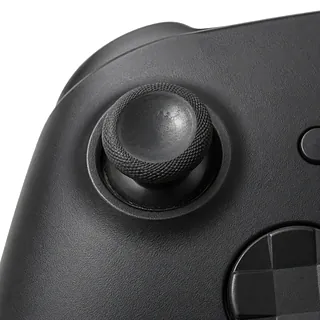
Xbox controller stick drift
Dirty or worn analog sticks can move your aim while your thumbs are resting elsewhere. Recalibration sometimes helps on supported models, but a worn module usually needs replacement, which involves desoldering on most standard controllers.
Find a repair near you: Xbox controller stick drift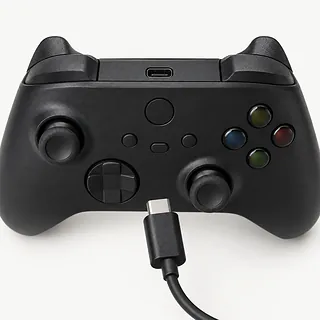
Xbox controller not turning on
Drained batteries can make a wireless controller appear broken. Put in fresh AAs if it takes them, checking the direction marks. An Xbox One or Xbox Series controller can also run through a suitable USB cable, helping separate battery trouble from a wider power fault.
Find a repair near you: Xbox controller not turning on
Bumper only works when pressed hard
A cracked bumper or worn contact can miss presses even though the button still moves. Note whether pressing one edge works better than pushing the middle, and describe that when requesting repair.
Find a repair near you: Bumper only works when pressed hardButtons stay pushed down
Dried soda around a button can make it catch against the shell. Keep liquid cleaner out of the gap. A shop can check whether cleaning inside will help or a broken button part needs replacing.
Find a repair near you: Buttons stay pushed down


How Xbox controller faults get fixed
A controller that stays dark gets tried with a working cable or battery supply suited to its model. If it lights up but won't pair, the repairer checks firmware and tries reconnecting it. For drift, testing shows whether a stick keeps sending movement after it's released.
Replacing worn sticks on most standard models means desoldering the old modules and soldering replacements onto the board. Ask what sticks will go in, including whether Hall effect parts fit your model. Sticky buttons may need cleaning inside, while a cracked bumper needs a replacement part.
The repaired controller should register gentle presses as well as firm ones. Both sticks need checks at the center and around their edges, plus calibration where available. Triggers should return without catching. Cable connections, wireless pairing and charging also need testing wherever the model supports them, with any remaining setup explained before you leave.
When Xbox controller repair makes sense
Parts availability can decide whether keeping an older Xbox controller is practical. Have the repairer confirm the exact model and source a matching port, bumper or analog assembly before you agree to the work. Check firmware options too, since a connection complaint may clear without a hardware repair.
One failed control gives a clearer reason to repair than several faults after a spill or hard fall. Get the full job described in writing and weigh it against how much you value the controller's fit and feel. Progress saved on your console stays there when you change controllers.
Questions before an Xbox controller repair
Which stick would replace the worn one?
Ask for the maker and supplier, plus whether the replacement uses conventional contacts or Hall effect sensors. The quote should name the part you're agreeing to.
How will you check the controller's other controls?
Request a check of both sticks, buttons, triggers and connection before work starts. Repeat those checks afterward, including gentle stick movements that matter when aiming.
What would the warranty cover if drift returns?
Get written coverage for the installed part and the soldering work. Check exclusions and whether returning with the same pull could bring another charge.
Is there a fee if testing leads nowhere?
Agree on charges for checking the controller, declining the quote and an unsuccessful repair. Get each charge written down.
Could the connection fault be software?
Firmware updates through the Xbox Accessories app often help supported controllers reconnect. Ask what points to broken hardware before approving a port or board repair.
Before handing over your Xbox controller
Record the first symptom
Write when the fault began and what happens, such as the camera creeping left or the Xbox button flashing without connecting. Mention spills and previous repairs.
Note any software checks
Update supported controllers using the Xbox Accessories app if they connect. Record whether the update or an available stick recalibration changes anything.
Leave saves on the console
Controller work normally leaves console saves alone, so a console backup isn't needed. Remove a detachable memory unit if your older controller has one.
Agree on testing access
Don't share your Microsoft password for controller tests. If testing involves your console, mention a passcode or family restrictions that could block the agreed checks.
Choose the extras to bring
Detach headsets and clip-on accessories. Ask if the repairer needs the suspect cable or battery pack, and pack without pressure on the sticks.
Related repairs
Xbox Controller Repair: common questions
Can I search by city for Xbox controller repair?
Use the state and city links to explore 6 shops that list this service. Call before making the trip and describe the problem with your model.
Where can I get a price for Xbox controller repair?
The damage can affect how much work your device needs. Explain what happened, name the model and ask for a quote by phone.
Is the wait for Xbox controller repair different from shop to shop?
Treat a phone estimate for Xbox controller repair as a rough guide. Ask how much time to allow, including any wait behind other jobs or extra work the damage might need.
What should I think about before paying for Xbox controller repair?
Think about what losing use of the device would mean to you. Get a quote before settling on repair or replacement, then weigh that cost with the device's age, any separate faults and data still stored on it.
What is worth writing down before Xbox controller repair?
Ask by phone what to bring for Xbox controller repair, mentioning the case and charger, and check how to handle passcodes. Record which model you have and what's failing, then save accessible files if you can still operate the device.
How do I fix stick drift on an Xbox controller?
A worn stick module usually needs replacing to stop Xbox controller drift. Try a firmware update and recalibration where available first, since these sometimes help. Most standard controllers need soldering to replace the module.
Why is my Xbox controller not connecting?
A connection fault can come from pairing or controller firmware rather than a broken part. Try pairing again and, on supported models, update through Xbox Accessories. Mention if it connects by cable but won't connect wirelessly.
Can an Xbox controller work over USB without batteries?
USB can power standard controllers for Xbox One or Xbox Series with their removable batteries taken out. Try a cable that works with another controller. Power from the cable helps narrow down the fault when battery power fails.
Why won't my Xbox controller charge through USB?
Connecting USB doesn't charge the AAs installed in a controller. Rechargeable battery packs have their own charging requirements, which vary by model. Check the pack's instructions to see whether it charges through the controller or another connection.
Can Xbox controller buttons and bumpers be fixed?
Sticking buttons and unresponsive bumpers can often be repaired. Cleaning may help a button that catches, while a broken mechanism or worn switch can need replacement. Tell the repairer if it feels stuck or simply misses presses.
Do Hall effect sticks stop Xbox controller drift?
Hall effect sticks avoid the contact wear that causes some drift, but they can still develop faults. Ask which replacement fits your controller and how its centering will be checked after installation.