
Find Xbox Series X Repair Near You
In their own words, 19 shops offer Xbox Series X repair. Browse the states to find help close to home.
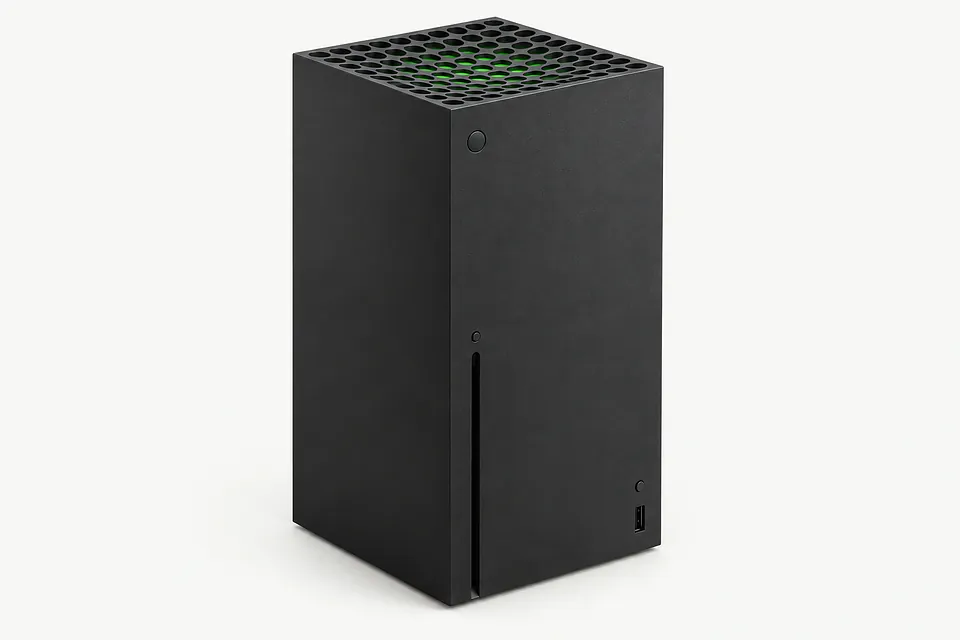
Xbox Series X Repair by city
Xbox Series X symptoms
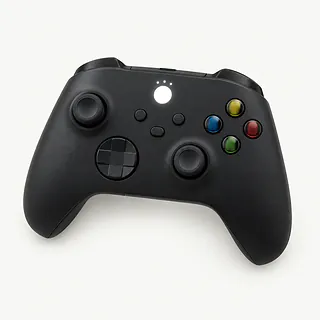
Xbox controller keeps losing connection
Weak batteries can interrupt wireless play. Replace depleted cells or recharge your pack, then check controller firmware through Xbox Accessories if disconnects continue.
Find a repair near you: Xbox controller keeps losing connection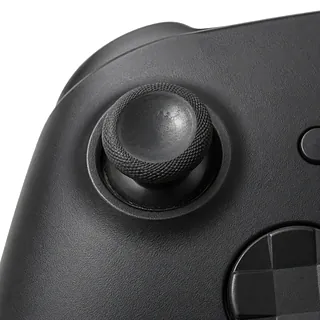
Aim moves with the stick released
Stick drift usually comes from wear inside the thumbstick module. Recalibrating sometimes helps, and a shop can clean or replace the module depending on what's wrong.
Find a repair near you: Aim moves with the stick released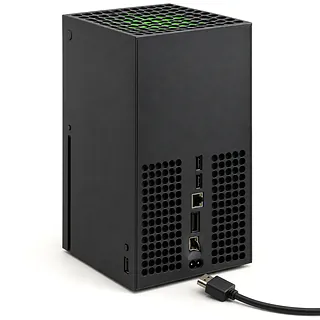
Picture cuts out when cable shifts
A damaged HDMI cable or a port loosened by a tug can interrupt video. Test a spare cable without twisting the plug. A broken console port needs a soldered replacement.
Find a repair near you: Picture cuts out when cable shifts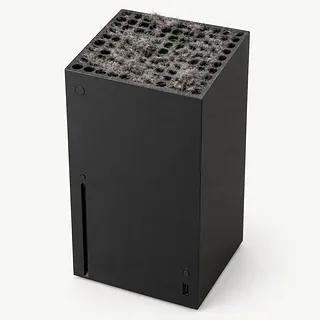
Xbox overheats during games
Covered vents and dust clogging the cooling system can make the tower overheat. Move anything resting on the console and give hot air room to escape.
Find a repair near you: Xbox overheats during gamesXbox turns on without a picture
Cable failure can leave the TV blank while the console runs. Test a working HDMI cable and make sure the TV is showing the input you've connected.
Find a repair near you: Xbox turns on without a pictureController won't light up
Dead batteries don't necessarily mean a dead controller. An Xbox Wireless Controller also runs from USB, so check whether it powers on that way.
Find a repair near you: Controller won't light up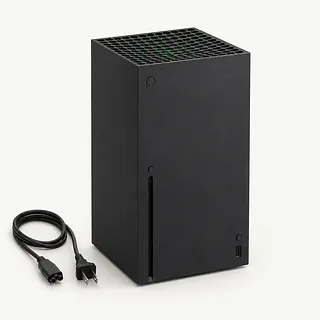
Console doesn't respond to power button
A loose cord or failed internal supply can leave a Series X silent. Push the power cord fully into place and test another wall outlet.
Find a repair near you: Console doesn't respond to power button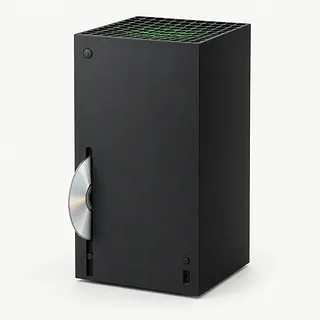
Xbox doesn't recognize game discs
A scratched game can fail even with a working drive. Compare it with other compatible titles if your console takes discs. Digital Series X editions have no drive.
Find a repair near you: Xbox doesn't recognize game discs


What Xbox Series X repair involves
A blank TV doesn't tell the repairer which part to replace. Trying a working display and HDMI cable helps rule those out. The Xbox also gets power cycled before repair, keeping its button down until it stops, disconnecting the cord and plugging it in again.
A bent port needs desoldering before a new port can be installed. For heat trouble, the repairer looks for dust blocking airflow and checks whether the fan turns. Power faults call for testing the enclosed supply. On consoles with disc drives, trying several games helps separate a bad disc from a failing drive.
A controller that won't pair gets its batteries, USB connection and firmware checked. Drifting sticks need their movement tested before cleaning or replacement. After reassembly, the shop should repeat what failed at home, such as loading a disc or playing without losing the picture. Ask whether accessories need pairing again and which settings were changed.
Keeping or replacing an Xbox Series X
An isolated HDMI fault gives you a reason to keep a Series X that otherwise plays properly. Add overheating, liquid inside or disc failures, and there's more to check before deciding. Request a written quote covering each symptom.
Consider how the console has held up alongside its age. Check Microsoft's current software support and ask the repairer to confirm matching parts are available. A controller fault deserves its own repair decision.
Saved progress matters before a reset or replacement. Confirm which saves have synced and tell the shop about anything you can't lose. Unsynced data may make keeping the original console worth more to you, though repair doesn't mean those saves can be recovered.
Talking through the Xbox fault
Did it lose the picture during your tests?
An occasional black screen can disappear at the counter. Give the repairer a video or the name of a game that triggers it, then request matching checks once the repair is finished.
Who makes the port you'd install?
Get the maker or supplier recorded on the estimate, plus whether the port is new or reused. You should know which part you're approving.
How do I bring it back under warranty?
Keep a copy of the repair warranty with your receipt. Check that it covers the replacement part and installation work, and read what could leave you paying again.
Can you leave my saves and account alone?
Repair permission shouldn't include permission to erase game progress. Agree which tests need your profile, who may access it and that a wipe requires another conversation.
Can you write down the fees before starting?
The paperwork needs to cover a declined quote and a failed repair attempt. Settle those charges before leaving the Xbox.
Before handing over the console
Check that game progress has synced
If it runs, use the Xbox online under your usual account so saves can sync. Tell the repairer about any progress that may exist only on the console.
Note how the trouble started
Write down when it began and what you saw or heard. Include cable snags, shutdowns during a particular game and previous repair work.
Record a power cycle
Hold the power button until shutdown, unplug the console, then reconnect it. Write down whether the symptom changes.
Agree which access is needed
Don't share your Microsoft password. Explain any console PIN or family settings that could block the planned tests.
Empty the drive and detach extras
On a disc model, eject the game normally and report a stuck disc without forcing it. Power off before disconnecting external storage, and confirm which cables or controller to bring.
Related repairs
Xbox Series X Repair: common questions
Where should I start looking for Xbox Series X repair?
For a place to call about Xbox Series X repair, start with the cities in your state. There are 19 shops nationally who list this work themselves, and you'll need to check that they take your exact model.
Why might I get different quotes for Xbox Series X repair?
More extensive damage may raise the price of Xbox Series X repair. Call to explain what's stopped working, give the model name and check how the quoted amount breaks down.
Do I need to leave it with the shop for long?
On the phone, ask the shop to estimate the time for Xbox Series X repair, including any queue. They may revise that estimate if the damage needs more work than expected.
Is Xbox Series X repair worth the cost?
If your device already struggles with everyday tasks, include that when deciding what you'd spend. Get an estimate before choosing, and check its age, other damage and any files you need to save.
How do I get my Xbox Series X ready to take in?
If you're able to use the device, copy accessible files and note its full model name and how it failed. Check by phone about keeping the case on, taking the charger and dealing with the passcode.
Can an Xbox Series X HDMI port be fixed?
Yes, a repairer can unsolder a broken port and install a replacement. A cable pulled sideways can damage the port, but a black screen also happens with a bad cable or the wrong TV input.
Why is my Xbox Series X overheating and turning off?
Blocked airflow can make an Xbox Series X overheat and shut down. Keep the vents clear and move it out of an enclosed cabinet. If shutdowns continue, a shop can check cooling and power, since heat isn't the only possible cause.
Why won't my Xbox Series X turn on?
A dead console can have a bad power connection, a failed internal supply or another fault inside. Reseat the power cord and use an outlet that works with another device. If it stays dead, a repairer can test the supply.
Why won't my Xbox Series X read a disc?
A marked disc or a drive fault can stop a disc-equipped Xbox Series X from reading a game. Try another compatible game disc. If several fail, a shop can test the drive rather than guessing from one unreadable game.
Why is my Xbox controller not connecting?
A controller that won't pair may need its firmware updated. Plug it in by USB and open Xbox Accessories to check. When the Xbox button won't light at all, try new batteries or a charged pack before chasing a wireless fault.
How do you fix stick drift on an Xbox controller?
The stick module is usually the part that needs changing when the camera creeps with your thumb off the stick. Cleaning and supported recalibration sometimes help before that step. A fresh rubber cap doesn't repair the sensors.