
Find Nintendo Switch Repair Near You
Browse cities across the country to find 28 shops that list Nintendo Switch repair. Before you go, call with your model and explain what's wrong.
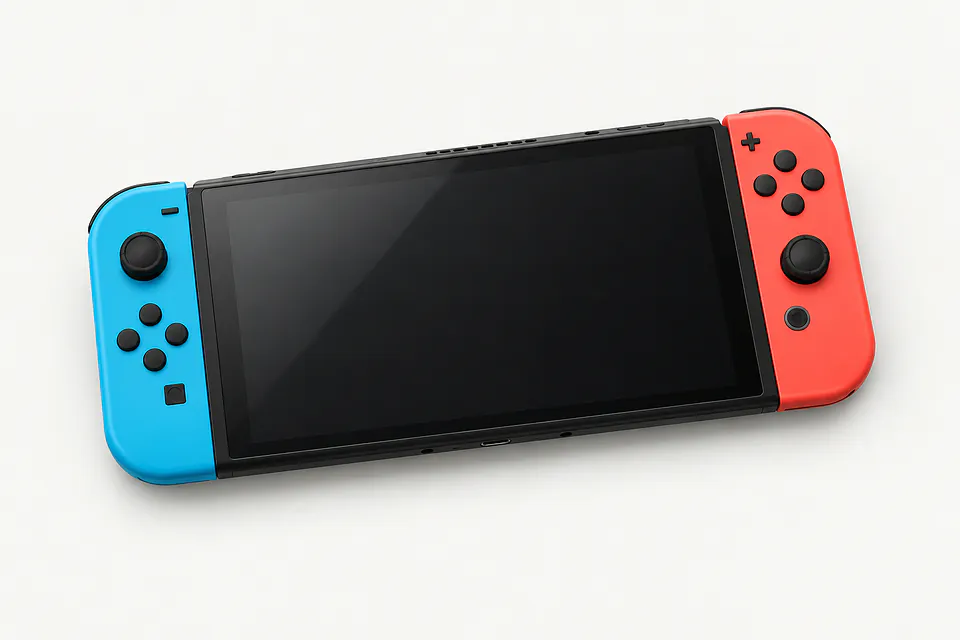
Nintendo Switch Repair by city
Nintendo Switch symptoms and causes
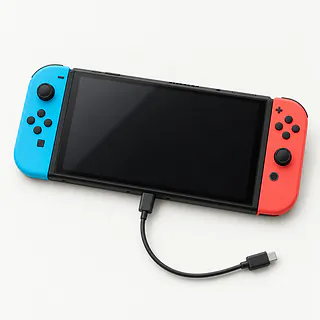
Switch seems completely dead
An empty battery often explains a Switch that ignores its power button. Plug its correct Nintendo adapter into an outlet and leave it connected to charge. The display may stay blank at first.
Find a repair near you: Switch seems completely dead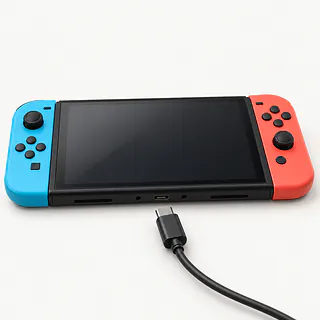
Nintendo Switch won't charge
The charger itself can fail, so try another Nintendo adapter made for that model. If neither works, the battery or port could be at fault. Some third-party docks and chargers have also been linked to charging chip failures on the original Switch.
Find a repair near you: Nintendo Switch won't charge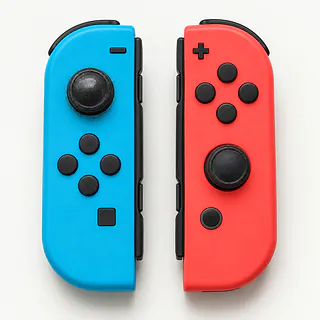
Switch controller moves by itself
Stick wear can make menus scroll with your hands off the controls. Use the stick calibration option under System Settings. Replacing a worn analog module usually stops the unwanted movement.
Find a repair near you: Switch controller moves by itselfDock won't show Switch on TV
An unplugged dock adapter or bad HDMI cable can leave the television showing no signal. Check the dock's power connection and try a different HDMI cable with the matching TV input selected. The handheld-only Lite cannot send a picture to a television.
Find a repair near you: Dock won't show Switch on TV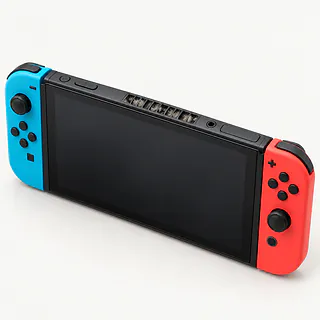
Switch fan loud during games
Dust inside the cooling system can make a fan noisy and leave the console too hot. Give its vents room, and mention any heat warning or shutdown when describing the fault.
Find a repair near you: Switch fan loud during games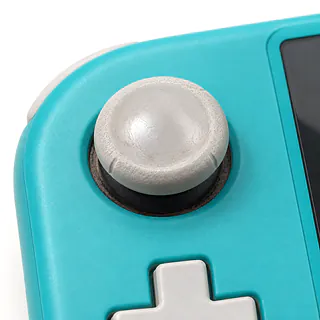
Switch Lite stick drifting
Lite stick repairs involve the handheld itself because the controls are built in. A shop has to open the console to replace a worn stick.
Find a repair near you: Switch Lite stick drifting


Inside a Nintendo Switch repair
A dark screen doesn't tell the repairer which part failed. They'll connect a charger made for your Switch model, check the USB-C port for bent pins and test the battery. If menus scroll with nobody touching a stick, they'll try Calibrate Control Sticks before opening anything.
A worn stick usually means replacing the analog stick module. On Switch Lite, that means opening the console because the controls are built in. Switch 2 uses magnetic controllers, so the repairer needs parts made for that model.
After stick work, the repairer calibrates it and checks that movement stops when you let go. They should also press each button and reconnect the controller. Power repairs need a charging test, and dock trouble needs a TV test on models that support TV play.
Is your Nintendo Switch worth repairing
Check your saved progress before choosing a replacement Switch. If it exists only on the broken handheld, ask about preserving it during repair. Buying another machine doesn't bring those local saves across by itself.
A single worn stick is a simpler job to weigh than several faults after liquid got inside. With removable Joy-Con, fixing the controller may be all you need. Lite controls belong to the console, so include any other handheld faults when asking for a written breakdown.
Keeping an aging Switch makes sense if it still suits your games and the required parts are available. Ask specifically about parts for your model, and check its current software support with Nintendo. A newer console with a broken screen and charging trouble can need more work than an older one with a tired battery.
What to check before leaving your Switch
Which stick or charging port would you install?
Get the maker's name and ask if the replacement is new or used. Give your exact model, since Switch Lite sticks sit inside the console.
Can you show what failed before replacing anything?
A Switch that won't charge doesn't automatically need a USB-C port. Ask how they'll test the charger, port and charging circuit, then demonstrate charging after repair.
Could testing or repair wipe saved games?
Make erasing saves a separate decision that needs your consent. Settle who can open your user profile and which checks require access.
Is there a fee if repairs don't go ahead?
Request written terms for testing alone, an unsuccessful attempt and work you decline.
What happens if the same fault returns?
Have the repair warranty spell out coverage for the installed part and labor, exclusions, and possible charges for another look.
Save progress and pack the right extras
Agree on the test equipment
Describe your model and ask which extras are needed. For dock trouble, that could mean the power supply and dock along with the Switch.
Write a short fault history
Note the first failure and what makes it happen again. Mention a bent charging plug or trouble that began after a fall.
Protect stored game progress
Check cloud backup status through Nintendo Switch Online while settings still open. Only supported titles can use that backup, and saved games aren't stored on removable cards.
Plan around parental controls
Explain restrictions before leaving the device. Offer to unlock the settings needed for testing while keeping account credentials to yourself.
Pack without loose extras
Turn the console off, then take out its memory and game cards. Detach the cover and accessories that aren't needed for testing.
Related repairs
Nintendo Switch Repair: common questions
Who can I ask about fixing my Nintendo Switch?
Pick a city when looking for Nintendo Switch repair. The 28 shops around the country list the work on their own sites, so call someone local with the model name and describe the problem.
What's the likely bill for Nintendo Switch repair?
If your Nintendo Switch needs a replacement part, that can affect the bill. Give the model name when you call, describe the fault and ask what's covered by the quote.
Should I expect a long wait for Nintendo Switch repair?
For Nintendo Switch repair, a shop can estimate the wait, but that estimate may change as they learn more about the damage. Call to request a rough timeframe that also accounts for their workload.
At what point should I replace my Nintendo Switch instead?
Compare the quote for Nintendo Switch repair with what you'd pay to keep the device and its data. Get that quote before deciding, and check how old the device is and what else needs fixing.
What is worth writing down before Nintendo Switch repair?
Copy your files somewhere else if the device still works, then note its full model number and anything that happened before it failed. Find out by phone if you should pack its case or charger and whether you'll need your passcode.
Why won't my Nintendo Switch turn on?
The battery may be too empty for the Switch to show anything yet. Plug the Nintendo charger intended for your model straight into the console and let it charge before pressing Power again. A blank screen at first doesn't prove the console is broken.
Why is my Nintendo Switch not charging?
A Switch can stop charging because of its power adapter, port or a fault inside the console. Test it without the dock using the matching Nintendo charger. If charging cuts out when the cable moves, mention that instead of just saying it won't charge.
How do I fix Joy-Con drift?
Calibration is worth trying, though a worn analog stick usually needs a new module. Use the calibration option for control sticks in the console's settings. With a Switch Lite, a shop opens the handheld for stick replacement because its controls don't detach.
Why is my Switch dock not working?
The trouble may be a loose connection, an incompatible dock or adapter, or an incorrect HDMI input. Check those before assuming the console needs repair. TV mode isn't available on Switch Lite, even with a dock connected.
Why does my Nintendo Switch keep overheating?
Covered vents, dust inside or a fan fault can make a Switch overheat. Turn it off and let it cool with the vents clear. If it overheats again with nothing blocking them, a shop can check for dust and test the fan.
Why is my Switch fan so loud?
A steady rush of air can be normal during a demanding game, but grinding or rattling can point to a fan fault. Leave the game and listen again with the vents uncovered. Tell the shop if the scraping continues.