
Find Switch OLED Repair Near You
For help close to home, search 3 shops that say they handle Switch OLED repair. Find your city and ask about your exact model.
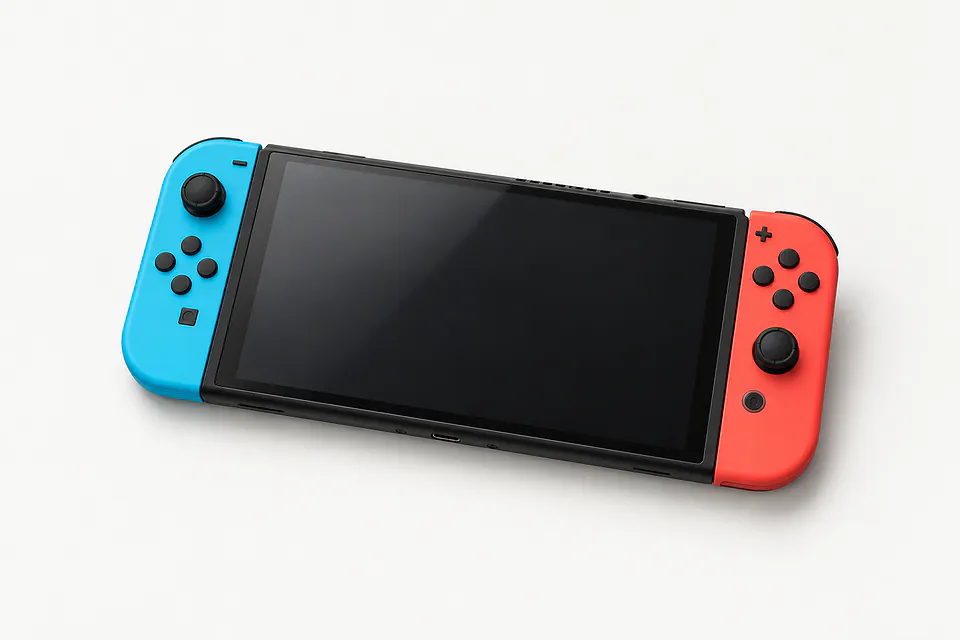
Shops that list Switch OLED repair
No town has enough of them for its own page yet, so here they are directly. Not paid placements.
- Geek GuysHaddonfield, NJ
- Orada Tech RepairHazlet, NJ“Nintendo Switch OLED”
- iColorWilmington, DE
Switch OLED symptoms explained
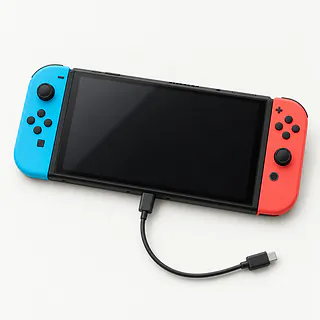
Switch OLED won't turn on
A fully drained battery can leave the display blank even when you connect power. Plug the Nintendo Switch adapter directly into a working wall outlet and let the battery charge before trying the power button again.
Find a repair near you: Switch OLED won't turn on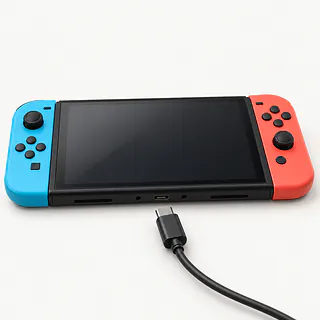
Switch OLED isn't charging
Lint wedged into the bottom USB-C port can stop the plug seating fully. A bent or loose port needs different work from a worn battery. A shop can test the charger, port and battery to narrow it down.
Find a repair near you: Switch OLED isn't charging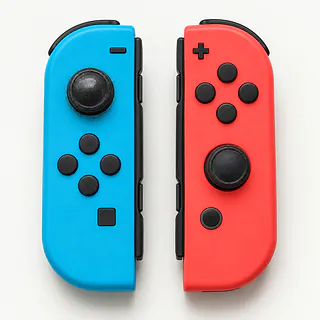
Joy-Con drift
A worn stick can send your character walking with your thumb off the controller. Try System Settings, then Calibrate Control Sticks. Replacing the analog stick module is usually the lasting repair when wear is responsible.
Find a repair near you: Joy-Con driftSwitch dock not working
A loose HDMI plug or missing dock power can leave the TV blank. Check those connections and select the television input that matches the cable.
Find a repair near you: Switch dock not working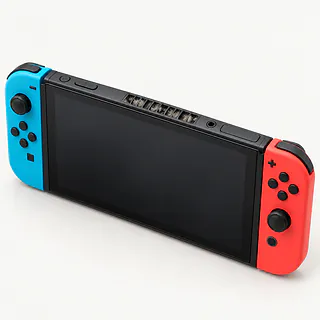
Switch OLED overheats
Covered vents and dust inside restrict cooling. Move the console away from fabric that covers its openings. A fan that rattles or scrapes may need replacing.
Find a repair near you: Switch OLED overheats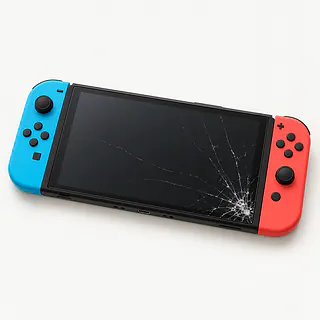
OLED screen cracked or black
A fall can break the display even if the console still makes sounds. Screen replacement needs a part made for Switch OLED.
Find a repair near you: OLED screen cracked or black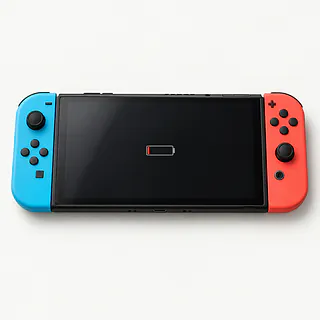
Screen lifting at the edge
Battery swelling can force the screen outward. Stop using and charging the console, and don't push the lifted edge down.
Find a repair near you: Screen lifting at the edge


Inside a Switch OLED repair
Testing starts with the symptom you describe. For a console that won't charge, the repairer tries a working Nintendo adapter and checks the bottom port, battery and charging circuit. If handheld play works and TV play fails, bring the dock and its cables so those can be tested too.
The failed part decides what gets opened. Joy-Con stick work stays inside the removable controller. A battery, fan or OLED screen repair involves the handheld itself. The replacement display needs to match Switch OLED, and a lifting screen needs checking for battery pressure underneath.
Checks after repair should repeat the use that caused trouble. That includes charging, touch response after screen work and running a game after cooling work. A replacement stick gets calibrated and tested at rest. Ask if the controller needs pairing again before taking it home.
When Switch OLED repair makes sense
Keep the console if Joy-Con drift is its only fault. The controller detaches, so you can fix that without replacing the handheld. A swollen battery pressing against a cracked OLED screen means tackling both parts. Get a quote that covers both before deciding.
An older Switch OLED can still be worth fixing if you use it regularly. Check with Nintendo about ongoing software support, then ask if the parts needed for your repair are available. A replacement starts making more sense when the required part can't be found or several things are broken.
Don't agree to a reset until you've talked about your saves. If the broken console holds your only copy of a game's progress, ask what can be kept before deciding to swap consoles.
Talking through the repair
Is the replacement display an OLED panel?
The Switch OLED uses an OLED screen, so ask exactly what they're installing. Have the quote name the supplier and say whether the panel is new, used or refurbished.
How will you check the charging fault?
A dead battery, damaged port and charging circuit fault can look alike from outside. Ask what tests separate them and whether charging directly and through the dock will both be checked.
Can testing put saved games at risk?
Give permission for a reset separately from permission to repair. Agree which profile they can use and keep your Nintendo account password to yourself.
What would testing alone cost?
Get the testing charge in writing before leaving the console. It should cover what you owe if you decline the proposed work or nothing can be fixed.
Does the warranty cover parts and labor?
Check the written repair warranty for exclusions and charges if the fault returns. A replacement part and the work to install it may have different terms.
Get your Switch OLED ready
Film a fault that comes and goes
A clip of the character wandering with both thumbs off the sticks can help. Write when it started and which Joy-Con does it.
Look at each game's save status
For compatible titles, use Nintendo Switch Online to confirm cloud copies are current. Some games lack that option. Removing the memory card doesn't back up progress.
Discuss restrictions before drop-off
Parental controls may limit the checks a repairer can run. Offer to unlock what's needed yourself and leave account passwords out of the repair notes.
Pack only the relevant equipment
Ask if they need the affected controller or charging setup. Leave unrelated accessories behind and take off the carrying case.
Empty removable storage slots
Power down, then remove the cartridge and microSD. If either is stuck, leave it in place and point it out.
Related repairs
Switch OLED Repair: common questions
How can I check who offers Switch OLED repair nearby?
The 3 shops you can search by city all say they offer this service. Ask about your model and fault before deciding where to go.
Does the fault affect the cost of fixing my Switch OLED?
Ask about the cost for your particular Switch OLED, since the fault affects the work needed. Explain the symptoms and check what the estimate covers.
Do I need to leave it with the shop for long?
Since a shop may discover more damage during Switch OLED repair, any initial time estimate can change. Ask over the phone how long they expect the job to take with their current workload.
Is Switch OLED repair worth the cost?
An older device may still be worth keeping if you'd use it enough to justify the cost. Check for other damage and files you need to save, and get an estimate before choosing.
What should I bring when I go for Switch OLED repair?
Write a note naming the exact model and the trouble you've noticed, then back up whatever the device still lets you access. Ask the person you call whether to pack the charger, remove the case or change any passcode.
Why won't my Nintendo Switch OLED turn on?
A Switch OLED with an empty battery may show nothing at first when plugged in. Give it a chance to charge using the Nintendo adapter, bypassing the dock. Continued silence could mean trouble with its battery or charging hardware.
Why is my Switch OLED not charging?
Charging trouble can start at the outlet, adapter or bottom USB-C port, or inside the console. Plug Nintendo's power supply into the handheld from a different outlet. Tell the shop if the cable feels loose or only works at an angle.
How do I fix Joy-Con drift on Switch OLED?
Replacing a worn stick usually stops Joy-Con drift, though calibration is worth trying before replacing parts. Open System Settings and try stick calibration. The controller comes off your Switch OLED, so repairing its stick doesn't mean opening the console.
Why is my Switch OLED dock not working?
The dock can't send a picture if it has no power or the HDMI cable isn't working. Check that Nintendo's adapter is connected and your TV is set to the input you're using. Swap the video cable if there's still no picture.
Why is my Switch OLED overheating or the fan loud?
Some fan noise is normal during play, while covered vents can trap heat inside your Switch OLED. Check that a blanket or case isn't blocking airflow. A temperature warning or repeated shutdowns means you should stop using it and ask for a cooling check.
Can a Switch OLED screen be replaced?
Yes, a damaged Switch OLED display can be replaced. Ask for an OLED panel intended for this model and have both the picture and touch response checked. Working touch controls don't rule out a broken display.