Android Phone Screen Flickering: What Should You Do?
For Android phone screen flickering, Samsung says to inspect a Galaxy, check for updates, adjust display settings and remove problem apps in Safe mode if needed. Pixel flickering may mean hardware trouble: Google recommends a system update, then repair if that doesn't help. If Galaxy flickering persists in Safe mode, Samsung recommends a service center.
Key takeaways
- Inspect a Galaxy for damage, check software and display settings, and remove problem apps in Safe mode if needed.1
- Check for a Pixel system update, then contact Google or get the phone repaired if the issue isn't resolved.2
- Galaxy flickering that persists in Safe mode likely points to hardware and calls for a service center or an online repair booking.1
Why is my Android screen flickering?
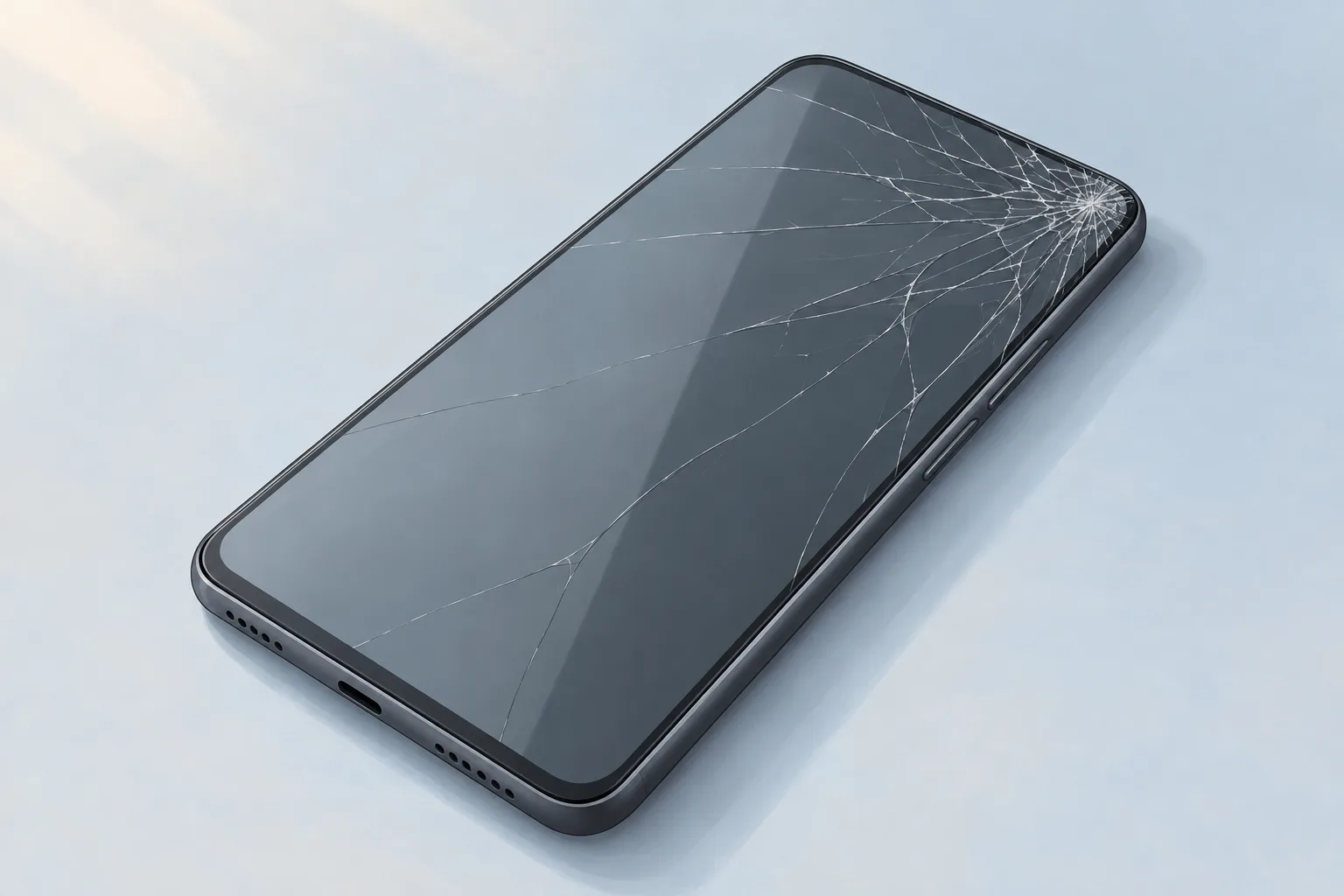
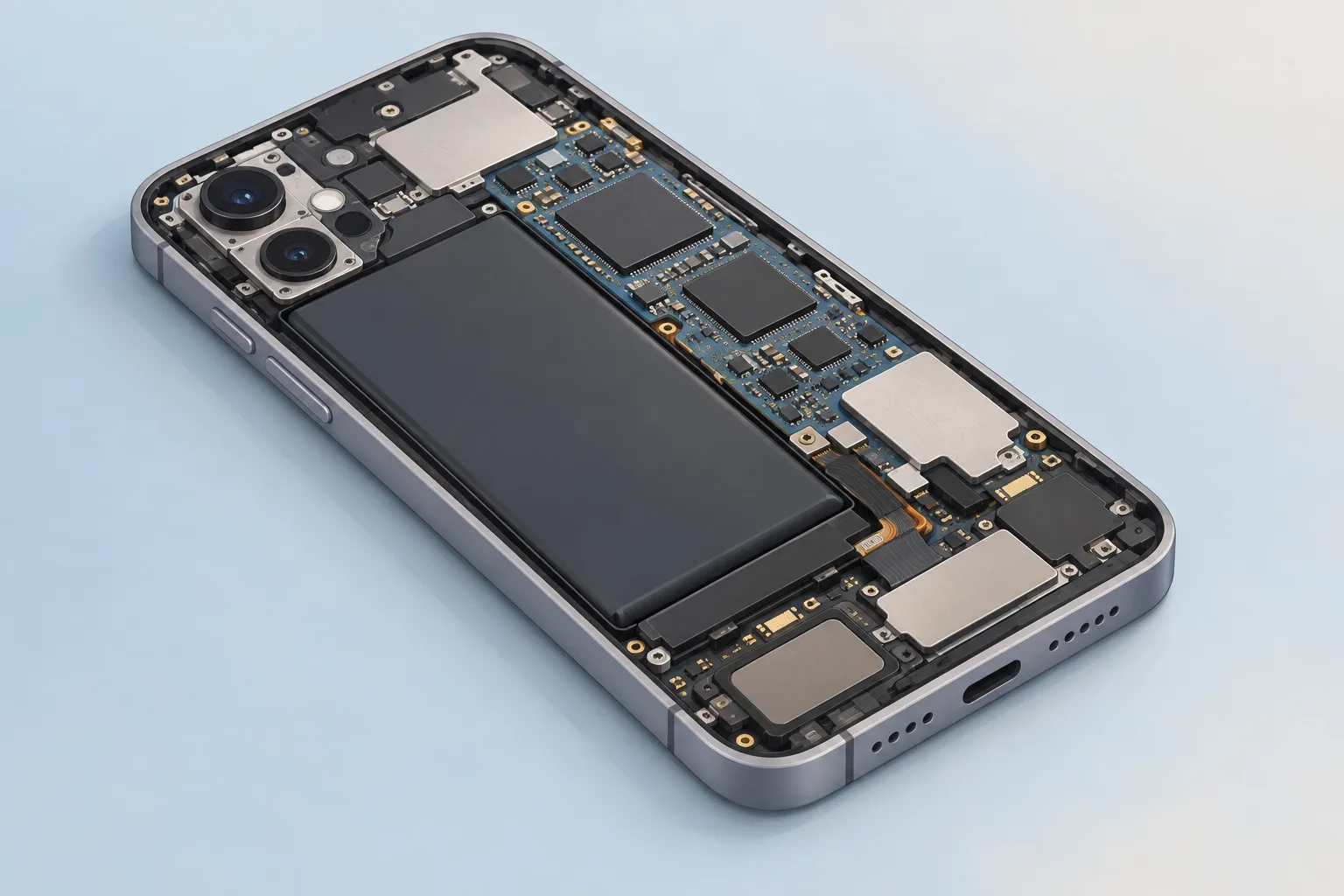
A cracked or shattered Galaxy screen can disrupt the display, as can loose or damaged cables inside the phone. Inspect the phone for damage. Battery problems can cause flickering too, while a damaged charger or charging cable can make the screen flicker by supplying power unevenly.1
Check the charging connection
Disconnect the charger from the Galaxy, then connect the cable securely to the charging port.1
If the phone still won't charge, Samsung recommends a hardware inspection at a walk-in service center or through an online repair booking.1
How do you fix screen flickering on Android?
On a Galaxy, check for software updates through Settings, then Software Update. Outdated software or apps may not work together properly or may make the screen behave strangely. An update that didn't finish or a software bug can also cause screen problems.1
If your Galaxy supports a high screen resolution but the app you're using doesn't, the mismatch can cause flickering or glitches. Adjust the screen resolution setting. An incorrect refresh rate setting might contribute to flickering too. Samsung calls its refresh rate feature Motion smoothness.1
Use Safe mode if needed. Remove problem apps there.1
What should you try when a Pixel screen flickers?
A flickering Pixel screen may signal hardware trouble, but Google recommends checking for a system update in the phone's Settings app. To troubleshoot with the buttons, leave the phone plugged in and hold Volume up and Power together for at least 20 seconds.2
If a red light appears
The battery is fully discharged. Charge your phone for at least 30 minutes, then hold Power for a few seconds.2
If the Android robot appears
If it shows the word Start with an arrow around it, press Volume down until you reach Power off. Press Power to select it.2
Restart the phone
Tap Restart, or hold Power for at least 30 seconds until the phone restarts. Google suggests restarting a few times after troubleshooting.2
When does Android screen flickering need a repair shop?
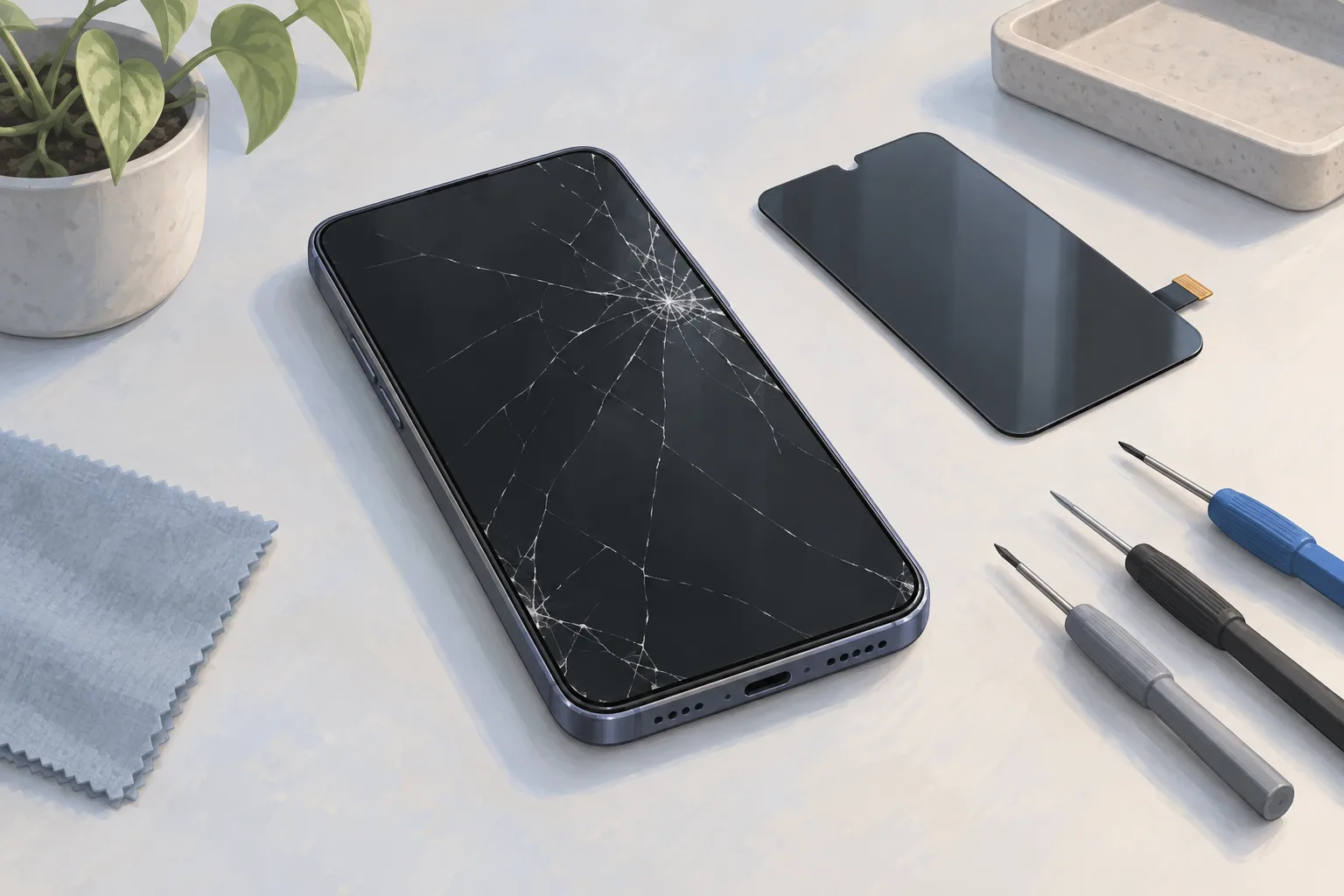
Galaxy flickering that persists in Safe mode likely means a hardware issue, so Samsung recommends a service center or booking repair online. Damage also calls for service, including screen repair for a cracked Galaxy. If a Pixel display issue isn't resolved, contact Google or get your Pixel phone repaired.1, 4, 2
| Fix | Price | Shop or DIY |
|---|---|---|
| Phone Screen Repair | $29 to $479 (18 local shops) | Shop, Samsung directs damaged phones to service |
| Phone inspection | Free | DIY, Samsung recommends checking for damage |
| Software update check | Free | DIY, both makers recommend this check |
| Display setting adjustments | Free | DIY, Samsung recommends these checks |
| Safe mode app removal | Free | DIY, Samsung recommends it if needed |
| Charging cable reconnection | Free | DIY, Samsung lists this check |
| Pixel charging, button checks and restart | Free | DIY, Google provides these steps |
The screen repair price range covers different phone models.3
Samsung's suggested walk-in screen repair price for a Galaxy S26 FE is $119, read October 7, 2026. For the Galaxy S26 Ultra, the suggested walk-in screen repair price is $289.4
Questions
Can adaptive brightness cause my screen to flicker?
Adaptive brightness changes your Galaxy screen's brightness automatically to match the light around you, and incorrect settings might contribute to flickering. If the flickering continues, adjust the brightness settings on your phone. You can also turn Adaptive brightness off if flickering continues, to see if it helps.1
What other Pixel screen symptoms can mean hardware trouble?
A Pixel screen with a green tint or lines running across or down it may have a hardware issue. The same applies if it won't turn on. Google also offers repair for dead pixels or physical damage such as cracks in the screen.2
What does Samsung charge for Galaxy screen repair?
Samsung's suggested walk-in screen repair price for the Galaxy S24 is $174, read October 7, 2026. For the Galaxy S24 Ultra, it's $259. Samsung's suggested walk-in screen repair prices for Galaxy S22 and later may vary with the region or authorized service store location. The suggested walk-in screen repair prices for Galaxy S22 and later don't include applicable taxes and fees.4
Find a repair near you
Sources
- Screen flickering or glitching on your Samsung Galaxy device, Samsung. accessed Oct 7, 2026
- Fix screen appearance issues on your Pixel phone, Google. accessed Oct 7, 2026
- RepairSeeker data, RepairSeeker. accessed Nov 16, 2026
- Cracked Screen Repair, Samsung. accessed Oct 7, 2026