Why does my phone screen keep going black?
A phone screen that keeps going black at a 15-second Galaxy timeout is normal power-saving behavior, but needs service if Samsung's checks leave it black. Open Settings, search for and select Screen timeout, tap Screen timeout again, and choose a limit. On iPhone, tap Display & Brightness, then Auto-Lock to set how long the screen stays on.
Key takeaways
- A Galaxy screen going dark at a 15-second timeout is normal power-saving behavior.2
- On iPhone, choose how long the screen stays on through Display & Brightness, then Auto-Lock.5
- Charge a Samsung phone with a blank screen for at least 1 hour as part of its restart and charging checks.1
- If a Samsung screen still won't turn on after those checks, the phone needs service.1
Why does my phone screen go black randomly?
Your Galaxy's screen timeout can be set from 15 seconds to 10 minutes, so check the delay if the display seems to turn off early. A longer timeout uses more battery power. On iPhone, delaying or preventing Auto-Lock may increase power use too.2, 5
To keep a Galaxy screen on while you're looking at it, open Settings and search for Keep screen on while viewing, then select it. Smart stay may not be available on your device or software version.2
A Galaxy screen that doesn't turn off or on during calls may need its proximity sensor cleaned.2
What should I check if my Android screen keeps going black?
If your Samsung phone shows only a blank screen, its battery might be dead, or it might need a reset. Check the phone for damage. Look over the charger and charging cable for physical or liquid damage too, and remove accessories that may cover the port or buttons.1
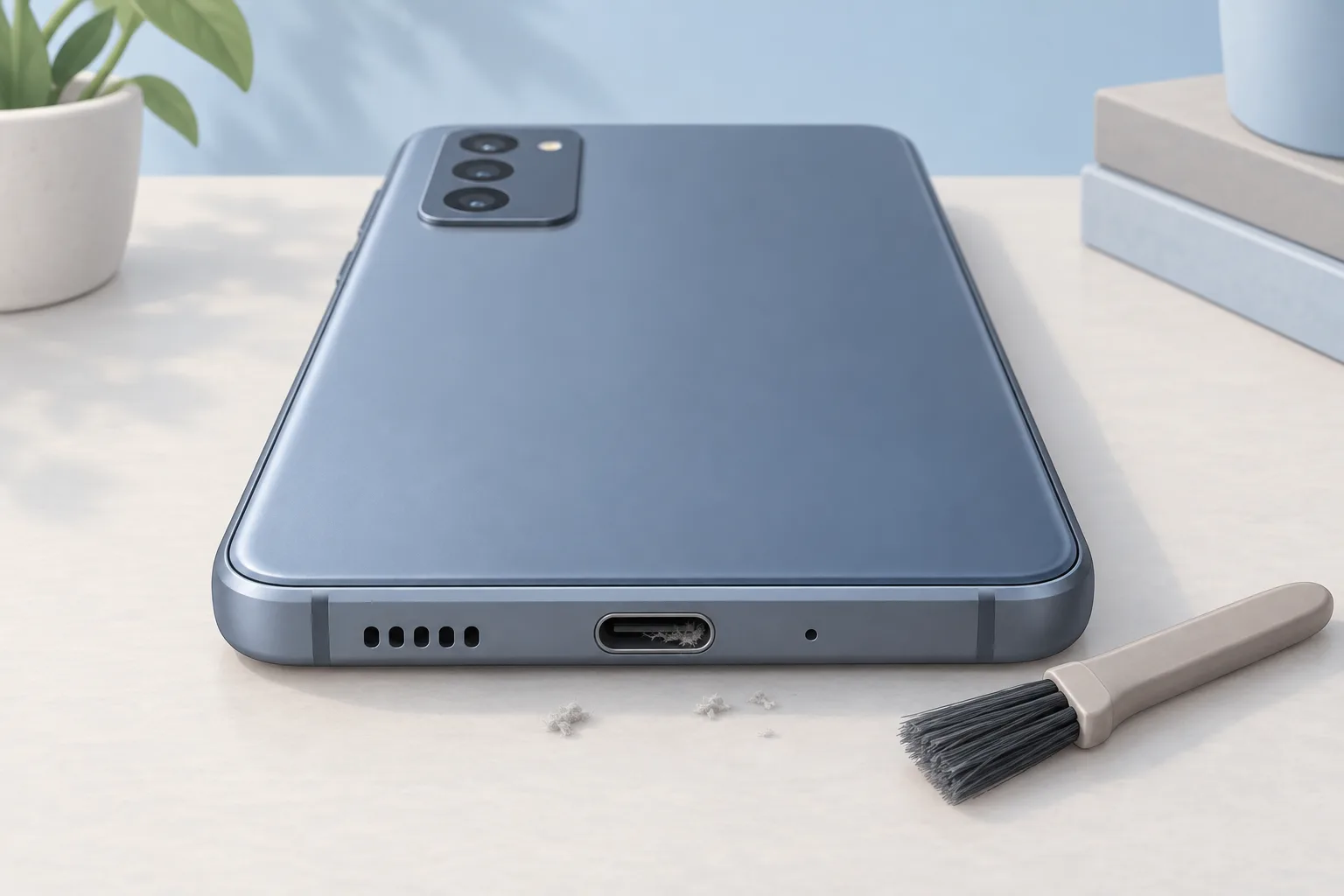
On an Android phone, lint, dust or corrosion in the charging port can block the electrical connection and slow charging. Clean the port. Dust and debris can collect around the buttons too. To clean the outside of the phone, gently wipe it with a 70% isopropyl alcohol wipe.3
When checking whether an Android phone needs charging, connect a known good charger and leave it plugged in for at least 30 minutes. Keep it connected even if the phone doesn't show any activity.3
How do I restart and charge a Samsung phone with a black screen?
To force your Samsung phone to restart, hold the Power or Side button and Volume down button together for 20 seconds. For a removable battery, take it out instead. Wait 60 seconds, then put it back. If you use biometric security, you'll need your backup password after restarting.1
Connect the appropriate charger
Charge for at least 1 hour. The battery charging indicator may take up to 10 minutes to appear on the screen.1
Disconnect the phone
Then hold the Power or Side button for 15 to 20 seconds to try turning it on.1
If the display turns on
The phone needs a charge. Turn it off and reconnect it to the appropriate charger until it's fully charged.1
Why did my phone screen go black after a fall?
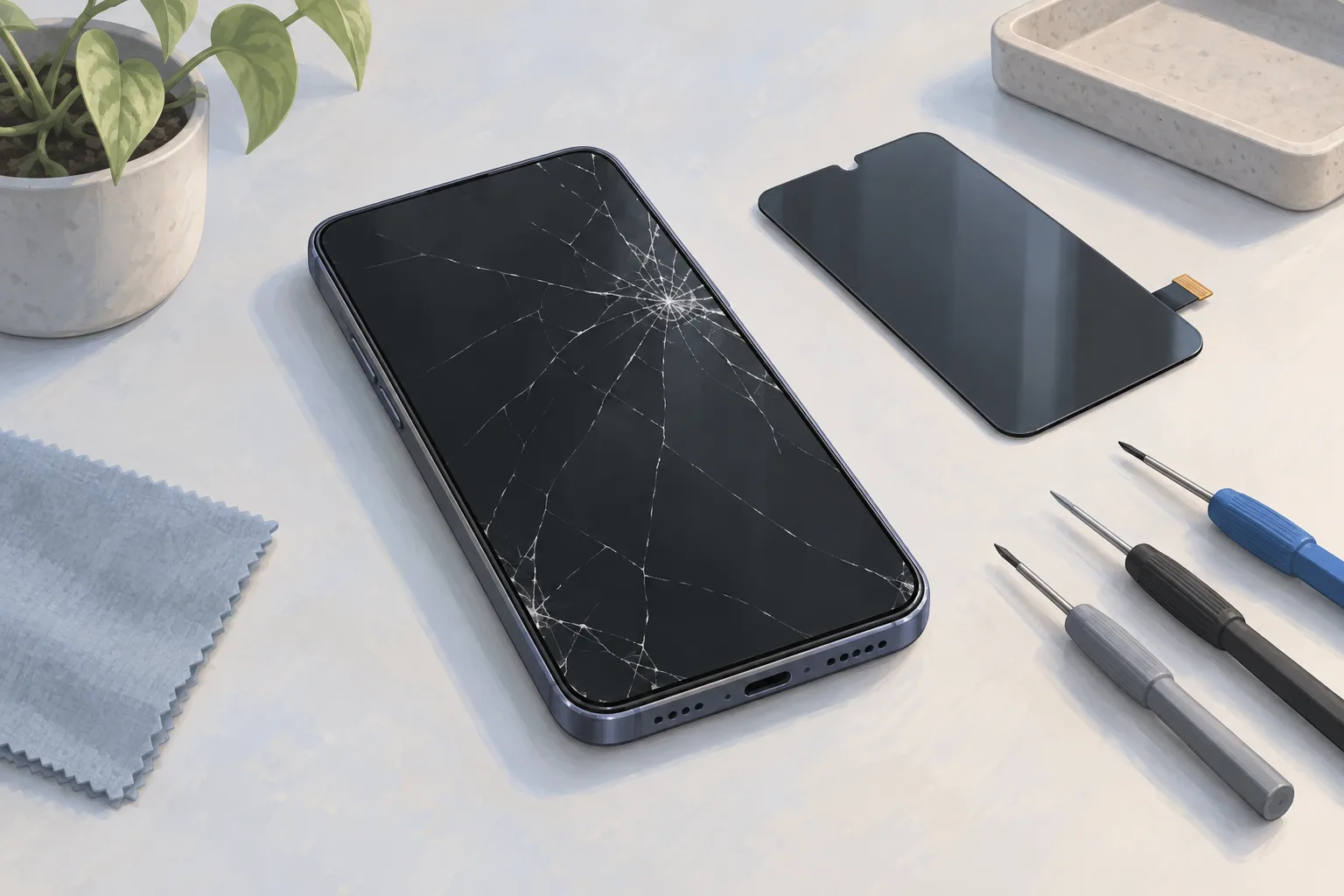
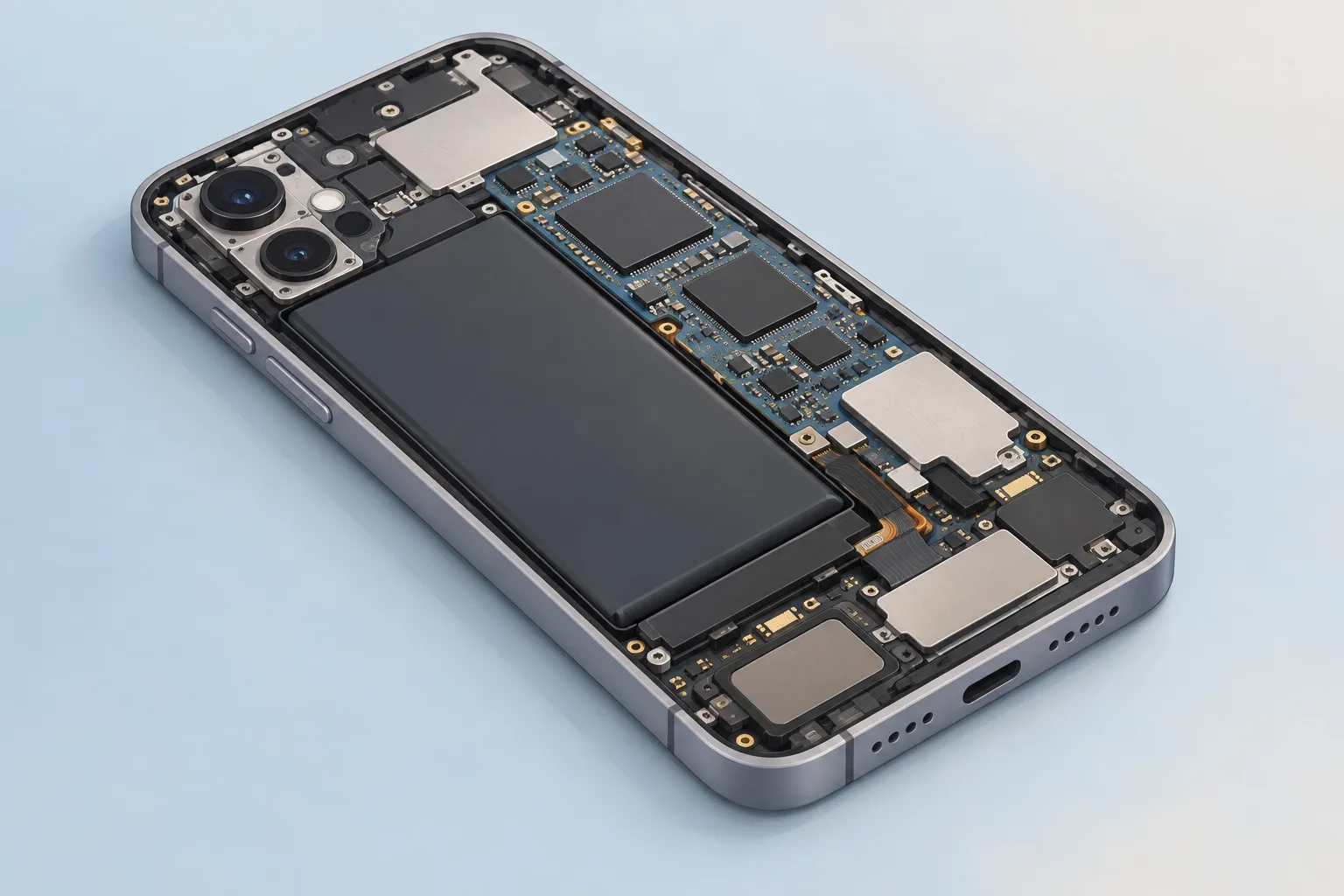
After an Android phone falls, the connection between its screen and main board might be loose. Drops, impacts or moisture can damage display connectors and parts on the main circuit board too. Look for cracks or screen separation. Check for liquid damage too.3
When should you take your phone to a shop?
Your Samsung phone needs service at a repair shop if its screen won't turn on after the restart and charging checks. On Android, a screen that stays black in Safe Mode or Recovery Mode points to a hardware display issue. Service is also required if a Samsung phone's liquid damage indicator has been exposed to liquid.1, 3
| Fix | Price | Shop or DIY |
|---|---|---|
| Phone Screen Repair | $29 to $479 (16 local shops) | Shop: assess a hardware display issue |
| Change Screen timeout or Auto-Lock | Free | DIY: change how long the screen stays on |
| Force a Samsung restart | Free | DIY: Samsung gives button and removable-battery steps |
| Charge with a working charger you own | Free | DIY: check whether the phone needs charging |
| Clean the charging port | Free | DIY: debris can block the connection |
| Clean the phone's exterior | Free | DIY: remove dust around buttons |
| Clean the proximity sensor | Free | DIY: screen doesn't turn off or on during calls |
Questions
Why is my phone screen black but still working?
If your Android phone shows signs of life but the screen stays black, check for software trouble by starting it in Safe Mode. Hold Power briefly until it turns off. Then hold Power for 10 seconds. Next, hold Volume Down until the phone starts in Safe Mode.3
Why does my iPhone screen go dark with Always-On enabled?
On supported iPhones, Always-On keeps a dim Lock Screen visible while locked, but it turns off when the phone is face down or blocked. Low Power Mode turns it off too. So does Sleep Focus. It also goes dark at your usual bedtime, away from a paired Apple Watch, when CarPlay starts or during Continuity Camera use.5
What if my iPhone stays black and won't turn on?
If your iPhone won't turn on, charge it for one hour, then try again. When it shows a low-charge battery, check the phone's hardware first. Then charge for 30 minutes or until it starts. An iPhone that still won't turn on might need service.6
Find a repair near you
Sources
- Blank or black display on a Samsung phone or tablet, Samsung. accessed Oct 7, 2026
- Screen turns off while using Galaxy phone or tablet, Samsung. accessed Oct 7, 2026
- Android Phone Black Screen, iFixit. accessed Oct 7, 2026
- iPhone Lines on Screen, iFixit. accessed Oct 7, 2026
- Keep the iPhone display on longer, Apple. accessed Oct 7, 2026
- Restart an unresponsive iPhone, Apple. accessed Oct 7, 2026
- RepairSeeker data, RepairSeeker. accessed Oct 7, 2026
- Apple Service and Repair for iPhone, Apple. accessed Oct 7, 2026