How to clean a PS5 with dusty vents
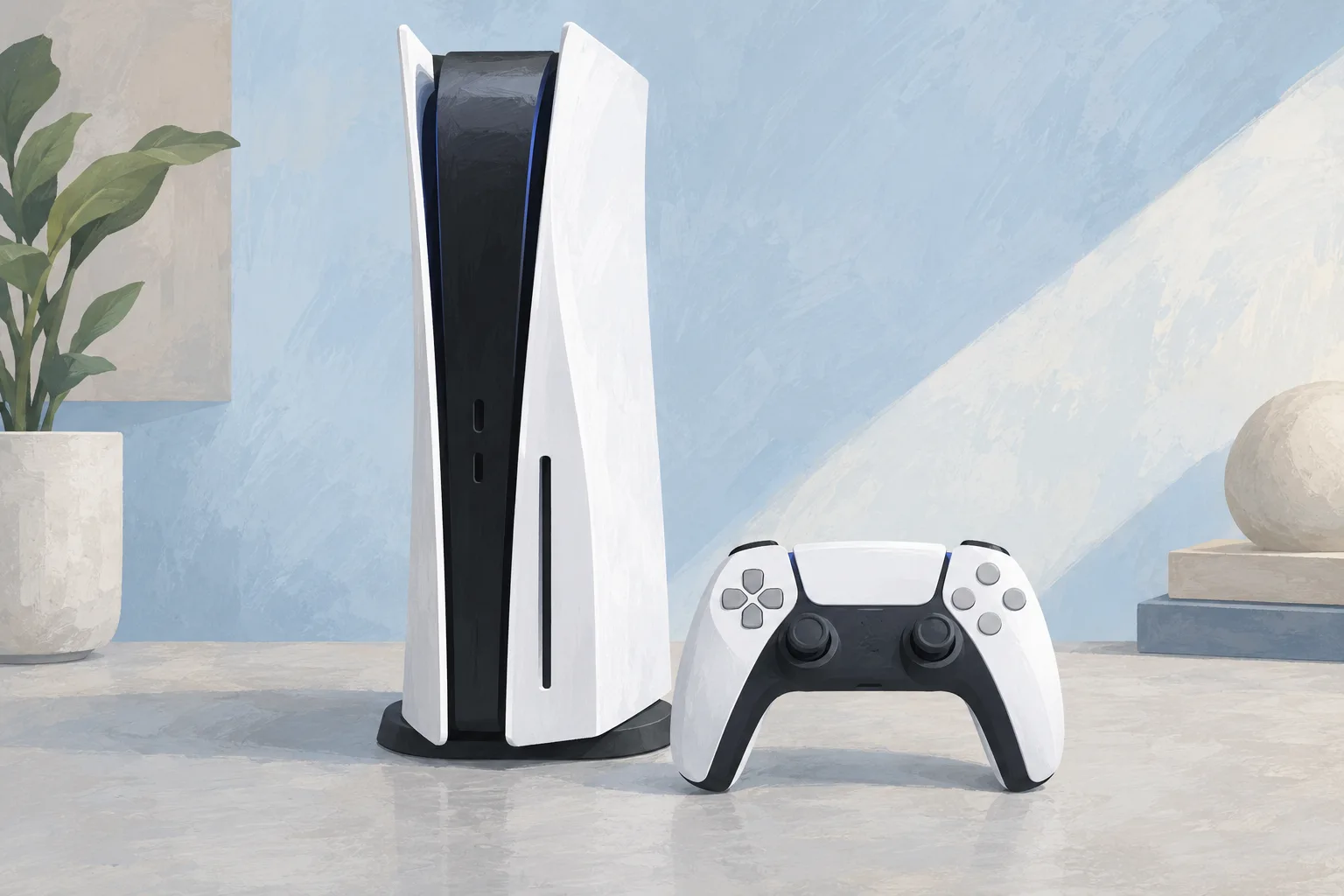
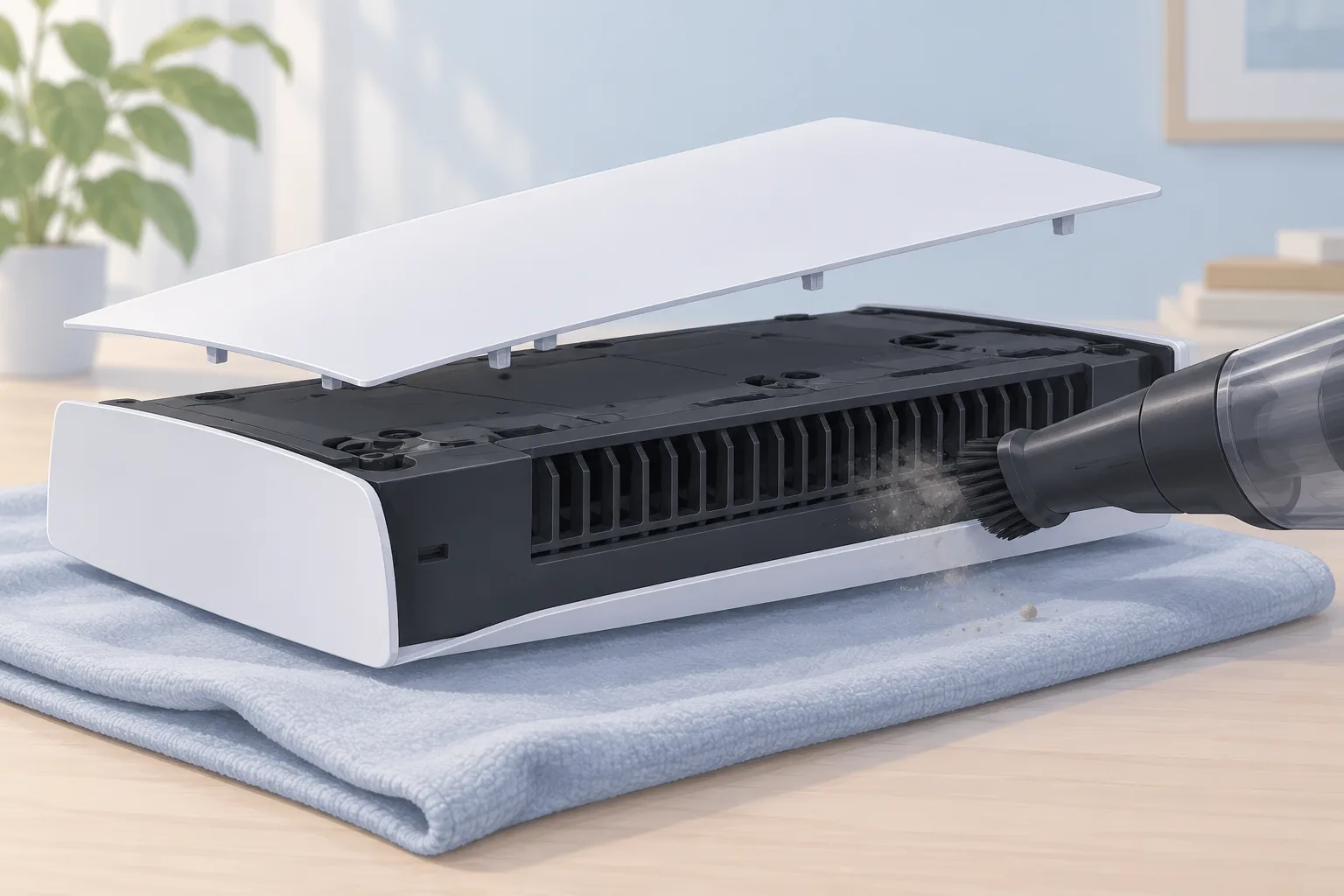
To clean a PS5 with dusty vents, disconnect the power cable from the rear before cleaning, as Sony advises. Use a low-powered vacuum cleaner to remove dust in and around the vents. Before removing the covers, turn it off, unplug the power cord and cables, and let it cool down.
Key takeaways
How do you clean PS5 vents without opening it?
For a dusty PS5, disconnect the power cable from the rear before cleaning, then vacuum dust in and around the vents with a low-powered vacuum. Sony recommends this to help prevent overheating. Keep the side and back vents clear of obstructions.1
How do you open a PS5 to clean it?
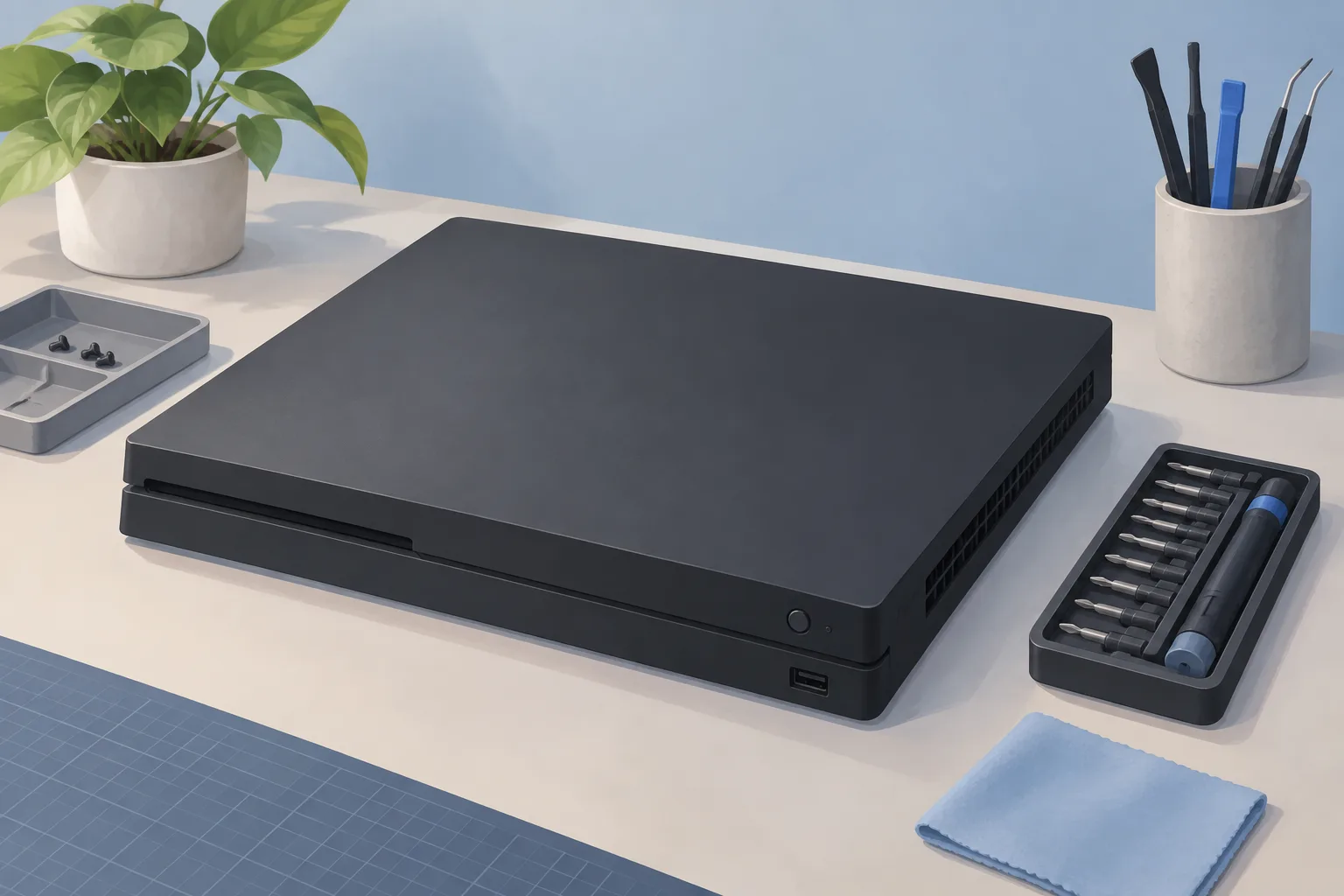
Check the model number before removing the covers, then choose the cover instructions for that model. After use, the unit can stay hot. Continued handling may cause burns. Set the console on a soft cloth spread over a flat surface.2
Use the control center
Select Power, then Turn Off PS5. The screen goes blank. Watch the power light flash white, then turn off.2
Unplug the cord and cables
Wait for the console to cool down before removing or attaching covers.2
On models with top and bottom covers, the top has a PlayStation logo. The bottom cover doesn't. Position the logo up and the power button away from you for the top cover. For the bottom cover, face the logo down and the power button toward you.2
How do you clean dust out of PS5 dust catchers?
You don't need to remove screws or components to vacuum built-up dust from the dust catchers in iFixit's cleaning guide. There are two dust catchers. If the console is horizontal, rest it on its face with the charging port facing up.3
How do you clean dust from PS5 fans and grilles?
Cleaning the console's fan in iFixit's internal cleaning guide involves removing the fan shroud screws and unplugging the fan cable from the motherboard. Grip the cable connector's edges. Pull upward to disconnect it. Air enters through the flared sides and leaves through the back vents.4
Use tweezers for loose hairs and clumps. Hold the blades steady with a finger while using a small dust blower or light compressed air to clear remaining dust. If there's a layer of grime on the fan blades, wipe it off with a cotton swab dampened with soapy water or isopropyl alcohol.4
For dust and grime in hard-to-reach areas and rear vents, use a soft anti-static brush or a new toothbrush. Blow loose dust out with a dust blower. Wipe the vents with a cloth. With the fan removed, clean its cavity using the blower, brush, and cloth.4
When should you take your PS5 to a shop?
If you still need help after vent cleaning, contact PlayStation Support about your PlayStation console. Ask a shop about internal dust cleaning if you don't want to remove the fan. The procedure lists a security screwdriver and a coin among its tools in iFixit's guide.1, 4
| Fix | Price | Shop or DIY |
|---|---|---|
| Vent cleaning | Free | DIY: Sony's low-powered vacuum method |
| Dust catcher cleaning | Free | DIY: vacuum without removing screws |
| Internal dust cleaning | Ask a shop for a quote | Shop or DIY: fan removal involved |
Questions
Can incorrectly installed PS5 covers cause overheating?
Incorrectly installed covers can cause the main unit to overheat. For models with clip alignment steps, line up the cover's clips with the matching holes and push until you hear a click. Attach the feet or base as shown for your model, reconnect the power cord and cables, then turn the power on.2
Does a louder PS5 fan mean something is wrong?
During some games and apps, a louder fan is normal and means it's temporarily running faster to cool the system more effectively, Sony says. If the console is loud, overheating, or underperforming, built-up dust in the fan, heatsink, or main vents is a possible cause.1, 4
Does keeping my PS5 on the floor affect dust buildup?
Keeping your console on the ground may let it suck in extra dust, dirt, or hair, which can limit cooling. Dust and debris can build up and clog the heatsink fins over time, and the console draws air through those fins.4
Find a repair near you
Sources
- PS5: console is making noise, PlayStation. accessed Oct 7, 2026
- How to remove and attach covers for your PS5 console, PlayStation. accessed Oct 7, 2026
- How to Clean Dust Out of a Playstation 5 Without Opening It, iFixit. accessed Oct 7, 2026
- How to Open and Clean a PlayStation 5, iFixit. accessed Oct 7, 2026