Apple Watch stuck on Apple logo: what should you do?
For an Apple Watch stuck on the Apple logo, hold the side button and Digital Crown until the screen turns black and the logo reappears, then release both. If it persists after a force restart, unpair and pair again. Get service if it's still stuck on the Apple logo after Apple's troubleshooting steps.

Key takeaways
How do I restart an Apple Watch stuck on the logo?
Press and hold the side button and Digital Crown until the screen turns black and the Apple logo reappears. Then release both buttons. Your watch might take a few moments to restart, so give it time before moving on to the next step.1
What if my Apple Watch is stuck on the Apple logo even after a hard reset?
Unpairing your watch creates a backup on your iPhone, and it's Apple's next step if the logo persists after a force restart. Then pair the watch again. Keep your watch and your iPhone close together throughout all of these steps.1
Open the Apple Watch app
On your iPhone, go to the My Watch tab and tap All Watches at the top of the screen.1
Choose the watch to unpair
Tap Unpair Apple Watch, then confirm by tapping Unpair followed by your watch's name.1
Enter your Apple Account password
If you've forgotten it, you can reset it. Tap Unpair to continue.1
How do I restore the backup and check for an update?
To start pairing in the Apple Watch app, tap Start Pairing if you had one watch paired with your iPhone. For more than one, tap Add Watch. To bring back the watch's saved backup, choose Restore from Backup during pairing.1
What if the screen is blank or a charging cable icon appears?
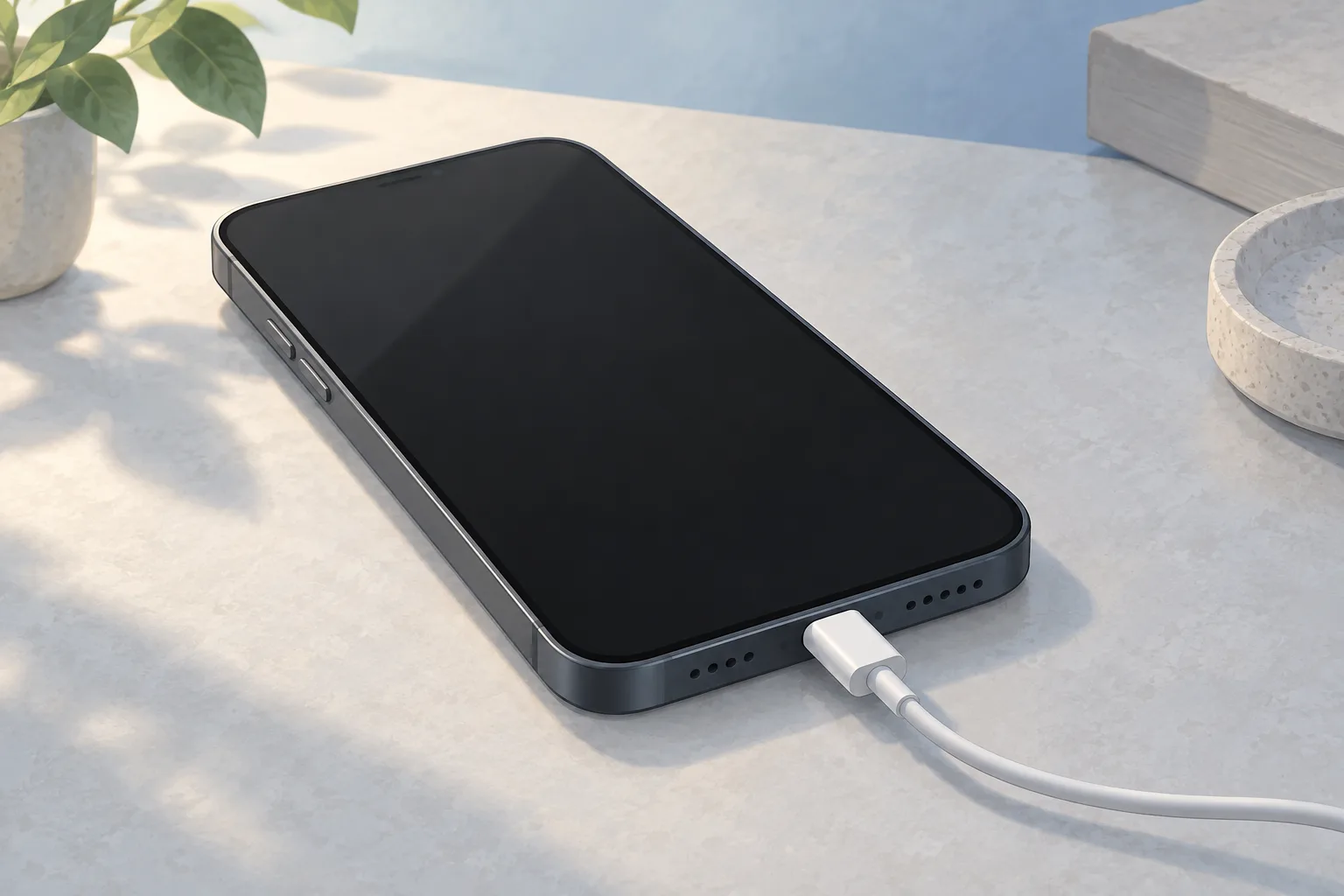
If the watch screen stays blank even when you press the side button, you might need to charge it for up to 30 minutes. That wait also applies if a charging cable icon appears. Connect the watch to its charging cable.2
If you connect the charging cable and don't see a lightning bolt, work through these charging checks.2
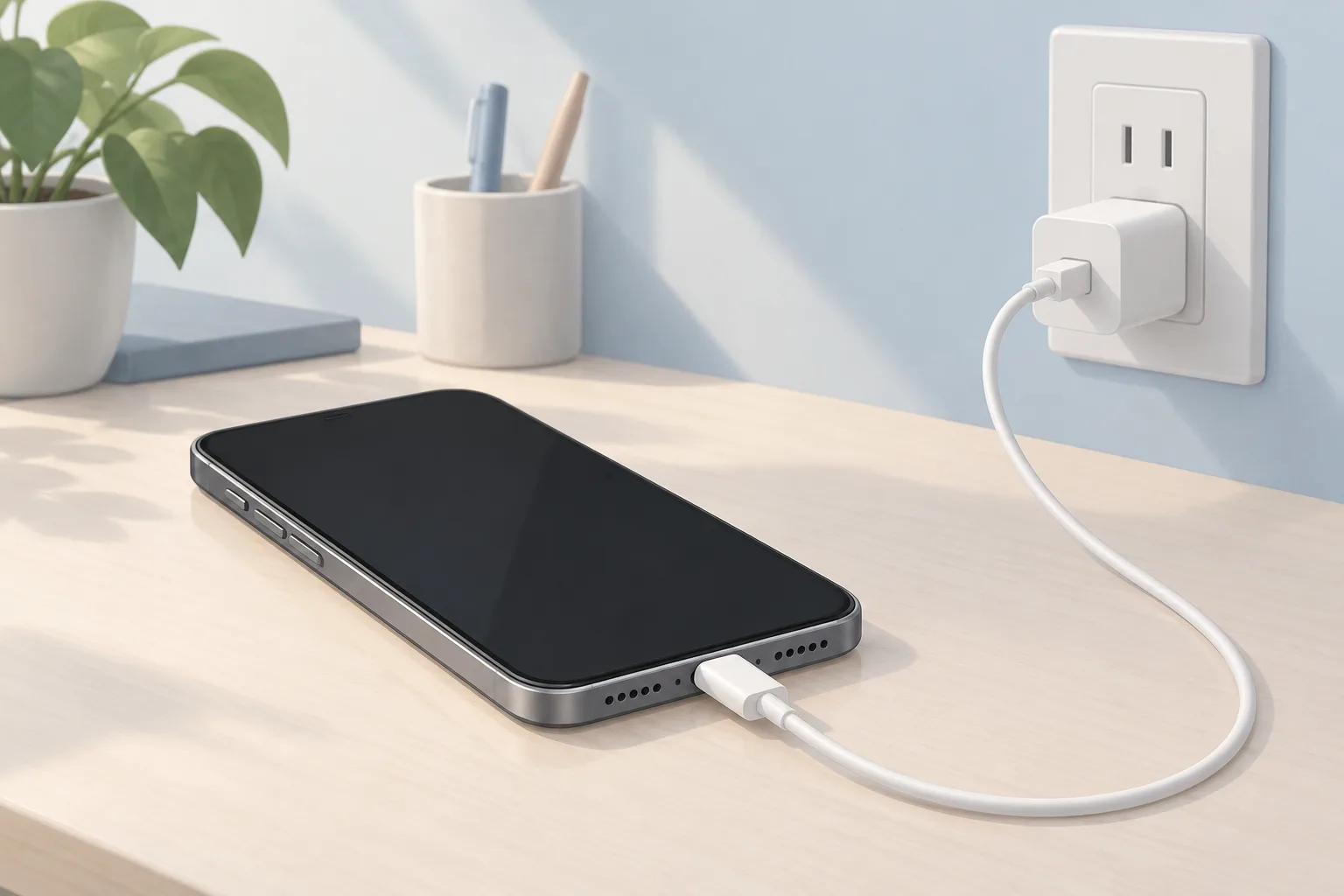
Use the supplied Apple charging cable
Push the cable fully into the power adapter. Then plug the adapter fully into a power outlet.2
Check the charger's magnetic alignment
A lightning bolt should appear when the magnets line up correctly. If the watch is out of power, that can take up to 30 minutes.2
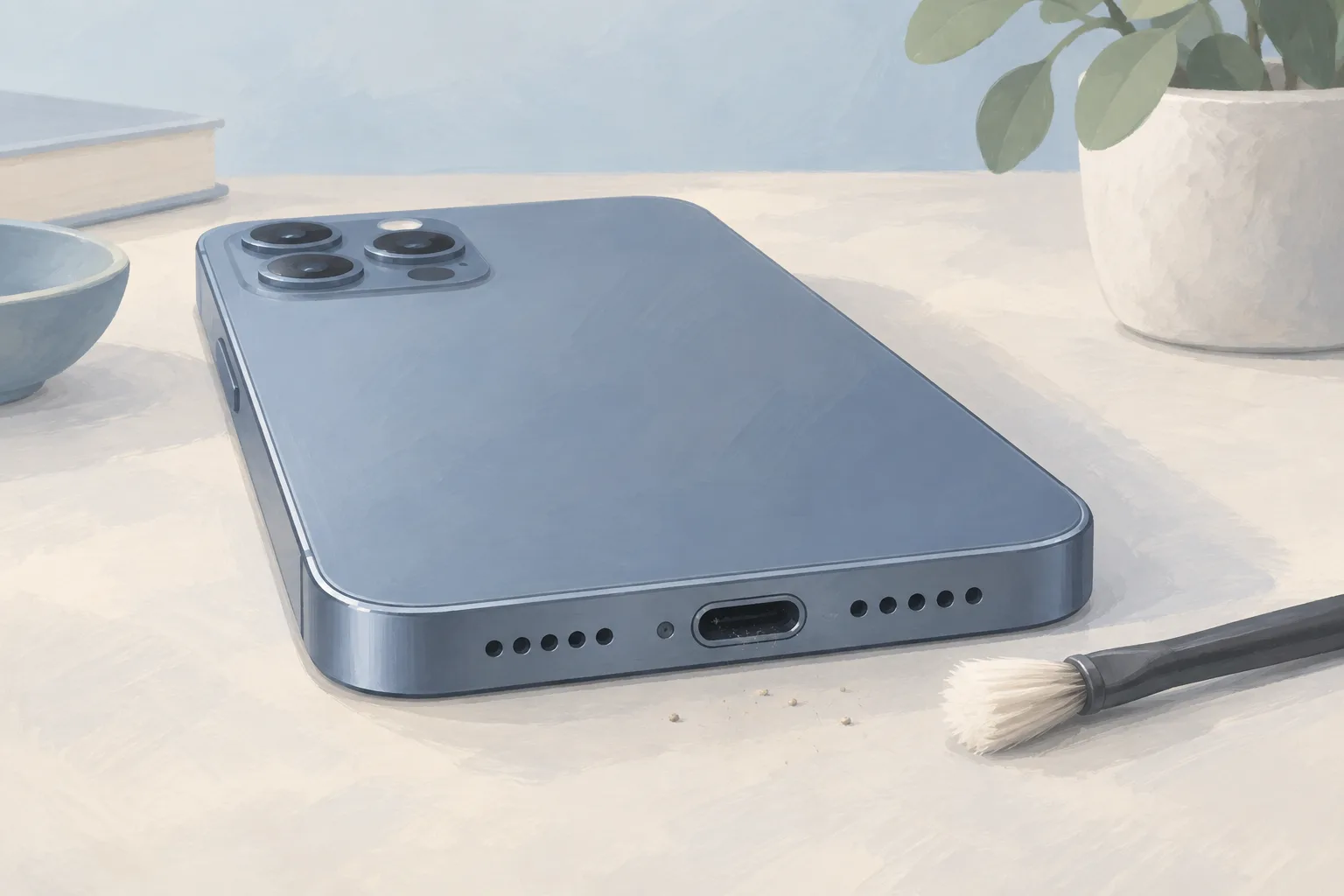
Clean the back of your watch
Make sure the magnetic charger is clean too.2
Try a different Apple charging cable
Use an Apple Watch Magnetic Charging Cable or magnetic fast charging cable. Try a different power adapter too.2
If it still won't charge, hold the side button and Digital Crown for at least 10 seconds, or until the Apple logo appears.2
When should you take your Apple Watch to a shop?
Get Apple Watch service if it's still stuck on the logo after completing Apple's troubleshooting steps. Tell the shop which steps you've completed and what the watch shows now, including whether the logo stays on screen after you pair it again.1
| Fix | Price | Shop or DIY |
|---|---|---|
| Force restart | Free | DIY: Apple gives button steps |
| Unpair and pair again | Free | DIY: Apple's next step if the logo persists |
| Restore the backup | Free | DIY: choose Restore from Backup |
| Install an available update | Free | DIY: use the Apple Watch app |
| Connect and align the charger | Free | DIY: Apple lists these charging checks |
| Clean the watch back and charger | Free | DIY: Apple says to keep both clean |
| Try a cable and adapter you already have | Free | DIY: Apple says to try different ones |
| Service for a watch still stuck on the logo | Ask a shop for a quote | Shop: the logo remains after troubleshooting |
Questions
What does a red lightning bolt mean?
A red lightning bolt means the watch doesn't have enough battery power to turn on. When you connect the watch to its charging cable, the red bolt changes to a red lightning bolt inside a ring on the watch screen.2
Can the charger's angle stop the magnets from lining up?
For a 44mm, 45mm, or 49mm Apple Watch, you might need to adjust an Apple Watch Magnetic Charging Dock or Apple MagSafe Duo Charger. Try a different charger angle. You can also lay it completely flat to align its magnets with the watch.2
Should I remove the band from an Apple Watch Ultra to charge it?
An Apple Watch Ultra or later might not connect reliably with an Apple Watch Magnetic Charging Dock or Apple MagSafe Duo Charger. If that happens even with the charger lying flat, try removing the band before placing the watch on the charger.2
Find a repair near you
Sources
- If your Apple Watch is stuck on the Apple logo, Apple. accessed Oct 7, 2026
- If your Apple Watch won't turn on or won't charge, Apple. accessed Oct 7, 2026