Apple Watch not pairing: what to check before repair
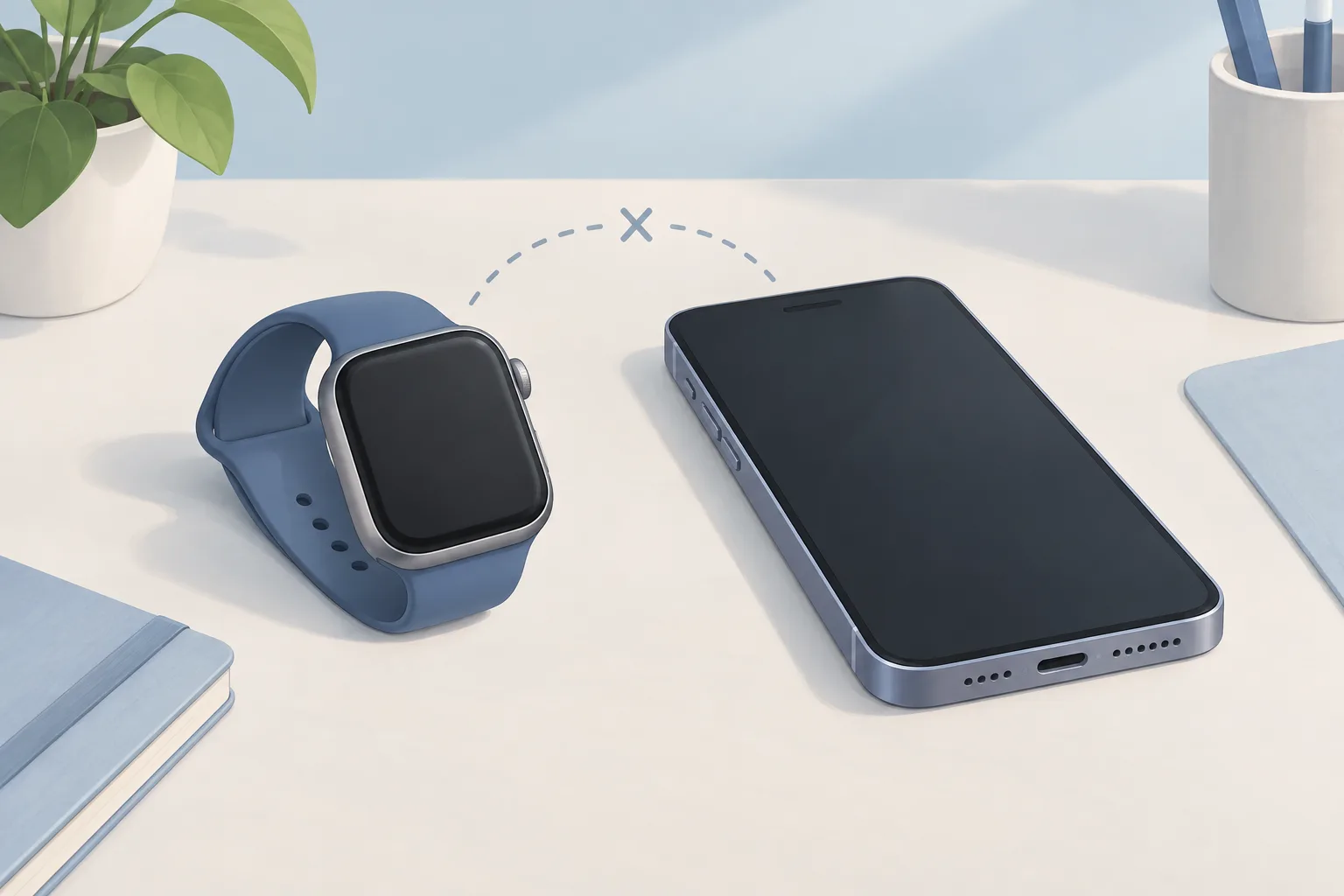
For an Apple Watch not pairing, check whether it's already paired if your iPhone can't connect or the watch shows a clock face. With a disconnected watch, first bring it and its paired iPhone close together. If it still can't connect after connection checks, unpair it from your iPhone, then pair the devices again.
Key takeaways
- Check for an existing pairing if your iPhone can't connect during setup or the watch shows a clock face.2
- If an iPhone transfer left pairing unfinished, use Finish Pairing in the Apple Watch app.3
- Erasing the watch without its paired iPhone leaves Activation Lock on, so you'll still need the Apple Account credentials used during setup.2
Why won't my Apple Watch pair?
If your iPhone can't connect during setup or the watch shows a clock face, check whether your Apple Watch is already paired. Unpair through the paired iPhone, if available. During setup, your iPhone asks you to hold the watch up to its camera.2
Open the Apple Watch app on your paired iPhone, then tap My Watch to reach All Watches at the top of the screen. Tap All Watches. Choose the watch to unpair. Tap Unpair Apple Watch.2
Unpairing through the paired iPhone erases the watch and removes it from your iCloud account. Activation Lock is removed too. Once unpairing finishes, the watch is ready to set up again.2
What should I check if my Apple Watch is disconnected?
A red iPhone icon or red X in Control Center means your watch and iPhone aren't connected. Missing calls, messages, or notifications can also mean they've lost their connection. First, bring the watch and its paired iPhone close together. The green iPhone icon appears when they connect again.1
Check the iPhone's settings
Swipe down from your iPhone screen's top-right corner to open Control Center, where Airplane Mode should be off and Wi-Fi and Bluetooth on.1
Open the watch's Control Center
Press the side button. Turn Airplane Mode off.1
Restart the watch and iPhone
If they still can't connect afterward, unpair the watch from your iPhone, then pair them again.1
Why is my Apple Watch not pairing with my new iPhone?
Your watch can have an unfinished pairing after you've transferred content from your old iPhone to your new one. Open its Apple Watch app. Look for Pairing Not Complete beside the unpaired watch, then tap Finish Pairing to sync your watch content with your new iPhone.3
How do I reset my Apple Watch when it won't pair?
Resetting your watch might help if pairing has stalled, such as when the pairing animation stays on the watch screen for several minutes. Keep the watch in pairing mode. Press and hold the Digital Crown until Reset appears, then tap it to reset the watch.2
If you've forgotten your passcode and can't unpair or erase the watch, you can reset it. Put the watch on its charger first.2
When should you take your Apple Watch to a shop?
Ask an Apple Watch repair shop for help if you've finished the connection checks and still can't pair your watch. Erasing a watch without its paired iPhone leaves Activation Lock on. You'll need the Apple Account and password used to set it up before you can pair it again.2
| Fix | Price | Shop or DIY |
|---|---|---|
| Bring paired devices close together | Free | DIY: Apple's first connection check |
| Check Airplane Mode, Wi-Fi and Bluetooth | Free | DIY: Apple lists these settings |
| Restart the watch and iPhone | Free | DIY: Apple lists both restarts |
| Unpair, then pair again | Free | DIY: Apple gives the unpairing steps |
| Finish an incomplete iPhone transfer | Free | DIY: use Finish Pairing |
| Reset stalled pairing | Free | DIY: Apple says this might help |
| Reset after forgetting the passcode | Free | DIY: Apple provides a reset option |
Questions
What if my watch won't pair with a new phone?
If you don't have its paired iPhone, you can erase the watch. Set up the new iPhone and sign in to iCloud. Open the Apple Watch app, then pair the watch with your new phone and try to restore from a backup.2, 3
Will I lose watch data when I restore a backup?
You'll lose Activity, Workouts, or settings that changed between the last backup and now. Health and Activity data is stored in iCloud and kept up to date on devices using the same Apple Account. Without a backup, you'll need to set up your watch as new.3
Why can't I see my Apple Watch backup?
If your iPhone and Apple Watch aren't up to date, your watch backup might not appear in the list when you try to restore. Update both devices. When you're asked to restore from a watch backup, choose the most recent one available.3
Find a repair near you
Sources
- If your Apple Watch isn't connected or paired with your iPhone, Apple. accessed Oct 7, 2026
- If you can't pair an Apple Watch with your iPhone, Apple. accessed Oct 7, 2026
- If you can't pair your Apple Watch with a new iPhone, Apple. accessed Oct 7, 2026