
Find Lenovo Laptop Repair Near You
Browse cities across the country to find 8 shops that list Lenovo laptop repair. Before you go, call with your model and explain what's wrong.
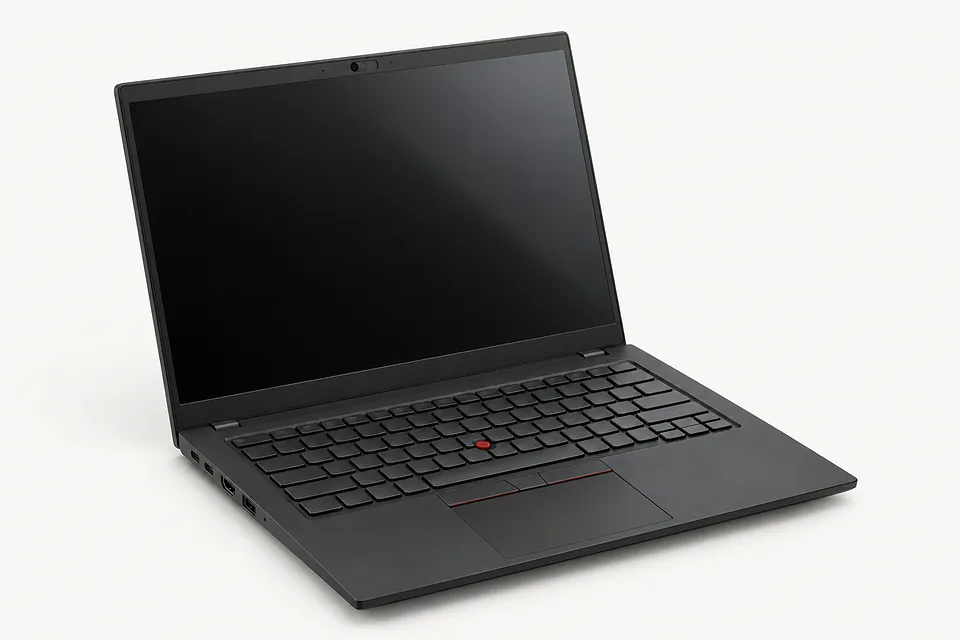
Lenovo Laptop Repair by city
Shops that list Lenovo laptop repair
No town has enough of them for its own page yet, so here they are directly. Not paid placements.
- Ardmore ComputerArdmore, PA
- Laptop Service CenterBoothwyn, PA
- Computer Systems & SolutionsEssington, PA
- Orada Tech RepairHazlet, NJ“Lenovo ThinkPad Lenovo IdeaPad Lenovo Yoga”
- Red Tree TechLansdale, PA
- Computer DoctorMarlboro Township, NJ
- JY Computer Services – Automation & ITMarlboro Township, NJ
- MDrepairs Data RecoveryMiddletown Township, NJ
Common Lenovo laptop faults
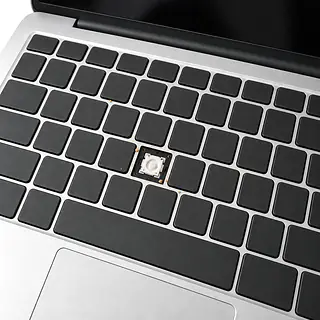
Lenovo keys don't type
Spilled soda can gum up keys and harm the electronics underneath. Turn it off and disconnect the charger after a spill. Pressing harder won't fix stuck keys.
Find a repair near you: Lenovo keys don't type
Lenovo won't power on
A dead charger can make the computer seem broken. Check the wall outlet, then try an adapter matched to this Lenovo.
Find a repair near you: Lenovo won't power on
Laptop slow to respond
Too many open programs can use up available memory. Close the ones you aren't using. Stalls alongside unreadable files also suggest trouble with storage.
Find a repair near you: Laptop slow to respond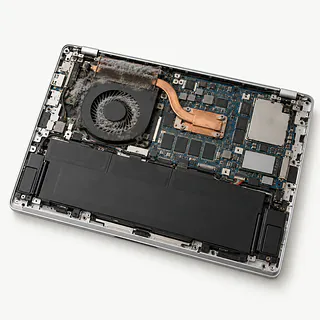
Laptop gets hot and turns off
Packed dust can choke airflow even with the vents uncovered. If shutdowns continue on a hard surface, a shop can check the cooling system.
Find a repair near you: Laptop gets hot and turns off
Battery drains quickly
Games and a bright display drain power heavily. Battery wear is more likely if the laptop now shuts down during tasks it used to finish unplugged.
Find a repair near you: Battery drains quickly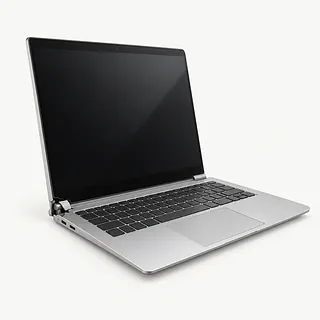
Screen flickers when opening the lid
A damaged display cable can lose contact as the hinge moves. Repeatedly bending the lid to coax the picture back can make it worse.
Find a repair near you: Screen flickers when opening the lid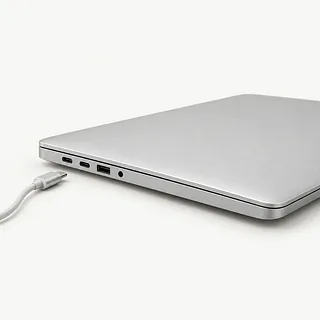
Laptop plugged in without charging
Buying a battery won't fix a failed power adapter or charging circuit. The port needs checking too, especially if its plug feels loose.
Find a repair near you: Laptop plugged in without charging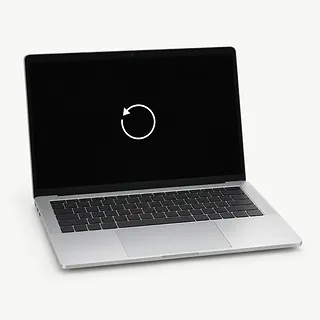
Blue screen during startup
Faulty memory and bad drivers can stop Windows loading. Save the error text and say if the crashes followed an update or a drop.
Find a repair near you: Blue screen during startup


What gets checked after Lenovo repairs
Charging trouble starts with checking the adapter, battery and port. A shop can compare your charger with a working one. For flickering, it helps to know if the picture changes as the lid moves.
Parts need to match the exact model, since ThinkPad, IdeaPad, Yoga and Legion names cover different builds. Many ThinkPad keyboards come out separately. On many IdeaPad and Yoga models, keyboard replacement includes the palm rest cover, with the trackpad moved over if needed. A stiff hinge also needs its mounts checked for cracks.
A motherboard repair can make Windows ask for an encryption recovery key, usually saved to your Microsoft account. Have it ready before work begins. After reassembly, checks should include charging, typing and pointer movement, plus whatever made the computer fail. A repaired Yoga touch screen needs touch input tested too.
Repairing an older Lenovo laptop
A seven-year-old Lenovo can be worth fixing if it still runs your everyday programs comfortably. Missing letters don't mean the whole computer is worn out. Check that its operating system receives security updates and that a matching keyboard is available.
A Yoga with cracked hinge mounts, broken touch glass and a tired battery needs more than a screen swap. Ask for a written quote covering those faults together. Weigh that work against how well the laptop would serve you once repaired.
Copy important documents elsewhere while the computer still starts. If it won't boot, explain which files have no backup before anyone replaces storage or resets Windows. Those files may be worth recovering even if you retire the laptop.
What to ask about the repair
Do I still pay if I decide against repair?
Testing can carry its own fee even when you leave with a broken laptop. Ask what that covers and when further work would need your permission.
Which battery would you install?
Get the battery details on paper, including where it comes from and whether it's new or used. A Lenovo family name alone doesn't identify the right replacement.
Will you test it unplugged too?
A laptop can start on its charger yet die as soon as you disconnect it. For battery trouble, testing should cover charging and running without the adapter, both before repair and afterward.
Do you need my usual Windows login?
A separate account may be enough for testing. Tell the technician which files have no other copy, and rule out wiping them without asking you.
If this happens again, what does the warranty cover?
Check whether both parts and labor are covered, along with any exclusions. Keep those terms with your receipt.
Before handing over the laptop
Record the failure
Write down when it started. If the Lenovo crashes, photograph the error screen, and name the app you had open.
Back up unfinished work
Copy your desktop folders and downloads to separate storage if the laptop still runs safely. Open a saved document to make sure it copied.
Keep the drive's recovery key handy
For Windows device encryption, your Microsoft account usually has the recovery key. Keep a copy somewhere other than this Lenovo.
Leave personal passwords out
A test account may cover the shop's checks. Agree on access before drop-off, and enter your own Microsoft password if an account change is needed.
Check the ports
Pull out flash drives and memory cards, and remove a clip-on case. Pack the adapter and cable when the complaint involves charging.
Related repairs
Lenovo Laptop Repair: common questions
Where can I take my Lenovo laptop for repair?
You can search states and cities for Lenovo laptop repair from 8 shops who say they take on the work. Once you've chosen a city, call to describe the problem and give the full model name.
How much should I set aside for Lenovo laptop repair?
Your exact model and the damage affect the price. When you call, describe what happened and ask what you would be paying for.
Can I get a time estimate before bringing it in?
For Lenovo laptop repair, a shop can estimate the wait, but that estimate may change as they learn more about the damage. Call to request a rough timeframe that also accounts for their workload.
How do I decide what to spend on Lenovo laptop repair?
An older device may still be worth keeping if you'd use it enough to justify the cost. Check for other damage and files you need to save, and get an estimate before choosing.
What should I check about backups and accessories before Lenovo laptop repair?
Jot down the full model number and how the trouble started so you can explain it when you call. Ask about bringing a charger, keeping the case attached and unlocking the device, and back up files if it works.
Why won't my Lenovo laptop turn on?
A dead adapter or trouble with the battery or motherboard can leave a Lenovo completely unresponsive. Check that the outlet works and use a charger compatible with your model. Glowing lights or fan noise mean it's getting some power, even with no picture.
Why is my Lenovo laptop not charging?
A dead charger or broken port can leave a usable battery sitting empty. Try an adapter made for your model before blaming the battery. If moving the plug interrupts charging, stop bending it into position and tell the shop.
Can a Lenovo laptop keyboard that isn't working be replaced?
Yes, though fixing dead keys can mean changing the surrounding cover too. Many Yoga and IdeaPad laptops have keyboards built into that palm rest. On many ThinkPad models, the keyboard is a separate replaceable part.
Why is my Lenovo laptop screen flickering?
A bad screen cable, failing display or graphics software trouble can make the picture flash. Note whether it starts before Windows loads or only after signing in. That gives the technician another clue before replacing the screen.
Why is my Lenovo laptop overheating with a loud fan?
Games can make the fan roar without anything being broken, while bedding over the vents can trap heat. Set your Lenovo on a desk or another firm surface. If it repeatedly shuts off from heat, a shop can test the fan and check for dust blocking airflow.
Why is my Lenovo laptop running slow?
Apps competing for memory or a drive that's nearly full can make even simple tasks drag. Check Task Manager in Windows for heavy memory and disk use. If crashes come along too, back up your files before checking for failing storage.