PS5 randomly turns off: what should you check?
If your PS5 randomly turns off while playing, use Sony's PlayStation Repairs for troubleshooting and warranty checks. Turn off HDMI Device Link if it's enabled to see whether the shutdowns stop. For a PS5 that powers off immediately after turning on, Sony also directs you to PlayStation Repairs for troubleshooting.
Key takeaways
- Use PlayStation Repairs to troubleshoot shutdowns during play and check whether a repair is covered by warranty.3
- Test HDMI Device Link by turning it off if it's enabled.4
- If the light only blinks white or stays blue without turning solid white, unplug the console and wait 3 minutes before reconnecting and restarting.2
- If ventilation trouble persists, check that the vents are clean before considering fan cleaning or replacement.4
What if my PS5 turns on then off immediately?
Use PlayStation Repairs for troubleshooting if your console powers off immediately after you turn it on. Choose the matching power problem. Sony's diagnostic options cover a console that loses power shortly after startup, won't turn on, crashes or freezes during play, or turns off while playing.2, 3
Why does my PS5 turn off by itself?
HDMI Device Link can sometimes shut down your PS5 when the setting is enabled. The feature matches the console's power state with your TV, so turning on the TV also turns on the console. To test it, select HDMI Device Link. Press X on your DualSense controller to toggle it off.4
What should I check when my PS5 turns off randomly?
If the wall outlet or power cord isn't supplying enough power, the console can't stay on. Unplug the power cable. Wait at least a minute, check the cord for damage, then plug it back into your PS5. Use a different wall outlet, too.4
Try another power cord if the current one is damaged or you aren't sure it works.4
System software can sometimes cause the console to shut down, so keep its firmware up to date. Connect the console to the internet. If you can't connect, update the console manually using a USB drive.4
Open System in Settings
Select System Software, then System Software Update and Settings.4
Select Update System Software
Choose Update Using Internet. Select Update to begin.4
For ventilation trouble, turn off the console and wait at least one hour before restarting it.4
Is my PS5 off, in rest mode, or frozen?
A console is frozen if its light only blinks white or stays blue without turning solid white, and it needs troubleshooting. In rest mode, the light should settle at solid orange after a few seconds. That low-power state lets the console charge controllers and download or install content.2
Unplug the frozen console
Wait 3 minutes, then plug it back in and turn it on.2
Reinstall if freezing continues
Use Safe Mode to reinstall the console software if the issue keeps happening.2
A powered-off console can't charge controllers. It can't download or install content, either. If the console is on but shows no picture, use PlayStation Repairs for troubleshooting.2
When should you take your PS5 to a shop?
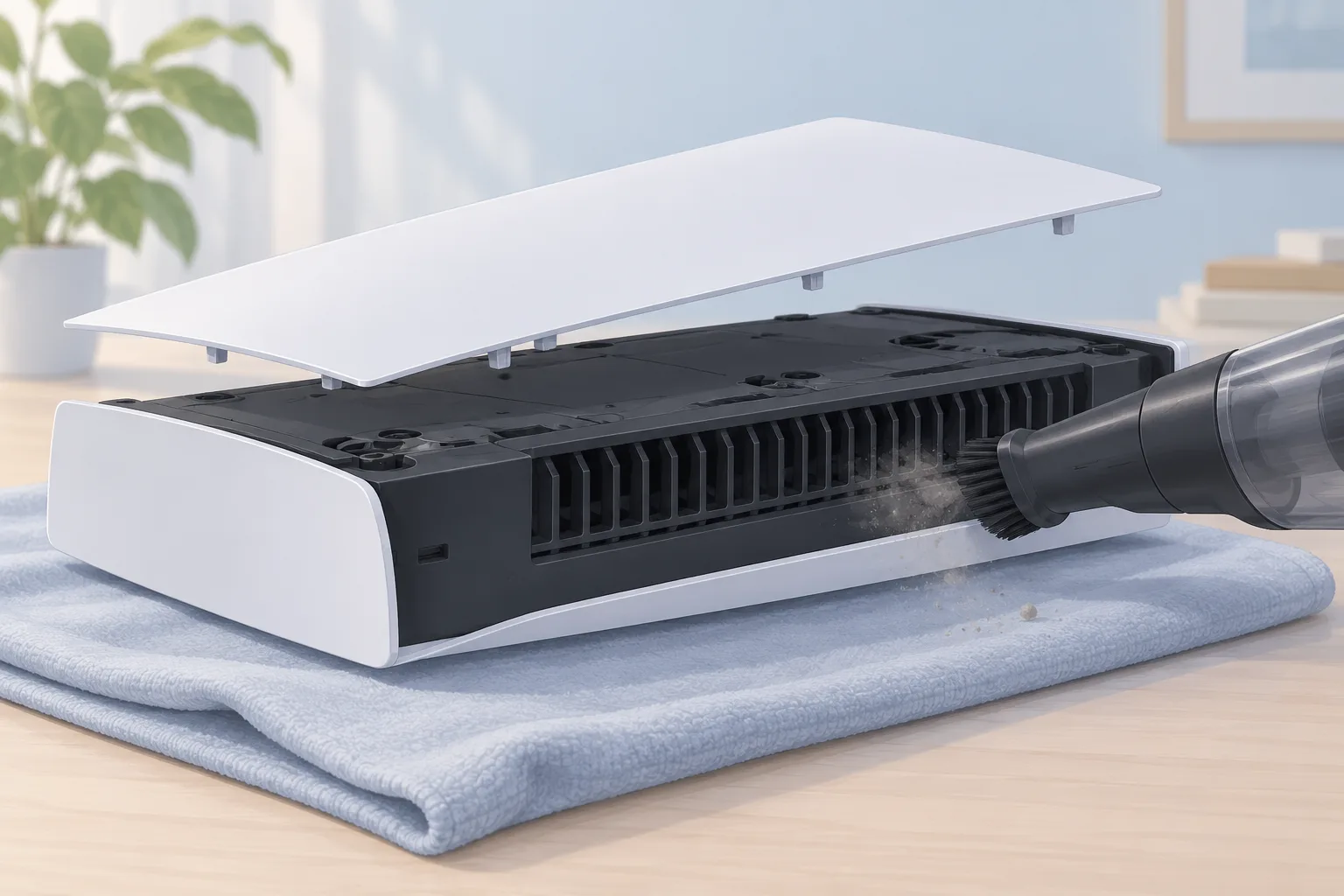
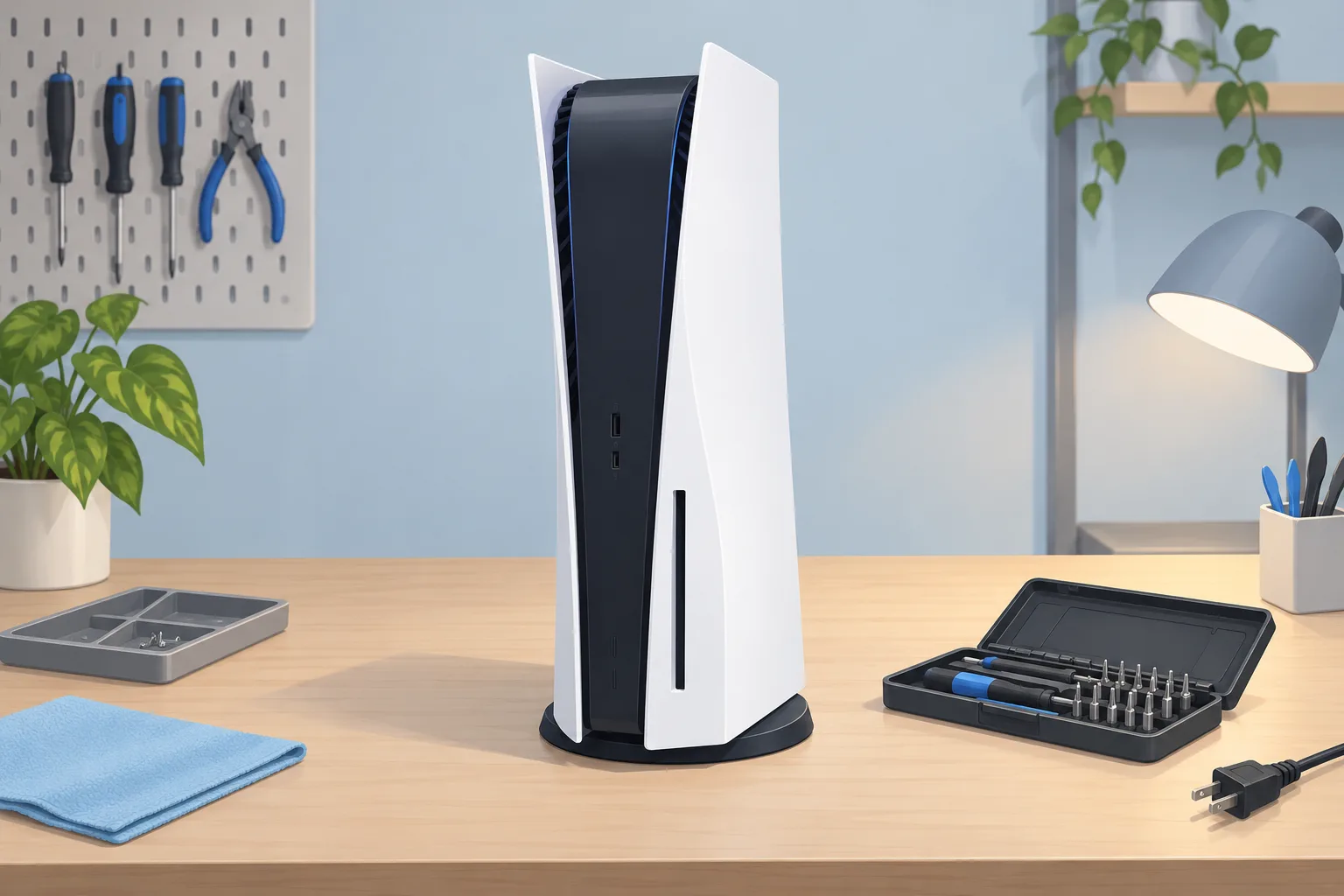
When ventilation trouble continues, check that the vents are clean. The fan may need cleaning or replacement. A damaged power supply may need replacing, too. Ask a repair shop to assess the fan or power supply before you agree to have either part replaced.4
| Fix | Price | Shop or DIY |
|---|---|---|
| Turn off HDMI Device Link | Free | DIY: test the enabled setting |
| Reconnect the power cable | Free | DIY: check the cord for damage |
| Try a power cord you already have | Free | DIY: test a damaged or suspect cord |
| Use a different wall outlet | Free | DIY: check the power source |
| Update system software | Free | DIY: follow the update menus |
| Restart a frozen console | Free | DIY: follow Sony's unplugging steps |
| Reinstall console software | Free | DIY: use Safe Mode if freezing continues |
| Turn off Rest Mode | Free | DIY: for shutdowns after entering Rest Mode |
| Cool down and restart | Free | DIY: allow the stated cooling time |
| Clean the vents | Free | DIY: check persistent ventilation trouble |
| Fan cleaning or replacement | Ask a shop for a quote | Shop: fan may need cleaning or replacement |
| Power supply replacement | Ask a shop for a quote | Shop: damaged supply may need replacing |
How can I protect my PS5 data when turning it off?
To protect your PS5 data, shut down the console or enter rest mode using its power controls. For a full shutdown, open the control center. Select Power, then Turn Off PS5. The screen goes blank while the power light flashes white, then turns off.1
Questions
What if my PS5 randomly turns off and won't turn back on?
If your console shuts down after entering Rest Mode without you turning it off, disable Rest Mode. A bug can prevent some PS5s from turning back on. Start in Settings, then open System and select Power Saving. Choosing Don't Put in Rest Mode keeps the console on and uses more power.4, 1
Does power saver change how PS5 games run?
Power saver can reduce your console's power use in supported PS5 games by letting game performance scale back as needed. To use it, turn on Use Power Saver and choose the games you want to play with that setting enabled.1
How do I turn my PS5 back on after a normal shutdown?
Press the PS button on a paired controller or the console's power button to turn it on after a normal shutdown. You can use either button to wake it from rest mode, too. Starting from rest mode takes less time than starting from a powered-off state.1, 2
Find a repair near you
Sources
- How to change power-saving settings on PlayStation consoles, PlayStation. accessed Oct 7, 2026
- Power indicator lights on PS5 consoles and PS4 consoles, PlayStation. accessed Oct 7, 2026
- How to troubleshoot PS5 power issues, PlayStation. accessed Oct 7, 2026
- PlayStation 5 Turns Off By Itself, iFixit. accessed Oct 7, 2026