MacBook stuck on Apple logo: what should you try?
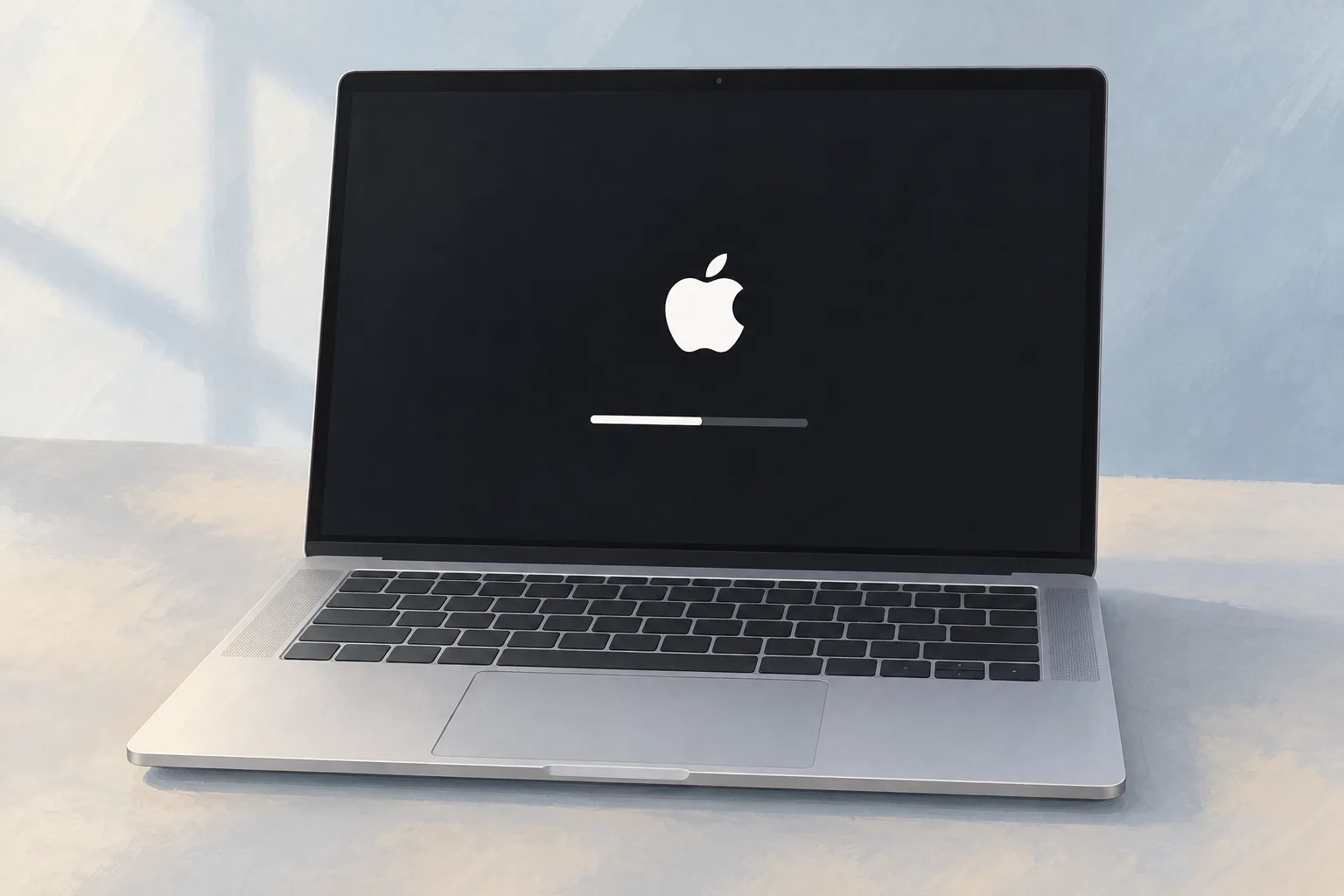
A MacBook stuck on the Apple logo during a macOS update should be left to finish overnight if needed, as Apple recommends. If startup never progresses, hold the power button for up to 10 seconds until it turns off. A MacBook still showing the logo after reinstalling macOS from Recovery might need service.
Key takeaways
- Allow a macOS update to finish overnight if needed.1
- If startup never progresses, hold the power button for up to 10 seconds until the Mac turns off.1
- Try repairing the startup disk from Recovery if startup still stalls after unplugging nonessential accessories. If the issue persists after disk repair, try reinstalling macOS from Recovery.1
- A Mac that continues to start up to the Apple logo after those checks might need service.1
How long can the Apple logo stay on screen during an update?
During a macOS update or upgrade, the Apple logo or progress bar might stay on screen much longer than usual. An update can run without a time estimate. The Apple logo means your Mac found its startup disk, which can be built-in or external.1, 3
As startup continues, a progress bar should appear. The logo doesn't have to stay visible. For an update without an estimated time, iFixit suggests giving it another 15 minutes.1, 3
What should you try for a Mac stuck on the Apple logo?
When startup never progresses, hold the power button for up to 10 seconds until your MacBook turns off. Then try turning it on again. If the same problem persists, hold the power button until the Mac turns off again before you unplug nonessential accessories.1, 3
Unplug printers, drives and hubs you don't need. Try powering on without them.1, 3
How can Recovery help a MacBook stuck on a loading screen with a progress bar?
If startup still stalls after the accessory check, hold the power button until the Mac turns off, then try starting from macOS Recovery. Use Disk Utility to repair the startup disk. If the issue persists after that repair, try reinstalling macOS from Recovery.1
Can Safe mode help a MacBook stuck on the loading screen?
When your Mac starts up all the way in Safe mode, third-party software is likely causing it to hang during normal startup. A failed update can cause software faults. Malicious software or apps that clash with macOS can cause those faults as well.3
How can you check software changes or rule software out?
Open the Software section. You can sort its list of installations in time order. To rule software out entirely, erase the disk and reinstall the operating system. Don't restore items from your backup until you know the problem is resolved.3
When should you take your MacBook to a shop?
If your computer continues to start up to the Apple logo or progress bar after reinstalling macOS from Recovery, it might need service. Apple Diagnostics can help check for hard drive failure. Hardware Check is another option for finding clear signs of that fault.1, 3
| Fix | Price | Shop or DIY |
|---|---|---|
| Power off and restart | Free | DIY: Apple's first stalled-startup check |
| Disconnect nonessential accessories | Free | DIY: Apple lists this if startup still stalls |
| Repair the startup disk | Free | DIY: use Disk Utility from Recovery |
| Reinstall macOS | Free | DIY: try if the issue persists after disk repair |
| Check Safe mode | Free | DIY: iFixit lists this software check3 |
| Erase the disk and reinstall | Free | DIY: iFixit's step to rule software out3 |
| Startup fault service | Ask a shop for a quote | Shop: the logo persists after reinstalling macOS |
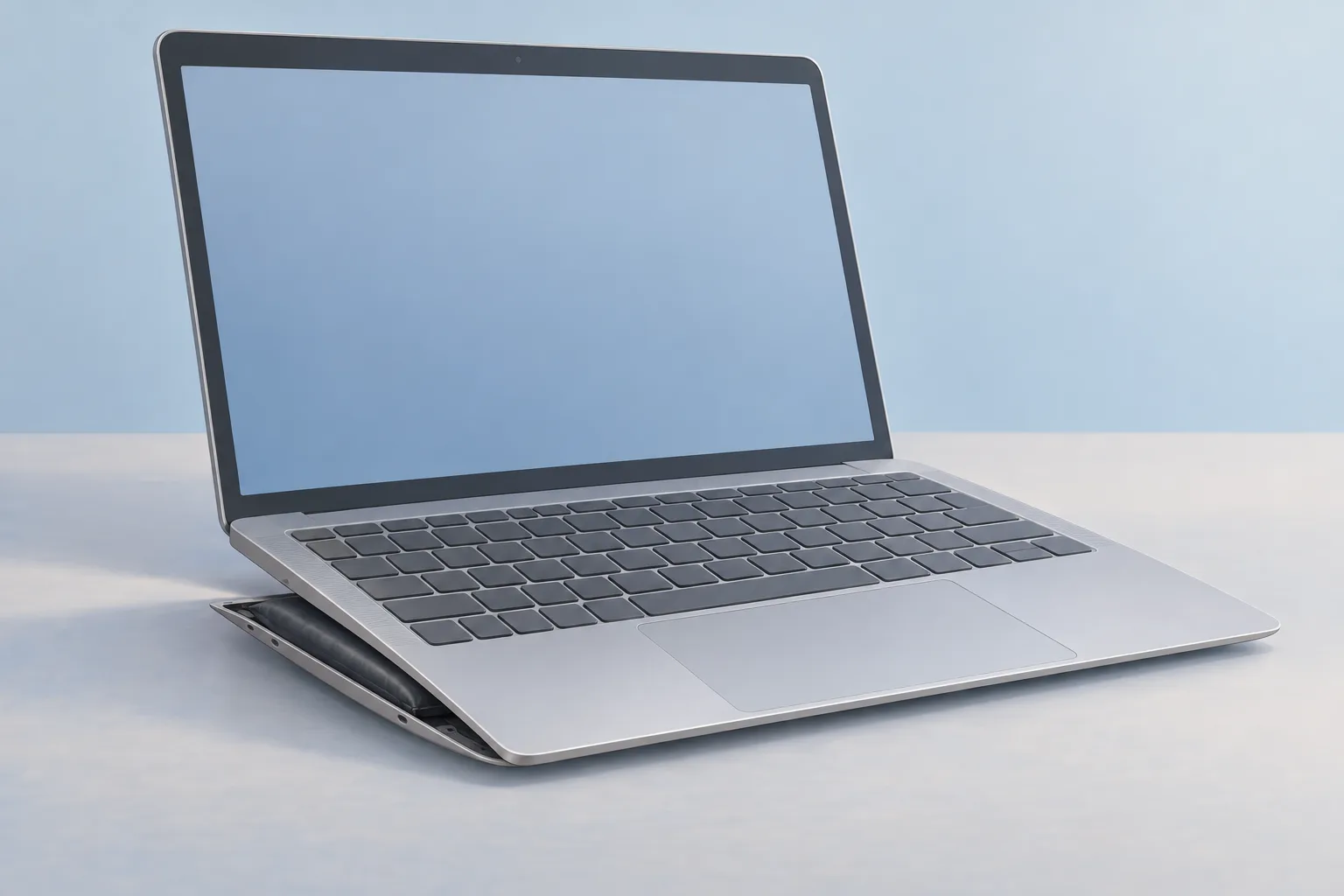
High fan speeds can accompany a startup hang even when the hardware isn't hot. For that symptom, iFixit names the trackpad and battery as common culprits. Run Apple Diagnostics to try to narrow down the cause.3
Questions
Why does a lock icon appear when you try to enter Recovery?
A Mac with a firmware password shows a lock icon when you try to start from another disk or volume, including macOS Recovery. Enter the firmware password to continue. An external drive is another startup choice that can bring up this lock icon.2
Why does a previously owned Mac ask for someone else's Apple Account?
If a previously owned Mac shows an Activation Lock window asking for someone else's Apple Account, the previous owner may need to remove Activation Lock. Contact the previous owner about that account. Ask them to remove the lock for you.2
How is the login window different from the lock screen?
The login window appears only after you log out of your user account, restart your Mac or start it up. Your lock screen looks similar. Both use the same login password. The lock screen doesn't offer options to reset your password.2
What does a mouse or keyboard drawing mean during startup?
If startup shows a drawing of a Magic Mouse's underside or Magic Keyboard's back, look for an arrow beside the power switch. With that small arrow, the drawing means your Mac can't detect its built-in or external mouse, trackpad or keyboard.2
Find a repair near you
Sources
- If your Mac starts up to an Apple logo or progress bar, Apple. accessed Oct 7, 2026
- If your Mac doesn't start up all the way, Apple. accessed Oct 7, 2026
- MacBook Stuck On Loading Screen, iFixit. accessed Oct 7, 2026