MacBook Won't Turn On? What to Check Before Repair
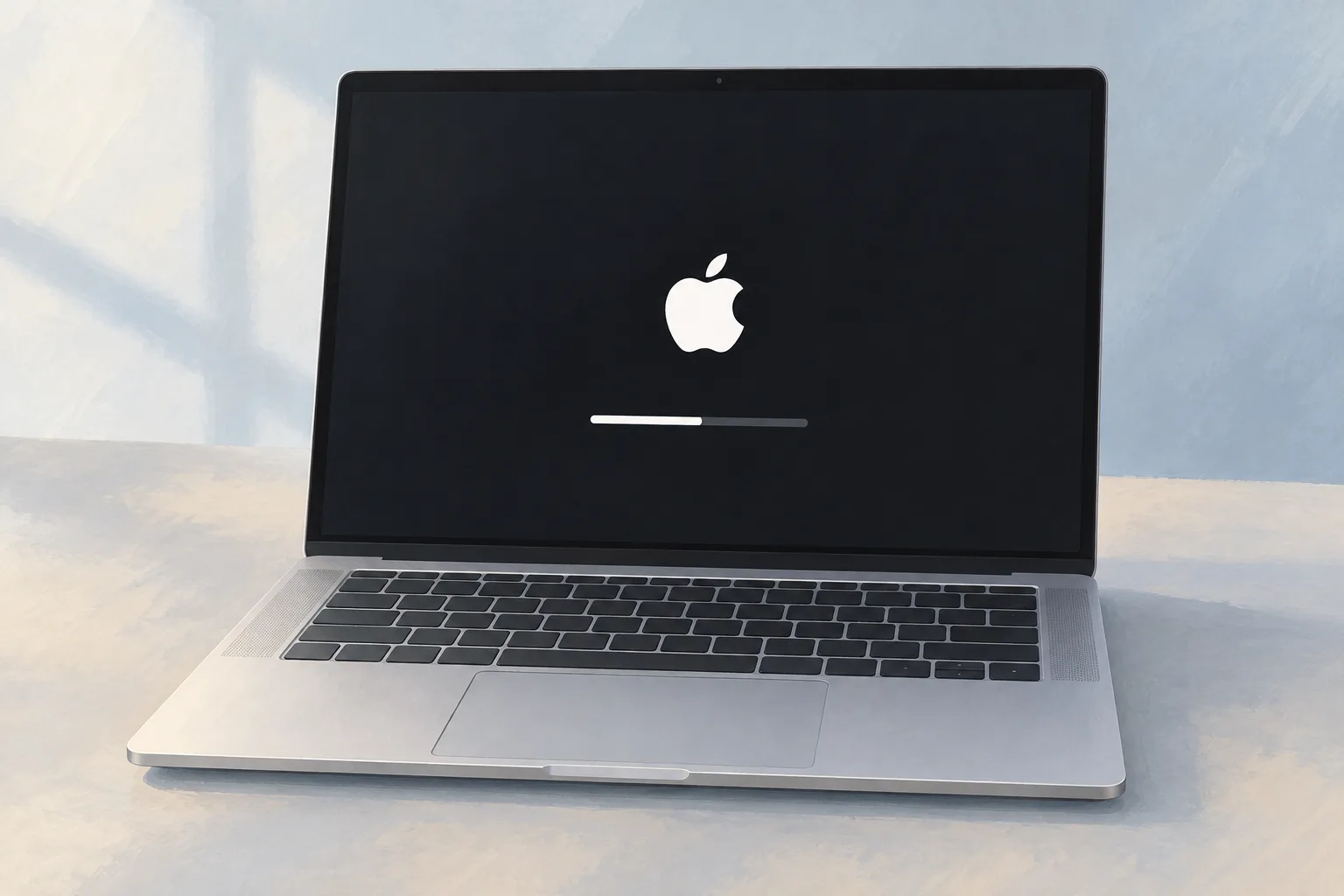
For a MacBook that won't turn on, check for cable damage, secure connections at the Mac and a working outlet, then try another compatible adapter if available. If it still doesn't turn on after you finish the checks, Apple says the MacBook might need service.

Key takeaways
What should I check if my MacBook Air won't turn on?
Start with the power cable if your laptop doesn't respond when you press the power button. Check it for damage. Make sure it's plugged securely into the Mac and a working outlet, then try another compatible power cable or adapter if you have one.1
How do I restart when my Mac won't turn on?
After checking the power connections, press and hold the power button on your Mac for about 10 seconds, then press and release it normally. For laptops with Touch ID, press and hold Touch ID instead. Every Mac has a power button.1
What does a MacBook black screen mean?
A blank screen could have a software-related cause if the Mac seems to be turned on. Look for anything on the screen. If you see a flashing question mark or a circle with a line through it, the Mac is on but isn't starting up.1
When should you take your MacBook to a shop?
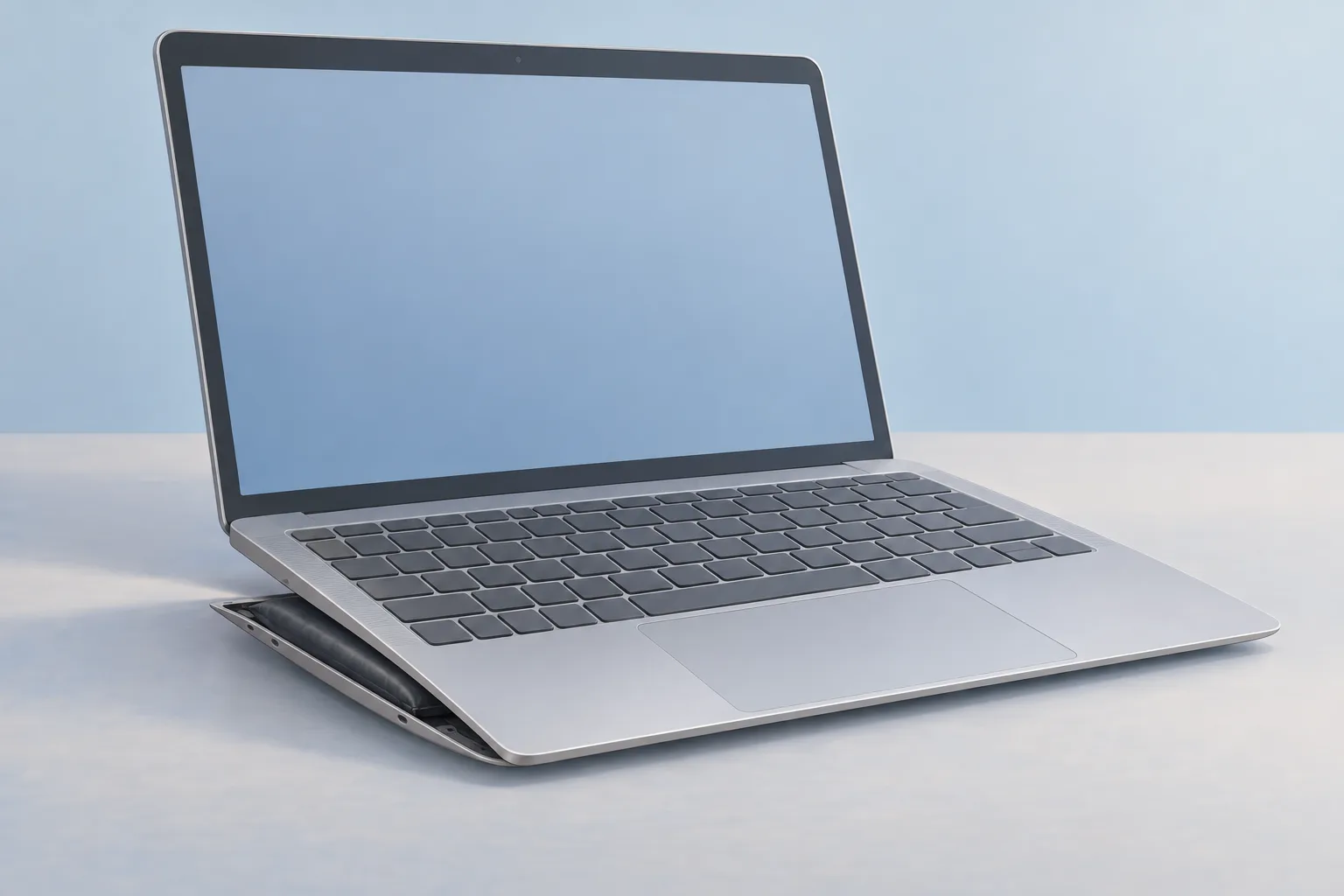
A MacBook that still doesn't turn on after Apple's checks might need service. In an iFixit discussion, a MacBook Pro owner said a service center found a faulty power button and recommended a topcase replacement. Ask whoever handles your MacBook repair which part has failed.1, 2
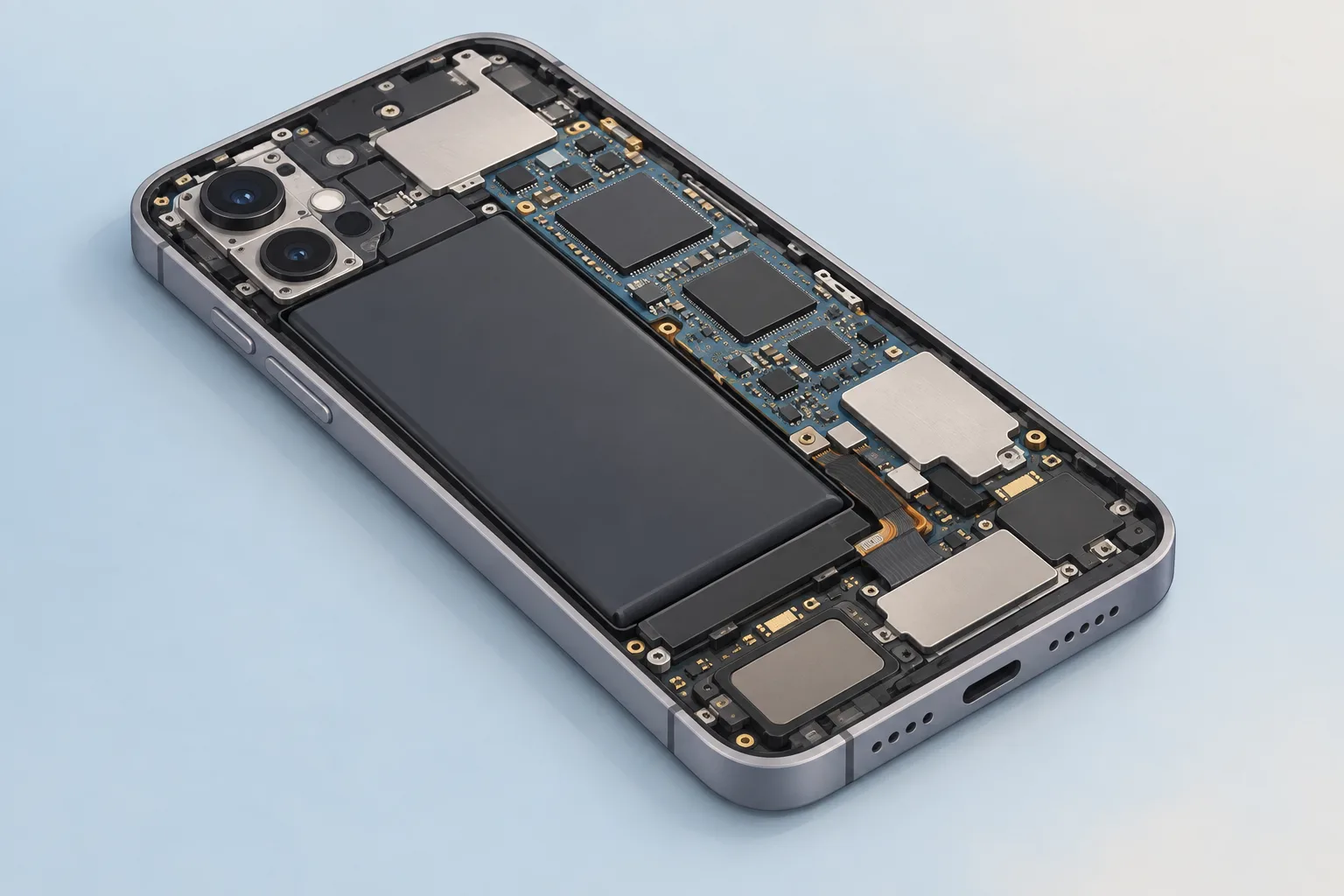
For a laptop that had sat beside a bowl of steaming water, commenters suggested checking for liquid damage. That meant removing the logic board, the main circuit board, and looking at its underside.2
Another owner got the laptop to start by disconnecting the battery, plugging in the charger and pressing the power button. They could then close the lid. Reconnecting the battery left the laptop working.2
What does MacBook battery service cost?
Apple's battery service estimates depend on your MacBook model and apply when it's out of warranty. Tax may be added. The MacBook Neo (13-inch, A18 Pro) is listed at $149, while the MacBook (Retina, 12-inch, 2017) battery service estimate is $249.3
| Fix | Price | Shop or DIY |
|---|---|---|
| MacBook Battery Replacement | Apple charges $149 to $249 (MacBook) | Shop: Apple lists battery service |
| Try a working outlet | Free | DIY: Apple lists this power check |
| Try a compatible cable or adapter you already have | Free | DIY: Apple lists this power check |
| Power button restart | Free | DIY: Apple gives the button sequence |
| Disconnect accessories | Free | DIY: an accessory or cable could be the cause |
| Topcase replacement for a faulty power button | Ask a shop for a quote | Shop: a service center diagnosed the topcase |
For MacBook Air battery service, the 13-inch M5 model is listed at $179. Its 15-inch counterpart is $199. A MacBook Pro battery replacement is listed at $229 for the 14-inch M5 model, while the 16-inch M5 Pro/M5 Max model is $249.3
Questions
Does an older Intel Mac have another reset to try?
An SMC reset, the reset Apple suggests for older Intel-based Macs, might help if your laptop won't turn on. Apple silicon Macs don't need it. The MagSafe adapter light might change color during the reset. It might also turn off briefly.1, 2
Can a MacBook Pro start with its battery disconnected?
The 2015 13-inch MacBook Pro needs its battery connected to start from a charger plugged into the laptop, as noted in the iFixit discussion. One owner reported disconnecting the battery, unplugging the keyboard cable, reconnecting the battery, then plugging in the charger.2
What does Apple charge for an older MacBook Air battery?
Apple lists out-of-warranty battery service at $159 for the MacBook Air (13-inch, 2017), MacBook Air (Retina, 13-inch, 2019) and MacBook Air (M1, 2020). The MacBook Air (M2, 2022) is also $159. For the MacBook Air (15-inch, M2, 2023), the estimate is $199.3
Find a repair near you
Sources
- If your Mac doesn't turn on, Apple. accessed Oct 5, 2026
- MacBook Pro suddenly dead and does not turn on, iFixit. accessed Oct 5, 2026
- Apple Service and Repair for Mac laptops, Apple. accessed Oct 5, 2026