
Find Pixel 8 Repair Near You
According to their own websites, 4 shops take on Pixel 8 repair. Go to a state or city to look closer to home.
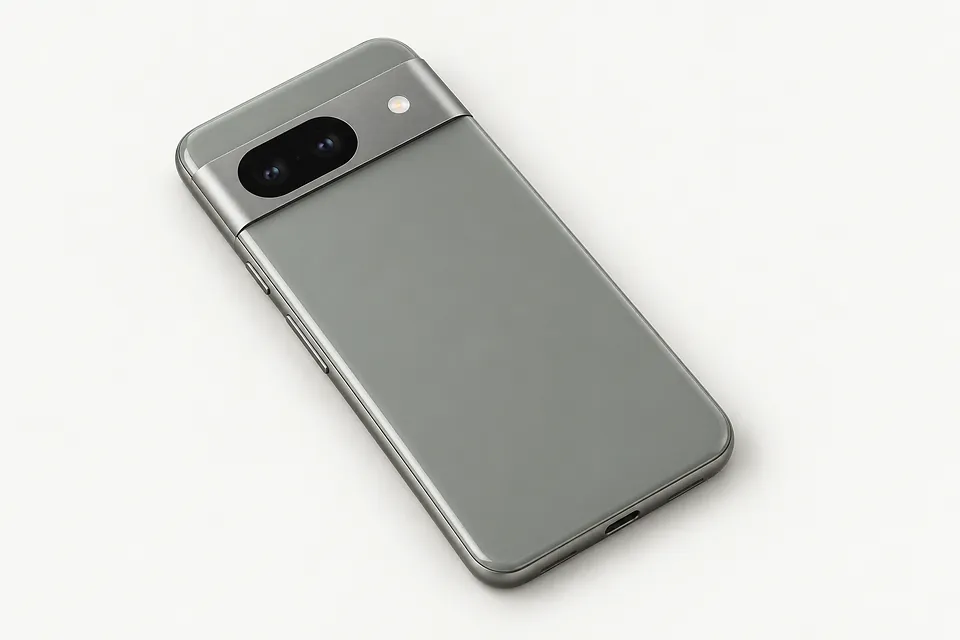
Shops that list Pixel 8 repair
No town has enough of them for its own page yet, so here they are directly. Not paid placements.
- Orada Tech RepairHazlet, NJ“Google Pixel 8 Google Pixel 8 Pro”
- Smart Fone Doctor (Smartphone Doctor)Philadelphia, PA“Google Pixel 8/8a”
- Smartphone DoctorPhiladelphia, PA“Google Pixel 8/8a”
- iColorWilmington, DE“Pixel 8 | Pixel 8a | Pixel 8 Pro”
What's wrong with your Pixel 8
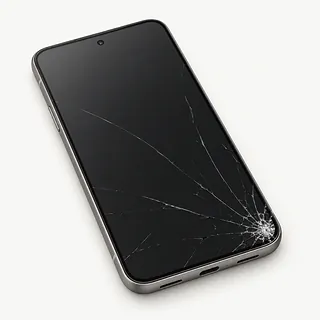
Cracked screen still lights up
Glass can break while the OLED underneath keeps working. For a Pixel 8 screen replacement quote, say if you can still type and read the whole picture. Keep fingers clear of splintered edges.
Find a repair near you: Cracked screen still lights up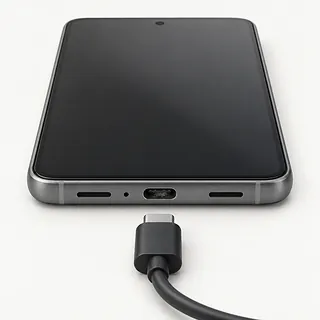
Charging cuts in and out
A cable with a split near the plug can lose contact as it bends. Try a spare cord before blaming the charging port. Holding the connector sideways puts strain on the port.
Find a repair near you: Charging cuts in and out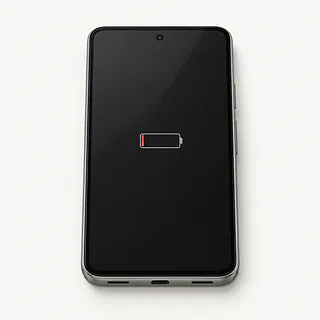
Battery runs down quickly
Weak reception makes the phone work harder to stay connected. If battery use jumped after adding an app, check that app's activity first. Battery wear tends to creep up rather than start suddenly.
Find a repair near you: Battery runs down quickly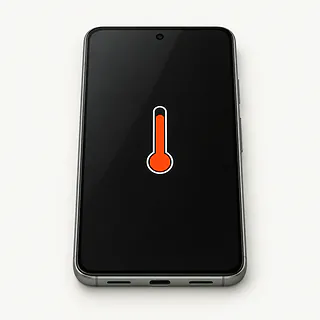
Phone gets too hot
Charging during a video call adds heat. End the call, unplug the charger and let the phone cool away from sunlight.
Find a repair near you: Phone gets too hot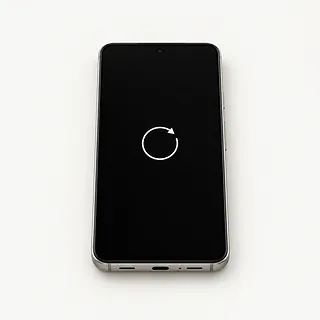
Pixel 8 restarts unexpectedly
A restart each time you launch one app points toward software trouble. Check for updates, and mention if the phone also turns off with charge still showing.
Find a repair near you: Pixel 8 restarts unexpectedly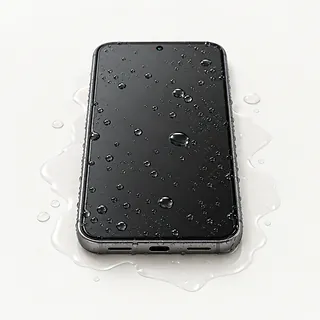
Phone won't work after getting wet
Liquid can reach several parts inside, so charging, sound and touch may fail together. Power it off and don't connect power. A shop can check inside for corrosion.
Find a repair near you: Phone won't work after getting wet
Screen misses finger taps
Wet fingers can confuse touch controls. Wipe them and the glass dry before restarting. Taps that still fail along the same edge suggest a broken touch layer.
Find a repair near you: Screen misses finger taps
Speaker sounds muffled
A case sitting over the speaker opening can dull the sound, even when the speaker itself works. Remove it and compare a few different audio clips.
Find a repair near you: Speaker sounds muffled


How a Pixel 8 gets repaired
Bring the troublesome charger along if the Pixel 8 only charges with certain cables. The repairer can compare it with a working charger and examine the port. For a blank screen, they check whether the phone still runs and can try a test display.
The repairer usually replaces broken screen glass together with its OLED, then calibrates the fingerprint reader underneath. Give the exact model when asking for parts. For battery or USB-C work, ask what the tests found and which part needs fixing. Lint alone may explain a plug that won't seat.
Keep a backup before the repair and enable Repair Mode if you can open Settings. It hides personal data during the work without making a backup. Ask the repairer to check camera focus, microphones and speakers afterward, then try typing, fingerprint unlock and your own charging cable.
Should you repair your Pixel 8
Fixing one broken part makes sense if your Pixel 8 otherwise meets your needs. Google provides seven years of software updates for this family, counted from each model's first availability. Check the remaining coverage rather than judging age from when you bought it.
A bent frame alongside shattered glass makes the decision less straightforward. Get a written quote covering everything that needs fixing. Google sells genuine Pixel parts to the public, though the repairer still needs to check stock for your model.
Check saved photos and messages before retiring the phone. If something exists only on the broken phone, ask about recovering it before approving work that could erase it.
Before agreeing to the work
Who made the replacement, and is it new?
Get the screen or battery's maker and condition written into the quote. Ask whether the part is unused, refurbished or salvaged from another phone.
Will you check fingerprint unlock after changing the screen?
Include fingerprint calibration and an unlock test with Pixel 8 screen work. Have touch, charging, cameras and sound checked before work starts and at pickup.
Can the phone stay in Repair Mode?
This setting protects personal data during repair. Agree how any tests needing normal access will happen, and require your approval before files are erased.
What happens if the installed part fails?
Ask for a written warranty explaining whether replacement parts and repeat labor are covered. Check how it treats another crack, liquid exposure or the original symptom returning.
What would I owe without a successful repair?
Settle the testing fee and any charge for an unsuccessful attempt before handing over the Pixel. Declining the quote may still leave a testing bill.
Get your Pixel ready for repair
Put the symptoms on paper, including when they started. Mention a plug that won't sit fully in the port or charging that stops when the cable moves. Add any falls, splashes and fixes you've tried.
Back up the phone, then browse the saved pictures and documents somewhere else. Point out anything you couldn't copy before work begins. Turn on Repair Mode if you can get into Settings.
Agree how you'll unlock it for tests that need your usual PIN. Handle Google account settings yourself without handing over the password. Keep the case, loose cards and removable SIM unless you've agreed something needs to stay for a check. Bring a suspect cable or charger if the repairer wants to try it.
Related repairs
Pixel 8 Repair: common questions
Where can I take my Google Pixel for repair?
Pick a city when looking for Pixel 8 repair. The 4 shops around the country list the work on their own sites, so call someone local with the model name and describe the problem.
What goes into the price of Pixel 8 repair?
Any parts needed can affect the price, as can the work involved. Call about your Google Pixel, explain the fault and ask for the full quoted cost.
Can a shop estimate how long Pixel 8 repair will take?
Until the shop understands the damage, they may only be able to give a broad estimate for Pixel 8 repair. Phone to discuss the likely wait and how their schedule could affect it.
What makes my Google Pixel worth repairing?
If there's other damage, a quote for Pixel 8 repair may cover only part of what needs doing. Get the cost before choosing, then think about the device's age, whether you'd use it again and any files you need.
Which questions should I ask before dropping off my Google Pixel?
Keep the model name and a short note about the fault handy, and back up what you can on a device that still runs. Talk through how to handle the passcode, case and charger when you call.
Can a Pixel 8 screen replacement fix touch that doesn't work?
A screen replacement can fix unresponsive touch when the fault is in the display assembly. A frozen app or software fault can also stop taps registering, so try restarting before agreeing to a replacement.
Why won't my Pixel 8 charge when plugged in?
Charging can fail at the power source, USB-C connection or battery. Start with a different adapter and cable at another outlet. A loose fit is worth mentioning because lint can block the port even when the cable works.
Why is my Pixel 8 battery draining fast?
Heavy app use, poor cell signal and battery wear can all shorten a charge. Check battery usage in settings for an app drawing unusual power. A replacement battery helps with wear, but won't fix an app that keeps running.
Why is my Pixel 8 overheating?
Games, camera use and charging can make the Pixel warm. If it gets unusually hot, disconnect power, stop using it and let it cool away from sunlight. Heat that returns during light use deserves a battery and charging check.
Why does my Pixel 8 keep restarting?
Repeated restarts can come from software trouble, a troublesome app or failing hardware. If the Pixel stays on, back up your files and check for app and system updates. Restarts that continue need testing before a part swap.
What should I do if I dropped my Pixel 8 in water?
Stop charging and shut the phone down after a soaking. Keep it away from heaters and leave the rice in the cupboard. Even a dry case can hide moisture inside, so ask about checking for water and corrosion.