
Find iPhone X, XR and XS Repair Near You
According to their own websites, 25 shops take on iPhone X, XR and XS repair. Go to a state or city to look closer to home.
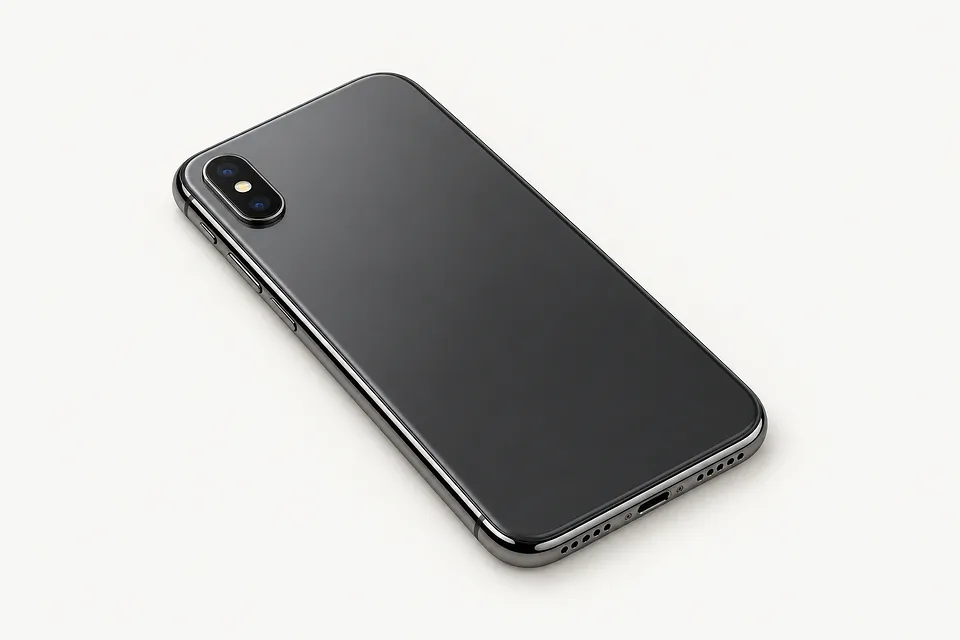
iPhone repair in Philadelphia, PAiPhone X, XR and XS repair in New Jersey
Common iPhone X, XR and XS faults
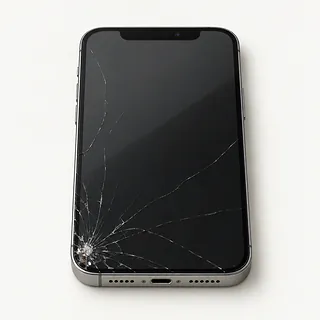
Cracked iPhone X or XS screen
Stripes beneath cracked glass usually mean the OLED panel broke too. Replacing the cover glass alone won't bring back a clear picture.
Find a repair near you: Cracked iPhone X or XS screen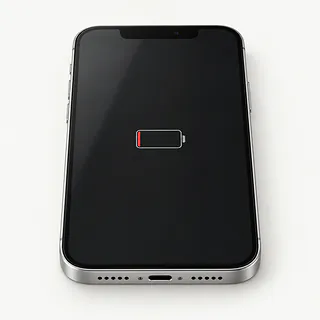
Battery runs low after little use
A battery that used to cover normal use may now need charging after a few calls. Check its health reading and any service message in the Battery settings. An app draining power can also explain the change.
Find a repair near you: Battery runs low after little use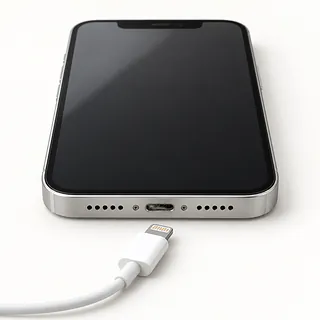
Charging cable only works when tilted
The cable may be worn, or lint may keep its plug from sitting snugly. Swap the cable first. If a different one also needs holding sideways, a shop can check the Lightning port.
Find a repair near you: Charging cable only works when tilted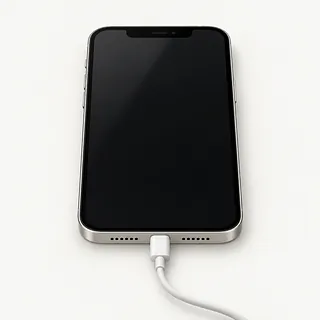
iPhone rings but screen stays black
The phone can keep receiving calls with a broken display. A forced restart is worth a try because stuck software can leave it dark too.
Find a repair near you: iPhone rings but screen stays black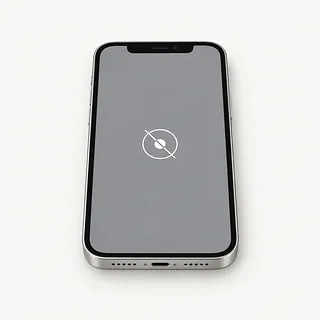
Screen doesn't respond to taps
Water drops can confuse the touch screen, so wipe them off before testing it. A dead strip that appeared after a fall is more likely to need a replacement display.
Find a repair near you: Screen doesn't respond to tapsiPhone won't turn on
A dead battery and a failed screen can both look like a dead phone. Mention any buzz when connecting power, even if nothing lights up.
Find a repair near you: iPhone won't turn on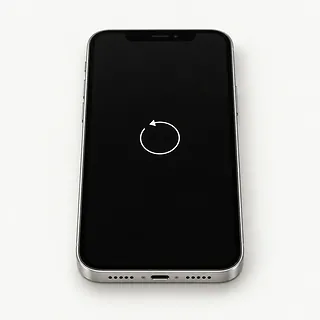
Apple logo appears repeatedly
Software errors or a hardware fault can send the phone through startup again and again. Back it up if it becomes usable.
Find a repair near you: Apple logo appears repeatedly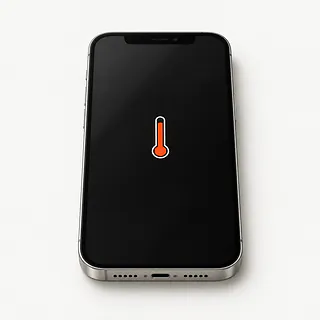
Phone gets hot during charging
Playing games while plugged in adds heat. Disconnect power and put the game aside if the case feels unusually hot.
Find a repair near you: Phone gets hot during charging


What gets checked and replaced
The first checks should explain why the phone stopped working. A repairer may compare charging methods, read battery health or attach a test screen. Describe any fall or spill that came before the fault.
Replacement displays need to suit the model. The XR has an LCD, while the X and XS came with OLED. Front glass usually comes out with the bonded panel, and attached original sensors may need transferring carefully to preserve Face ID. A worn battery gets replaced, while a worn Lightning port usually means replacing its separate flex cable. Ask for renewed sealing adhesive without counting on the original water resistance.
Make a backup before dropping off a usable phone, and know your Apple Account password. Turn Find My off only if requested, then turn it back on after repair. Agree on passcode access for testing. At pickup, check typing across the screen, face unlocking, photos, call sound and wired and wireless charging.
When repairing an older iPhone makes sense
Keep it if the repair would leave you with a phone you still enjoy using. A new battery may be enough, but it won't fix Face ID that stopped working or a plug that falls out. Have those faults included in a written quote.
Check that your banking and work apps still accept the iOS version your X, XR or XS can run. Look up Apple's current security update coverage too. Before booking, ask whether the needed parts are available and which screen type the repair includes.
Save copies of recordings elsewhere while the phone still lets you open and share them. If you can't access them, ask about recovering them before allowing a reset, even if you've already decided to change phones.
What to ask before handing over your iPhone
Can I try everything with you before leaving?
Take a selfie, type a sentence, plug in a Lightning cable and try Face ID. Repeat that little routine at pickup so neither side has to guess what worked before.
Which display would go into this phone?
An iPhone X or XS came with OLED. Some replacements use LCD and look different. The XR already has LCD, so ask about the maker and source of its replacement.
Is checking it a paid job if I say no?
Settle the testing fee before handing it over, including what you owe if no repair follows.
Could I enter the code when you need it?
Discuss which tests need an unlocked screen. Give clear instructions to ask you before erasing anything.
If the new screen starts flickering, what should I do?
Read how the warranty handles a faulty screen or a loose connection, and how you report trouble.
Will you call if the first fix doesn't work?
A second attempt needs an explanation and your agreement. Leave a contact number, rather than permission to keep trying parts.
A few checks before drop-off
Check that your backup finished
Back up the phone to a computer or through iCloud while it still responds. Look for confirmation that the copy completed.
Write down the first symptoms
Include when trouble started and any drop or spill. Mention details like an XR screen that registers taps only along one side.
Decide how to unlock it
Ask which checks require your passcode and offer to enter it during drop-off. Don't approve erasing unsaved photos as part of routine testing.
Handle Find My yourself
Know your Apple Account password without leaving it with the phone. Turn off Find My only if Apple or the shop asks. Turn it back on after the repair.
Set aside loose belongings
Remove the cover and retain the physical SIM if it isn't required for a test. Agree before bringing a cable or charger.
Related repairs
iPhone X, XR and XS Repair: common questions
Who should I call about iPhone X, XR and XS repair in my area?
In their own words, 25 shops offer iPhone X, XR and XS repair. Pick a place in your city and ask whether they can work on your exact model.
Will the extent of the damage affect my iPhone X, XR and XS repair bill?
Your model and the fault can change the work required. Start the call with that, then ask how much that work would cost.
Is there a usual wait for iPhone X, XR and XS repair?
More extensive damage can make an early estimate for iPhone X, XR and XS repair less accurate, and a busy shop may need longer to start. Call to request a timeframe for the whole job.
How do I decide what to spend on iPhone X, XR and XS repair?
Ask how much the work would cost before deciding, even if you've had the device for years. Compare the quote with its age, any other damage, the files stored on it and how much you still need it.
What should I have ready when calling about iPhone X, XR and XS repair?
Write a note naming the exact model and the trouble you've noticed, then back up whatever the device still lets you access. Ask the person you call whether to pack the charger, remove the case or change any passcode.
Does an iPhone XR screen replacement include the glass?
Yes, the replacement normally combines glass with an LCD panel on the XR. If you're asking about glass-only work, the image needs to look right and taps need to register across the screen. That job takes specialist equipment.
How do I know if my iPhone XR needs a battery replacement?
Battery Health can show that an XR battery has worn down, including a message recommending service. Look in the Battery menu in Settings for that message and maximum capacity. Heavy app use can drain a healthy battery too, so short battery life isn't proof by itself.
Why won't my iPhone charge when plugged in?
The plug may not seat properly because lint has packed into the port, or your cable or charger may have failed. Test a different charging cord and adapter at another outlet. Successful wireless charging points more toward the cable connection than battery trouble.
Why is my iPhone screen black but the phone still works?
A black screen while calls still ring points toward the display, though a software freeze can look similar. Try a force restart. If the picture stays absent, a shop can test a replacement screen before treating it as a power fault.
Why is my iPhone touch screen not working?
Missed taps can come from the display, a software hang or something covering the screen. Wipe it clean and dry, remove a lifting screen protector, and restart. A strip that consistently ignores touch suggests a screen fault.
Why does my iPhone keep restarting?
Restarting doesn't identify a single broken part, since both software trouble and hardware faults can cause it. If the iPhone stays on long enough, back it up and check for iOS updates. Mention any repeated trigger, including a particular app, before agreeing to a battery swap.