
Find iPhone 17 Screen Replacement Near You
In their own words, 4 shops offer iPhone 17 screen replacement. Browse the states to find help close to home.
Signs your iPhone 17 screen needs repair
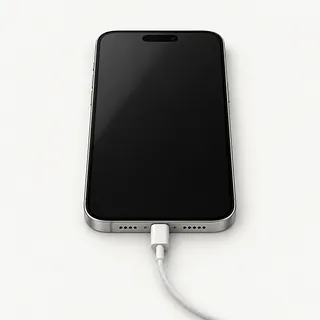
Screen stays black when someone calls
A ringing iPhone is still running, even with a broken screen. Give it a force restart before booking a repair, since frozen software can also leave the display dark. Tell the repairer if the picture disappeared as soon as it hit the floor.
Find a repair near you: Screen stays black when someone calls
iPhone won't respond to touch
One stubborn patch that misses taps in different apps often means the touch layer has failed. Moisture can interfere too, so clean and dry the surface before checking again.
Find a repair near you: iPhone won't respond to touch
Camera preview looks black
Camera trouble usually needs a different repair if menus and saved photos look normal. Close the camera app, open it again and try each camera separately.
Find a repair near you: Camera preview looks black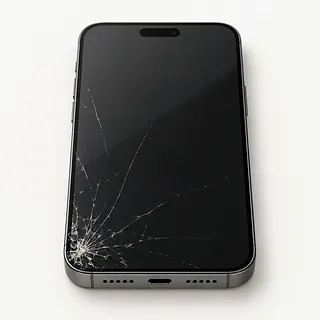
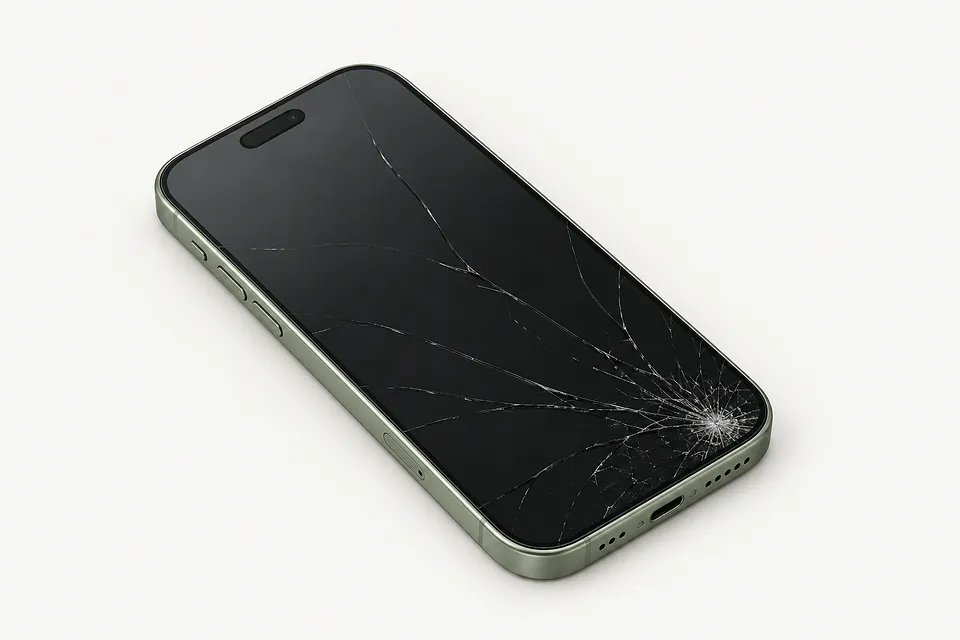
Screen has a spreading crack
A crack from a chipped corner can cross the glass without spoiling the picture. A specialist may replace just that glass if the panel and touch still work, though replacing the complete display is more usual.
Find a repair near you: Screen has a spreading crack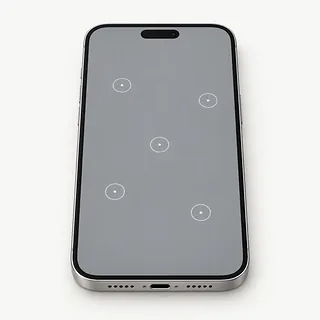
Phone keeps typing by itself
Drops of water or failing touch hardware can cause ghost touch. Dry off the glass and avoid entering your passcode while extra taps appear.
Find a repair near you: Phone keeps typing by itself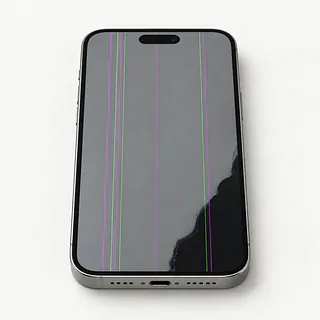
Display flickers with purple patches
Purple patches alongside flicker often point to a broken OLED beneath the cover. Restarting won't mend a physically damaged panel.
Find a repair near you: Display flickers with purple patches


Inside an iPhone 17 display repair
The first checks cover missed taps, picture faults and bends around the frame. Explain how the phone landed and what stopped working afterward. If it still rings behind a black screen, the repairer can try a working display to help locate the fault.
The iPhone 17, iPhone Air, iPhone 17 Pro, iPhone 17 Pro Max and iPhone 17e use OLED. The usual replacement includes both the glass and the panel bonded underneath. Ask which part will be installed, since original Apple screens, refurbished originals and aftermarket replacements can differ in brightness, color and touch.
Careful removal protects Face ID hardware, the front camera and earpiece, with attached parts transferred as needed. New edge adhesive matters for water resistance, but the phone isn't waterproof. Before pickup, checks should cover touch, image quality, sensors, camera views, face unlocking and call audio. Ask about any display message under Parts and Service History in Settings.
Keeping your iPhone 17 after screen damage
An otherwise working iPhone 17 is worth keeping if a broken display is its only fault. These are recent models, so age carries less weight than the phone's condition. Still, check Apple's software support and the iOS versions your everyday apps need.
A crushed frame, failed camera or charging fault changes the decision. Request a written quote for the whole job, then weigh it against what keeping the phone means to you. Confirm which panel the repairer can source, since newer parts can be harder to get at independent shops.
Files saved only on the phone may justify restoring touch even if you plan to replace it. Discuss copying those files before approving a reset. Check your backup for anything missing before dropping it off.
Before agreeing to an iPhone screen repair
Which display does the quote include?
The iPhone 17, iPhone Air, iPhone 17 Pro, iPhone 17 Pro Max and iPhone 17e use OLED. Ask about Apple parts, refurbished originals and aftermarket options, including whether the proposed replacement uses LCD.
Do you have the screen for this exact model?
Parts for newer models aren't always in stock at independent repair shops. Confirm availability for your model before making the trip.
What faults does your repair warranty cover?
Get written terms for failed touch, flickering and mistakes during installation. Check the exclusions for a fresh crack or liquid.
Which checks happen before opening and after installation?
Ask for touch, Face ID, cameras, sensors and earpiece tests wherever the broken display allows. Recording anything already broken gives you something concrete to compare at pickup.
Can testing happen with my personal apps kept private?
Discuss unlocking the phone yourself for checks that need access. A screen replacement shouldn't require permission to browse photos or conversations.
What would I owe if the replacement doesn't help?
Separate the testing fee from the repair quote, including charges if you decline. Require approval before another part gets installed or data gets erased.
A few things to do before drop off
Back up while the screen responds
Save the phone to iCloud or a computer and confirm the backup finished. Mention anything without another copy if the display blocks access.
Describe the first change
Note when trouble began and any drop or splash. Include details such as a black patch spreading from a crack or missed taps along the bottom edge.
Arrange unlocked checks
Offer to type your passcode yourself when testing requires it. Know your Apple Account password, and turn off Find My only if Apple or the shop asks. Turn it back on after repair.
Remove the cover and attached extras
Keep the case, magnetic wallet and unrelated accessories. Models in this family sold in the United States use eSIM, so there's no physical SIM to take out.
Related repairs
iPhone 17 Screen Replacement: common questions
Where can I take my iPhone for repair?
Use the state and city links to explore 4 shops that list this service. Call before making the trip and describe the problem with your model.
How is iPhone 17 screen replacement priced?
Replacing a part can change the total for iPhone 17 screen replacement. Mention your model during the call and ask whether the quoted price covers both the part and the labor to fit it.
Why can iPhone 17 screen replacement take longer than expected?
The fault and the shop's queue both matter when estimating how long iPhone 17 screen replacement might take. Call before visiting to talk through the expected wait.
Would I be better off replacing my iPhone 17?
An older device may still be worth keeping if you'd use it enough to justify the cost. Check for other damage and files you need to save, and get an estimate before choosing.
What should I bring when I go for iPhone 17 screen replacement?
Check during your call whether the charger is needed, how to handle any case and what to do with a passcode. Write out the full model name and what failed, and copy your data if the device still operates.
Why is my iPhone screen black but the phone still works?
Your iPhone can keep running after its screen stops showing a picture. Software can leave it blank too, so a force restart is worth trying. A phone that still rings afterward needs its display checked before you pay for a replacement.
What can I try if my iPhone touch screen is not working?
Start by cleaning and drying the glass, then try using it without its protector or case. Unplug the charger and other accessories, and force restart the phone. A strip that still won't respond can mean the touchscreen is damaged.
Why is my iPhone screen flickering?
Flickering can come from a damaged OLED panel or a software fault. Restart the iPhone first. Flashing that continues alongside lines or colored patches after a drop points more strongly to screen damage.
Can you fix a cracked iPhone screen without replacing the display?
You may be able to keep the original display if only its outer glass has cracked. Separating those bonded layers takes specialist equipment, and a whole screen swap is more common. The panel underneath needs to be undamaged.
Why is my iPhone tapping things by itself?
A damaged touchscreen can type letters or open apps without your finger on it. Moisture and plugged-in accessories can also interfere, so dry the glass, unplug everything and try restarting. Don't keep entering your passcode while touches are unpredictable.
Will an iPhone screen replacement fix a black camera screen?
A screen replacement usually won't fix a black camera preview if menus and other pictures display normally. That points toward the camera or its software instead. Restart the phone and check both front and rear cameras before booking screen work.