
Find iPhone 17 Pro Max Screen Replacement Near You
For iPhone 17 Pro Max screen replacement, you can browse 3 shops that say they offer it. Pick your state, then look for your city.
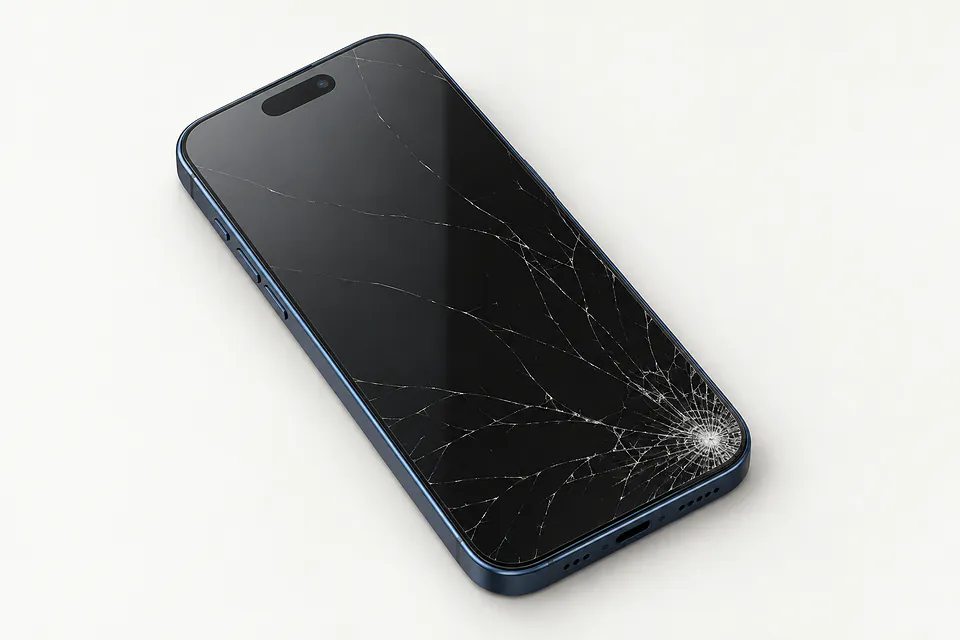
Common iPhone 17 Pro Max screen faults
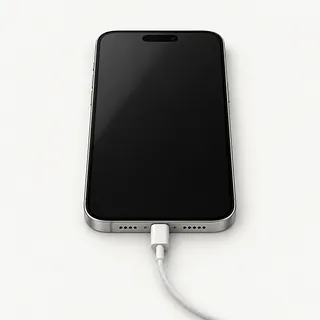
Phone works but screen is black
Calls coming through a dark iPhone can mean its OLED has failed while the phone itself still runs. Try a force restart first. If the picture doesn't return, a shop can test another display before recommending a screen replacement.
Find a repair near you: Phone works but screen is black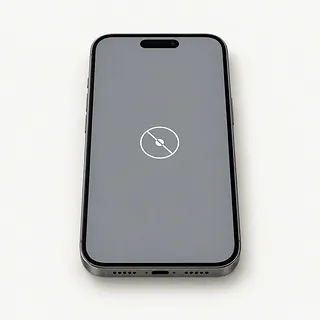
Touch screen not working
Touch that stopped after a fall often points to a broken screen, even with a readable picture. Clean and dry the glass, then restart. Notice if the whole surface ignores taps or just the area around the crack.
Find a repair near you: Touch screen not working
Camera screen is black
A missing camera picture with readable controls usually comes from the camera or app. Reopen Camera and compare its front and rear views before assuming the display needs replacing.
Find a repair near you: Camera screen is black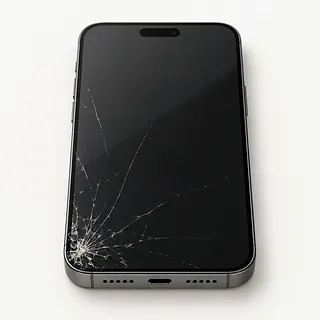
Screen cracked at the corner
Cracks can spread from a chipped corner while the image remains clear. The cover glass is bonded to the OLED, so the usual repair replaces both layers together.
Find a repair near you: Screen cracked at the corner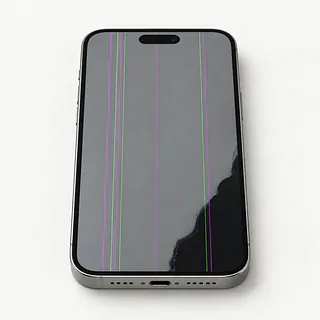
Screen flickering with colored lines
Flashes accompanied by green stripes or dark spots often mean the panel underneath has broken. Glass can survive an impact that damages the OLED behind it.
Find a repair near you: Screen flickering with colored lines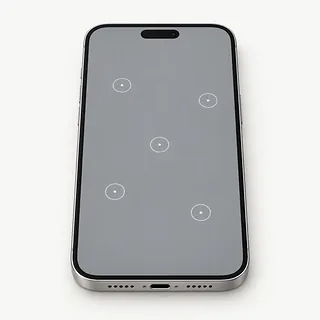
Screen taps without being touched
Moisture can trigger stray taps, as can a damaged touch layer. Dry the surface before using it again. Leave the passcode screen alone if ghost touch keeps adding entries that could lock you out.
Find a repair near you: Screen taps without being touched


How the broken screen gets replaced
Tell the repairer how the trouble started, including a splash or a knock that left no crack. They check for missed touches and odd colors before opening the iPhone 17 Pro Max. Trying another display can help with a phone that makes sounds but shows nothing.
Most replacements include the bonded cover and OLED underneath it. Agree on the replacement part before work begins, choosing from available original Apple panels, refurbished screens or aftermarket parts. Some substitutes for OLED phones use LCD, which can change the picture.
During the swap, small cables and nearby parts need careful handling. Anything attached that needs reusing gets moved across, with care around the earpiece, selfie camera and Face ID. The shop adds new sealing adhesive, then checks image quality, touch from corner to corner, sensors, cameras, face unlocking and earpiece audio. Water resistance can still be reduced.
When keeping the phone makes sense
A screen repair is worth considering when your iPhone 17 Pro Max did everything you needed before the fall. It's a recent model, so age alone gives little reason to retire it. Check Apple's current software support if you plan to keep using it.
A crushed frame, failed camera or liquid damage changes the decision. Request a written quote covering those faults as well as the display, and confirm which OLED part can actually be supplied. Ask about stock before handing over the phone.
Uncopied photos may matter more than keeping the phone. Restoring touch and a picture could let you unlock it for a backup, even if you later replace it. Discuss saving those files before approving a reset.
Choosing a replacement screen and repair
Can you check more than the picture?
A bright display doesn't tell you if Face ID still works. Compare camera pictures, earpiece sound, sensors and touch before opening the phone and again at pickup.
Which part would actually go into my phone?
Get the screen's source on the quote, including if it's an Apple original, refurbished or aftermarket. The iPhone 17 Pro Max has OLED, so ask about LCD if offered as a substitute.
If it starts tapping by itself, is that covered?
Read the warranty for ghost touch and faulty installation. Another broken corner may fall outside those terms.
Could I stay for checks that need unlocking?
Your code opens conversations and photos too. Work out access for testing without handing over more than needed. A reset needs separate consent.
What's the bill if a new display leaves it black?
Agree what you owe for an unsuccessful swap, and have the shop stop before trying other repairs.
Is there a fee just to find the fault?
Testing can be charged even when you take the phone home unrepaired. Get that fee down on paper.
Getting ready for a screen replacement
Copy your data while taps still register
Use iCloud backup or save the phone to a computer. Check that the copy finished.
Describe the first symptom
Note when it began and anything that happened beforehand. Mention a corner crack followed by flicker, or ringing behind a completely dark display.
Plan to unlock it for tests
The shop may need your passcode for checks. Arrange to enter it yourself if practical.
Check your Find My settings
Know your Apple Account password, and turn Find My off only if requested for the repair. Enter that password privately, and turn Find My back on afterward.
Leave the case and wallet behind
Detach magnetic accessories and keep unrelated cables. The iPhone 17 Pro Max sold in the United States has no physical SIM to remove.
Related repairs
iPhone 17 Pro Max Screen Replacement: common questions
How do I find local help with iPhone 17 Pro Max screen replacement?
With 3 shops saying they offer iPhone 17 Pro Max screen replacement, you can start by looking in your city. Your next step is to call about the model and problem.
What goes into the price of iPhone 17 Pro Max screen replacement?
Until someone knows the fault, a price for iPhone 17 Pro Max screen replacement may be only a rough estimate. Describe the symptoms by phone, share your model's full name and check which work is covered.
How much time should I allow for iPhone 17 Pro Max screen replacement?
You can ask the shops to explain what their time estimate depends on. When you call, mention the damage and check how busy they are.
Is iPhone 17 Pro Max screen replacement worth the cost?
Ask for a quote before deciding, and weigh it against how much you'd want to keep using your device, its age, anything else that needs repair and the importance of the files it holds.
How can I get ready for iPhone 17 Pro Max screen replacement?
Phone ahead to ask if you should leave the case on, pack the charger and do anything about the passcode. Write a short note with the exact model number and what's broken, and back up files if the device still works.
Can a cracked iPhone 17 Pro Max screen be fixed?
Cracked glass is usually repaired by swapping the screen assembly, including the display underneath. A specialist with glass-only equipment may be able to keep your existing OLED if it still shows a clean picture and responds properly.
Why is my iPhone 17 Pro Max screen black but still working?
A black screen with incoming call sounds can mean the phone is running but its display has failed. Try a force restart, then have the screen and its connection tested if no picture returns.
Why is my iPhone 17 Pro Max touch screen not working?
A drop can leave the picture looking fine while part of the touchscreen stops responding. If drying the glass and restarting don't help, note exactly which keyboard letters or swipes fail.
Why is my iPhone 17 Pro Max screen flickering?
Screen damage can cause flicker, though flashing by itself doesn't tell you which part has failed. Check for a change after restarting and mention a recent drop, especially if streaks or dark areas appeared with the flashes.
What causes ghost touch on my iPhone 17 Pro Max?
Ghost touch means the phone registers taps without your finger touching it, and a damaged screen can cause it. Clean and dry the display, then restart it before assuming the panel needs replacing.
Will screen replacement fix my iPhone 17 Pro Max camera black screen?
A screen swap usually won't fix a black camera preview if menus and other apps display normally. Restart the phone and try both cameras, since that helps separate a camera fault from a broken display.