
Find iPhone 15 Pro Max Screen Replacement Near You
Nationwide, 7 shops say they can help with iPhone 15 Pro Max screen replacement. Head to your city's page to see who's close by.
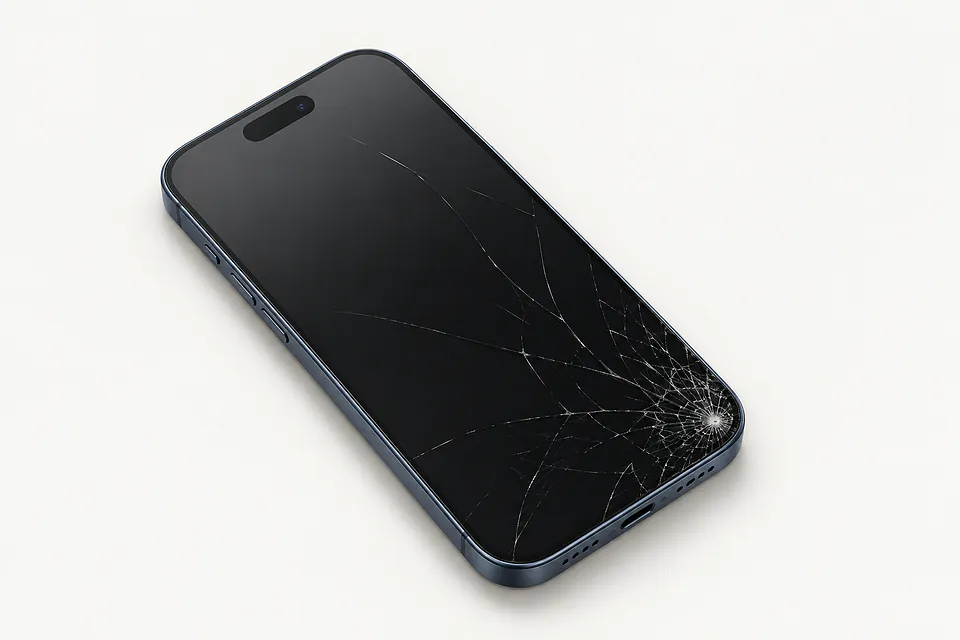
Why your iPhone screen stopped working
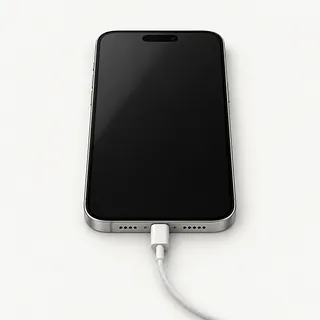
Phone rings with no screen image
A failed OLED can leave an iPhone 15 Pro Max ringing in your pocket with nothing visible. Software can also get stuck, so force restart it before arranging a display swap. Mention any fall or liquid contact.
Find a repair near you: Phone rings with no screen image
Screen won't register taps
Touch failure in one patch often points to the display, especially after an impact. Moisture can interfere too. Wipe the screen dry and reboot, then see whether that patch still ignores your finger in different apps.
Find a repair near you: Screen won't register taps
Camera preview won't show anything
If other apps display normally, the camera or its app is more likely at fault. Close Camera, open it again and check the selfie view separately from the rear view.
Find a repair near you: Camera preview won't show anything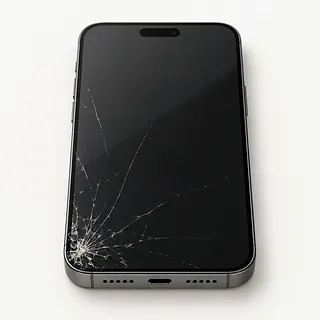
Glass broken but display still works
The outer glass can fracture while the panel below keeps working. It isn't a removable screen protector. Replacing the bonded pair is usual, although a specialist can sometimes replace just the glass if touch and picture remain intact.
Find a repair near you: Glass broken but display still works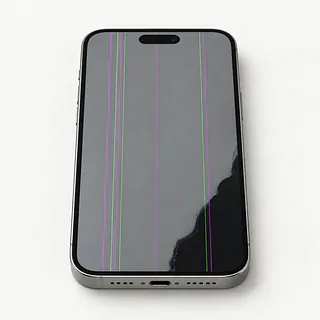
Green line and flashing screen
A persistent green stripe with flashes commonly points to OLED damage. Pressing along the stripe won't mend the panel, and the front surface may still feel smooth.
Find a repair near you: Green line and flashing screen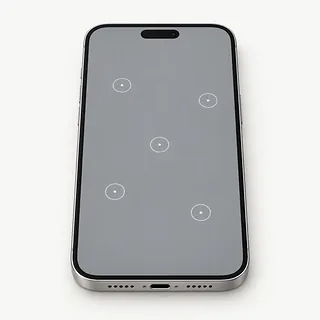
Keyboard typing on its own
False touches can come from damp glass or broken touch hardware. After drying the surface, stop unlock attempts if extra digits keep appearing. A shop can test whether another display stops the unwanted input.
Find a repair near you: Keyboard typing on its own


How the broken display gets replaced
The repair begins by checking what the fall actually broke. The shop looks at the frame and tests any remaining image or touch response. For a phone that sounds alive despite a blank screen, connecting a test panel helps confirm the cause.
Glass alone isn't the usual replacement part for an iPhone 15 Pro Max. Its front glass and OLED panel generally come out together. Get the proposed screen type on the quote, including whether it's an Apple original, a refurbished panel or an aftermarket part. Check specifically for OLED because LCD alternatives can look different.
The repairer keeps nearby sensors and camera hardware safe, transfers attached parts as required and renews the perimeter adhesive. This doesn't make the phone waterproof. Afterwards, checks cover display colors, taps along the borders, Face ID, other sensors, photos and sound through the call earpiece. Any parts notice under General, then About in Settings should be explained.
When a new screen makes sense
Several broken parts can make replacing the phone more appealing. A screen swap won't straighten a crushed frame or mend a damaged rear camera. The iPhone 15 Pro Max does have separately replaceable back glass, so ask for each repair to be described in writing.
Keeping it makes more sense when everything else works and a suitable OLED is available. As this model gets older, check which iOS versions Apple supports and which ones your everyday apps need.
Check where your files are saved before handing over the phone. A working replacement display might give you access to documents stored only there. If you're planning a trade-in, check that program's rules for cracked screens before choosing a repair.
Questions before an iPhone 15 Pro Max screen replacement
Can you name the screen you're quoting for?
The iPhone 15 Pro Max came with OLED. Ask for the source and type on the quote, distinguishing a new Apple part, a refurbished original and an aftermarket display. Some substitutes use LCD.
What does your written repair warranty actually cover?
Check coverage for missed taps, flickering and a screen coming loose, including both labor and the screen. Read the exclusions for cracked glass or liquid.
Which working features will you record at drop-off?
Compare touch, Face ID, front and rear cameras, sensors and earpiece sound before opening the phone and after installing the replacement. An existing fault belongs on the repair notes.
Can you explain which tests need an unlocked phone?
Agree on access before leaving a passcode. Ask about entering it yourself instead of leaving the code with the phone.
Does checking the fault carry a separate charge?
Have the fee written down, including what applies when you decline the work.
What will happen if the replacement doesn't help?
Settle what an unsuccessful swap would cost. Require a separate decision before another part gets installed or data gets erased.
Get your iPhone 15 Pro Max ready
Copy the contents while touch still works
Make an iCloud backup or save one to a computer. Check that it finished, and flag anything you couldn't copy before handing over the phone.
Write down what changed
Record when the trouble began and any fall or splash. Mention details such as a black patch covering the clock or taps landing on the wrong letters.
Arrange access for testing
Offer to enter your screen code in person for checks that need it. Agree who can use the unlocked phone.
Have your Apple login ready
Disable Find My only if the shop or Apple asks, and turn it back on afterward. Type the account password privately.
Take off attached extras
Remove the case and attached wallet, and keep unrelated accessories. An iPhone 15 Pro Max sold in the United States has no physical SIM tray.
Related repairs
iPhone 15 Pro Max Screen Replacement: common questions
Who says they do iPhone 15 Pro Max screen replacement near where I live?
In their own words, 7 shops offer iPhone 15 Pro Max screen replacement. Pick a place in your city and ask whether they can work on your exact model.
Where can I get a price for iPhone 15 Pro Max screen replacement?
With iPhone 15 Pro Max screen replacement, cost depends on what needs to be done to your device. Ask for a quote using the model name and the symptoms you've noticed.
Can I get a time estimate before bringing it in?
More extensive damage can make an early estimate for iPhone 15 Pro Max screen replacement less accurate, and a busy shop may need longer to start. Call to request a timeframe for the whole job.
How do I decide what to spend on iPhone 15 Pro Max screen replacement?
If there's other damage, a quote for iPhone 15 Pro Max screen replacement may cover only part of what needs doing. Get the cost before choosing, then think about the device's age, whether you'd use it again and any files you need.
What is worth writing down before iPhone 15 Pro Max screen replacement?
List your device's exact model and the signs of trouble, keeping a backup of files you can reach if it's working. Bring up the passcode when you call, and ask if the case and charger need to come too.
Why is my iPhone 15 Pro Max screen black but the phone still works?
The display can stop showing a picture while the rest of the phone keeps running. A force restart may clear a software freeze. Continued ringing with no image is a reason to check the display before agreeing to replace it.
Why is my iPhone 15 Pro Max touch screen not working?
A clear image doesn't mean the touch part of the display still works. Force restarting may clear a temporary freeze. Missed taps that continue after an impact can point to damage within the screen assembly.
Why is my iPhone 15 Pro Max screen flickering?
An OLED panel damaged by an impact can flash or flicker even if its cover glass stays intact. Restart to check for a temporary software fault, then have continued flickering tested before agreeing to a screen swap.
Why does my iPhone 15 Pro Max screen tap things by itself?
Taps appearing without a finger touching the screen are called ghost touch and can come from a damaged display. Try a force restart. If unwanted typing continues, avoid entering passwords because extra taps can spoil what you're trying to enter.
Can just the cracked glass on my iPhone 15 Pro Max be replaced?
A specialist may be able to replace only the cover glass if the display underneath is undamaged. Black spots, colored lines or failed touch point beyond the glass. Replacing the bonded screen assembly is the usual repair.
Will a screen replacement fix my iPhone 15 Pro Max camera showing black?
A screen replacement usually won't fix a black camera preview if menus and other pictures display normally. Try restarting and switching between front and rear cameras. The camera or its software may need attention instead.