
Find Laptop Screen Repair Near You
76 shops say they handle laptop screen repair. Select a city to see who works in your area.
Across the country: cities with laptop screen repair
Common laptop screen problems
Laptop screen flickering
Flicker that changes as you move the lid points to the display cable or hinge area. If it happens with the lid still, check the display settings and restart before assuming the panel needs replacing.
Find a repair near you: Laptop screen flickering
MacBook screen black
A black display doesn't prove the screen has failed. A clear picture on an external monitor makes the built-in screen or its cable the likely fault. No picture on either display needs a broader check.
Find a repair near you: MacBook screen black
Laptop screen cracked
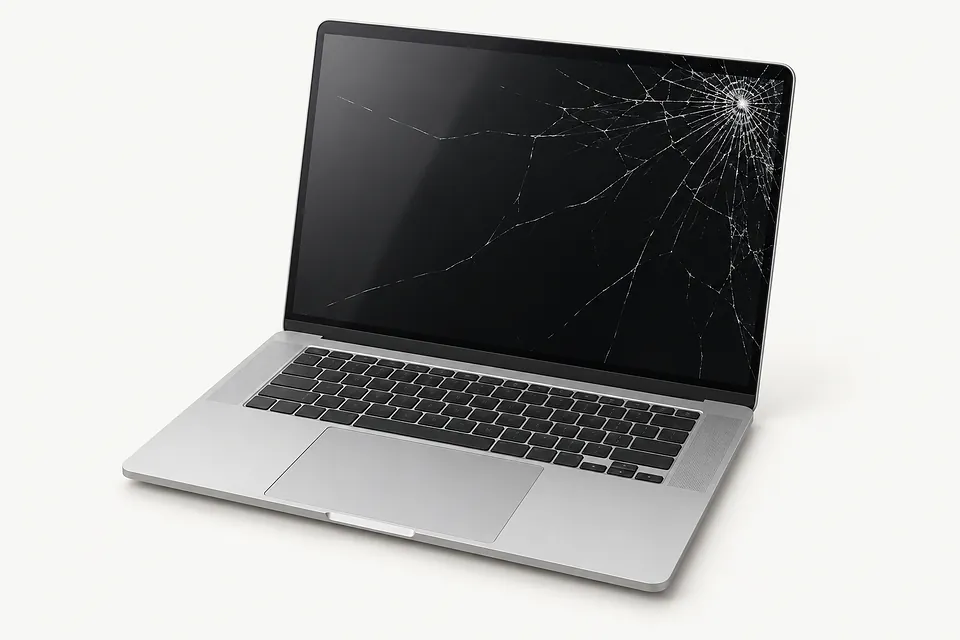
A crack with spreading dark patches usually means the panel is broken. Cracks can also form underneath a smooth outer surface, so glass that feels intact doesn't rule out a broken panel.
Find a repair near you: Laptop screen crackedLines across the screen
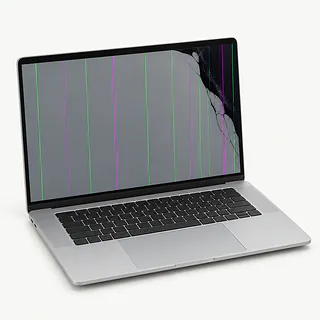
Persistent colored lines can come from the panel or display connection. If a connected monitor shows those same lines, graphics hardware or software may be causing them.
Find a repair near you: Lines across the screen
Laptop hinge broken
A loose hinge can pull on the display cable or separate the screen housing. Avoid repeatedly opening and closing the lid to test it. Replacing the panel alone won't fix broken hinge mounts.
Find a repair near you: Laptop hinge broken
Laptop blue screen
A blue screen with an error message usually points to a Windows crash. Record the error text before restarting. Screen replacement generally won't solve that fault.
Find a repair near you: Laptop blue screen


How a replacement screen gets installed
A shop checks what's causing the blank picture or flicker before choosing a screen. That includes trying a separate monitor and checking for damaged wiring around the hinges. Even an obvious crack doesn't explain a crooked lid or a cable pulled loose.
A panel that fits the opening can still be the wrong part. The repairer checks that its connections and supported display modes suit your laptop, including touch input where needed. Depending on the model, the job may use a bare panel or a larger assembly. The part gets secured, its wiring routed away from pinch points, and any removed covers put back.
Testing means looking for dark patches and stripes, changing brightness and watching for flicker as the lid moves. A touchscreen also needs taps checked across its surface. Screen settings changed while tracing the fault get checked again.
Keep the laptop or replace it
Keep photos and work documents in mind even if you're ready to retire the laptop. An image on a separate display may let you copy them to another drive. If it won't start, ask about recovering the files before deciding its future.
An older machine can still be worth fixing if it runs your programs well and supports software that gets security updates. Charging faults, a twisted lid or torn hinge mounts make the choice less straightforward. A fresh screen leaves those problems untouched.
Get a written estimate that includes damage around the display, then weigh it against the computer's usefulness to you. Check that a suitable replacement panel can be found before approving the job.
What to ask before leaving your laptop
Can you check the cable before ordering a panel?
Flicker that changes with lid movement points toward the cable or hinge area. Ask how the fault will be checked and which display functions get tested afterward.
Where does the replacement part come from?
A MacBook Air or MacBook Pro name alone doesn't identify the correct display. Ask about the part's source, its condition and how its specifications match your exact laptop.
Does the warranty include another screen fault?
Written coverage should explain what happens if the picture fails again. Check which faults are covered, what is excluded and how a return is handled.
Who can use the laptop login?
Find out what access testing requires and how passwords are handled. A temporary user account may let the technician check the display without opening your usual desktop.
What would I owe for testing alone?
Settle the testing fee before handing anything over. Ask for an itemized quote and a call before work beyond the agreed repair.
What to save and bring
Back up important files
Copy documents and photos if the laptop is usable. An external monitor may let you make a backup when the built-in screen stays black.
Agree on password access
Ask whether testing needs a login. A separate account may be enough, so don't put your usual password on the laptop lid.
Check account settings first
Ask why any account lock needs changing. On a MacBook, get specific instructions before turning off Find My.
Remove loose extras
Take out memory cards and unplug storage drives. Remove a detachable case and ask whether the charger is needed.
Write down the symptoms
Record when the trouble started and any drop or spill. Mention whether flicker changes as the lid moves.
Related repairs
Laptop Screen Repair: common questions
How can I check who offers laptop screen repair nearby?
For a place to call about laptop screen repair, start with the cities in your state. There are 76 shops nationally who list this work themselves, and you'll need to check that they take your exact model.
How do I budget for laptop screen repair?
With laptop screen repair, cost depends on what needs to be done to your device. Ask for a quote using the model name and the symptoms you've noticed.
Do I need to leave it with the shop for long?
Before arranging a visit for laptop screen repair, request a rough estimate by phone. The shop can judge the timing better with a clearer picture of the damage, though their workload also affects the wait.
Should I pay for laptop screen repair if I rarely use the device?
Get the quoted cost first, then decide how much keeping the device is worth to you. Think about its age, damage beyond the main problem and files you care about as part of that choice.
What do I need to do ahead of laptop screen repair?
Back up files you can reach while your device is working, and write down its exact model plus what stopped working. When booking by phone, check whether the charger should come along, the case should stay on and a passcode will be needed.
Why is my laptop screen black when an external monitor works?
A clear picture on another monitor makes the laptop's own screen or cable the likely culprit. It doesn't tell you which part has failed, so a new panel shouldn't be the first assumption.
Why does my laptop screen flicker when I move the lid?
A flicker that follows lid movement usually points to the cable or the area around a hinge. The panel isn't necessarily broken, even if the picture cuts out at certain angles.
Can just the glass be replaced on a MacBook screen?
On a MacBook with glass joined to the panel, fixing a crack may mean replacing the whole display assembly. The exact model decides which repair makes sense, even if nothing looks wrong with the picture.
Will my laptop still have a touch screen after replacement?
A matching touch panel can preserve touch input, provided no other related fault remains. Ask for a touch-capable replacement and have taps and swipes checked as part of the repair.
Will replacing a cracked laptop screen erase my files?
Your documents are stored separately from the display, so swapping a broken panel doesn't normally remove them. Tell the technician if files aren't backed up and discuss any proposed software work separately.
Does a laptop blue screen mean I need a new screen?
A Windows stop code on a blue background means the computer has crashed. The panel can still be working correctly. Save a picture of the message so the exact error is available for testing.